How to Hide Field Headers in Pivot Table: Clean and Professional Spreadsheet View

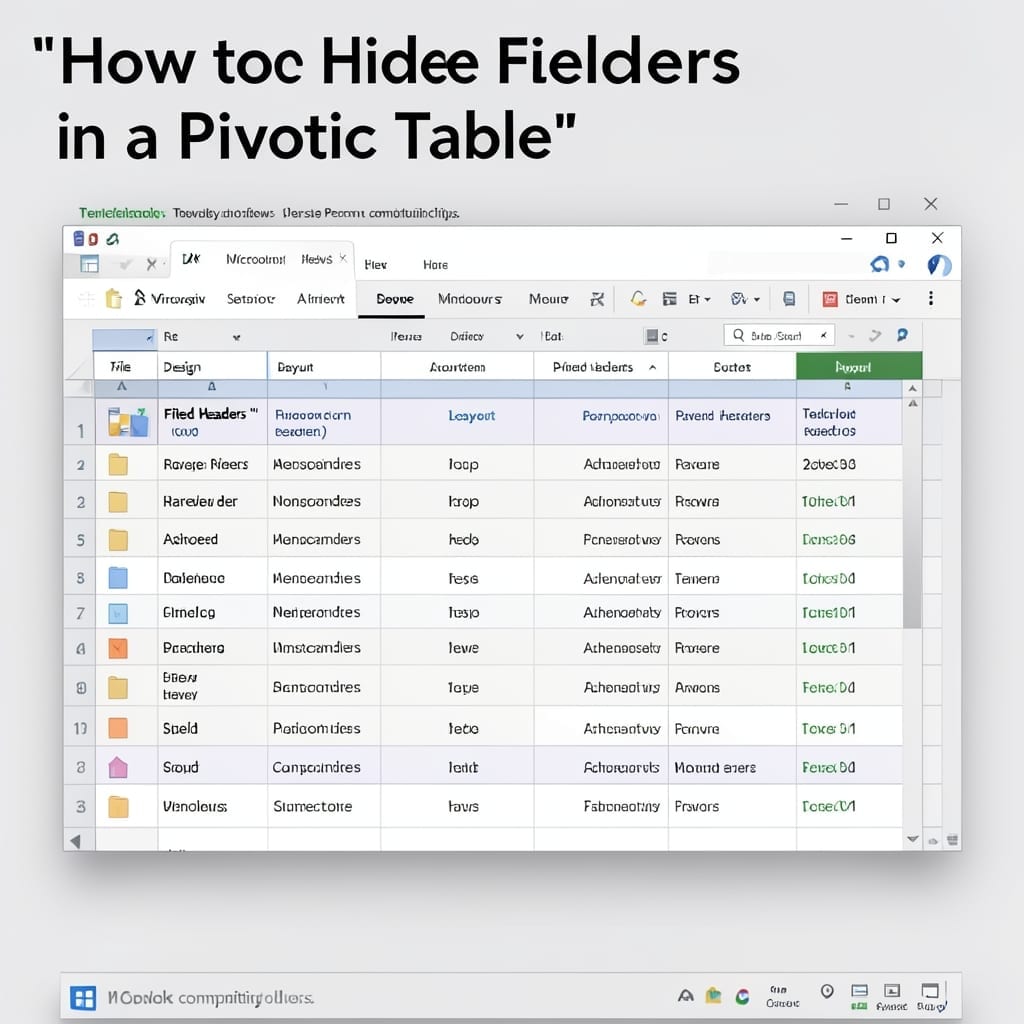
How to Hide Field Headers in Pivot Table: Clean and Professional Spreadsheet View

I spent years staring at messy pivot tables before discovering this trick. Excel lets you hide those field headers with just a few clicks, turning cluttered data into a clean presentation. Here’s the thing—most users don’t realize the option exists in the PivotTable Analyze tab. It’s called “Field Headers,” and toggling it off instantly removes … Read more

How to Set Up Email on Android: Foolproof Setup in Minutes

I still remember setting up my first email on a phone back in the early 2000s. Today’s Android makes it shockingly simple, but there are still a few gotchas to avoid. The built-in email app handles most providers automatically—just enter your address and password. For Gmail or Outlook, you’ll need to use their dedicated apps … Read more

How to Clean Data in Excel: Step-by-Step Spreadsheet Mastery

Dirty data costs me hours every month. I once spent a weekend untangling a client report where inconsistent formatting turned simple analysis into chaos. Excel’s built-in tools handle most messes with zero add-ons. TRIM removes extra spaces, CLEAN strips weird characters, and SUBSTITUTE fixes typos across thousands of rows instantly. The whole process takes minutes … Read more

How to Make a Table in Word: Step-by-Step Formatting Guide

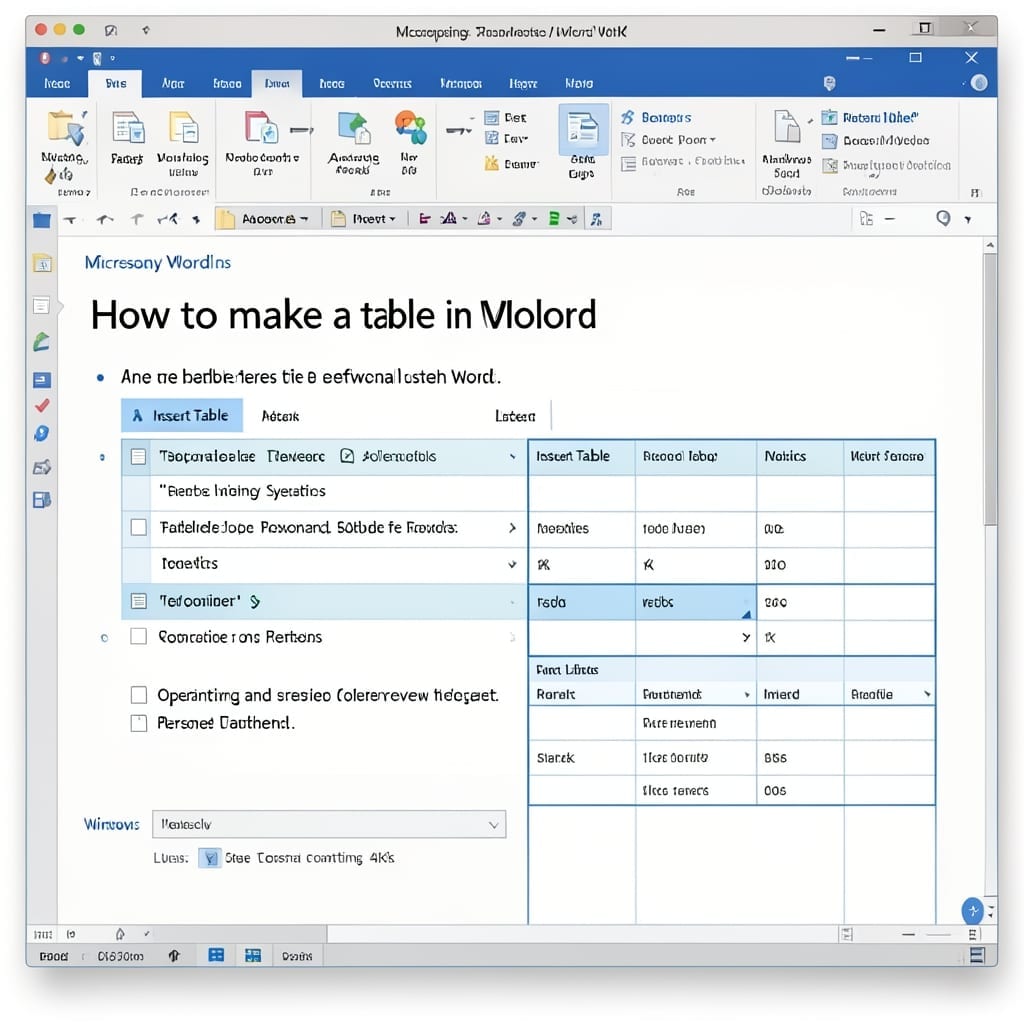
How to Make a Table in Word: Step-by-Step Formatting Guide

I still remember building my first document with a table back in 1998—it felt like unlocking a superpower. Tables turn messy data into something clean and professional in seconds. Word gives you multiple ways to create them, from the simple Insert Tab method to pre-designed Quick Tables. The best approach depends on your data and … Read more