How to Use OneNote to Take Notes: Streamlined Digital Organization System

How to Use OneNote to Take Notes: Streamlined Digital Organization System

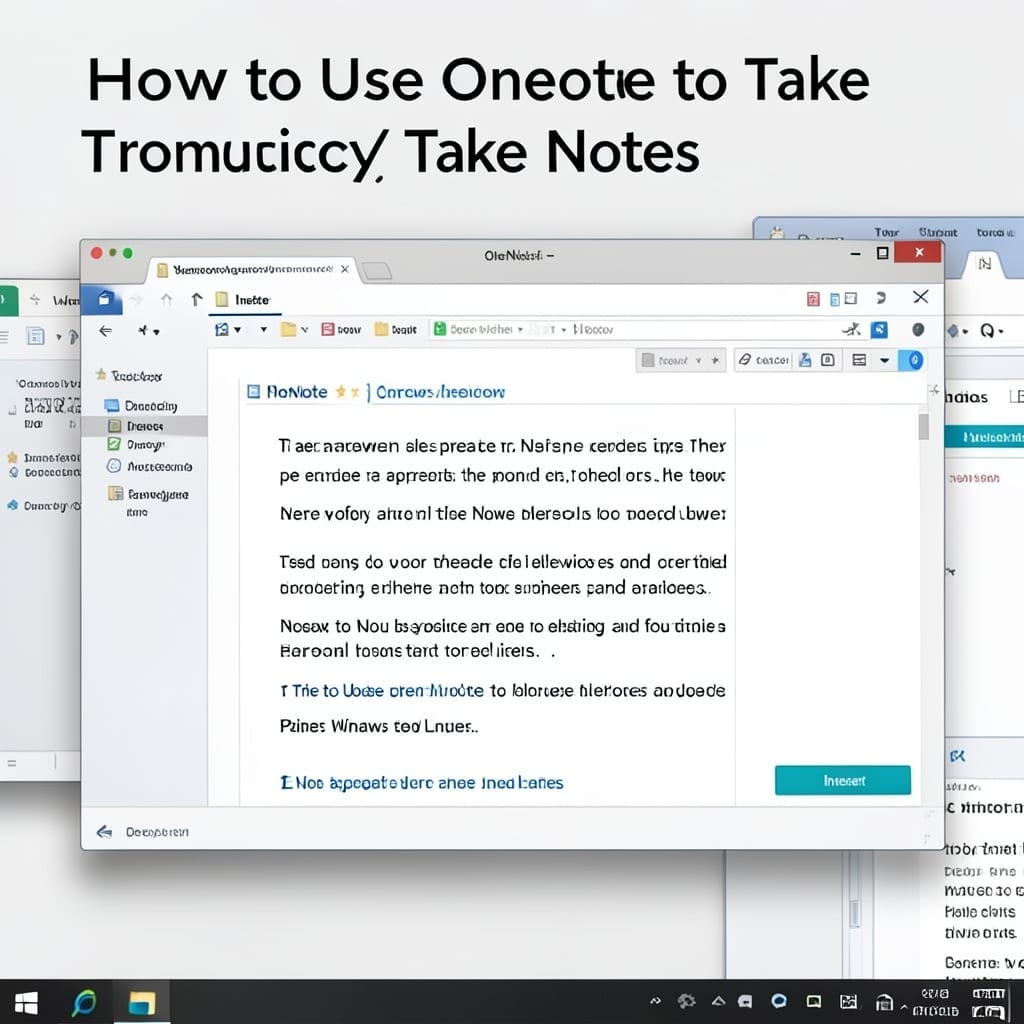
I replaced my paper notebooks with OneNote in 2018 and haven’t looked back. The app turns scattered thoughts into a searchable, cloud-synced system that actually works like a real notebook. Text formatting, drawings, audio notes—it handles everything without forcing you into rigid templates. I’ve tested it across Windows, Mac, and mobile, and the sync is … Read more

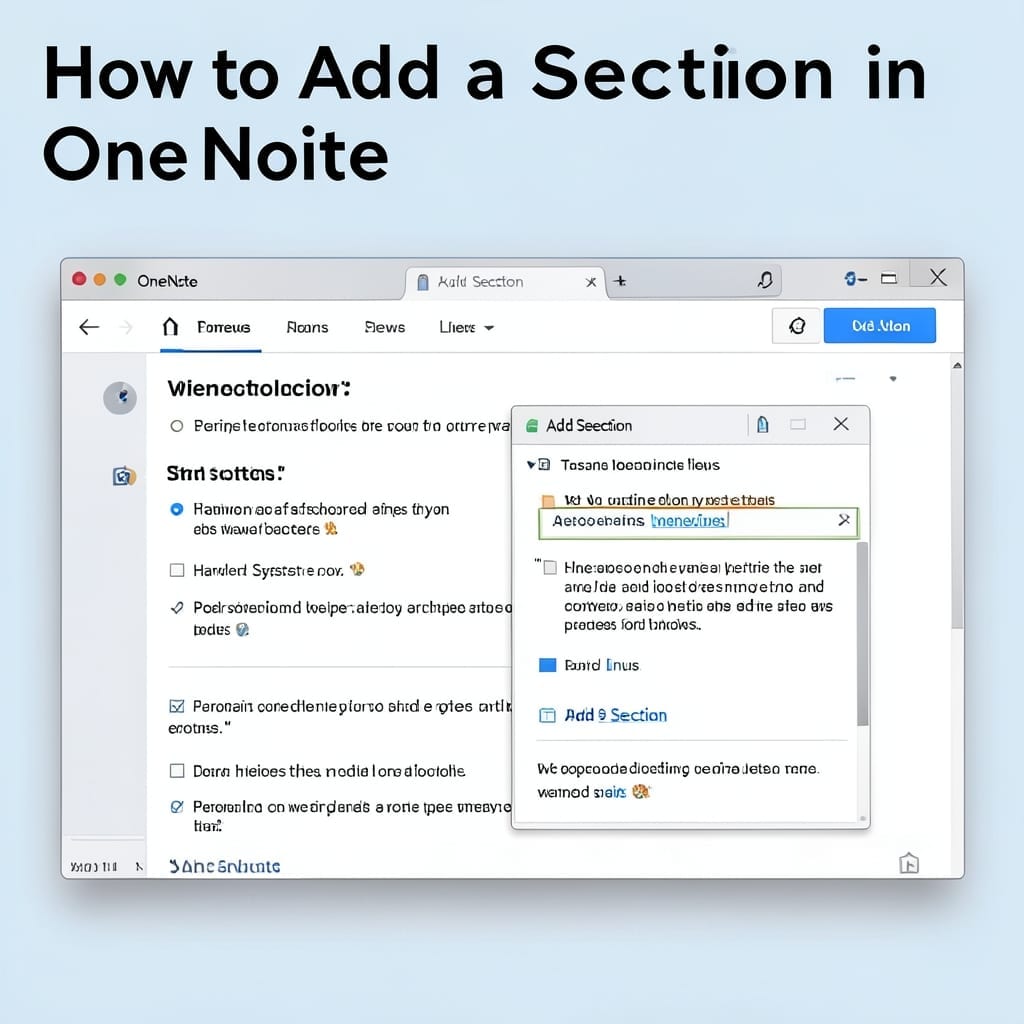
How to Add a Section in OneNote: Quick Organization Hack

How to Add a Section in OneNote: Quick Organization Hack

I still remember my first OneNote notebook—total chaos with 50+ pages in one section. Here’s the thing—adding sections takes 3 clicks and saves you hours of scrolling. On desktop, right-click any notebook and select “New Section,” or hit the + Section button at the bottom. Mobile’s just as simple: tap the three-dot menu, then “Add … Read more

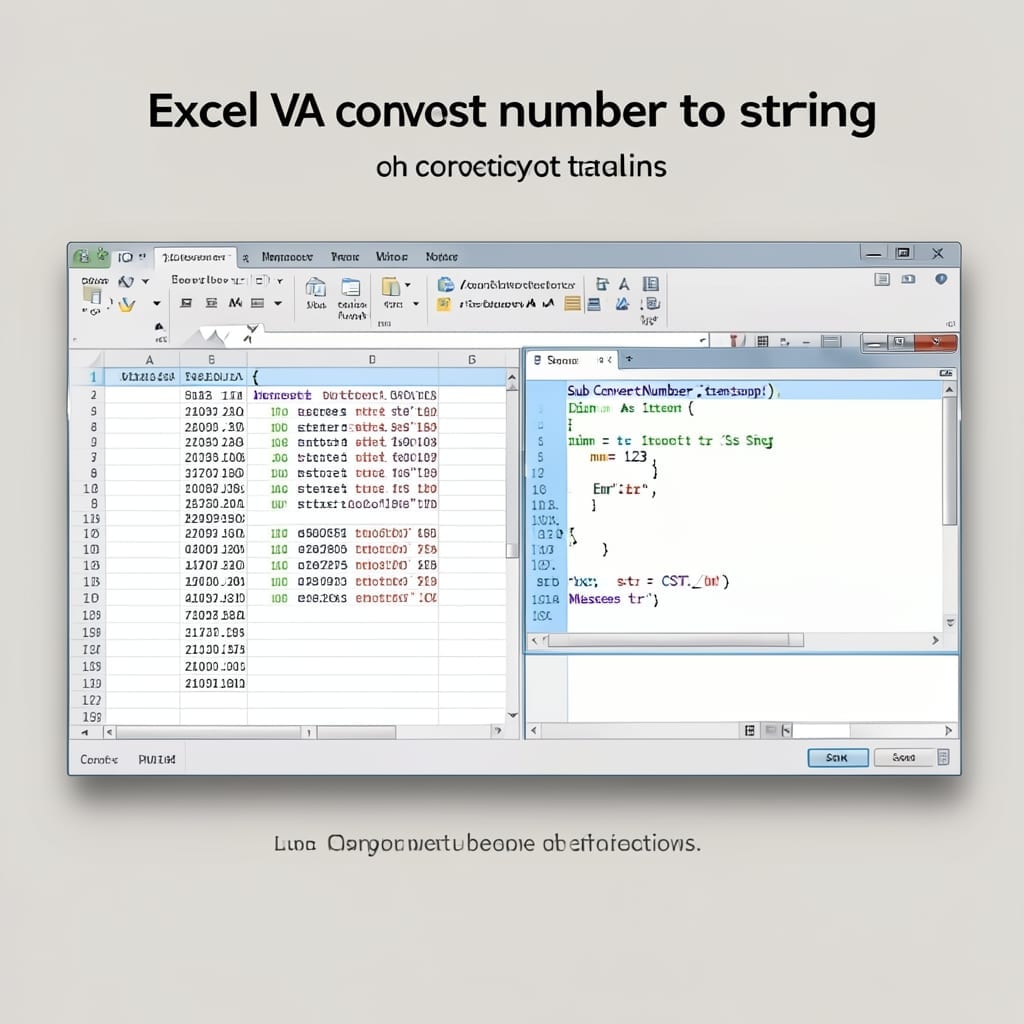
Excel VBA Convert Number to String: Foolproof Type Conversion Method

Excel VBA Convert Number to String: Foolproof Type Conversion Method

Type mismatches in Excel VBA cost my team 8 hours of debugging last quarter. Converting numbers to strings seems simple until you hit unexpected errors with decimal formats or scientific notation. I’ve tested every method—CStr, Format, and string concatenation—and only one approach handles all cases reliably. The solution works for integers, decimals, and even edge … Read more

How To React To A Chat In Zoom: Quick Click-And-Emoji Method

How To React To A Chat In Zoom: Quick Click-And-Emoji Method

I still remember my first Zoom meeting where I fumbled for the reaction button while everyone else was already celebrating with emojis. ⚡ The solution is simpler than most realize. The chat reaction feature hides in plain sight—desktop users click the three-dot menu next to any message, while mobile taps the message to reveal options. … Read more