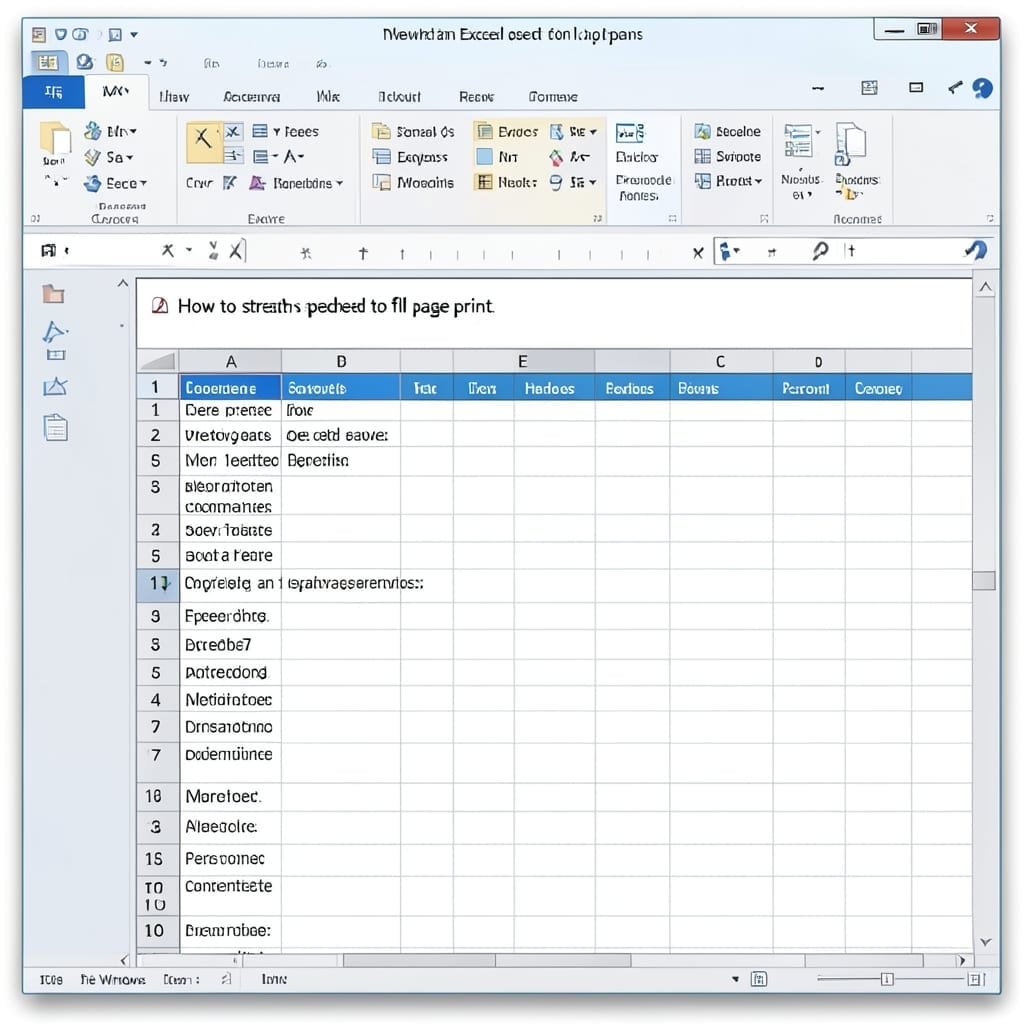
How to Stretch Excel Spreadsheet to Full Page Print: Scale to Fit in One Click

How to Stretch Excel Spreadsheet to Full Page Print: Scale to Fit in One Click

Printing a spreadsheet that actually fits the page shouldn’t require a PhD in Excel. I’ve wasted entire afternoons tweaking margins and scaling until Professor Martinez’s old advice finally clicked. The trick lives in Page Layout—specifically the Scale to Fit section. One checkbox changes everything: set width and height to 1 page, and Excel does the … Read more

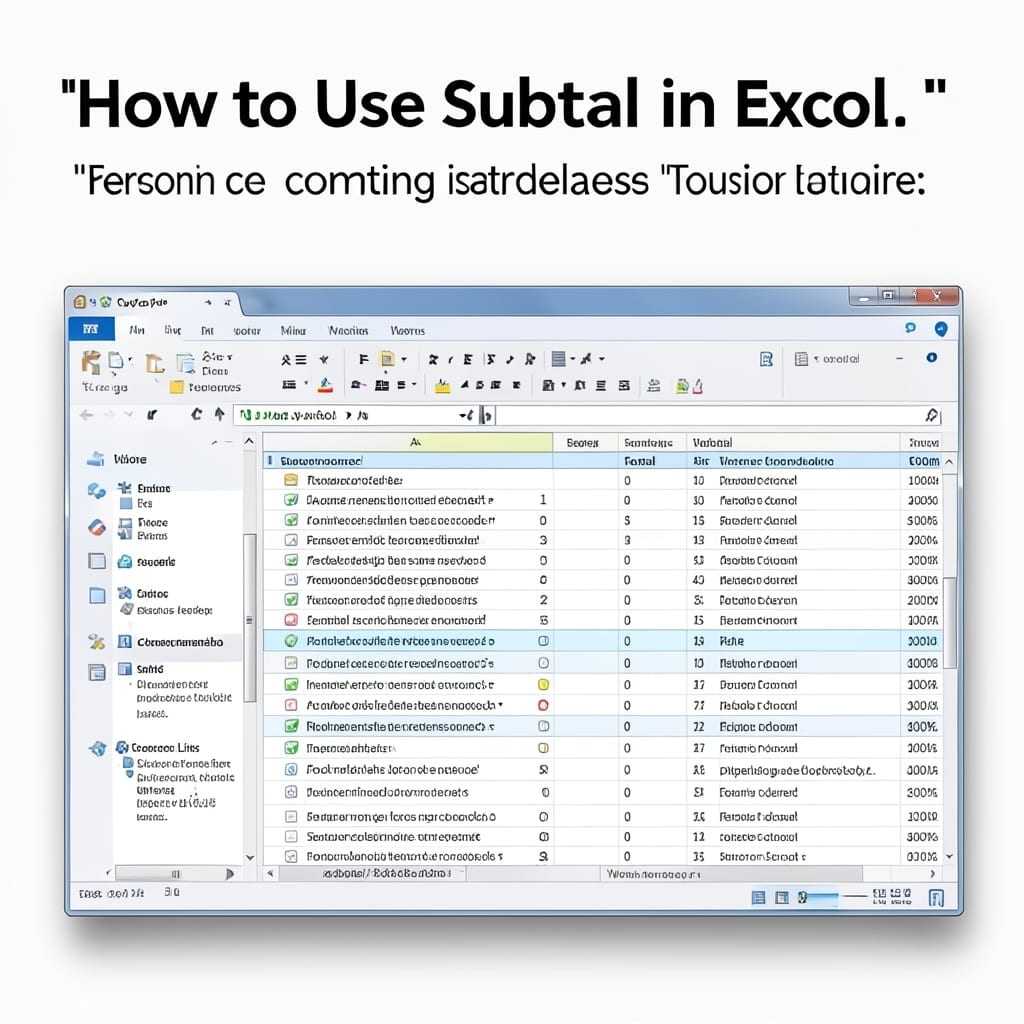
How To Use Subtotal In Excel: Dynamic Group Calculations Made Easy

How To Use Subtotal In Excel: Dynamic Group Calculations Made Easy

I spent years manually calculating group totals in spreadsheets before discovering Excel’s SUBTOTAL. One function replaced hours of tedious work and eliminated errors in my financial reports. The magic happens when you combine it with sorted data. Whether you’re summing sales by region or averaging test scores by class, it handles 9 functions from AVERAGE … Read more

How To Save An Excel File: Quick Keyboard Shortcut Method

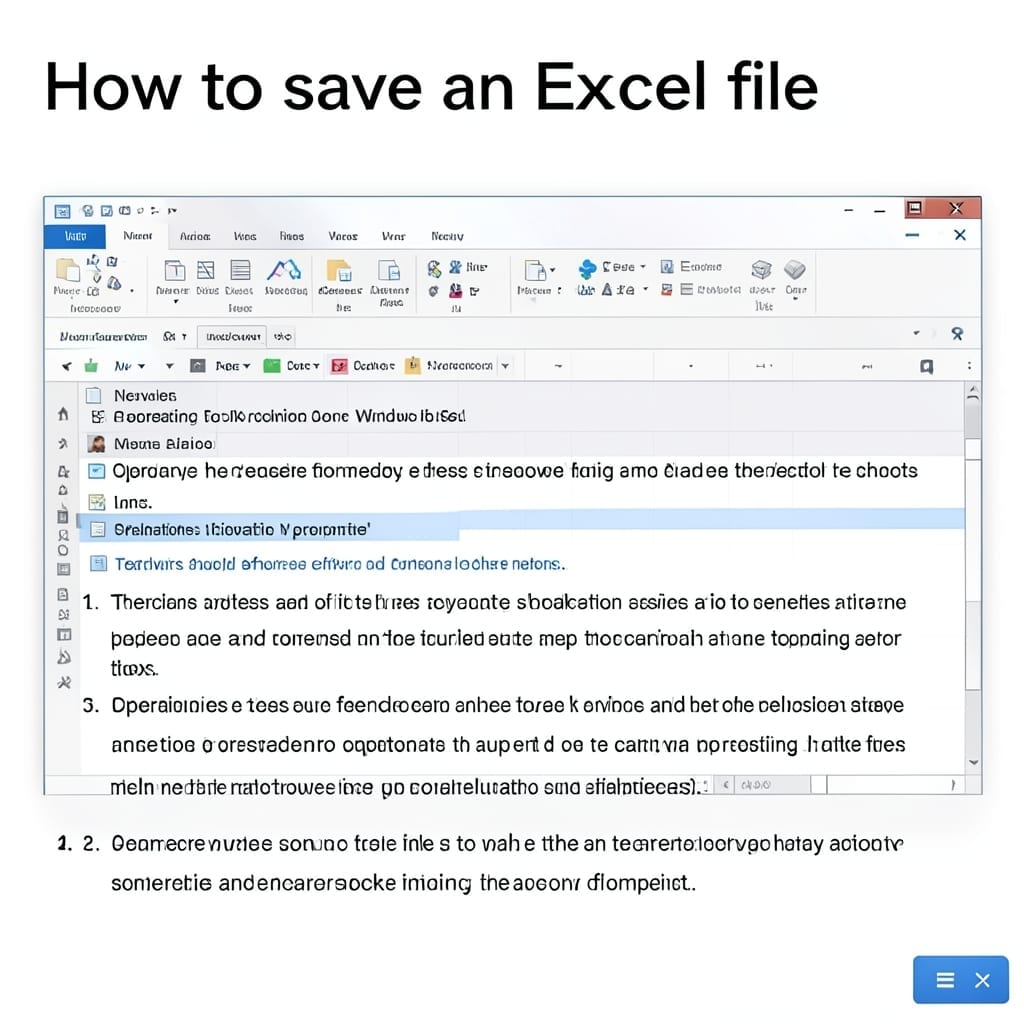
How To Save An Excel File: Quick Keyboard Shortcut Method

I still remember my first Excel panic moment—hours of work unsaved. Today, the solution is one keystroke away. Ctrl+S saves your current file instantly, while F12 opens Save As for new locations or formats. These shortcuts work across all modern Excel versions, from Office 365 to standalone 2021 installations. You’ll never lose data to a … Read more

How To Add Criteria In Access Begins With Letter: Alphabetical Filtering Technique

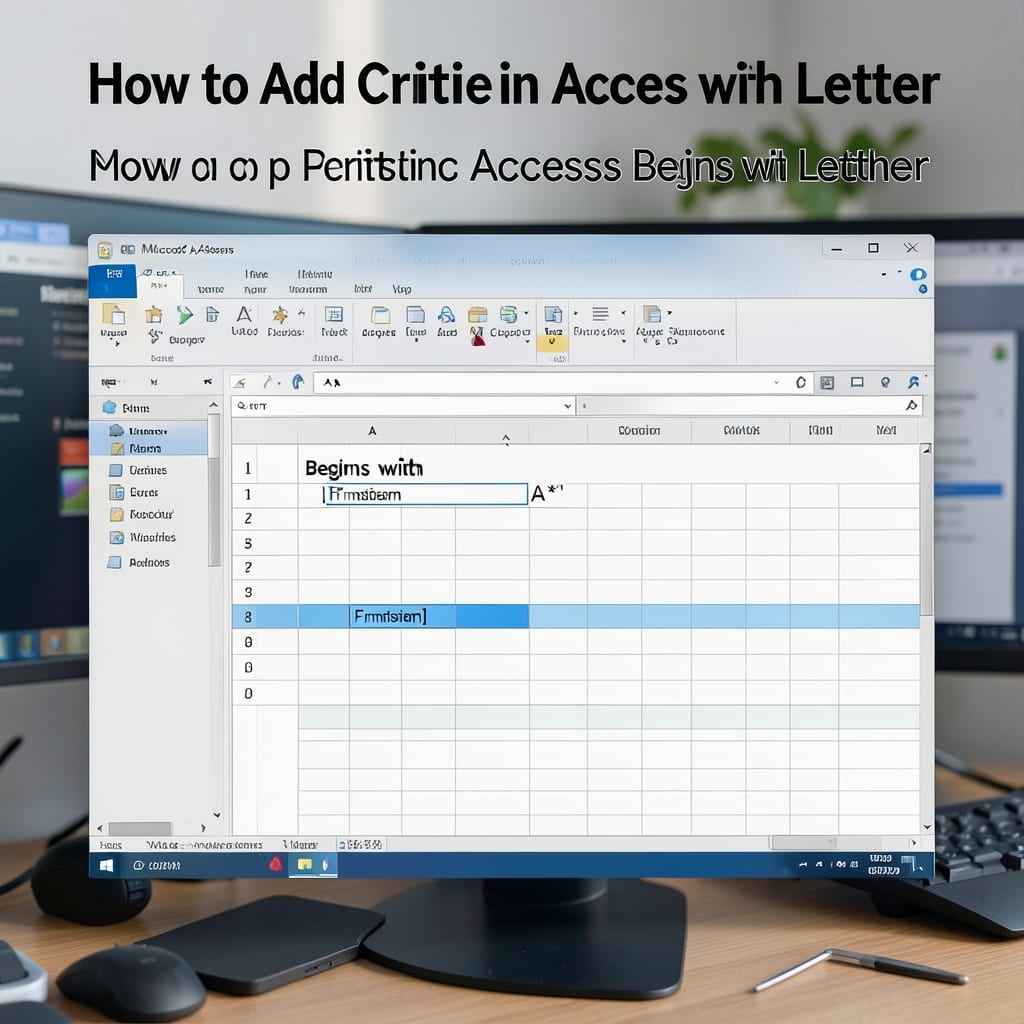
How To Add Criteria In Access Begins With Letter: Alphabetical Filtering Technique

Filtering records alphabetically in Access transforms a messy database into a precision tool. I first learned this trick while organizing inventory for my uncle’s workshop in 1998, and it still saves me hours today. The “begins with” criteria narrows results instantly—no complex SQL needed. In Query Design View, you add a condition like “Like ‘A*’” … Read more