How to Open Excel As Read Only: Prevent Accidental Edits With This Method

I’ve lost count of how many times I’ve accidentally overwritten critical Excel files. This method stops the chaos before it starts. Opening files as read-only takes two clicks through Excel’s File menu. The approach works across all modern versions, from Excel 2013 to the latest Microsoft 365 subscription. No special permissions or admin rights needed. … Read more

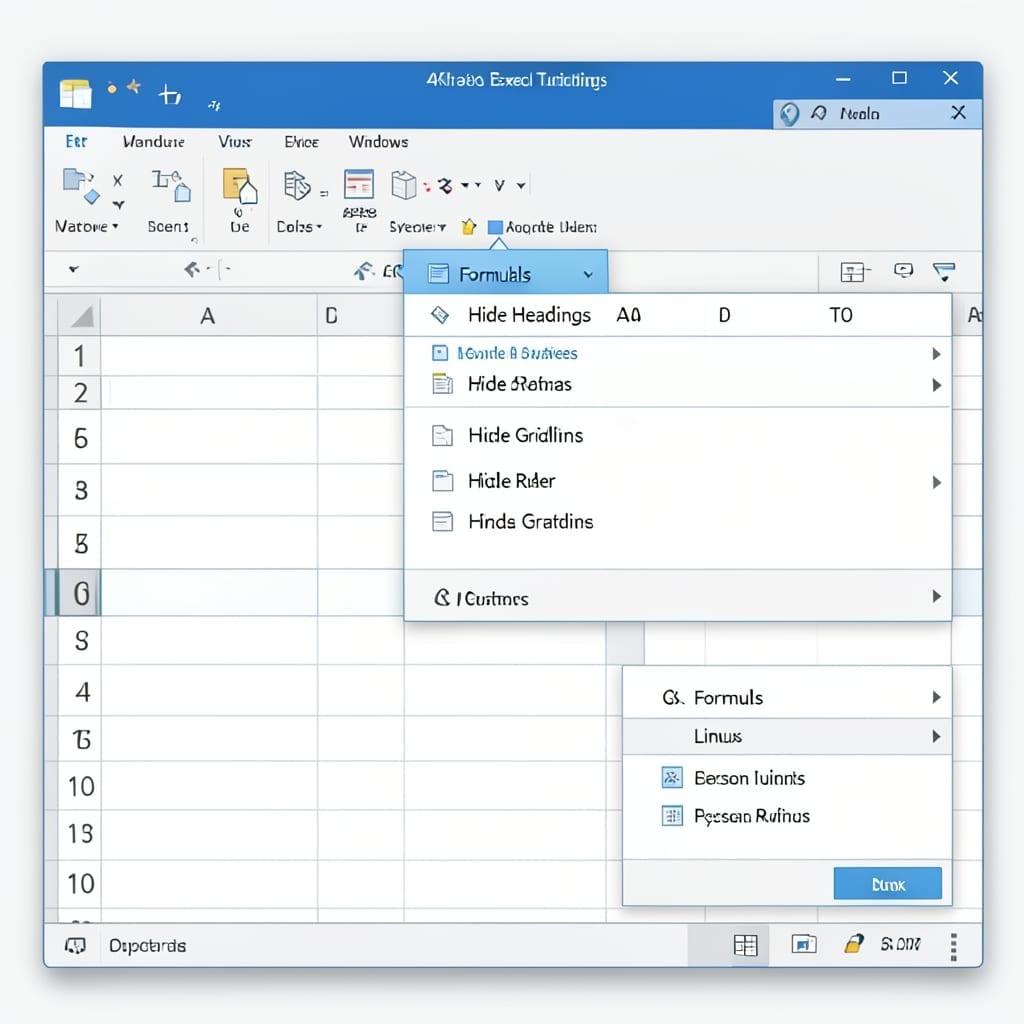
You Can Use The Formulas Tab To Change The Excel View: Streamlined Workbook Customization

You Can Use The Formulas Tab To Change The Excel View: Streamlined Workbook Customization

I spent years staring at Excel’s cluttered interface before realizing the Formulas tab holds the key to a cleaner workspace. This isn’t about calculations—it’s about controlling what you see on screen. With three simple checkboxes under View Options, you can vanish headings, gridlines, and that distracting ruler. The change is instant, reversible, and works across … Read more

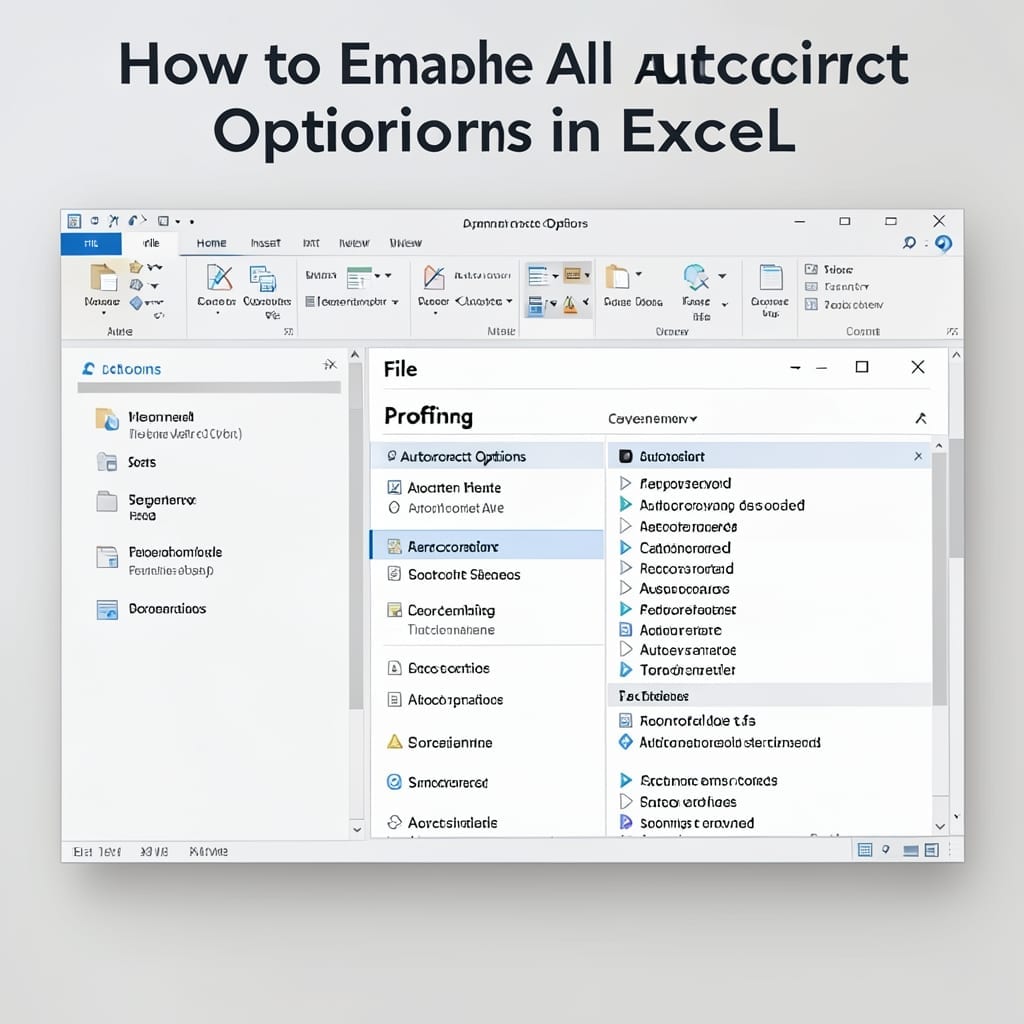
How To Enable All Autocorrect Options In Excel: Step-By-Step Settings Guide

How To Enable All Autocorrect Options In Excel: Step-By-Step Settings Guide

I spent years manually fixing typos in Excel before realizing the autocorrect tool could handle it all. One setting change saved me hours of frustration every week. This isn’t just about fixing misspellings—it’s about auto-formatting dates, correcting capitalization, and even replacing shorthand with full terms. The full suite of options lives in Excel’s Proofing settings, … Read more