How to Change the Design of One Slide in PowerPoint: Customize Without Affecting Others
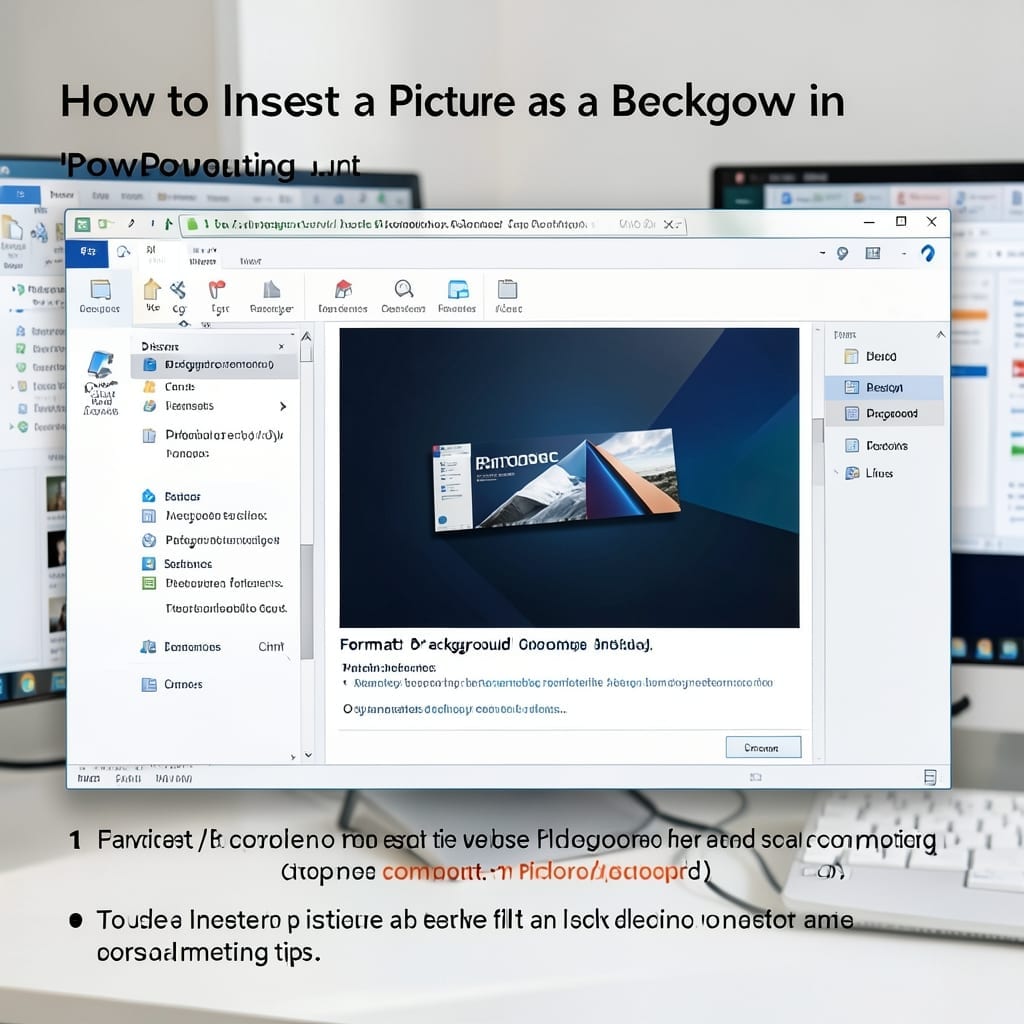
How to Change the Design of One Slide in PowerPoint: Customize Without Affecting Others

I used to think PowerPoint forced all slides to match. ⚡ Then I discovered the Format Background trick that lets you customize one slide without touching the rest. It’s shockingly simple: select your slide, hit Format Background, and tweak colors, images, or textures. The rest of your deck stays untouched—no theme overrides, no global changes. … Read more
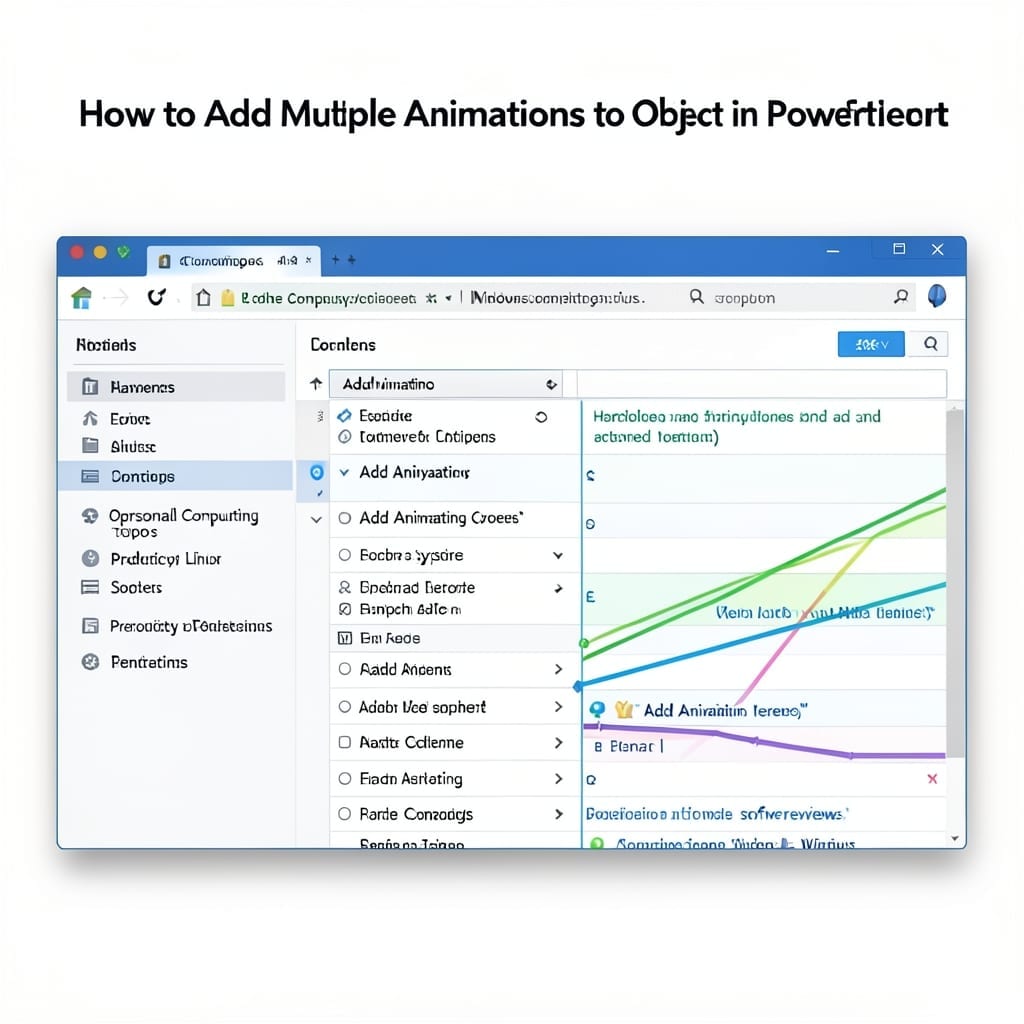
How To Add Multiple Animations To One Object In PowerPoint: Layered Effects for Dynamic Slides

How To Add Multiple Animations To One Object In PowerPoint: Layered Effects for Dynamic Slides

I spent years making dull PowerPoint slides until I discovered layered animations. One object can now move, fade, and resize in sequence without looking like a middle school project. The trick is using the Animation Pane to stack effects. You add the first animation normally, then use Add Animation for subsequent ones. Each appears in … Read more

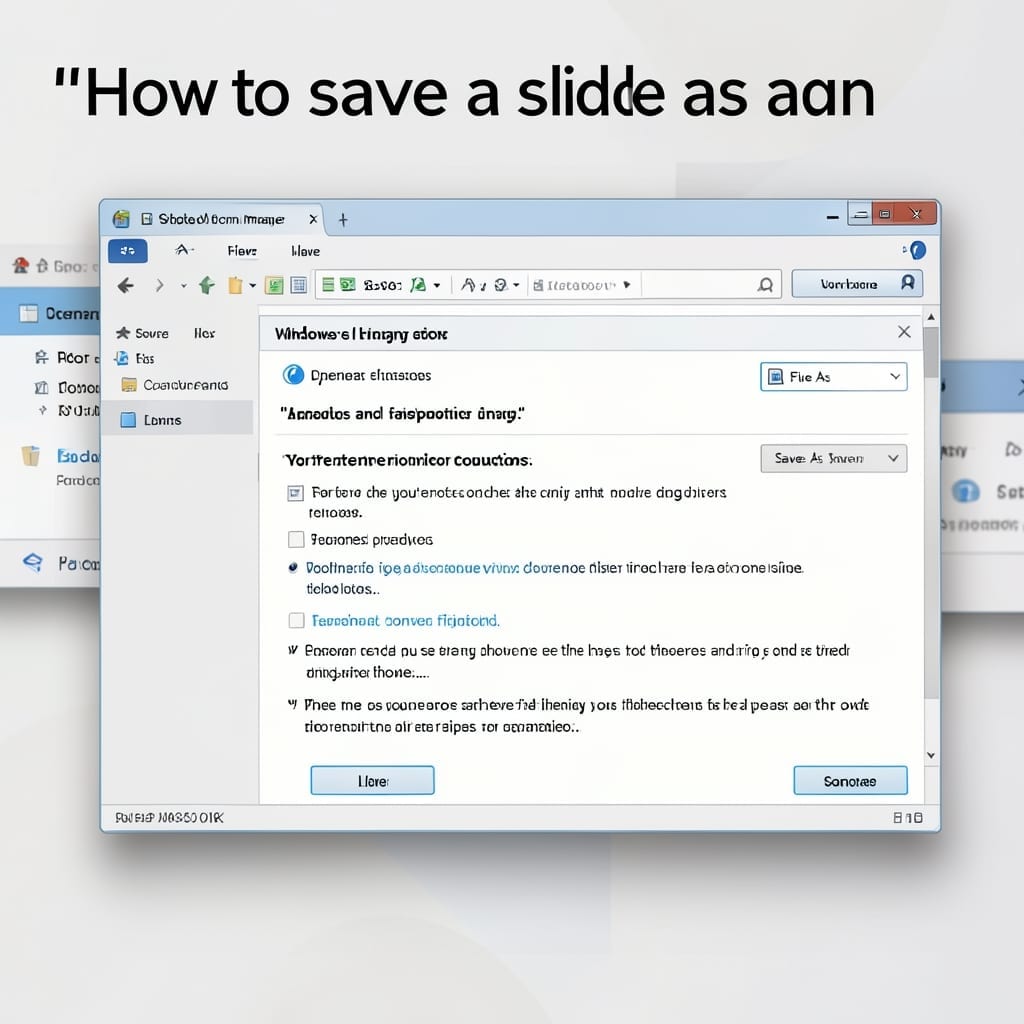
How to Save a Slide as an Image: Step by Step Export Guide

How to Save a Slide as an Image: Step by Step Export Guide

I spent years exporting PowerPoint slides the hard way before discovering this one-click method. Between you and me, it’s the simplest way to turn any slide into a high-res image without losing quality. The process works in every modern version, from Office 2016 to the latest subscription. Just pick your slide, choose the export option, … Read more

Insert a New Custom Slide Master Into the Presentation: Professional Template Control

Insert a New Custom Slide Master Into the Presentation: Professional Template Control

I remember my first PowerPoint presentation looking like a ransom note. Custom slide masters changed everything by letting me control layouts, fonts, and branding in one place. This approach gives you consistent professional templates across every slide. No more fixing formatting on each individual slide or worrying about brand inconsistency. It’s all managed from the … Read more

How to Edit Background Graphics in PowerPoint: Professional Design in Minutes

How to Edit Background Graphics in PowerPoint: Professional Design in Minutes

I’ve seen too many presentations ruined by distracting backgrounds. The right graphic can elevate your slide deck from amateur to polished in under 5 minutes of editing. PowerPoint’s background tools are more powerful than most users realize. You can adjust transparency, recolor, or even remove elements without touching your main content. I’ve used this to … Read more