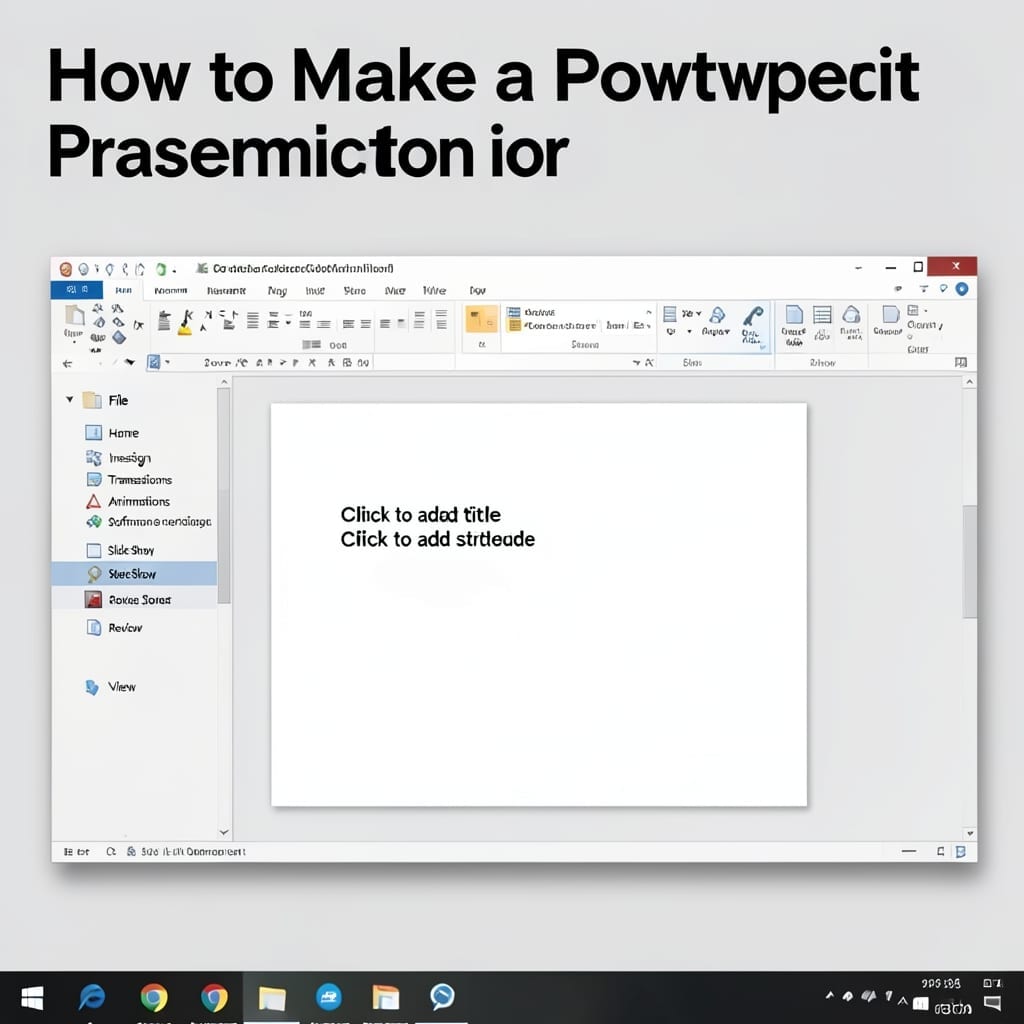
How to Create a Map in PowerPoint: Step-by-Step Visual Guide

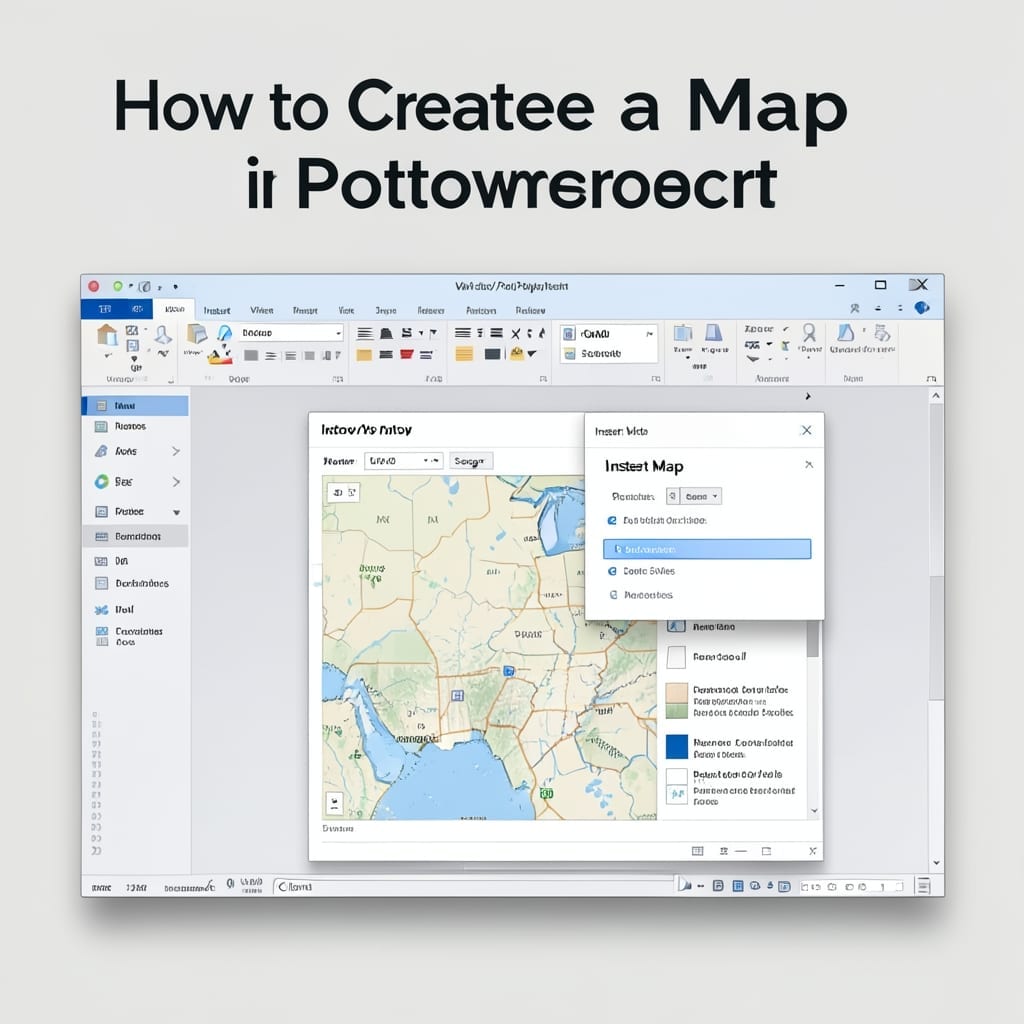
How to Create a Map in PowerPoint: Step-by-Step Visual Guide

I used to spend hours drawing maps by hand for presentations. Then I discovered PowerPoint’s built-in tools could do it in minutes with surprisingly professional results. This setup doesn’t require design skills or third-party software. Whether you’re mapping sales territories, project locations, or travel routes, the process stays simple: start with shapes, layer details, and … Read more

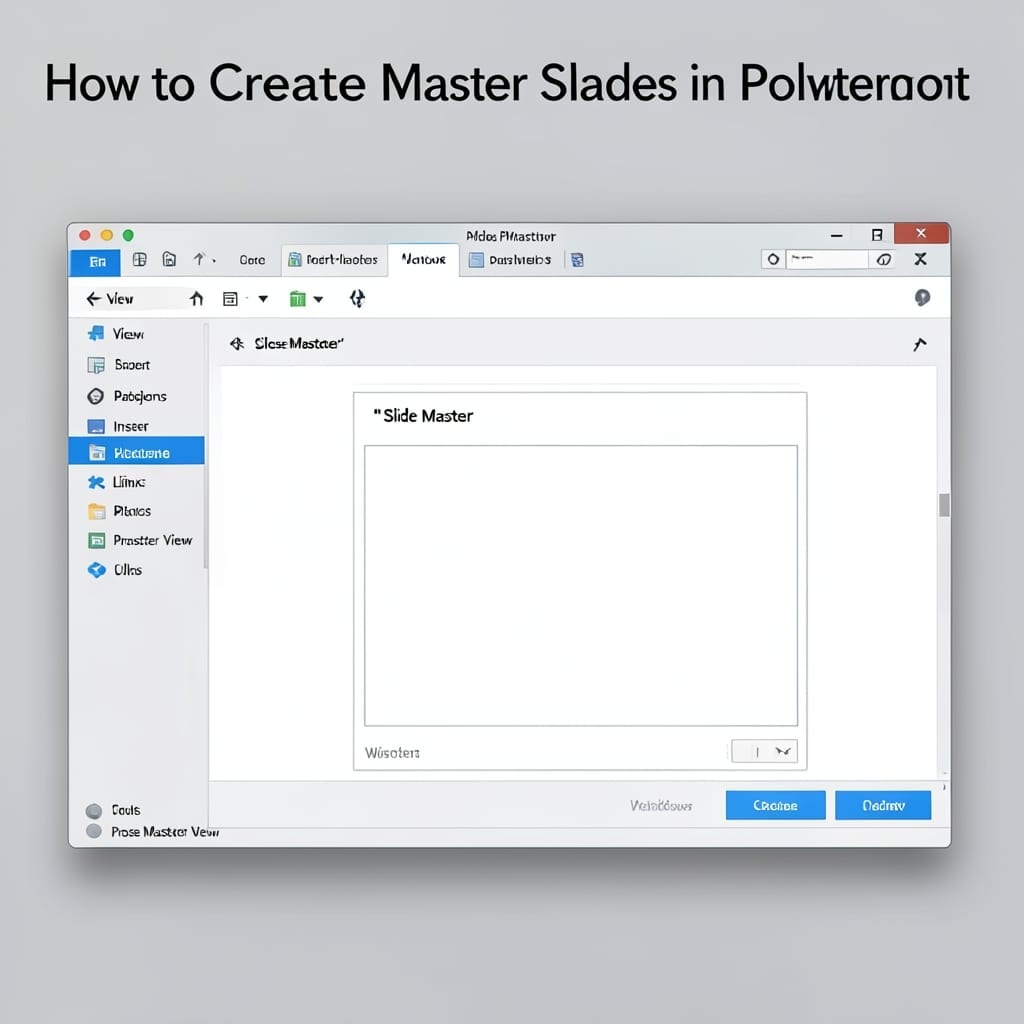
How to Create Master Slides in PowerPoint: Consistent Design Across All Slides

How to Create Master Slides in PowerPoint: Consistent Design Across All Slides

I wasted two hours reformatting slides for a CMU presentation before learning this trick. Master slides lock your fonts, colors, and layouts so every new slide inherits them automatically. The setup lives under View > Slide Master—where PowerPoint hides its most powerful time-saver. One change here updates every slide in your deck instantly. I’ve used … Read more

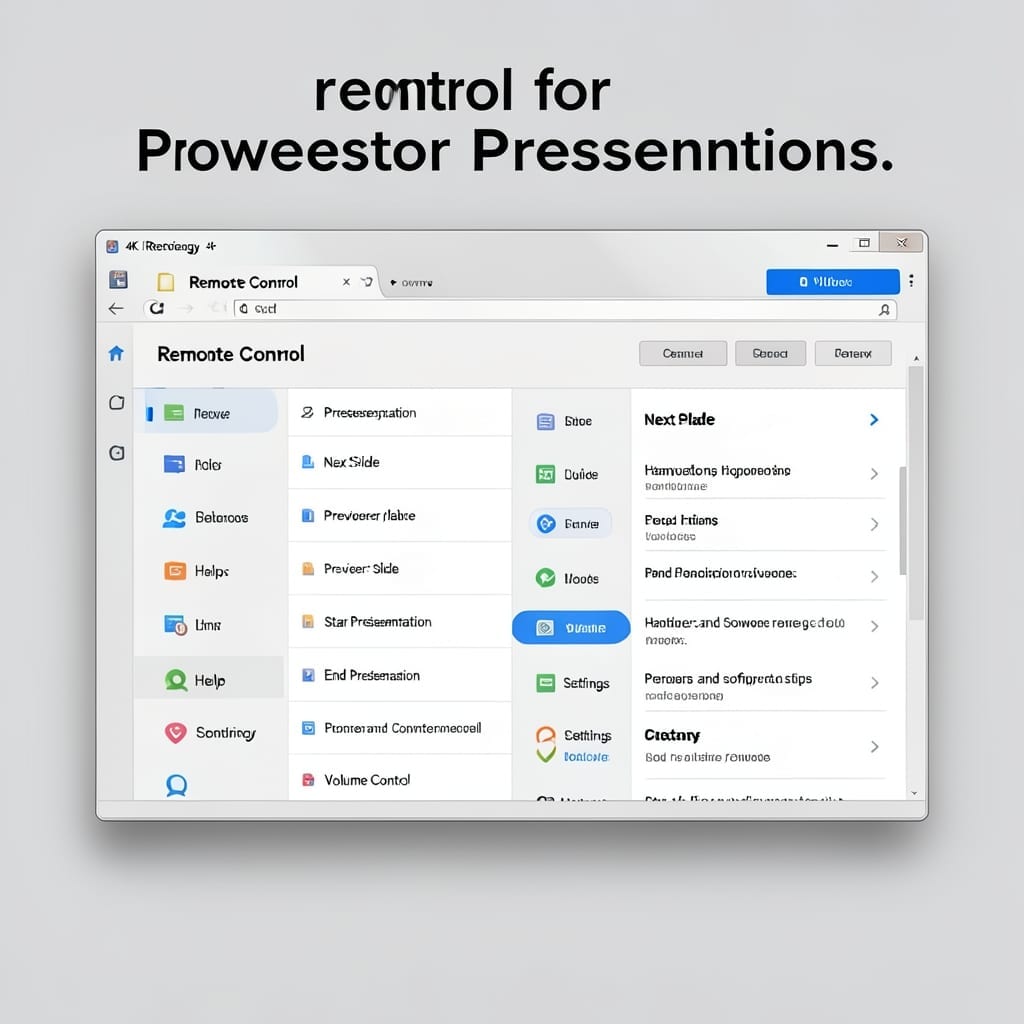
Remote Control for Power Point Presentation: Wireless Slide Advancement Made Simple

Remote Control for Power Point Presentation: Wireless Slide Advancement Made Simple

I still remember my first presentation disaster at Carnegie Mellon—fumbling with keyboard arrows while the audience watched. Wireless slide control changed everything for me. Today’s remotes pair in under 60 seconds with most presentations software. You get a tiny device that fits in your palm, no line-of-sight needed, and works from across the room. No … Read more

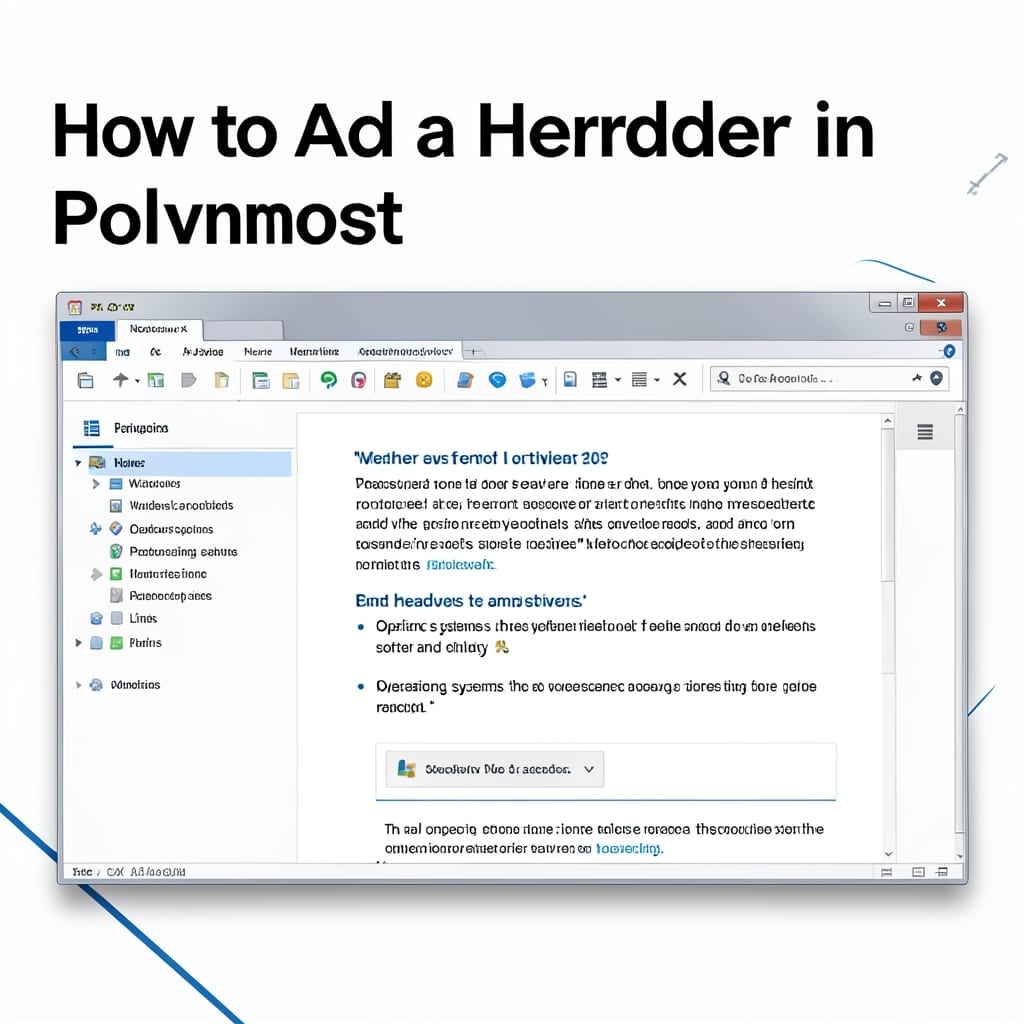
How to Add a Header in PowerPoint: Quick Slide Enhancement

How to Add a Header in PowerPoint: Quick Slide Enhancement

I still remember my first PowerPoint presentation in 1998—headers were an afterthought. Today, they’re the difference between a slide that informs and one that confuses. This setup adds clarity in under 2 minutes. No special tools or versions required. Whether you’re using PowerPoint 2016 or the latest 365 release, the steps are identical. The header … Read more

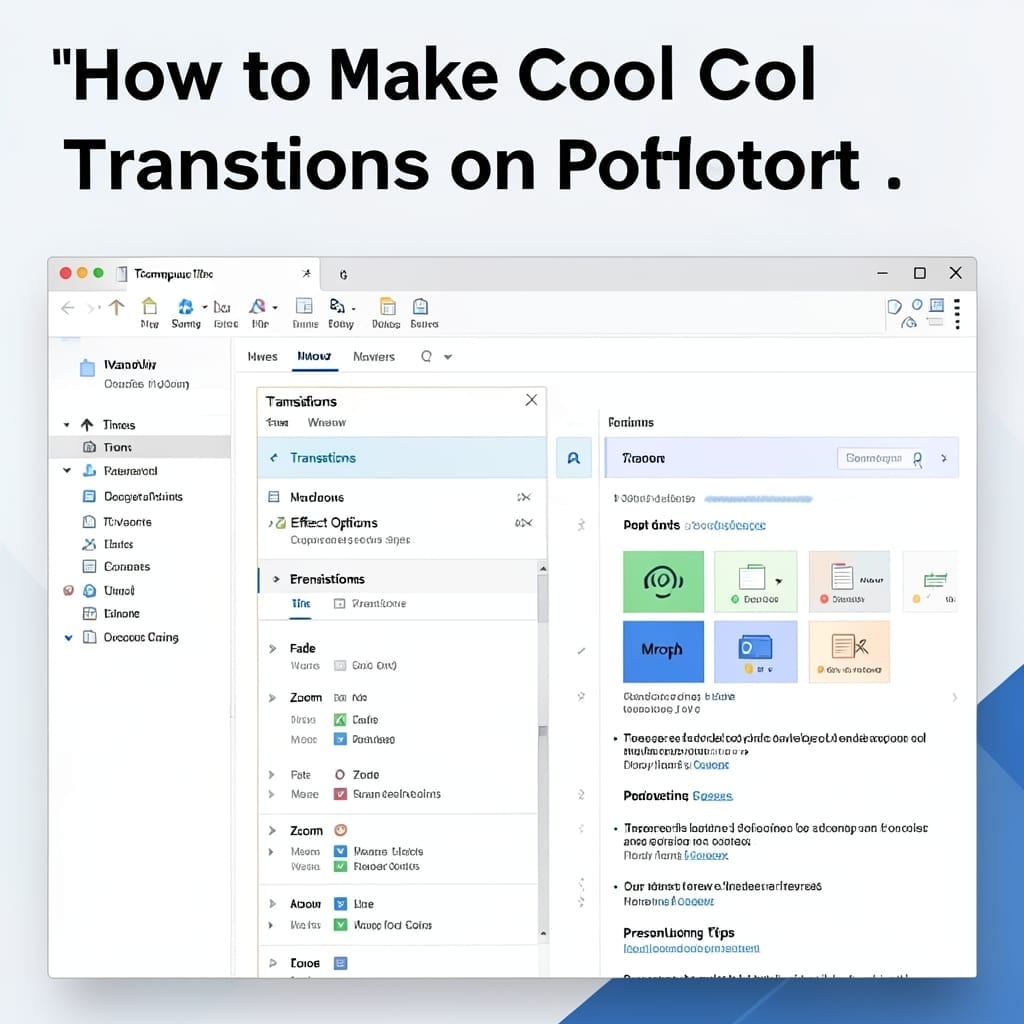
How to Make Cool Transitions on PowerPoint: Smooth Animations in Minutes

How to Make Cool Transitions on PowerPoint: Smooth Animations in Minutes

I still remember my first PowerPoint disaster—slide transitions that looked like a glitchy screensaver. These days, I create smooth animations that actually enhance presentations, not distract from them. The secret is in the Transitions tab, where Microsoft hid some surprisingly powerful tools. With 3-4 clicks, you can go from basic cuts to polished fades, pushes, … Read more