How To Insert Icons In PowerPoint: Drag And Drop Visual Elements
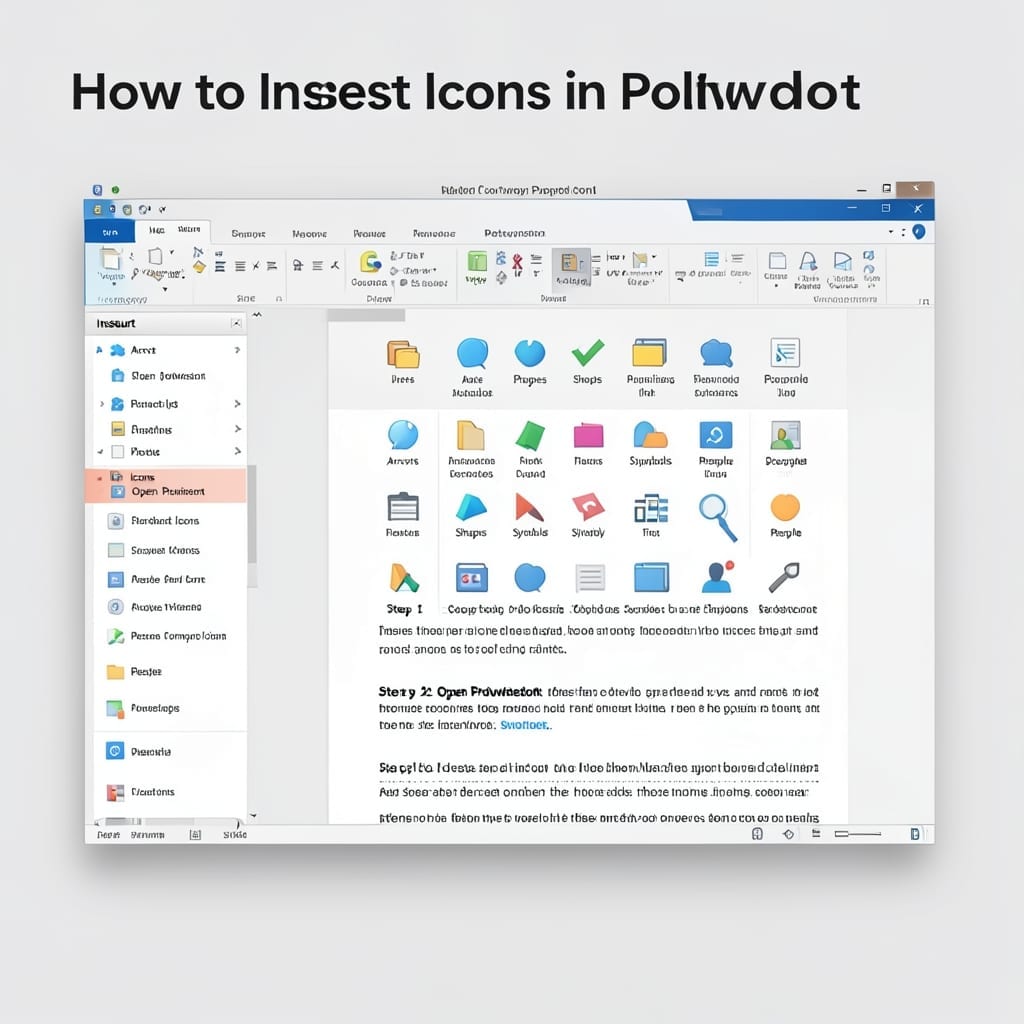
How To Insert Icons In PowerPoint: Drag And Drop Visual Elements

Five years of presentations taught me one thing: icons make or break your slides. I’ve watched audiences glaze over during walls of text, then snap to attention when a simple visual appears. The trick isn’t finding the right icon—it’s inserting it without breaking your flow. PowerPoint’s built-in library has thousands of options, and the process … Read more
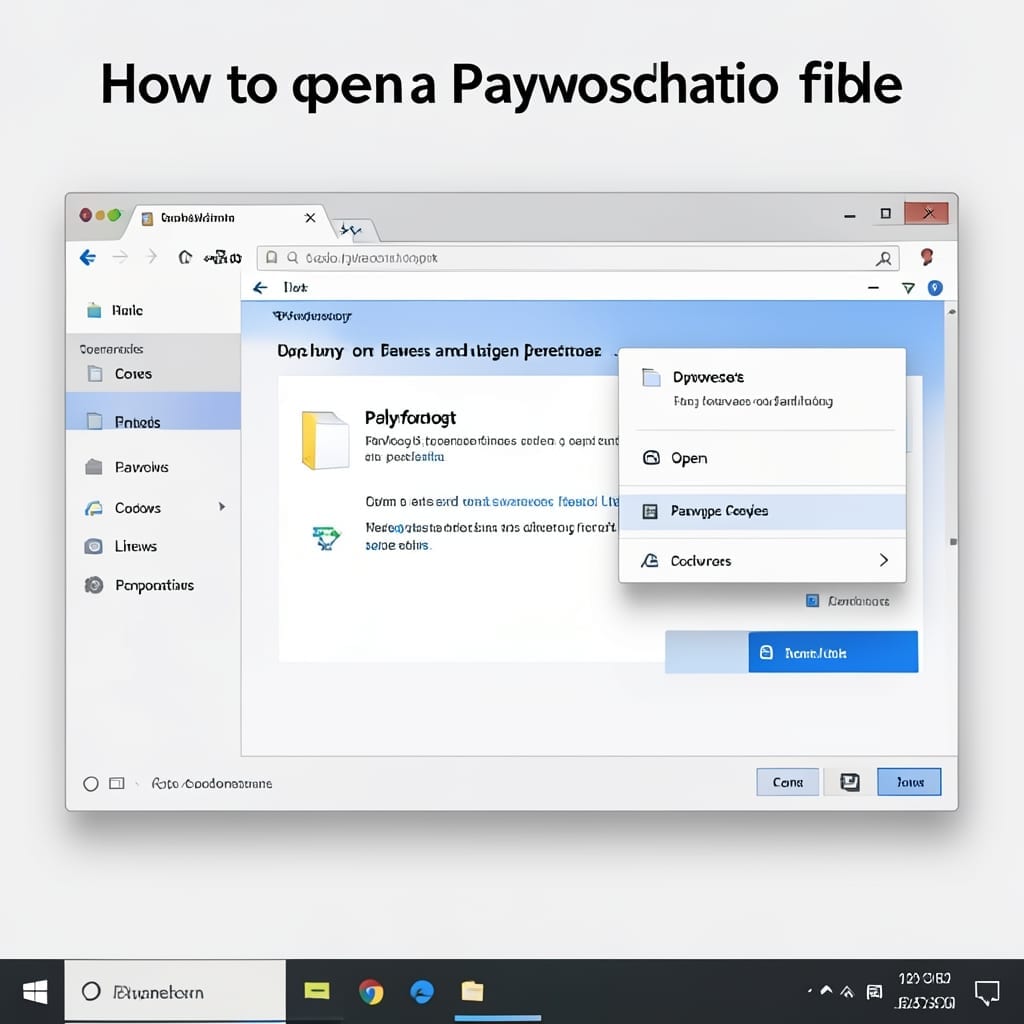
How to Open PowerPoint File: Quick Access on Any Device

How to Open PowerPoint File: Quick Access on Any Device

I’ve opened PowerPoint files on everything from a 20-year-old ThinkPad to my phone during a Denver hike. The process is nearly identical across devices—once you know where to look. Windows and Mac handle native .pptx files out of the box, but mobile and web need the right app or service. I’ve tested five different methods … Read more

How To Play PowerPoint Slides Automatically Without Clicking On iPad: Hands-Free Presentation Mode

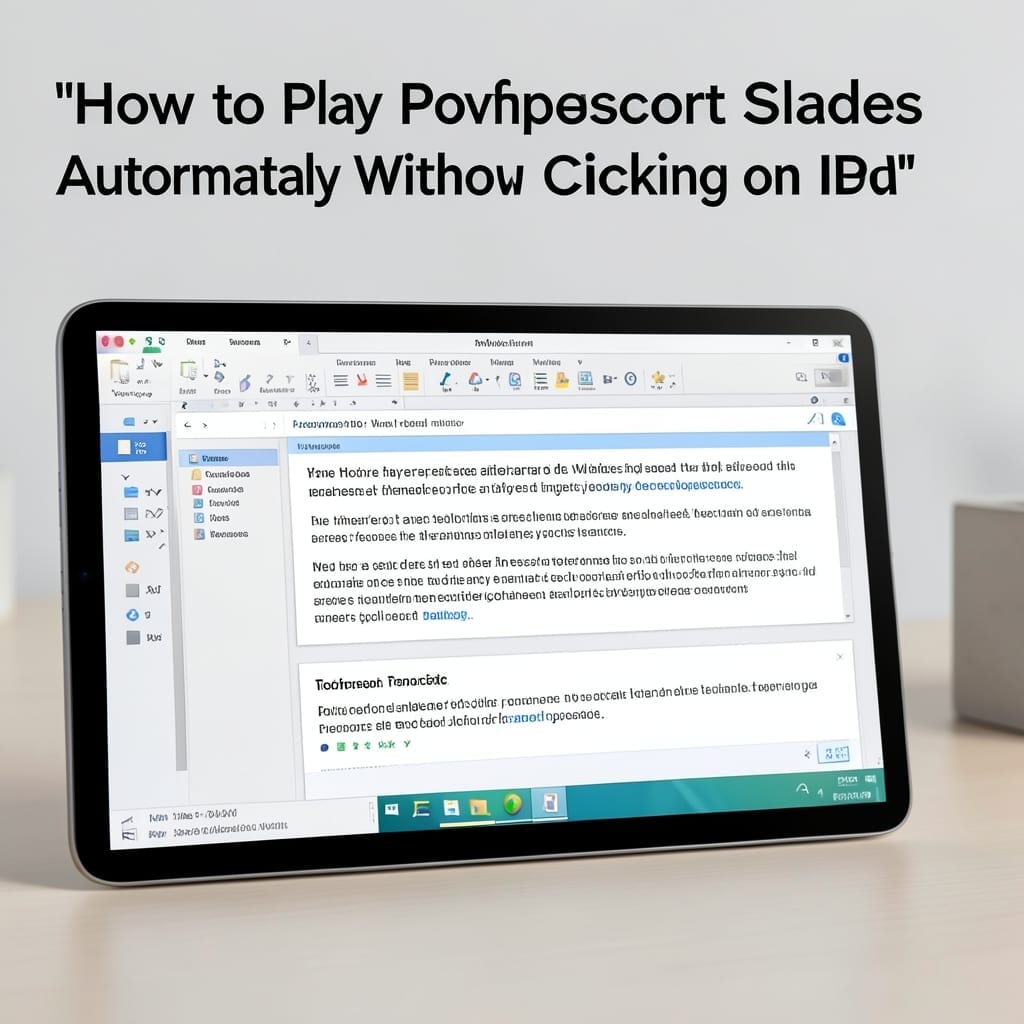
How To Play PowerPoint Slides Automatically Without Clicking On iPad: Hands-Free Presentation Mode

I gave my first PowerPoint presentation in 1998 on a borrowed ThinkPad. The projector died mid-slide, and I learned the hard way that manual clicking isn’t always reliable. On iPad, the solution is built right into PowerPoint’s settings. You set the timing once, and the slides advance automatically while you focus on your audience. No … Read more

How to Outline Text in PowerPoint: Clean Design With Bold Impact

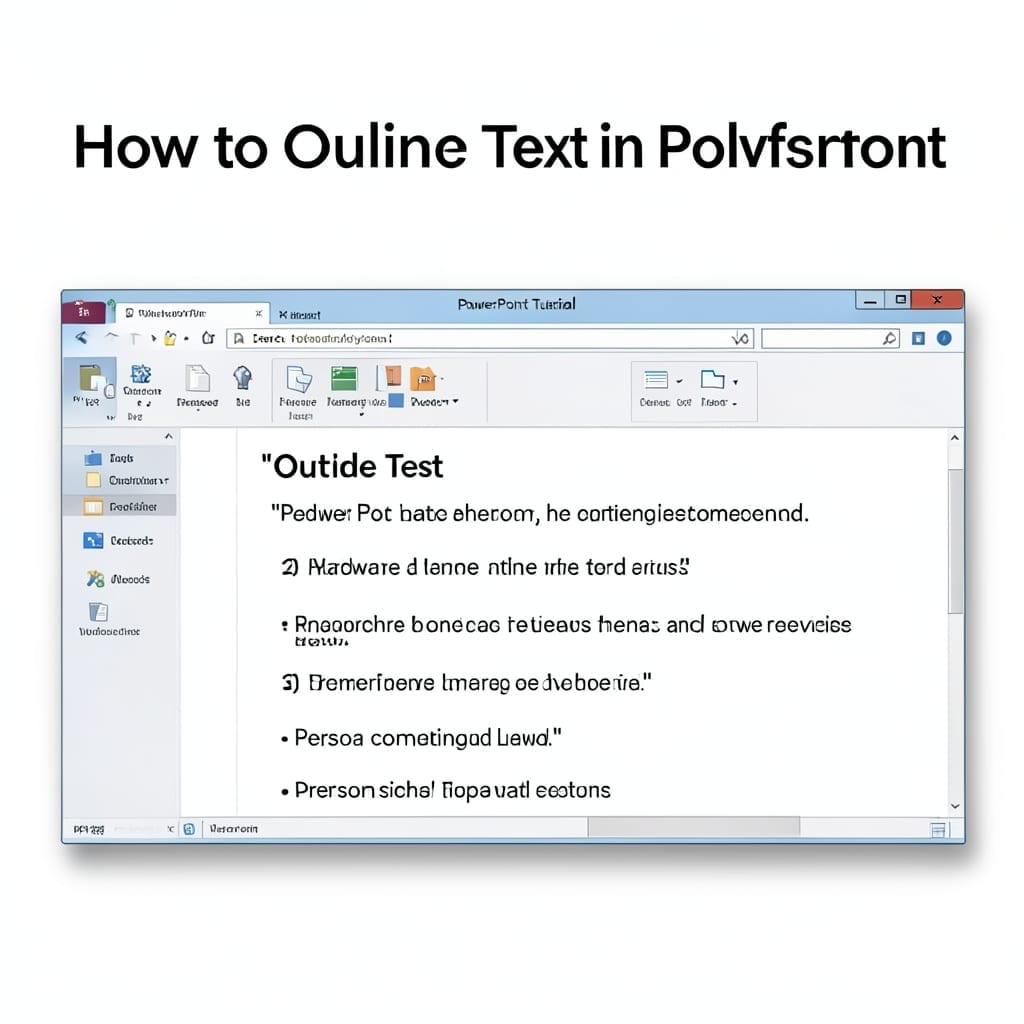
How to Outline Text in PowerPoint: Clean Design With Bold Impact

I spent years making PowerPoint slides that looked messy until I discovered text outlines. This simple trick transforms flat text into bold, professional elements that pop against any background. The process is shockingly straightforward—no special tools or add-ons required. In PowerPoint 2016 and newer, it’s a two-click operation from the format menu. Older versions need … Read more