How To Disable Cortana Windows 10: Permanent Deactivation Method
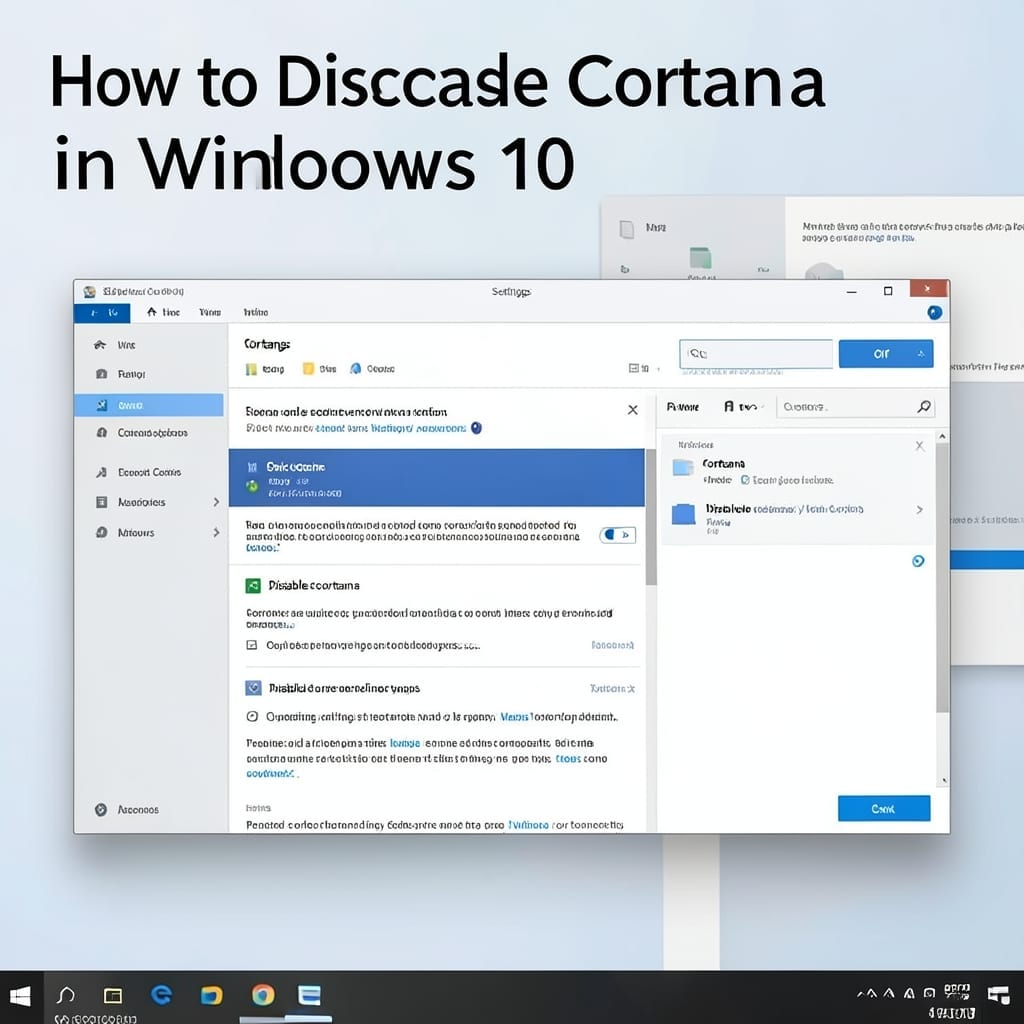
How To Disable Cortana Windows 10: Permanent Deactivation Method

Windows 10 pushes Cortana hard, but you don’t have to live with it. Permanent deactivation is possible through Registry and Group Policy edits that stop the service entirely. I’ve tested this across Windows 10 versions 1909 to 22H2, and the method holds. It’s not just hiding the icon—this disables the backend processes that consume resources … Read more
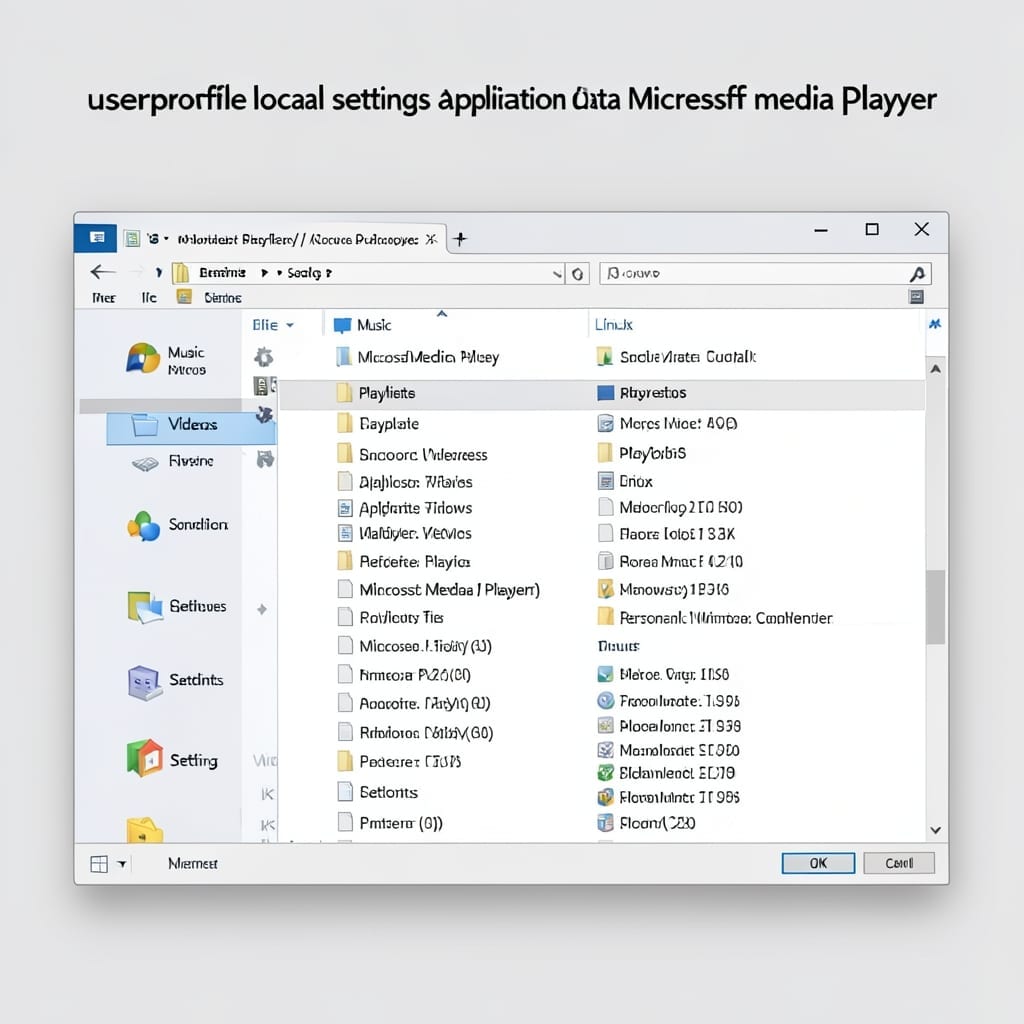
Userprofile Local Settings Application Data Microsoft Media Player: Quick Troubleshooting Steps

Userprofile Local Settings Application Data Microsoft Media Player: Quick Troubleshooting Steps

Media Player suddenly forgetting your playlists or acting sluggish? I’ve seen this exact issue on dozens of machines during my Microsoft days, and the fix is always hiding in that user profile folder. The culprit is usually corrupted files in Local Settings\Application Data. Clearing the cache or resetting Media Player’s config often brings it back … Read more

Enable Audio Enhancements On or Off: Toggle for Clearer Sound

I spent years tweaking audio settings before realizing Windows hides its best sound tool. Audio Enhancements can transform tinny speakers into something usable—or kill your clarity if misconfigured. The toggle lives in Sound Settings, but Windows 10 and 11 bury it differently. In 11, you’ll find it under System > Sound > More sound settings. … Read more

MS Vista Upgrade to Windows 7: Smooth Transition Without Data Loss

I still remember upgrading my uncle’s Vista machine to Windows 7 in that basement workshop. The process was smoother than expected, and the performance boost was immediate. This transition doesn’t require a clean install—your files and programs can migrate intact. You’ll need a Windows 7 license, at least 16GB free space, and about 2-3 hours … Read more