Windows 10 Language Pack Download Offline: Complete Standalone Installer
Windows 10 Language Pack Download Offline: Complete Standalone Installer

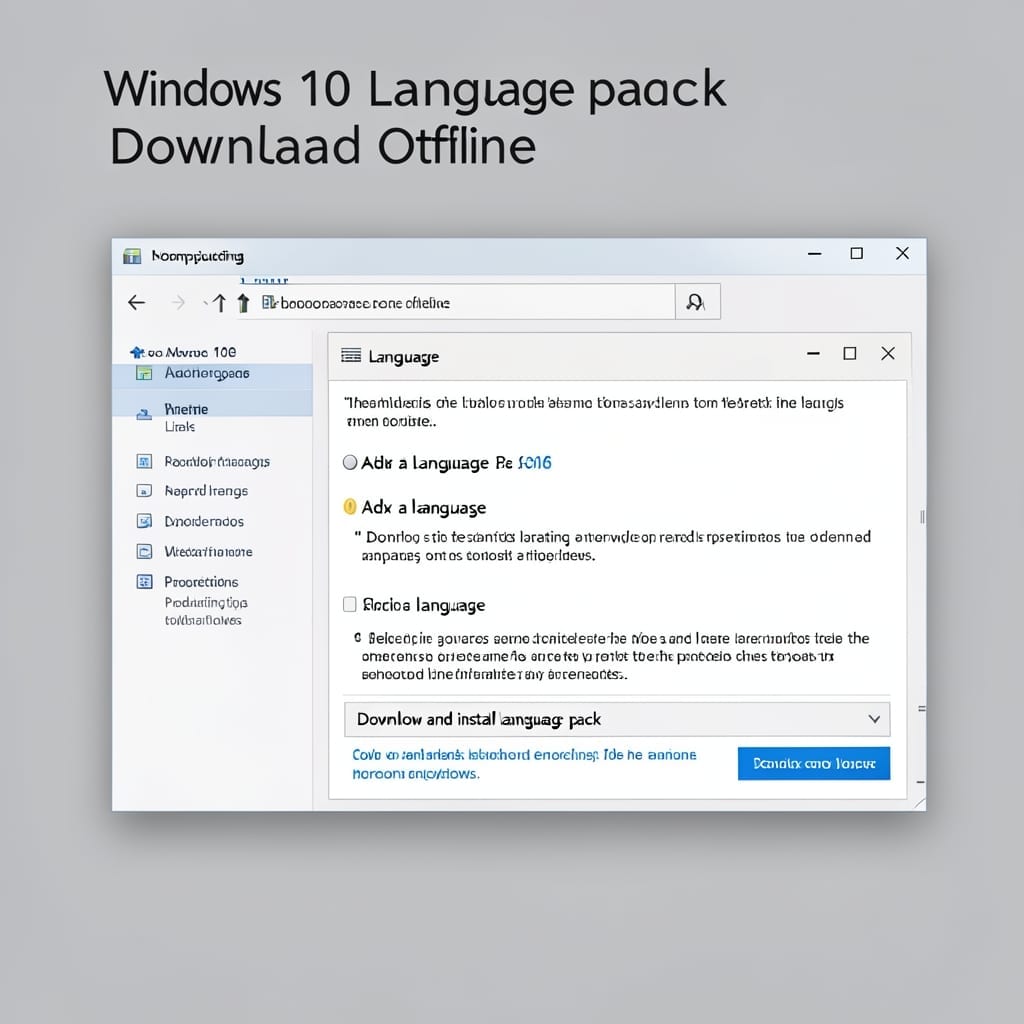
I remember helping my dad localize Windows for a Pittsburgh nonprofit back in the XP days. Today’s process is far simpler—Microsoft provides official offline language packs for Windows 10. These standalone installers come directly from Microsoft’s servers, so you’re getting the same files the OS would pull automatically. No third-party sites, no security risks, just … Read more
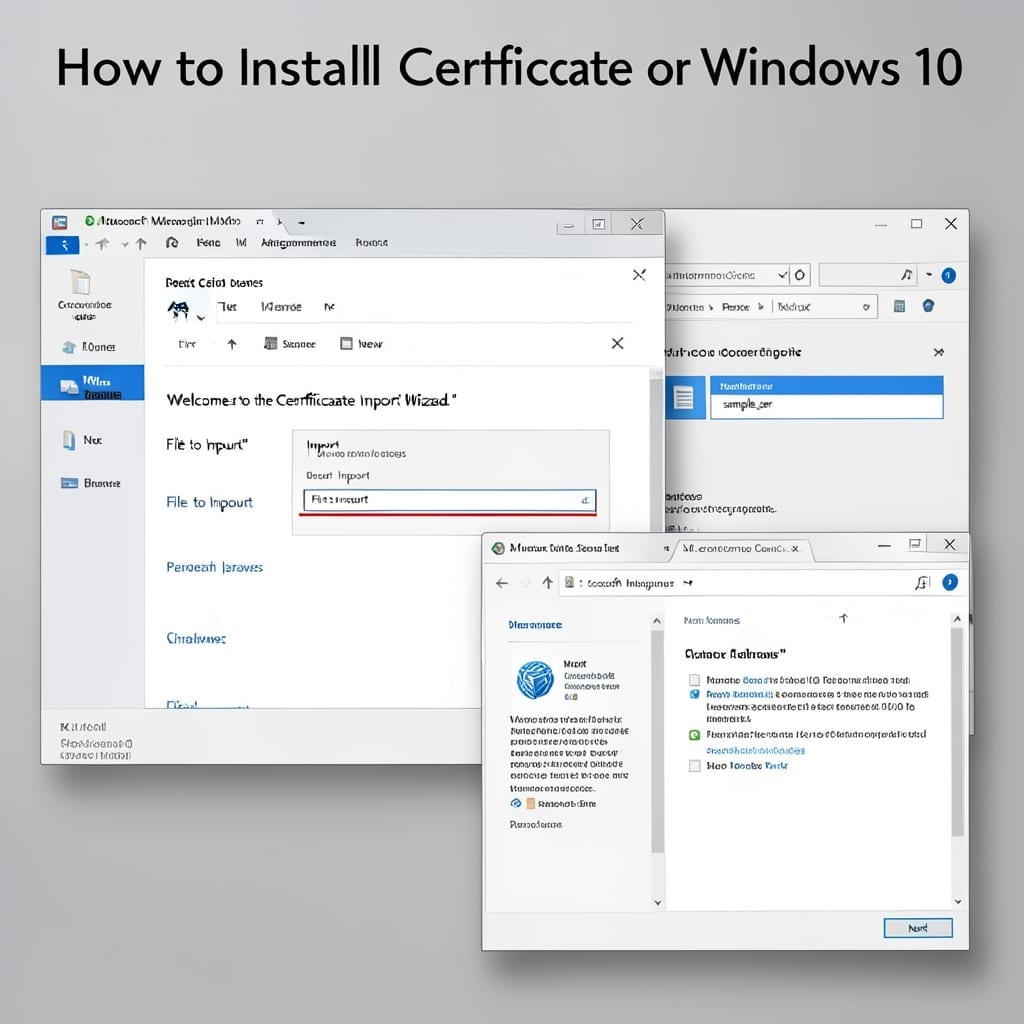
How to Install Certificate on Windows 10: Step-by-Step Trusted Setup

How to Install Certificate on Windows 10: Step-by-Step Trusted Setup

I’ve installed certificates on hundreds of Windows 10 machines during my Microsoft years. The process looks intimidating at first glance, but it’s actually foolproof once you know the right sequence. You’ll need the certificate file and admin access—that’s it. No third-party tools, no command line magic. Just a few clicks through the certificate manager and … Read more

How To Log Out Of Windows: Multiple Methods for Any Version

How To Log Out Of Windows: Multiple Methods for Any Version

Closing down your Windows session doesn’t need to be a puzzle. I’ve used every method across Windows 7 to 11—some are faster than others depending on your workflow. The classic Start Menu route works, but Ctrl+Alt+Del gives you options when the system’s acting up. Then there’s the power user menu with Win+X for quick access … Read more

Turn Off Email Notifications Windows 10: Step-by-Step Silence Guide

Turn Off Email Notifications Windows 10: Step-by-Step Silence Guide

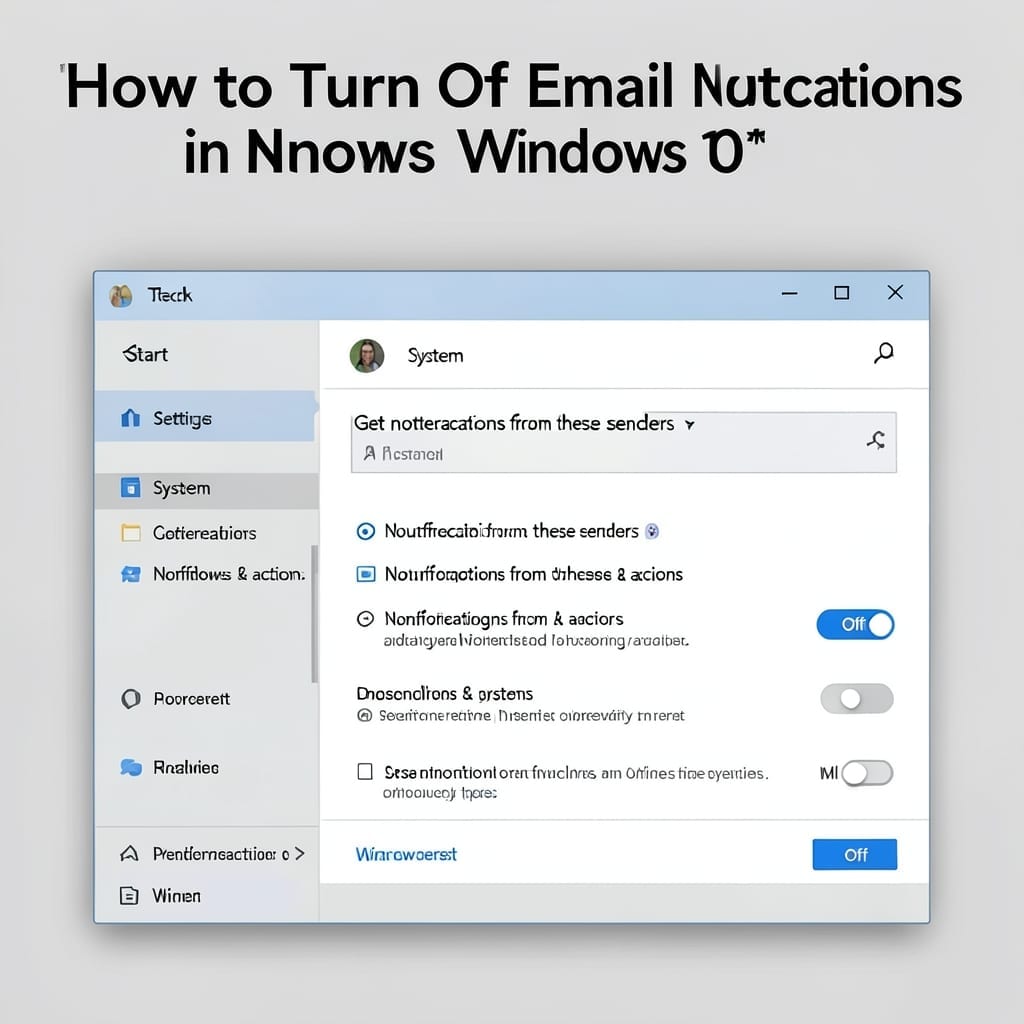
I still remember the first time my Windows 10 machine started buzzing with email alerts every 30 seconds. The constant pings nearly drove me to switch back to my trusty ThinkPad running Linux. Here’s the thing—Windows 10 buries email notifications in three different places. You’ve got system-level settings, the Mail app’s own preferences, and then … Read more