How to Move Guides in PowerPoint: Drag and Drop Precision for Perfect Alignment

I wasted 20 minutes aligning objects manually before discovering PowerPoint guides. The grid lines you can drag anywhere on your slide are game-changers for precision. Here’s the thing—most users don’t realize these guides are fully customizable. You can add, remove, or reposition them with simple drag-and-drop, and they’ll stick exactly where you put them. My … Read more

How To Create A Heat Map In PowerPoint: Visual Data In Minutes

I still remember the first time I needed to present data visually in PowerPoint. The default charts weren’t cutting it, but a simple heat map transformed everything. Creating one is easier than you think. You’ll use conditional formatting in Excel first, then copy-paste the result into PowerPoint. No special tools, no coding—just a few clicks … Read more

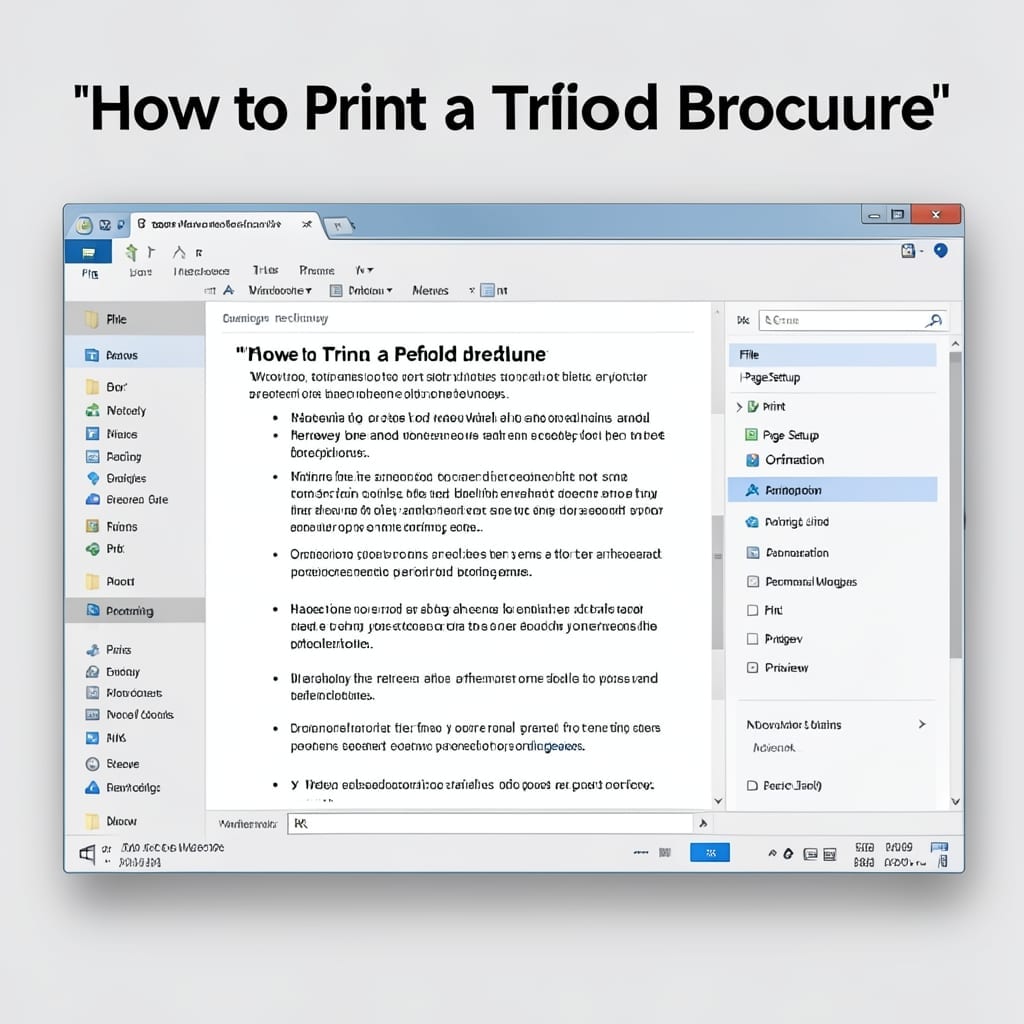
How to Print a Trifold Brochure: Step-by-Step Folding Guide

How to Print a Trifold Brochure: Step-by-Step Folding Guide

Printing a trifold brochure shouldn’t feel like rocket science. I’ve watched too many people waste paper and ink because their panels printed upside down or out of order. Your printer’s settings matter more than the software you use. The trick is knowing which margin settings and page orientation will make everything fold perfectly on the … Read more