Describe the Procedure for Creating a Table or Spreadsheet in a Presentation Slide: Simple Insert and Format Method

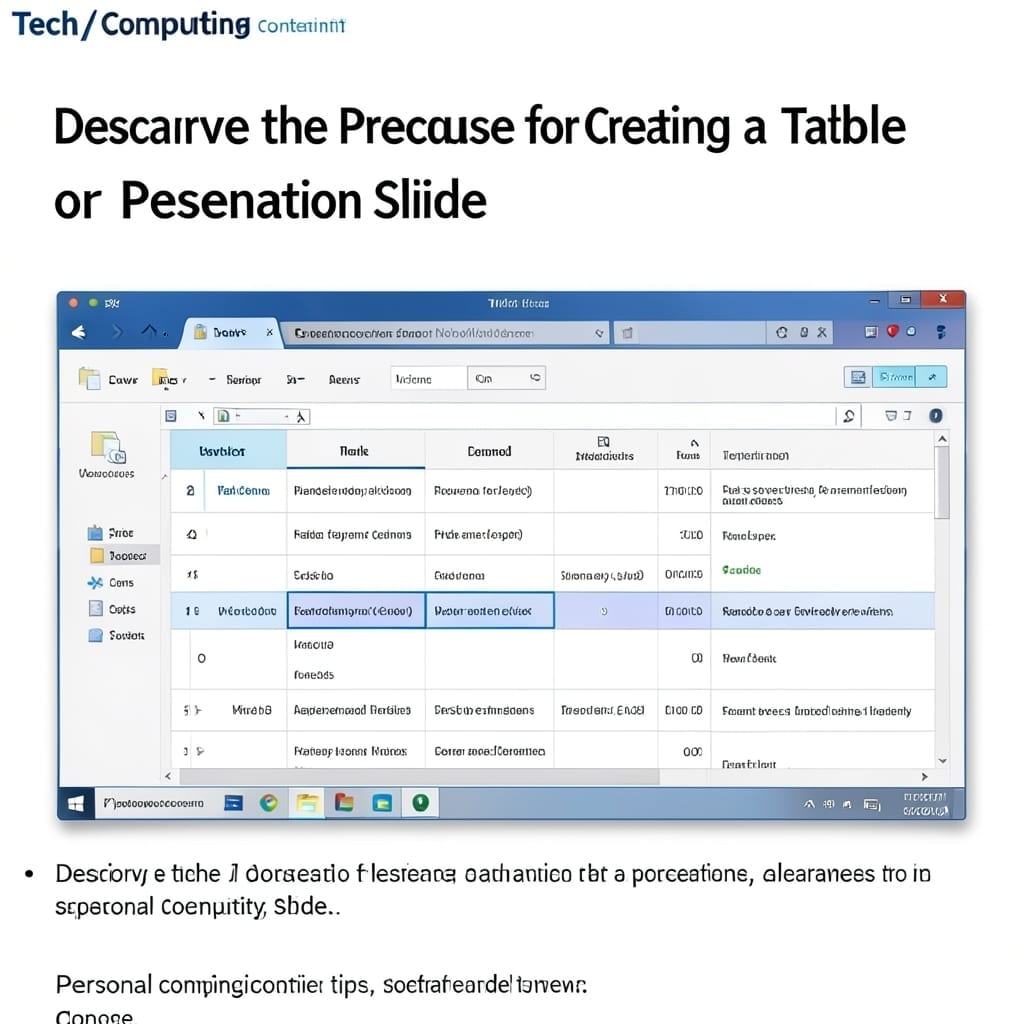
Describe the Procedure for Creating a Table or Spreadsheet in a Presentation Slide: Simple Insert and Format Method

I’ve built hundreds of presentations, and the table tool still surprises me with its simplicity. The process takes under 2 minutes once you know the menu paths. Navigate to the slide, click Insert, then Table, and define rows and columns. Alternatively, use the spreadsheet icon for dynamic data. Both methods drop a clean grid onto … Read more

How to Insert SmartArt in PowerPoint: Visual Impact With One Click

I still remember the first time I turned a boring bullet list into a visual diagram in 5 seconds. That magic moment happened with SmartArt in PowerPoint. It’s not about adding fancy graphics—it’s about making information click instantly. The right diagram can turn a confusing process into something anyone grasps immediately. I’ve used this for … Read more

How To Remove Comments From PowerPoint: Clean Slides in Seconds

I still remember the panic before my first big presentation at Carnegie Mellon. My slides were littered with last-minute comments from Professor Martinez, and the clock was ticking. Removing comments is shockingly simple once you know where to look. The process takes under 30 seconds and works across every modern version of PowerPoint, from 2013 … Read more

How to Insert a Picture Into a Shape in PowerPoint: Foolproof Formatting in Seconds

I’ve watched too many presentations where clipart ruins a great slide. ✨ This PowerPoint trick turns any shape into a professional picture frame in under 30 seconds. No third-party tools needed—just right-click any shape, pick “Format Shape,” and use the fill options. The method works for circles, arrows, or even custom-drawn shapes, and the picture … Read more