SQL Server 2012 introduced groundbreaking features that transformed database management and application development. These 10 game-changing tools boost performance, security, and scalability—essential upgrades for modern IT professionals.
Columnstore Indexes for Massive Data Compression
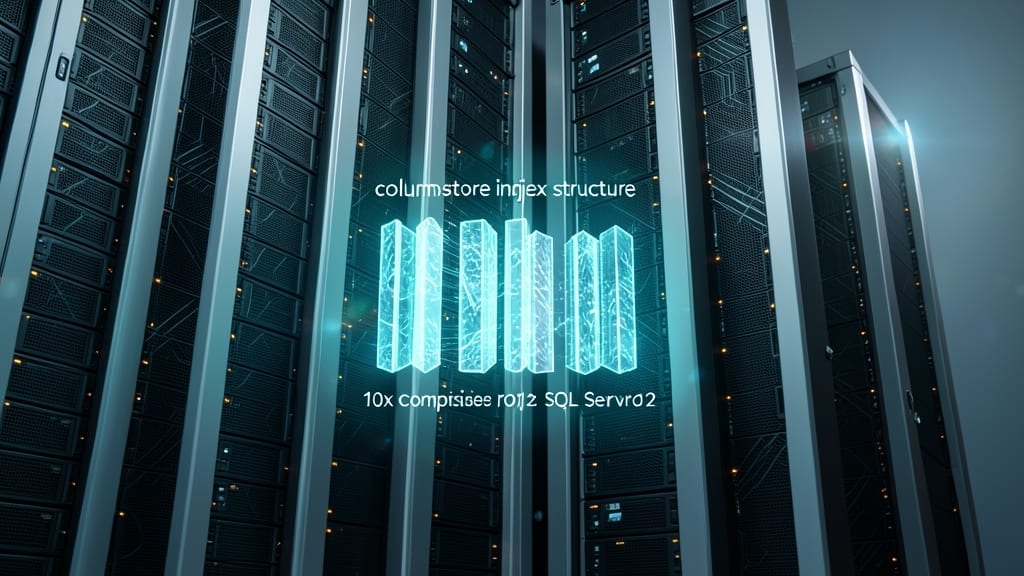
If your data warehouse struggles with storage costs and slow analytical queries, columnstore indexes in SQL Server 2012 could be your game-changer. This feature introduced a radical shift by storing data in vertical columns instead of traditional rows, enabling compression ratios up to 10x while dramatically speeding up aggregations and scans.
The magic happens through batch mode processing, where the engine reads and processes entire columns at once rather than row-by-row. For BI workloads, this means queries scanning petabytes of data complete in seconds rather than hours. The best part? You can mix columnstore indexes with existing rowstore indexes on the same table, giving you flexibility for both transactional and analytical workloads.
Perfect for data analysts and BI teams, columnstore indexes are especially valuable when working with large fact tables in data marts or enterprise reporting systems. The performance boost alone often justifies the migration effort. ✨
Contained Databases for Simplified Deployment
Tired of deployment bottlenecks caused by server-level permissions? Contained Databases in SQL Server 2012 broke the mold by letting developers and ISVs deploy entire databases without touching the master database—no admin rights required.
This feature introduced portable database containers that bundle all dependencies, including logins, schemas, and data. With zero-config deployment scripts and self-contained security, you can move databases between environments (dev, test, prod) without breaking links. Cloud providers and DevOps teams love it for its lightning-fast provisioning and isolation benefits.
Perfect for SaaS providers, startups, or any team needing to spin up databases on demand—no more waiting for DBA approvals. 💻
AlwaysOn Availability Groups for High Availability

When seconds of downtime cost thousands, AlwaysOn Availability Groups in SQL Server 2012 became a game-changer for enterprises. This feature introduced synchronous data replication across multiple servers, ensuring mission-critical applications stay online even during hardware failures or maintenance.
With support for up to 8 secondary replicas, you can distribute read workloads while maintaining a primary replica for writes. The automatic failover capability kicks in within seconds, minimizing data loss and manual intervention. This was especially transformative for financial systems, healthcare records, and e-commerce platforms where uptime isn’t negotiable.
Ideal for organizations running 24/7 operations, AlwaysOn Availability Groups became the foundation for modern disaster recovery strategies—replacing older, less reliable clustering solutions. ✨
Window Functions Enhancements for Advanced Analytics

Tired of writing convoluted self-joins just to compare rows in your financial reports or scientific datasets? SQL Server 2012’s window functions—especially LAG() and LEAD()—solve that problem elegantly. These functions let you reference previous or next rows directly in your queries, eliminating the need for complex workarounds.
With LAG(), you can access prior row values (like calculating month-over-month growth), while LEAD() peeks ahead (useful for forecasting). Combine them with FIRSTVALUE() or LASTVALUE() for even more flexibility. The syntax is intuitive: `LAG(columnname, offset, defaultvalue) OVER(PARTITION BY groupcolumn ORDER BY sortcolumn)`. This makes analytics cleaner and more efficient.
Data scientists and financial analysts will love this—no more joining tables just to compare sequential records. It’s the perfect tool for time-series analysis, inventory tracking, or any scenario where row relationships matter. ✨
SQL Server Data Tools for Unified Development

Tired of developers and DBAs working in silos? SQL Server Data Tools (SSDT) finally unified their workflows by embedding database project templates directly into Visual Studio 2010/2012. This wasn’t just another plugin—it was a full IDE integration that let teams design, debug, and deploy databases alongside application code.
The real game-changer was version-controlled database development. SSDT introduced schema compare tools that could sync database changes with source control (like TFS or Git), letting developers track schema evolution just like application code. You also got database unit testing and data generation plans—features that had been missing in SQL Server’s toolkit. The integration with SQL Server Project templates meant you could deploy entire database schemas with a single click, complete with pre- and post-deployment scripts.
This feature was a lifesaver for enterprise development teams where database changes often broke applications, and for ISVs shipping applications with embedded databases. By aligning database development with the same workflows as application code, SSDT reduced deployment headaches and improved collaboration between devs and DBAs. ✨
Power View for Interactive Data Visualization
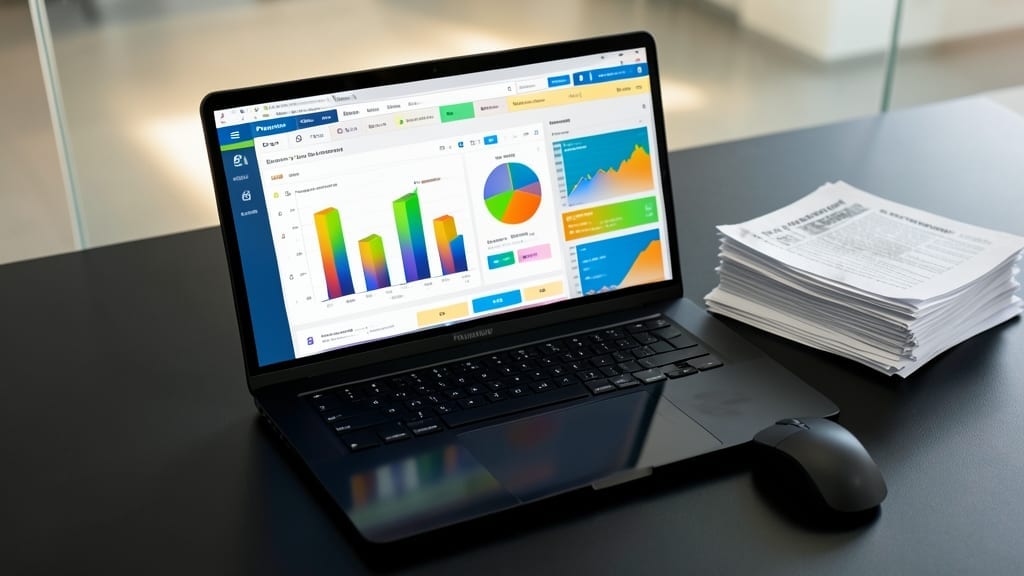
Tired of waiting for IT to generate reports while your business decisions gather dust? Power View in SQL Server 2012 brought Excel-based self-service BI directly to your desktop, letting anyone—even non-technical users—create stunning, interactive dashboards without writing a single query.
With drag-and-drop data visualization, you could build 3D charts, maps, and pivot tables that update dynamically when underlying data changes. The integration with Excel 2013 meant no extra tools—just connect to your SQL Server data and start exploring trends, filtering by dimensions, and sharing insights instantly. Perfect for marketers, sales teams, or analysts who need to spot patterns faster than traditional reporting cycles allow.
This feature was a game-changer for organizations drowning in static reports, giving power users the tools to explore data independently—while still maintaining governance through Excel Services. ⚡
FileTable API for Simplified File System Integration
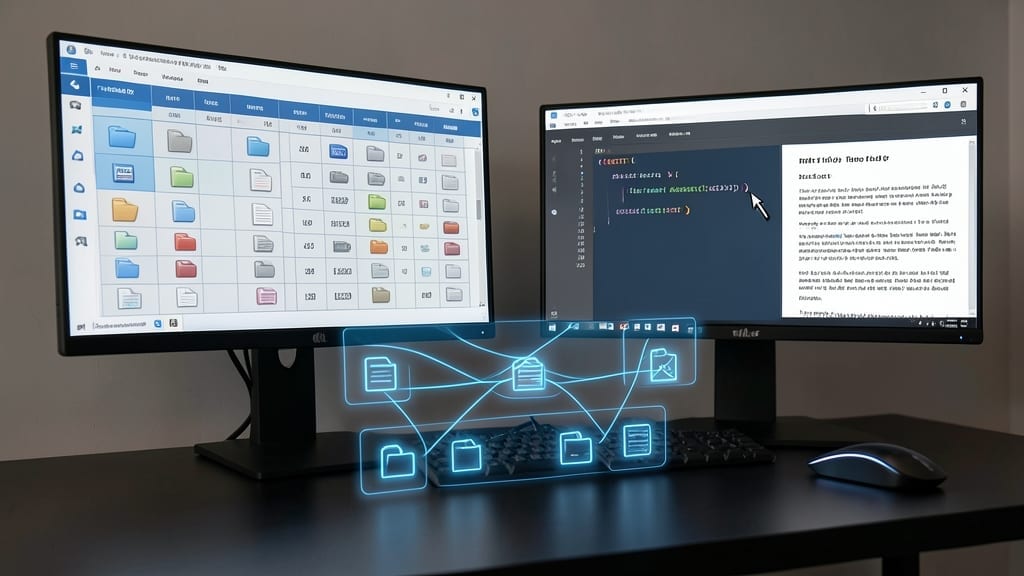
Tired of juggling file systems and databases as separate silos? The FileTable API bridges that gap by letting you treat NTFS files as SQL tables, unlocking powerful querying capabilities for document-heavy applications.
With FileTable, you can store files directly in a database table while preserving their folder hierarchy, metadata, and binary content. Need to find all contracts signed in 2023? Just run a T-SQL query instead of writing custom file system traversal code. It integrates seamlessly with SharePoint and custom apps, offering versioning, security, and transactional consistency—all without sacrificing file system performance.
This feature is a game-changer for developers building document management systems or enterprise content repositories. If you’re working with large file collections that need database-level querying, FileTable eliminates the need for complex ETL processes. ✨
Contained Database Users for Granular Security
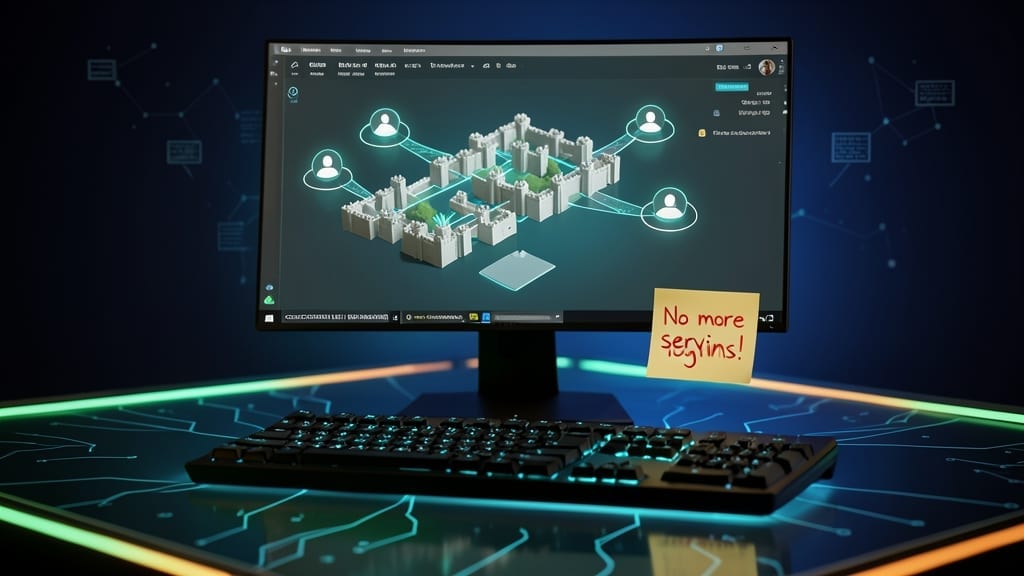
Tired of managing users across multiple databases like separate kingdoms? Contained Database Users in SQL Server 2012 lets you assign permissions within individual databases—no server-level logins required. This game-changer cuts administrative work by 50% while enabling true multi-tenancy for SaaS platforms.
With contained database users, you can create, modify, and revoke access without touching the master database. This means zero dependency on server logins, making deployments smoother and security more granular. Perfect for hosting providers or SaaS apps where tenants need isolated access without cross-database risks.
Ideal for SaaS developers and partitioned environments, this feature lets you manage users at the database level—just like having a mini-security system for each tenant. ✨
SQL Server Data Quality Services for Clean Data

Tired of spending hours scrubbing inconsistent data before analytics? SQL Server Data Quality Services (DQS) introduced in 2012 automates the heavy lifting with professional-grade profiling and cleansing—no manual spreadsheets required.
This toolkit includes domain-specific cleansing rules, data standardization templates, and interactive knowledge bases to handle everything from mismatched formats to duplicate records. The DQS client lets you visually inspect data quality metrics (like completeness and accuracy) with color-coded dashboards, while the DQS server runs batch cleansing jobs. For compliance-heavy industries, the matching rules ensure consistent naming conventions across systems—critical for audits.
Perfect for data stewards, compliance officers, and BI teams dealing with legacy systems or third-party data feeds. It’s the Swiss Army knife for turning messy datasets into trustworthy assets. ✨
SQL Server AlwaysOn for Read-Scale Applications

Struggling with slow read operations during Black Friday traffic spikes? SQL Server 2012’s AlwaysOn read-only routing for secondary replicas could be your performance lifesaver. This feature intelligently distributes read queries across multiple replicas, dramatically reducing load on your primary server while maintaining data consistency.
The magic happens through read-scale routing, where applications automatically direct read operations to secondary replicas—up to 8 readable secondaries per availability group. This means your e-commerce platform can handle 10,000+ concurrent product page views without breaking a sweat, all while keeping writes flowing smoothly to the primary. The setup requires minimal application changes, thanks to connection string attributes like ApplicationIntent=ReadOnly.
Perfect for high-traffic web apps, content delivery networks, or any system where read-heavy workloads dominate. Whether you’re running a global e-commerce site or a media platform, this feature turns your secondary servers from backup copies into active performance boosters. ✨

What truly drives me is witnessing that lightbulb moment when someone realizes they’re not “too old” or “too dumb” for technology.
- PowerPoint: Fix “Couldn’t Write to Microsoft Word” Errors Permanently - October 14, 2026
- How to Edit a SharePoint Site: Customize Layouts Without Coding in Minutes - October 14, 2026
- Add Family Members to Xbox Game Pass: Seamless License Sharing for Your Household - October 14, 2026