How to Turn Off Accessibility on Android: Quick Settings Toggle Method

How to Turn Off Accessibility on Android: Quick Settings Toggle Method

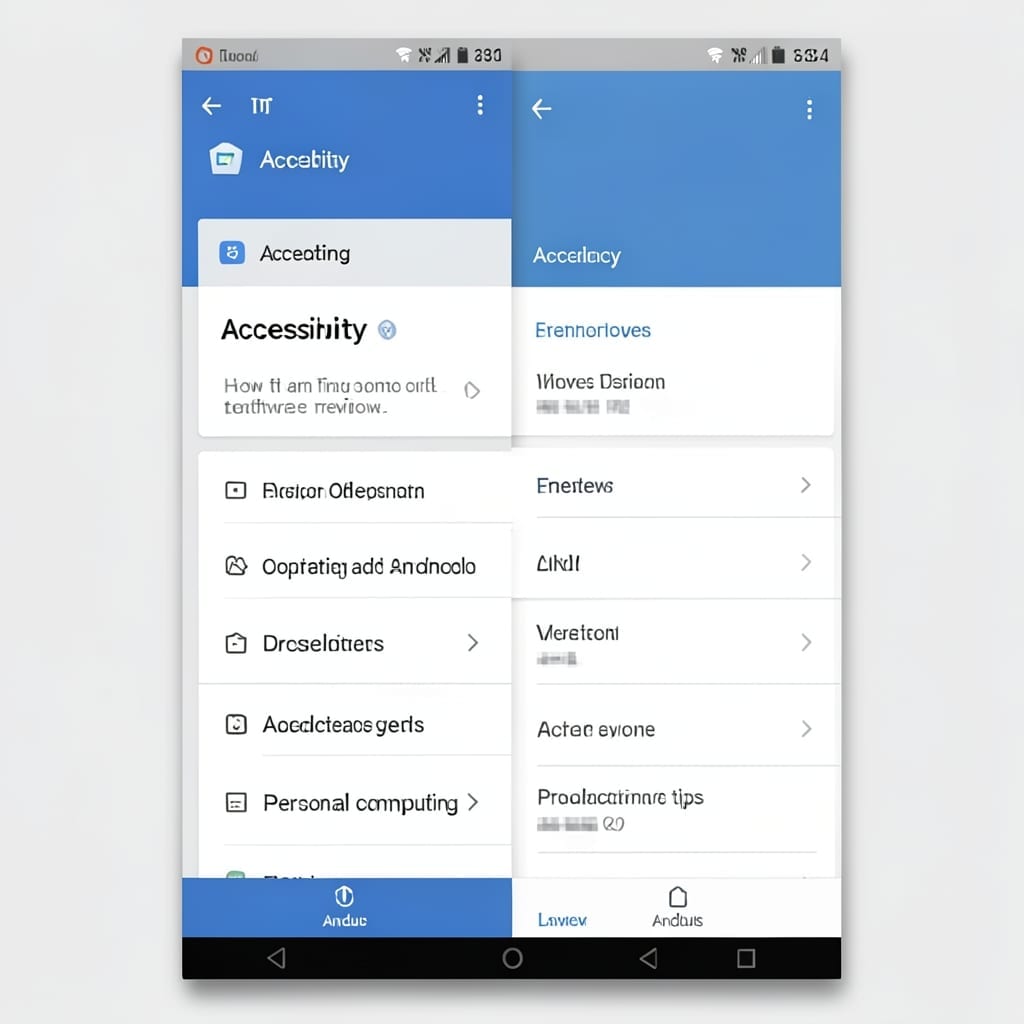
I’ve seen this toggle cause confusion across every Android version. The quick settings panel hides it in plain sight, but most users don’t realize it’s just a few taps away. This method works on Android 10 through 14 without digging through settings menus. The toggle appears after enabling any accessibility feature, then disappears when disabled—unless … Read more

How to Repair .NET Framework: Step-by-Step System Fix

How to Repair .NET Framework: Step-by-Step System Fix

My first Windows crash course came in that uncle’s basement back in 1998. ⚡ Back then, .NET Framework errors felt like cryptic messages from another planet—until I learned the repair process actually works the same way today. This setup uses built-in Windows tools like DISM and SFC, no third-party software required. I’ve fixed dozens of … Read more

Shutting Down Service Group Policy Client: Step-By-Step System Resolution

Shutting Down Service Group Policy Client: Step-By-Step System Resolution

My first encounter with this error came during a Windows 10 rollout at Microsoft. The Group Policy Client service just refused to start, leaving domain-joined machines in limbo. Turns out, corrupted cache files or registry conflicts often trigger this. I’ve seen it on dozens of machines—the fix usually involves clearing the cache or resetting the … Read more

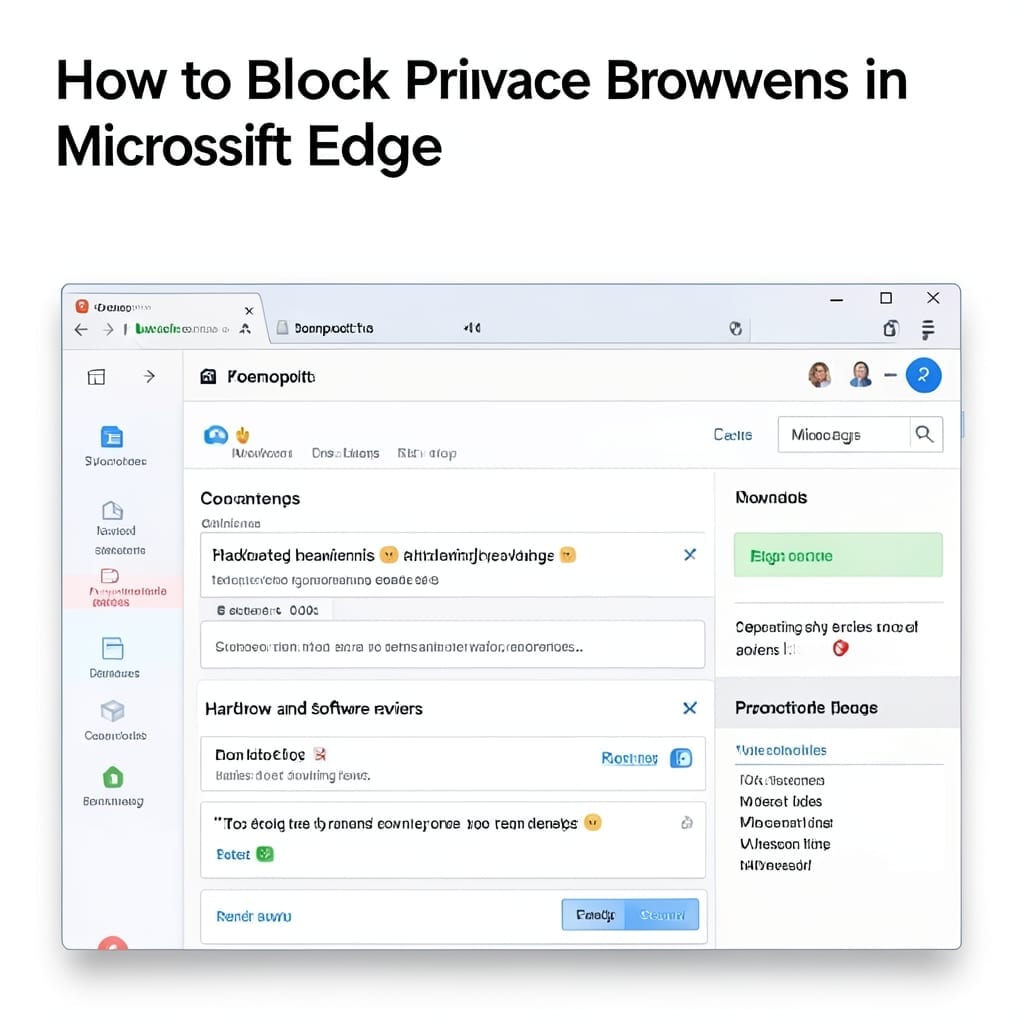
How to Block Private Browsers Microsoft Edge: Step-by-Step Privacy Control

How to Block Private Browsers Microsoft Edge: Step-by-Step Privacy Control

Private browsing sessions in Edge can slip past standard restrictions. I discovered this the hard way during a school deployment where students kept bypassing content filters. The solution involves Group Policy or registry edits that disable InPrivate mode entirely. It takes 5 minutes to configure and applies to all users on the machine. You’ll lock … Read more

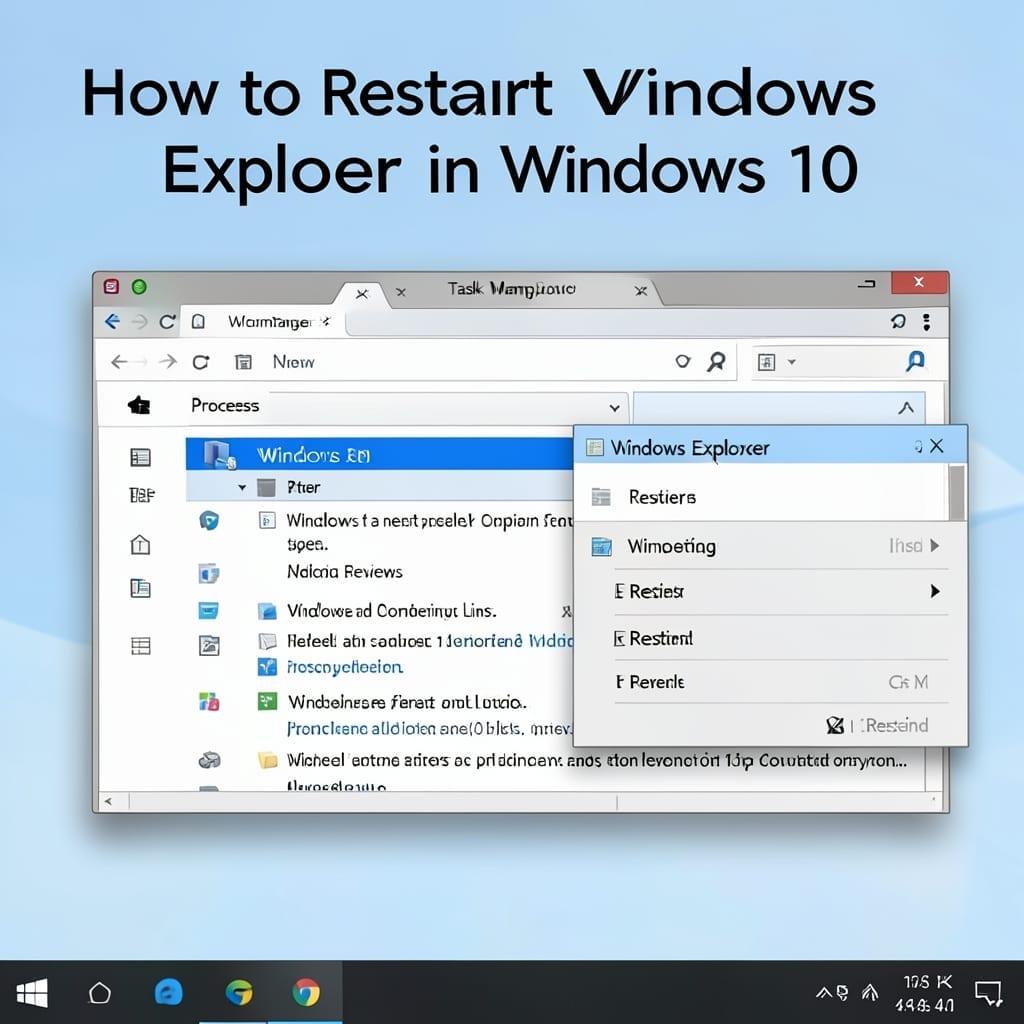
How to Restart Windows Explorer in Windows 10: Quick Task Manager Method

How to Restart Windows Explorer in Windows 10: Quick Task Manager Method

Windows Explorer freezing is a common frustration I’ve seen across hundreds of support cases. The fix often takes less than a minute once you know where to look. Task Manager becomes your control panel here. No special permissions or downloads required—just a few precise clicks to restart the process without losing open applications. You’ll regain … Read more