How Do I Report A Microsoft Scammer: Official Step-By-Step Guide
How Do I Report A Microsoft Scammer: Official Step-By-Step Guide

That call from “Microsoft Support” was a scam. I’ve seen this script a hundred times during my years at Microsoft—always urgent, always demanding immediate access to your computer. The official reporting process starts with Microsoft’s scam reporting page. You’ll need the caller’s number, any emails they sent, and screenshots if they tricked you into installing … Read more
How to Test a Serial Port: Step-By-Step Troubleshooting

How to Test a Serial Port: Step-By-Step Troubleshooting

That moment when your serial device just won’t talk back is maddening. I’ve spent countless hours chasing phantom connection issues in the Five Points tech center, and the fix is often simpler than you think. Testing a serial port starts with the basics: verify the port exists, check the driver status, then confirm communication. A … Read more

How Can You Reset The UEFI/BIOS Password: Step By Step System Access

How Can You Reset The UEFI/BIOS Password: Step By Step System Access

Locked out of your system after a password change gone wrong? I’ve been there—more times than I’d like to admit, especially back in the uncle’s basement days with those finicky vintage IBMs. Resetting a UEFI/BIOS password isn’t just about removing a CMOS battery anymore. Modern systems require manufacturer-specific tools or clever workarounds, depending on your … Read more

How to Change Microsoft Verification Phone Number: Quick Settings Update Method

How to Change Microsoft Verification Phone Number: Quick Settings Update Method

Changing your Microsoft verification number is simpler than most users expect. I’ve walked dozens of colleagues through this process, and it consistently takes under 5 minutes with no technical hurdles. The update happens entirely through your Microsoft account security settings. You’ll need access to your current verification method—either the existing phone number or an alternate … Read more

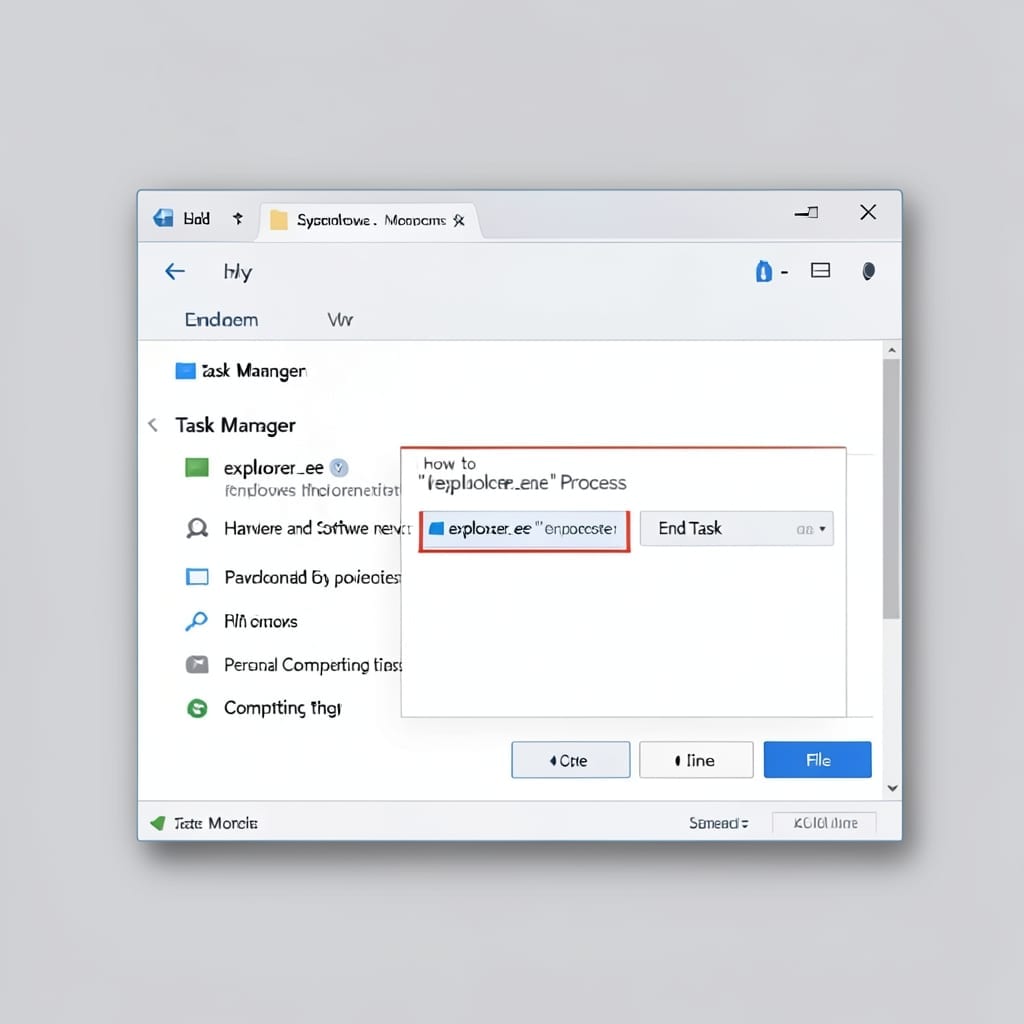
How to Restart the Explorer.exe Process: Task Manager Solution for Instant Fix

How to Restart the Explorer.exe Process: Task Manager Solution for Instant Fix

Windows acting sluggish or the taskbar disappeared? I’ve fixed this exact issue hundreds of times in my Microsoft days. It’s usually just explorer.exe crashing in the background. The fix takes under 2 minutes and doesn’t require admin rights. You’ll restart the process through Task Manager, and everything—icons, taskbar, file windows—snaps back into place instantly. No … Read more