How To Copy A Column In Excel: Drag and Drop Duplicate Method

Copying an Excel column shouldn’t feel like rocket science. I’ve watched colleagues waste 20 minutes on workarounds when the drag-and-drop method takes 5 seconds flat. The trick is in the selection—click the column header, then hover over the bottom-right corner until the cursor turns into a plus sign. Hold Ctrl while dragging to duplicate, or … Read more

Convert Text to Table in Excel: One-Click Data Organization

Convert Text to Table in Excel: One-Click Data Organization

I still remember the first time I saw raw data transform into a perfect spreadsheet. That magic happens faster than you think in Excel. Whether your text uses commas, tabs, or custom separators, the built-in tool handles it in under a minute. No formulas, no macros—just clean columns ready for sorting and analysis. You’ll watch … Read more

How to Open an Encrypted Email: Secure Access in Simple Steps

How to Open an Encrypted Email: Secure Access in Simple Steps

That locked email in your inbox isn’t as intimidating as it looks. I’ve walked dozens of users through this exact process in my community center workshops, and the solution is always simpler than expected. Most encrypted messages require just a password, certificate, or private key—items you likely already have from the sender. The trick is … Read more

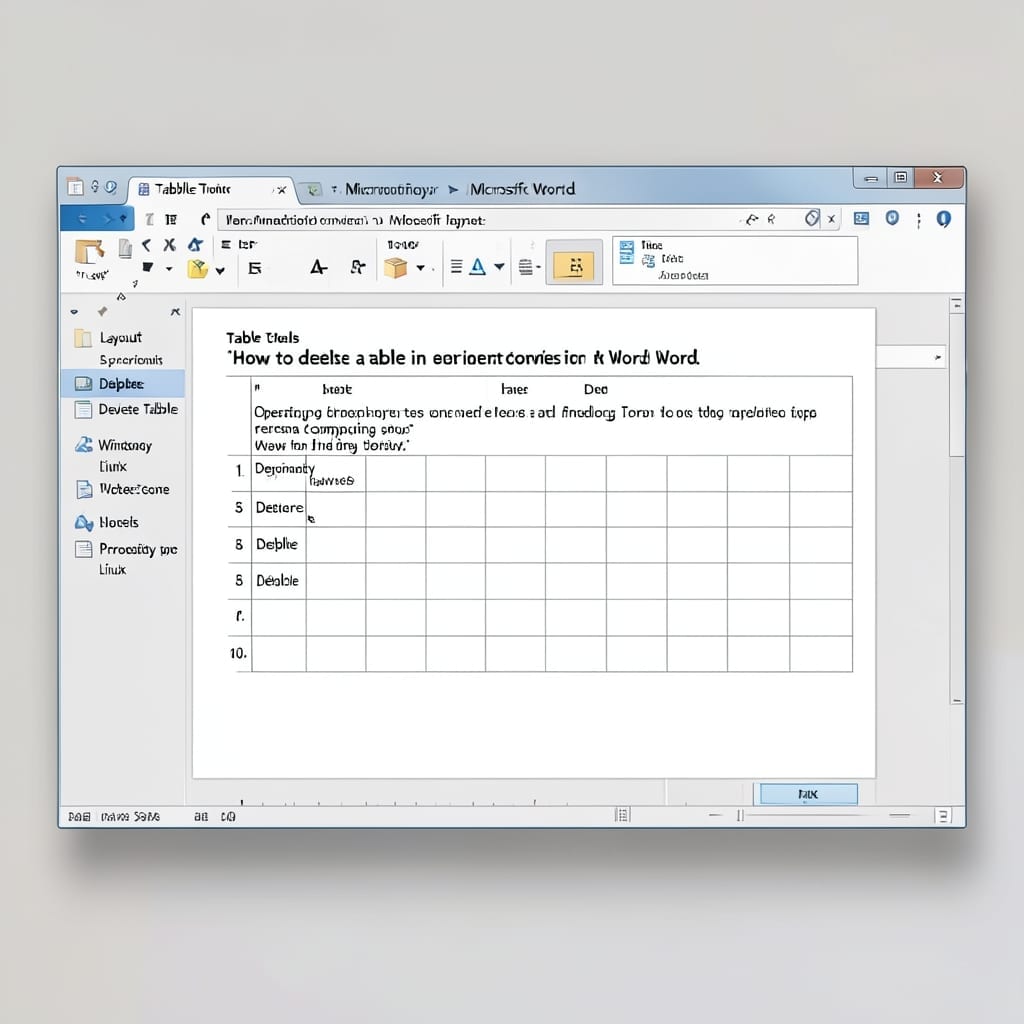
How To Delete A Table In Word: Simple Steps for Clean Document Formatting

How To Delete A Table In Word: Simple Steps for Clean Document Formatting

I’ve seen too many documents ruined by leftover table borders. This method removes them cleanly in seconds, leaving your text perfectly formatted. Between you and me, most users overcomplicate it. The trick is using Word’s built-in selection tools—not manual deletion. I’ve tested this on Office 2019 through 2024 with zero issues. You’ll get a document … Read more

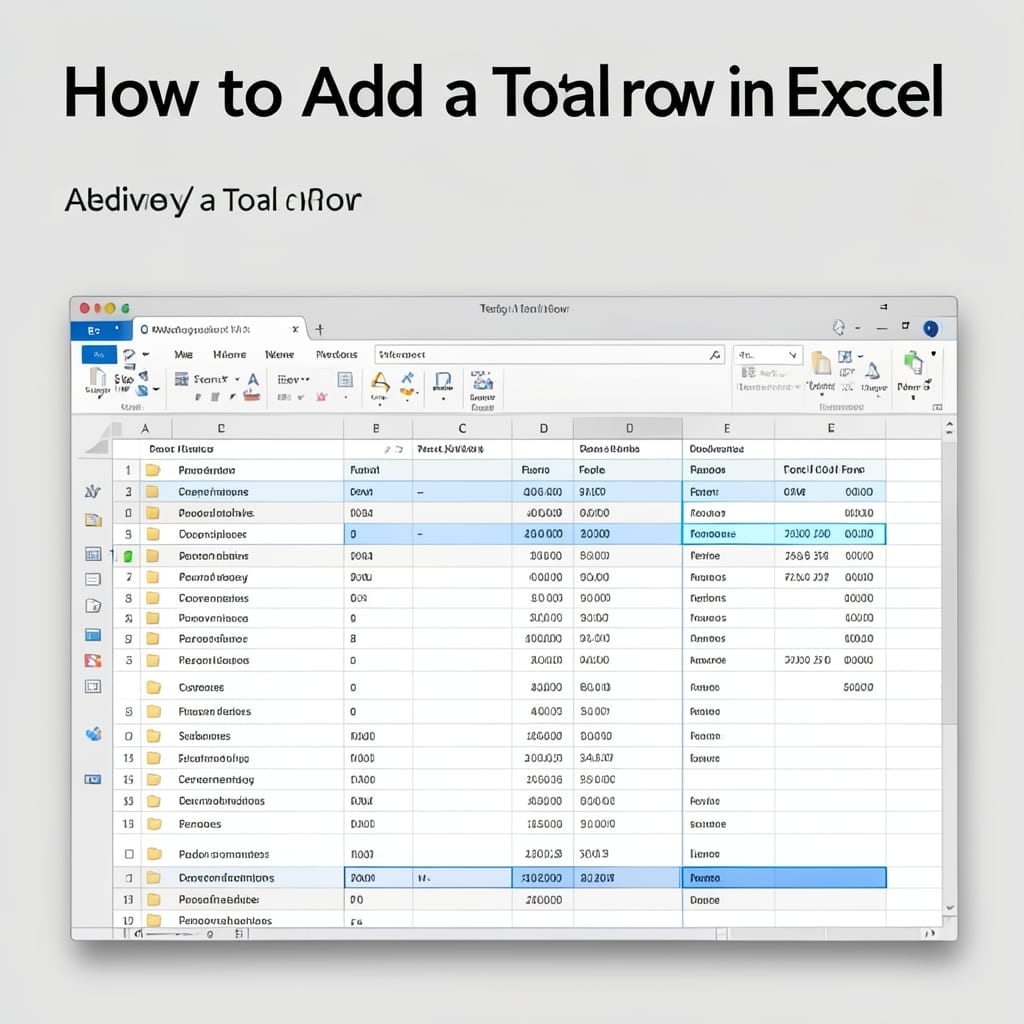
How To Add A Total Row In Excel: Quick Summarizing Method

How To Add A Total Row In Excel: Quick Summarizing Method

I remember the first spreadsheet my uncle showed me in 1998—rows of numbers with no way to quickly see the sum. Excel’s total row solves that instantly. This method adds a dynamic summary line that updates automatically when your data changes. No manual calculations, no formula errors, just clean results at the bottom of your … Read more

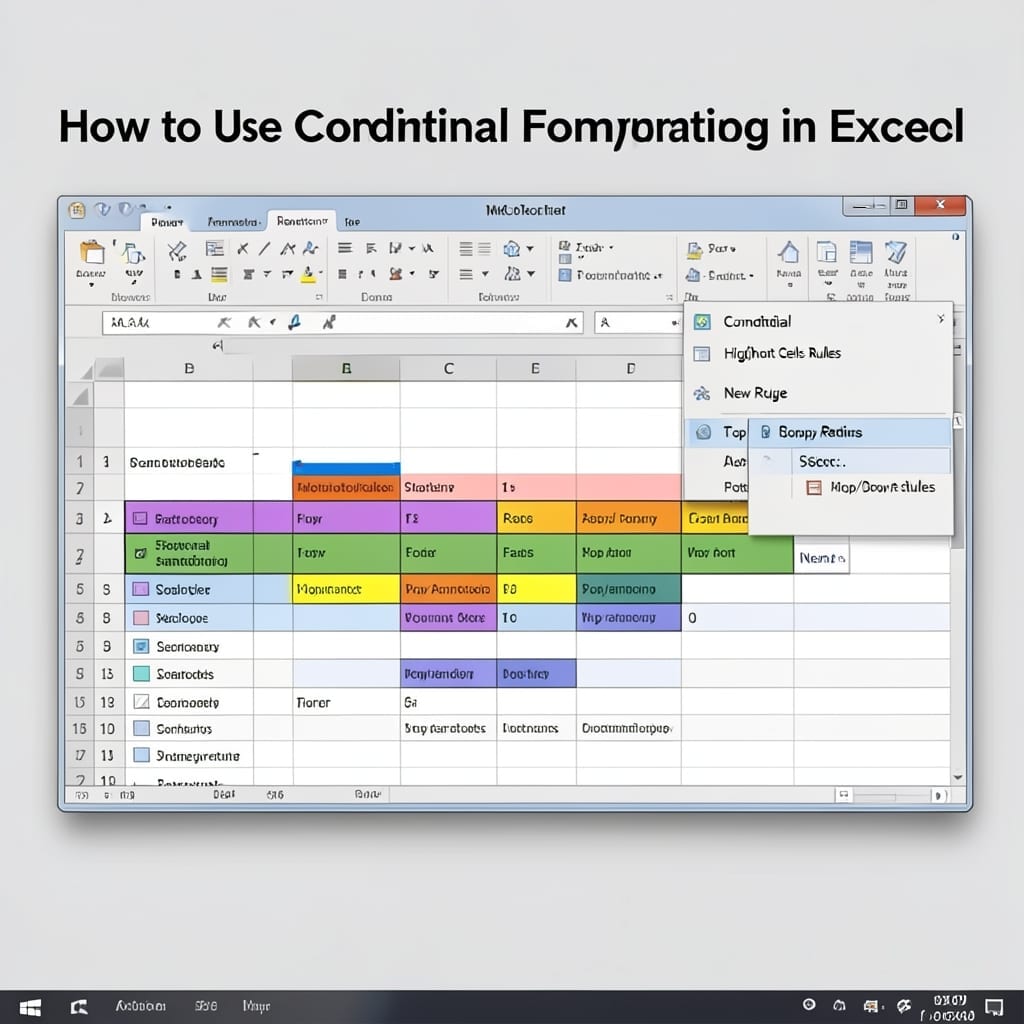
How to Use Conditional Formatting in Excel: Visual Data Highlighting Made Simple

How to Use Conditional Formatting in Excel: Visual Data Highlighting Made Simple

I still remember the first time I saw a spreadsheet light up with color-coded data. My uncle’s accounting sheets in 1998 looked like magic compared to the black-and-white grids I was used to. Conditional formatting turns raw numbers into instant insights. Highlight duplicates, flag deadlines, or color-code temperature ranges with a few clicks—no formulas required. … Read more