How to Use Power Pivot in Excel: Data Modeling Made Simple
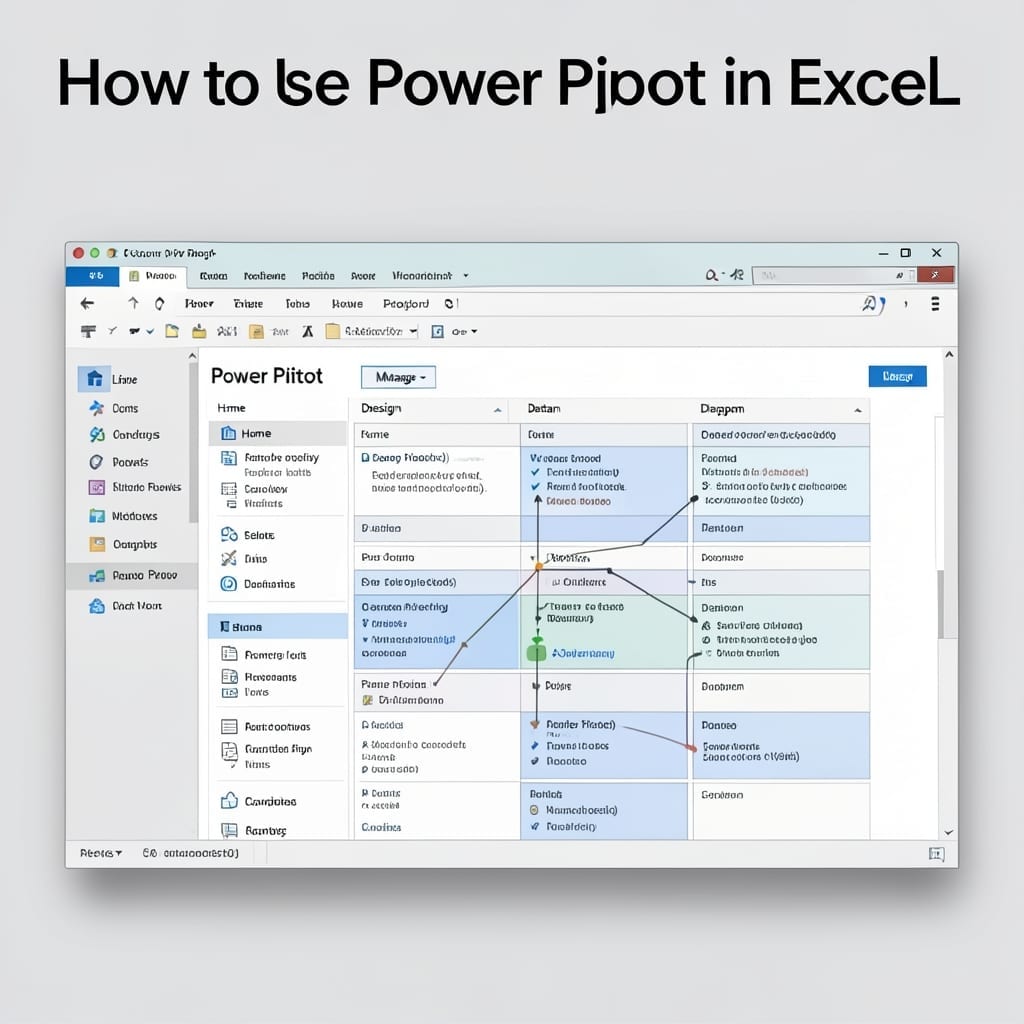
How to Use Power Pivot in Excel: Data Modeling Made Simple

I spent years wrestling with Excel’s limitations until Power Pivot changed everything. This tool turns spreadsheets into data powerhouses without complex coding or external databases. You’ll need Excel 2013 or later (Power Pivot isn’t in earlier versions). Enable it through File > Options > Add-ins, then start building relationships between tables like a pro. The … Read more
Excel Column Width Pixels to Inches: Quick Conversion Guide

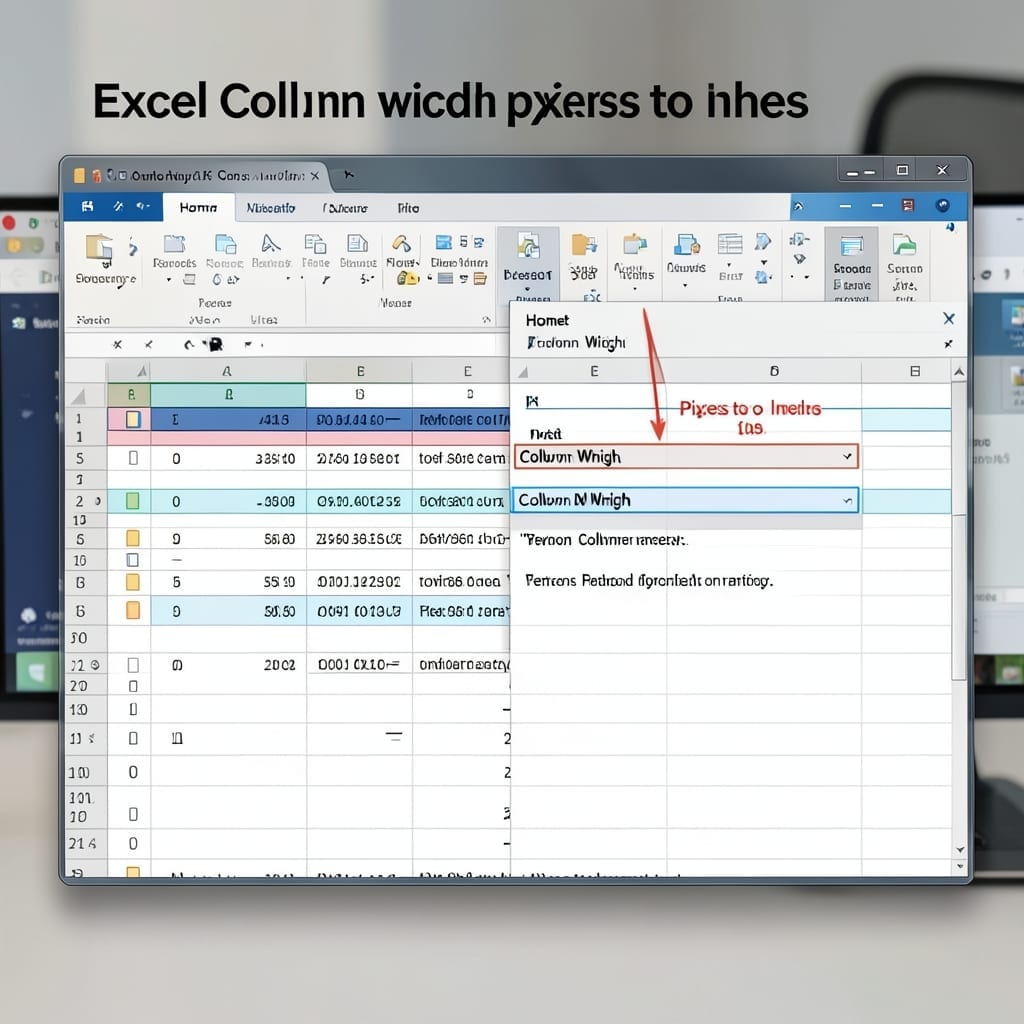
Excel Column Width Pixels to Inches: Quick Conversion Guide

I spent years manually resizing Excel columns until I found the math behind the pixels. This one formula saves me hours every month on reports that need precise printing. The trick is knowing Excel measures columns in characters while printers use inches. A simple division converts between them—no guesswork, no trial and error. I’ve tested … Read more

Convert Number to Text in Excel: Simple Formula for Any Value

Convert Number to Text in Excel: Simple Formula for Any Value

What Youll Need 🛠 Materials & Tools ● Excel software (2007 or later for best compatibility 💡) ● A spreadsheet with numeric data to convert ● Basic Excel knowledge (familiarity with formulas helps!) ● A second monitor for easier reference ● Sample datasets to practice with Instructions Here’s the straightforward method I use to turn … Read more

Which Option in the Insert Table Dialog Box Should You Check If You Want Smaller Tables to Fit on a Single Page: Enable AutoFit to Content

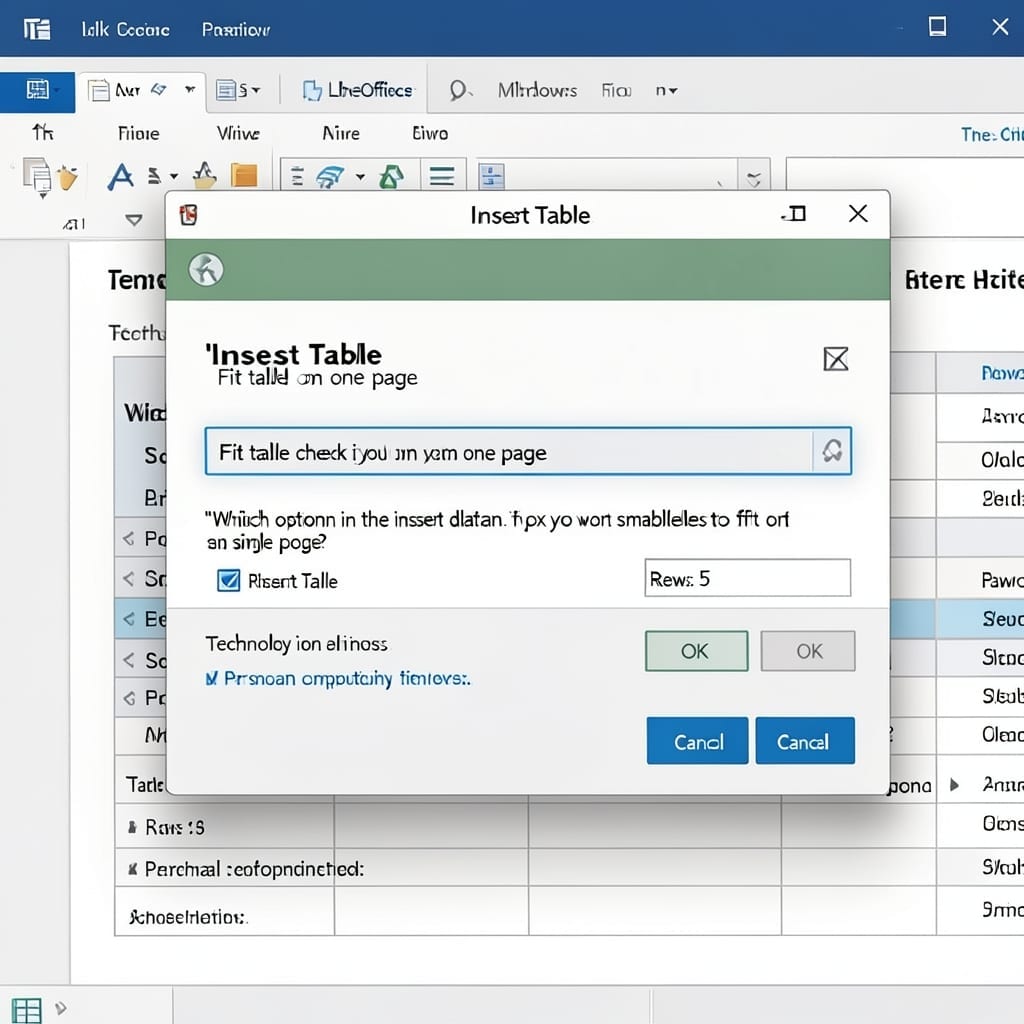
Which Option in the Insert Table Dialog Box Should You Check If You Want Smaller Tables to Fit on a Single Page: Enable AutoFit to Content

I’ve lost count of how many Word documents I’ve seen with tables spilling onto two pages. The fix is hiding in plain sight in the Insert Table dialog box. When you’re creating a new table, look for the AutoFit section at the bottom. Check AutoFit to contents—this tells Word to shrink column widths to match … Read more

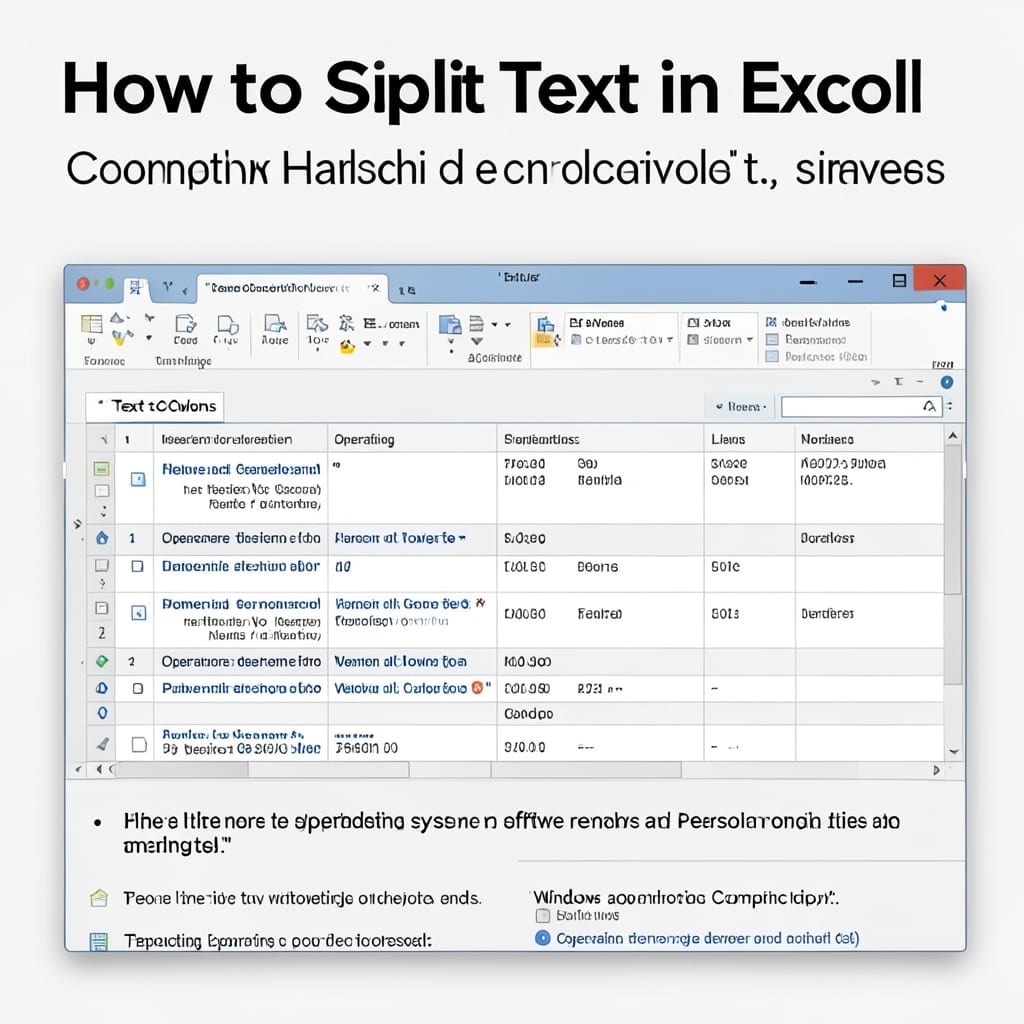
How to Split Text in Excel: Quick Data Separation Trick

How to Split Text in Excel: Quick Data Separation Trick

I still remember the first time I needed to split names into first and last columns in Excel. The solution was simpler than I expected. Excel has built-in tools that handle this in seconds. No formulas, no macros—just a few clicks and your data is perfectly separated. I’ve used this for everything from cleaning up … Read more