How to Use Editor in Word: Quick Formatting Access
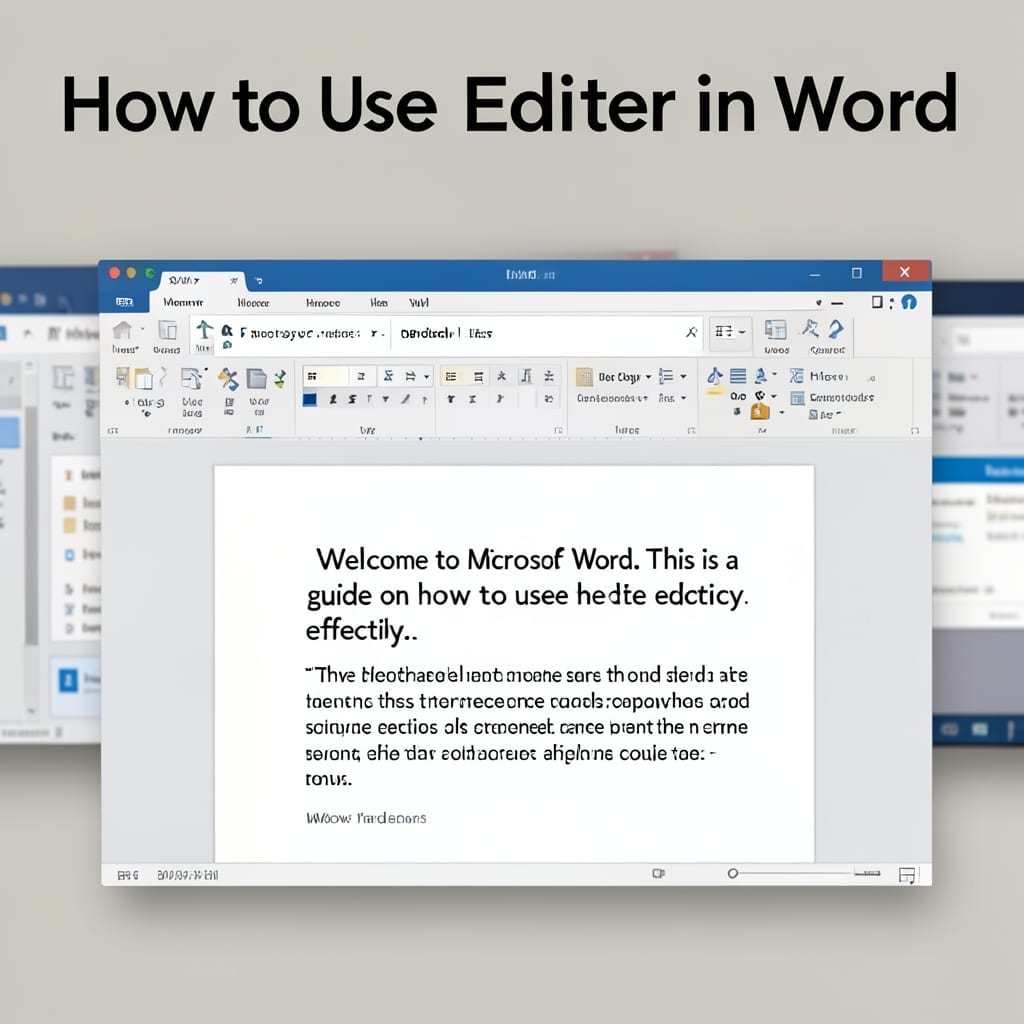
How to Use Editor in Word: Quick Formatting Access

I spent years formatting Word docs the hard way until I found this tool. The Editor pane cuts hours of manual tweaking down to minutes with its smart suggestions and one-click fixes. It’s not just a spellchecker—this catches awkward phrasing, inconsistent formatting, and even style issues. Works across Word 2016 and later, whether you’re on … Read more
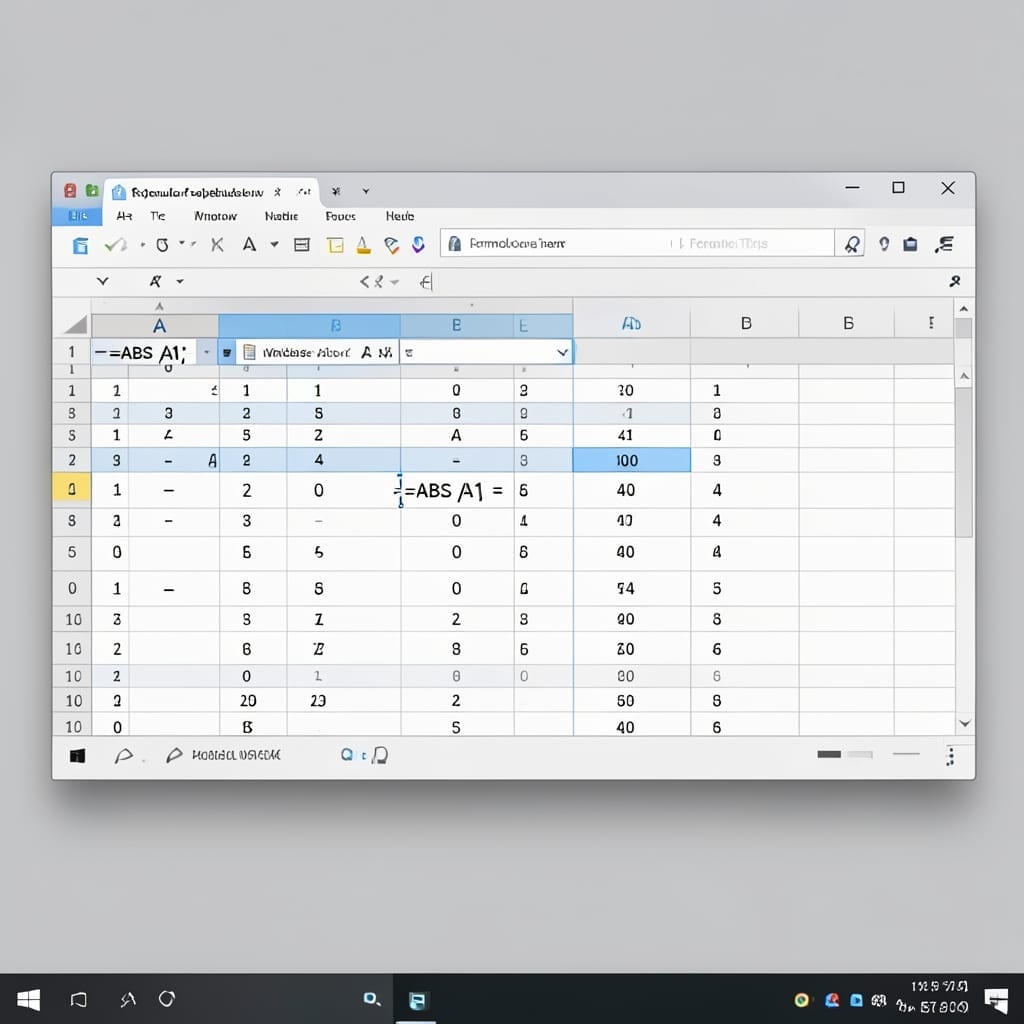
Formula for Absolute Value in Excel: Simple Function for Error-Proof Calculations

Formula for Absolute Value in Excel: Simple Function for Error-Proof Calculations

I spent years explaining Excel to colleagues who kept getting tripped up by negative numbers. This one function solves that problem instantly. The absolute value trick is simpler than most realize—just wrap your number in a single function. No complex syntax, no nested formulas, just a clean way to guarantee positive results every time. I’ve … Read more

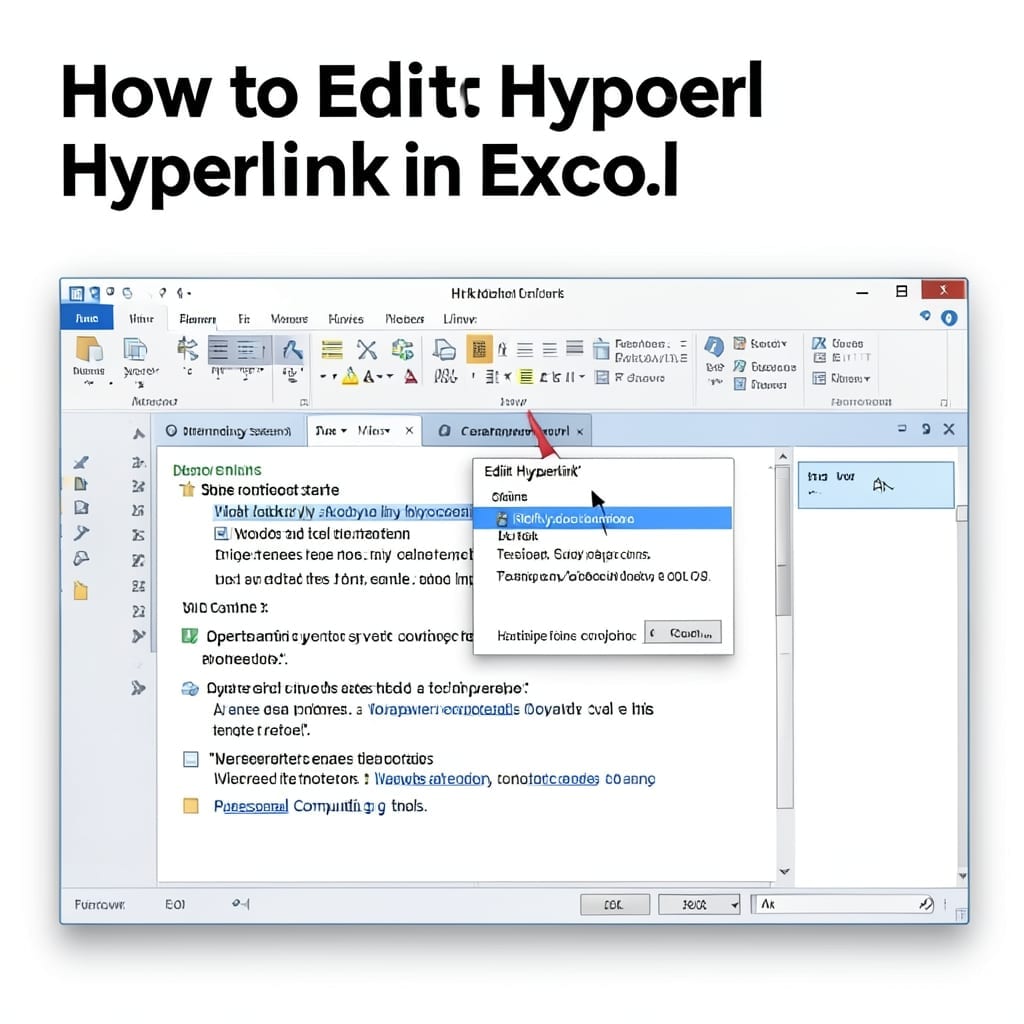
How To Edit Hyperlink In Excel: Quick Click-And-Change Method

How To Edit Hyperlink In Excel: Quick Click-And-Change Method

I’ve edited thousands of hyperlinks in Excel spreadsheets over the years. The process is far simpler than most users realize, taking under 30 seconds once you know the right clicks. Right-click the link, select Edit Hyperlink, and you’re already halfway there. The dialog box lets you change the display text, destination URL, or switch between … Read more

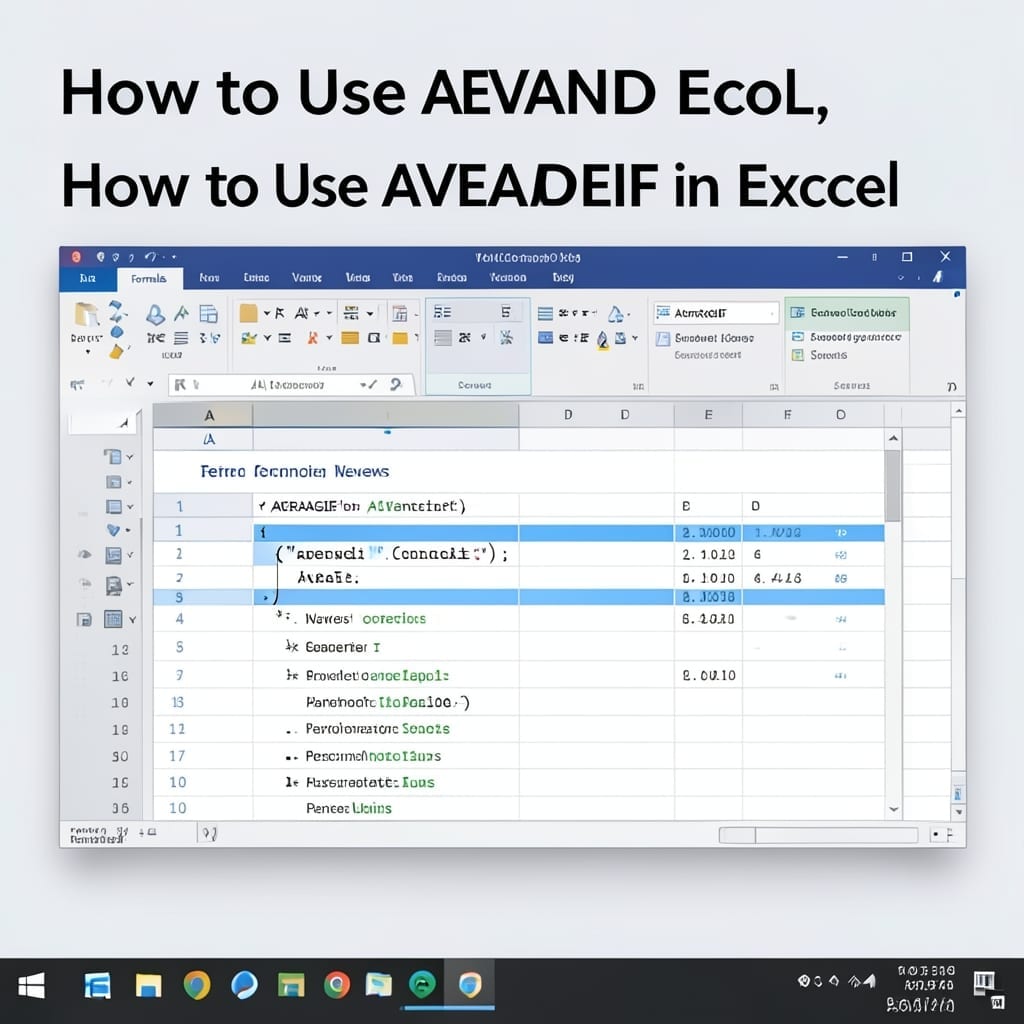
How To Use Averageif In Excel: Conditional Averaging Made Simple

How To Use Averageif In Excel: Conditional Averaging Made Simple

I spent years manually calculating averages until Excel’s AVERAGEIF saved me hours. This function cuts through spreadsheets like a hot knife through butter, giving you precise conditional averages in seconds. The syntax is simple: one range to check, one condition, and one range to average. No complex formulas, no nested logic—just clean, direct results every … Read more