How to Circle Invalid Data in Excel: Visual Error Identification Method
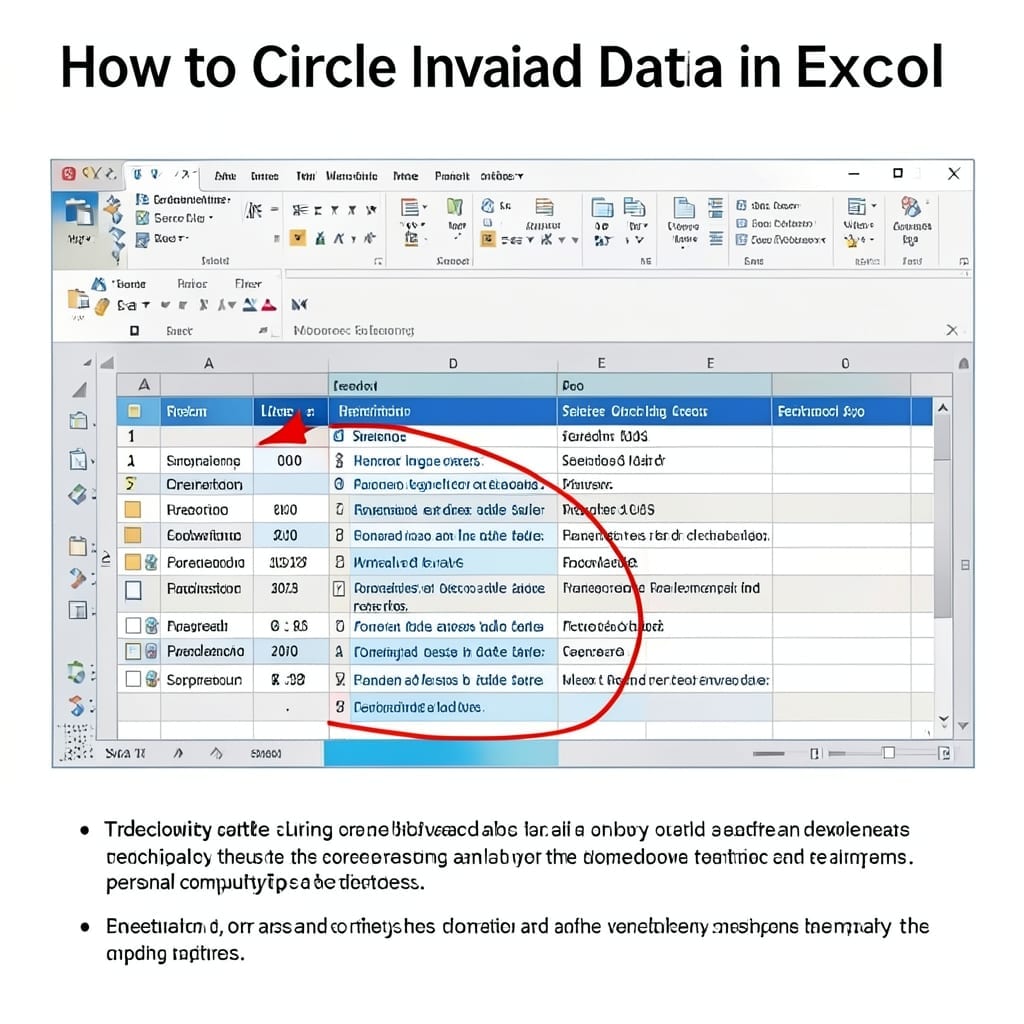
How to Circle Invalid Data in Excel: Visual Error Identification Method

I spent years manually scanning Excel sheets for errors until I discovered this method. It transforms raw data into visually flagged problem points in seconds, not hours. Using Excel’s built-in tools, you can automatically encircle invalid entries based on your rules. The setup is foolproof—no macros, no complex formulas, just straightforward formatting that highlights what … Read more
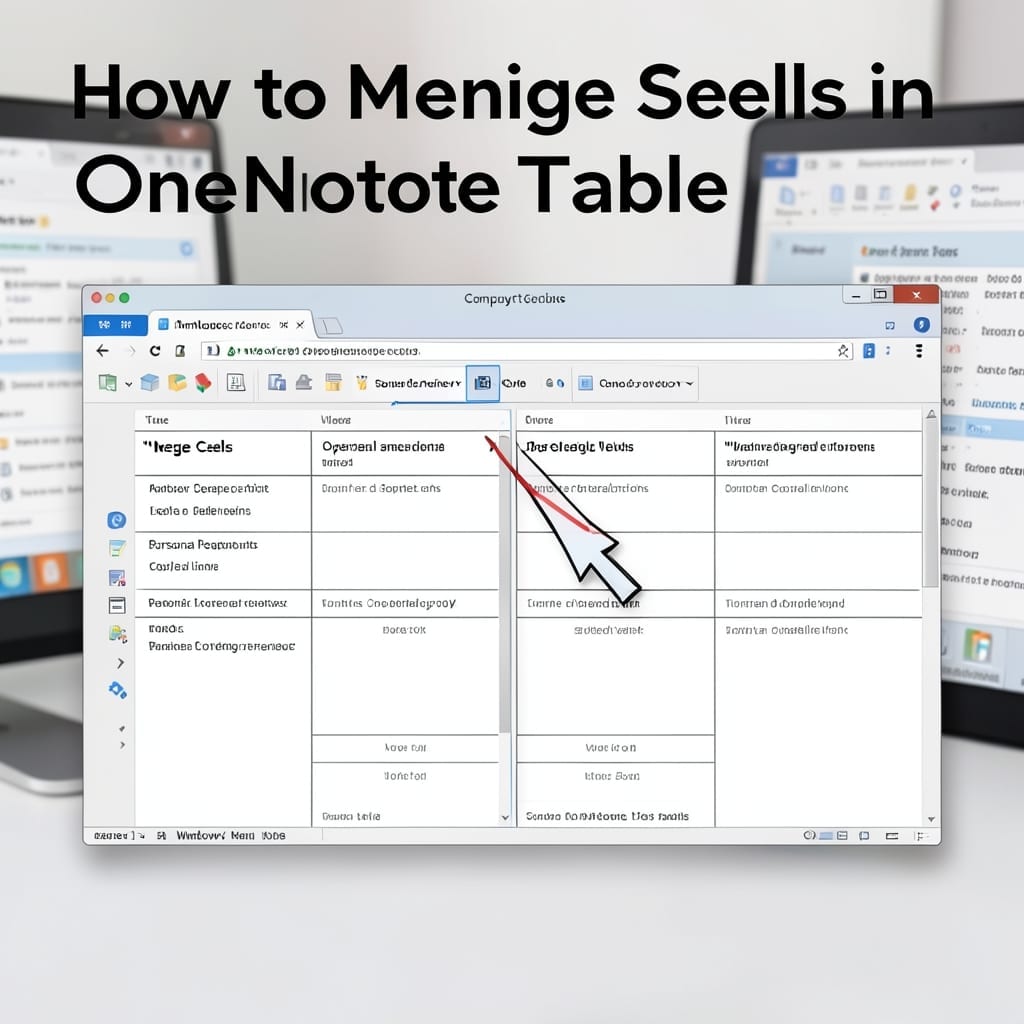
How to Merge Cells in OneNote Table: Simple Click-and-Drag Method

How to Merge Cells in OneNote Table: Simple Click-and-Drag Method

Here’s the thing—OneNote tables look clean until you need to combine cells. The click-and-drag method most users try first misses a critical step that causes layout chaos. I’ve watched colleagues waste 20 minutes fighting table formatting because they didn’t realize the selection order matters. The right approach takes 10 seconds once you know the sequence. … Read more

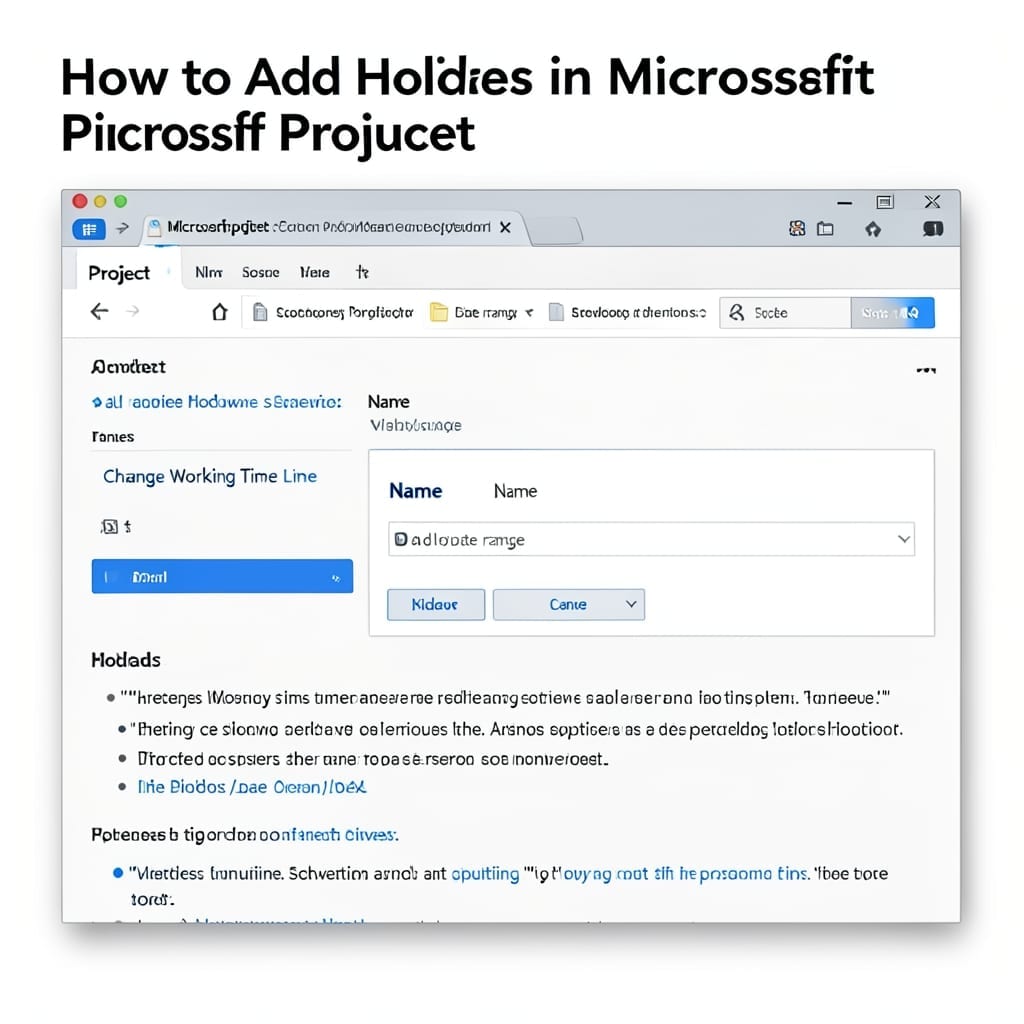
How to Add Holidays in Microsoft Project: Streamlined Calendar Customization

How to Add Holidays in Microsoft Project: Streamlined Calendar Customization

I’ve seen project timelines derail because someone forgot to account for holidays. This calendar tweak in Microsoft Project takes under 5 minutes and prevents those embarrassing schedule miscalculations. The process is nearly identical across Project 2016, 2019, and 2021. You’ll modify the project calendar through a straightforward menu path, then add specific dates as non-working … Read more

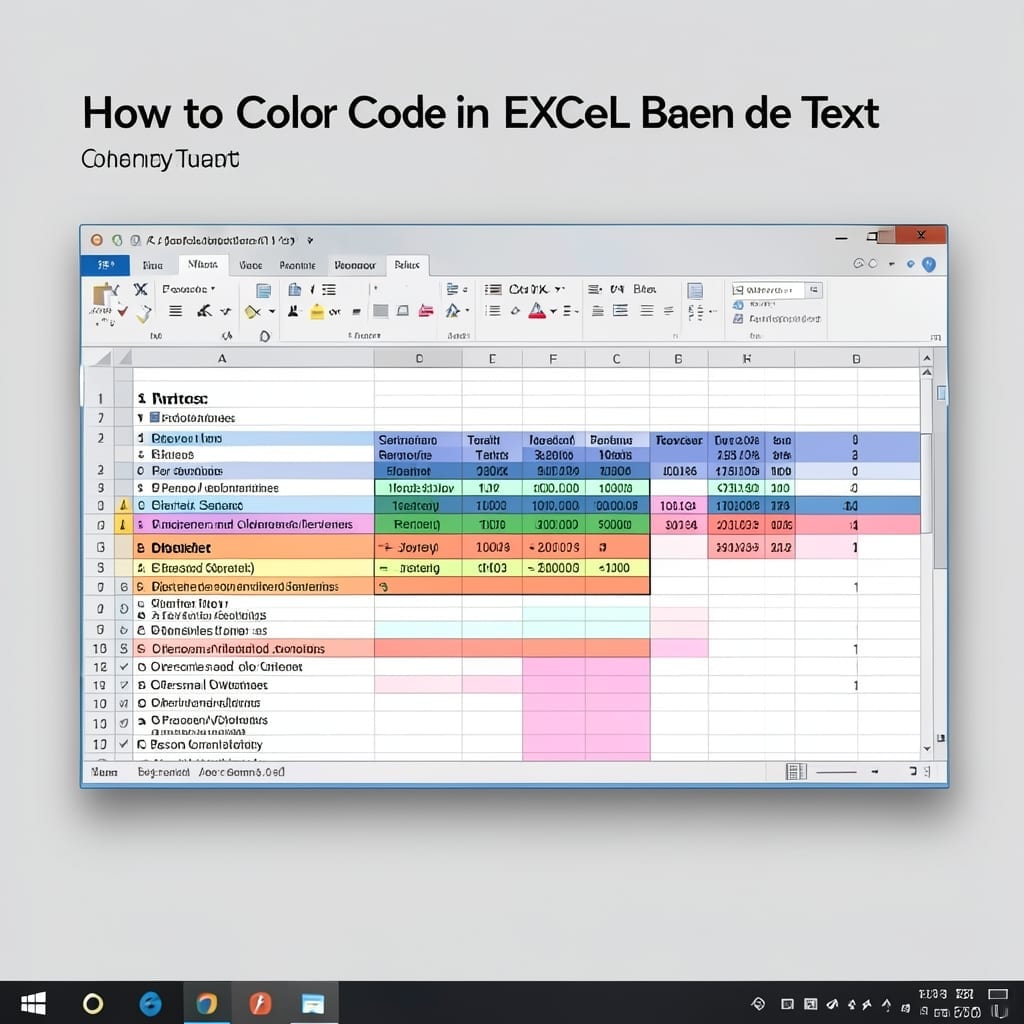
How to Colour Code in Excel Based on Text: Conditional Formatting Made Simple

How to Colour Code in Excel Based on Text: Conditional Formatting Made Simple

Color-coding text in Excel transformed my data chaos into clarity overnight. I was drowning in spreadsheets until I discovered how to make critical values stand out automatically. The trick is conditional formatting with text-based rules. You set the criteria once—like highlighting all “Urgent” entries in red—and Excel handles the rest. No manual formatting, even with … Read more

How To Proofread A Document In Word: Built-In Tools For Error-Free Text

How To Proofread A Document In Word: Built-In Tools For Error-Free Text

Five years at Microsoft taught me most users miss Word’s hidden proofreading superpowers. I’ve watched colleagues spend hours on manual checks while better tools sit unused. The built-in Editor catches more than basic spelling—it flags grammar issues, clarity problems, and even inclusive language with one click. Read Aloud reveals awkward phrasing your eyes gloss over. … Read more

How to Export MS Project to Excel: Step-By-Step Data Transfer Method

How to Export MS Project to Excel: Step-By-Step Data Transfer Method

I’ve moved entire project timelines between systems more times than I can count. This export method preserves every task, dependency, and custom field without losing formatting. The process works in MS Project 2013 through 2024 and outputs cleanly to Excel 2016 or newer. You’ll use built-in export wizards—no third-party tools, no macros, just native functionality. … Read more