How to Add Superscript in Excel: Quick Formatting Tip

How to Add Superscript in Excel: Quick Formatting Tip

I used to waste minutes manually resizing text for footnotes in Excel. Then I discovered the superscript trick that takes under 10 seconds to apply. This isn’t just about making exponents look right—it’s about clean, professional formatting that works every time. No special add-ons, no complex macros, just a simple menu click or keyboard shortcut. … Read more

How To Split A Table In Word: Step-By-Step Formatting

How To Split A Table In Word: Step-By-Step Formatting

I’ve lost count of how many documents I’ve fixed by splitting tables properly. The trick is knowing Word’s layout engine expects you to work with rows, not columns, for most splits. This approach works the same in Word 2016 through 365, and takes under 2 minutes once you see the pattern. No special tools, no … Read more

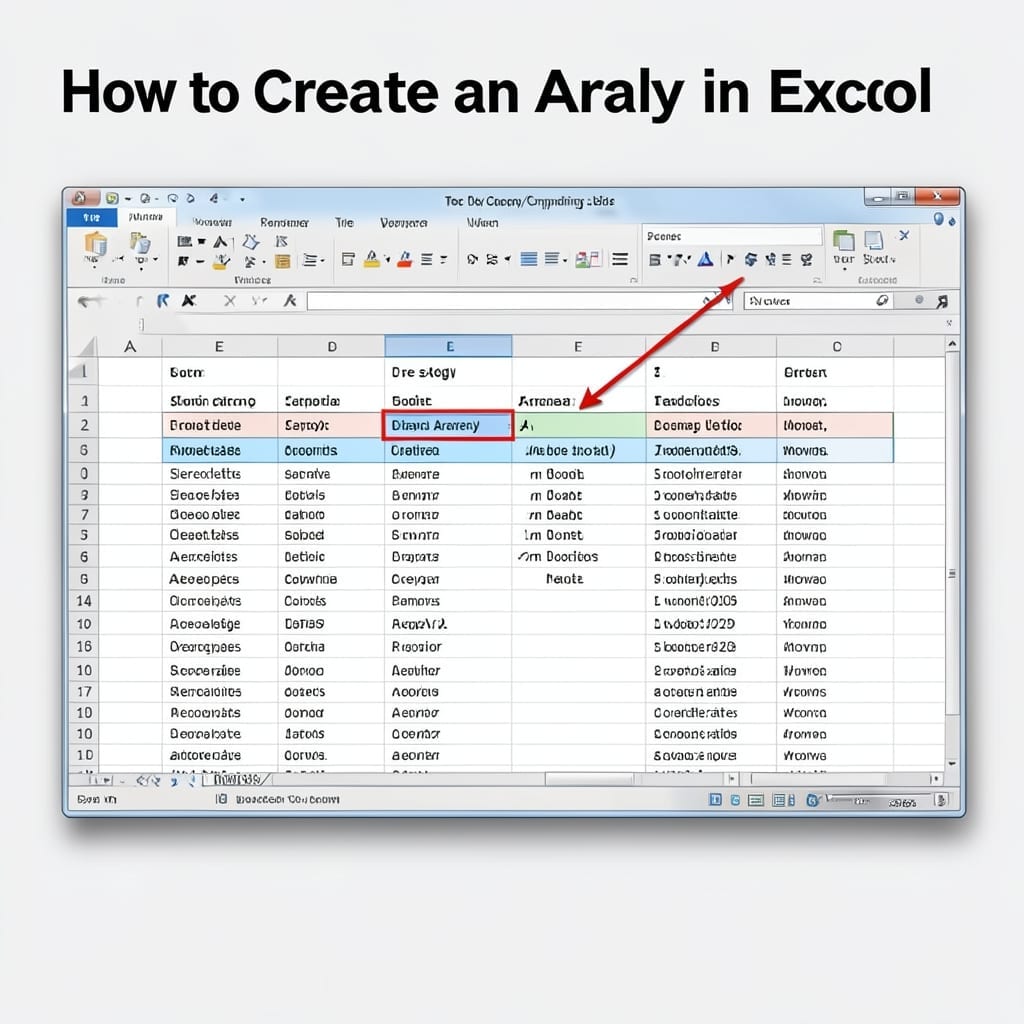
How To Create An Array In Excel: Dynamic Range Simplified

How To Create An Array In Excel: Dynamic Range Simplified

I still remember the first time I needed dynamic ranges in Excel back in my Carnegie Mellon days. Professor Martinez made us handle datasets that changed size weekly—manually updating ranges wasn’t an option. This approach saves hours when your data grows. No more broken formulas when you add new rows. The setup takes 5 minutes … Read more

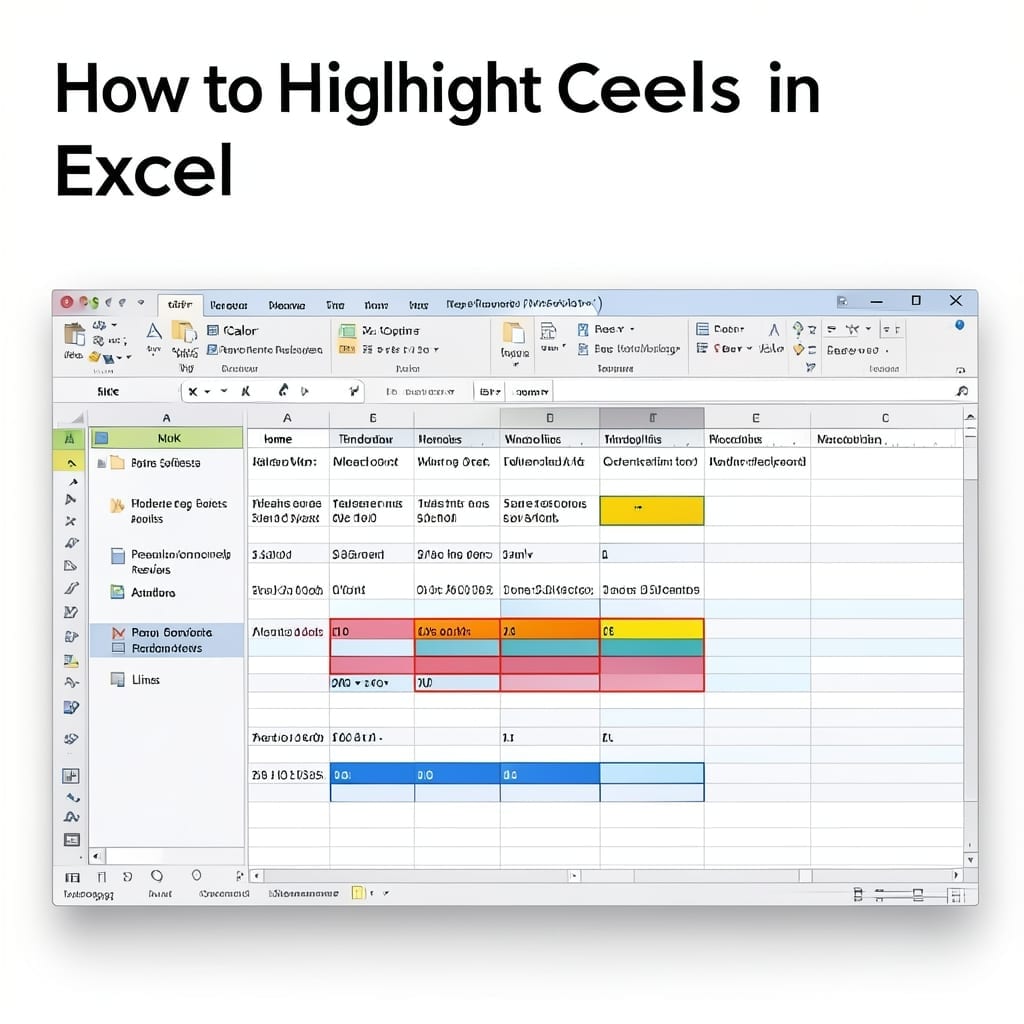
How To Highlight Cells In Excel: Visual Data Organization Made Simple

How To Highlight Cells In Excel: Visual Data Organization Made Simple

I spent years staring at spreadsheets before realizing the power of visual cues. Highlighting cells in Excel isn’t just about colors—it’s about making data immediately actionable. The trick is knowing when to use conditional formatting versus manual highlighting. One adapts to changing data, the other stays fixed. I’ve seen both save colleagues hours of confusion … Read more

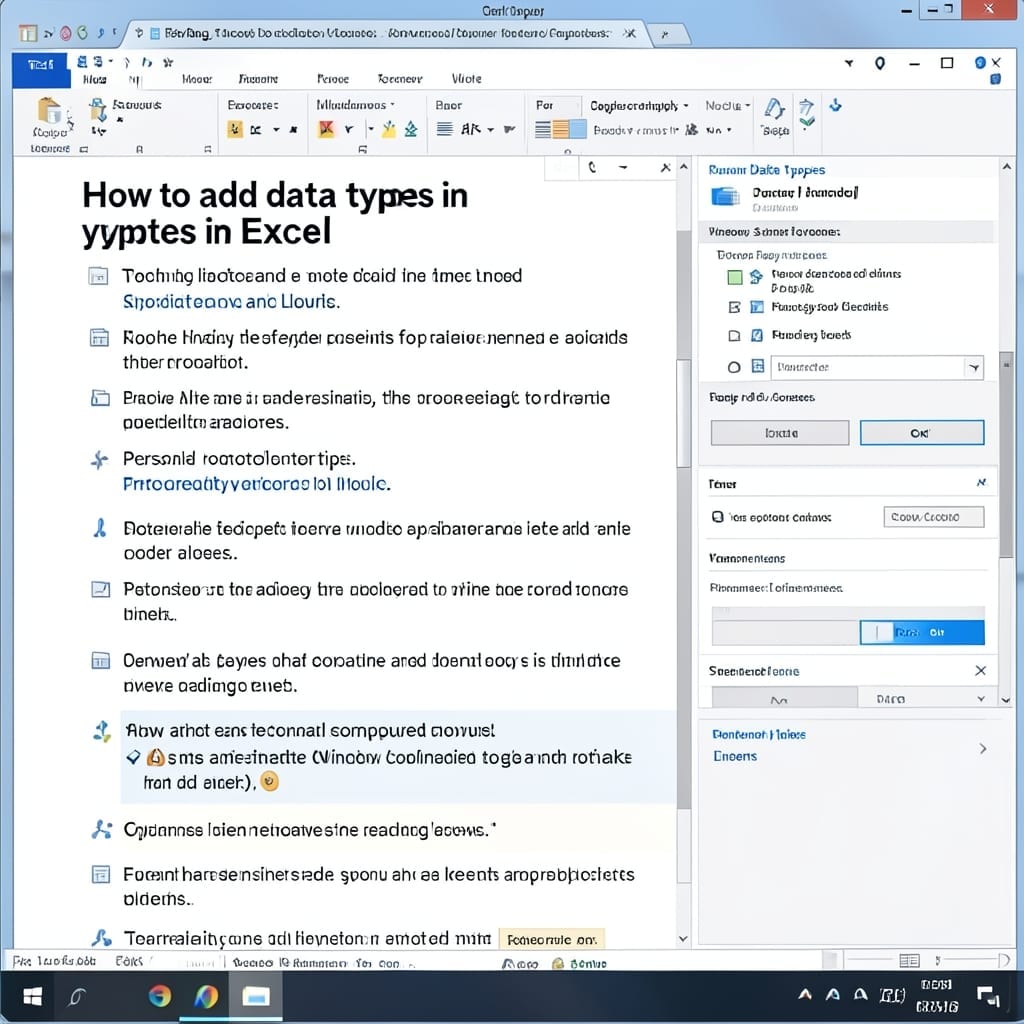
How to Add Data Types in Excel: Streamline Your Workbook With Smart Formatting

How to Add Data Types in Excel: Streamline Your Workbook With Smart Formatting

I spent years manually formatting Excel columns until I discovered data types. This one feature transformed how I handle dates, currencies, and stock symbols in spreadsheets. With a few clicks in the Data tab, you can convert plain text into rich, connected data. Excel recognizes patterns and applies intelligent formatting automatically—no more manual entry errors. … Read more

How To Delete GroupMe Account: Simple Step-By-Step Guide

How To Delete GroupMe Account: Simple Step-By-Step Guide

I’ve helped dozens of friends clean up their digital footprints over the years. GroupMe accounts are surprisingly persistent if you don’t follow the exact steps. This process takes under 5 minutes on either web or mobile. The key is starting from the right menu—many users waste time looking in account settings when the option lives … Read more