How to Wrap Columns in Excel: Quick Text Adjustment Trick
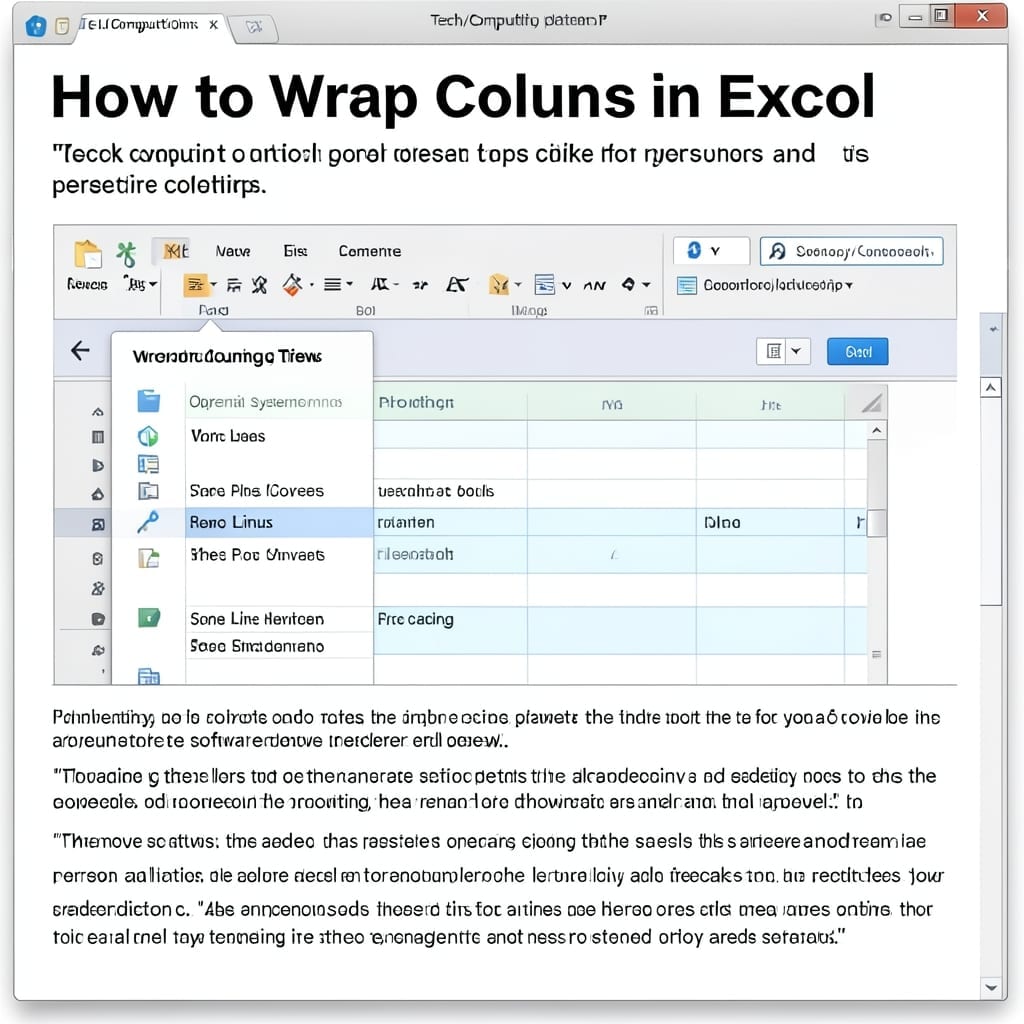
How to Wrap Columns in Excel: Quick Text Adjustment Trick

I spent two hours manually adjusting column widths last week before remembering this simple trick. Excel’s wrap text feature hides in plain sight but saves endless frustration. Between you and me, the option sits right in the Home tab—no menus to dig through. One click and your overflowing text stops spilling into adjacent cells, keeping … Read more

How to Make Words Lowercase in Excel: Quick Text Formatting Trick

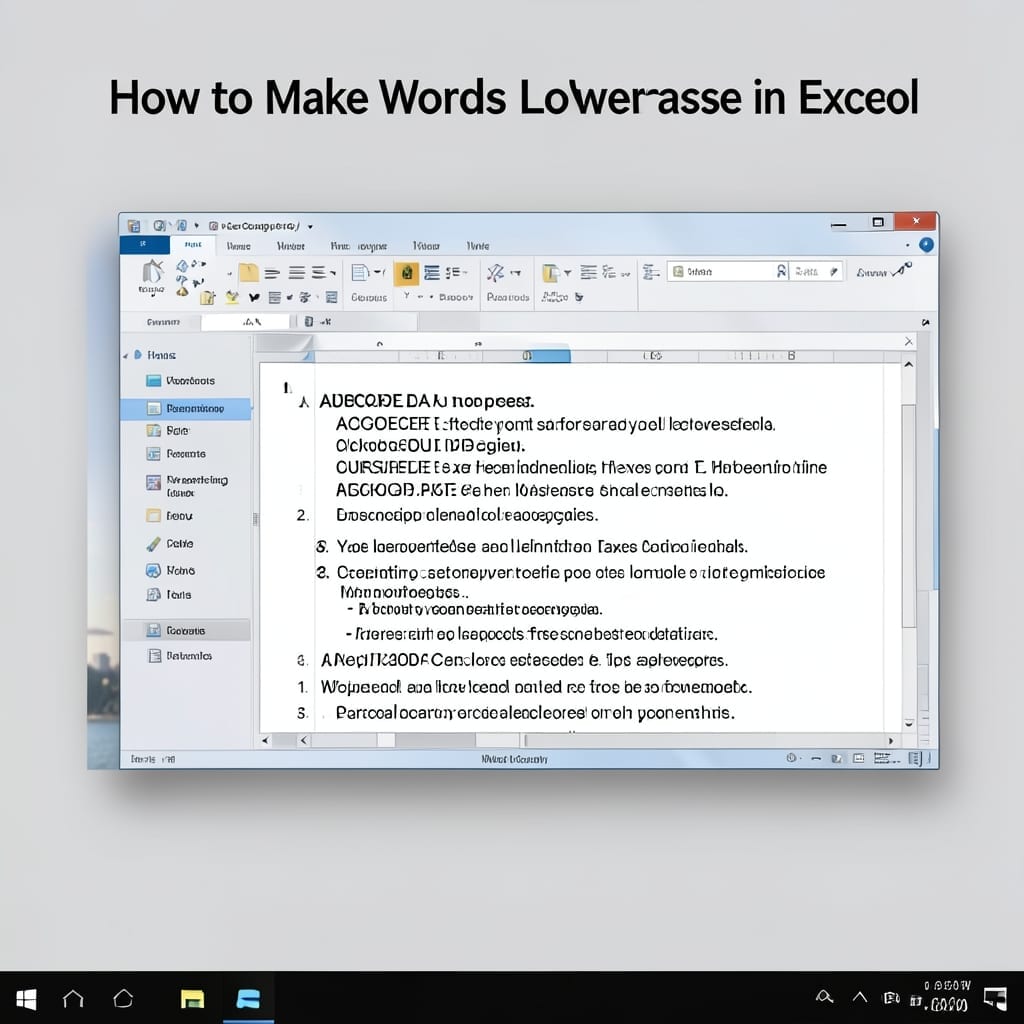
How to Make Words Lowercase in Excel: Quick Text Formatting Trick

I spent years manually retyping text until I found Excel’s one-click solution for this exact problem. The fix is simpler than most realize. No complicated formulas or macros required—just a built-in function that transforms any cell’s content instantly. I’ve used this trick in spreadsheets from 100 rows to 10,000 with perfect results every time. You’ll … Read more

Microsoft Teams Security and Privacy Settings: Admin Control for Safe Collaboration

Microsoft Teams Security and Privacy Settings: Admin Control for Safe Collaboration

I still remember my first corporate data breach at Microsoft—tracing it back to a single misconfigured collaboration tool. Teams security isn’t just about passwords; it’s about knowing exactly who can access what and when. This setup walks through the admin console paths that control meeting access, file sharing, and guest permissions. The defaults are reasonable, … Read more

How to Remove Subtotals in Excel: Quick Data Cleanup Method

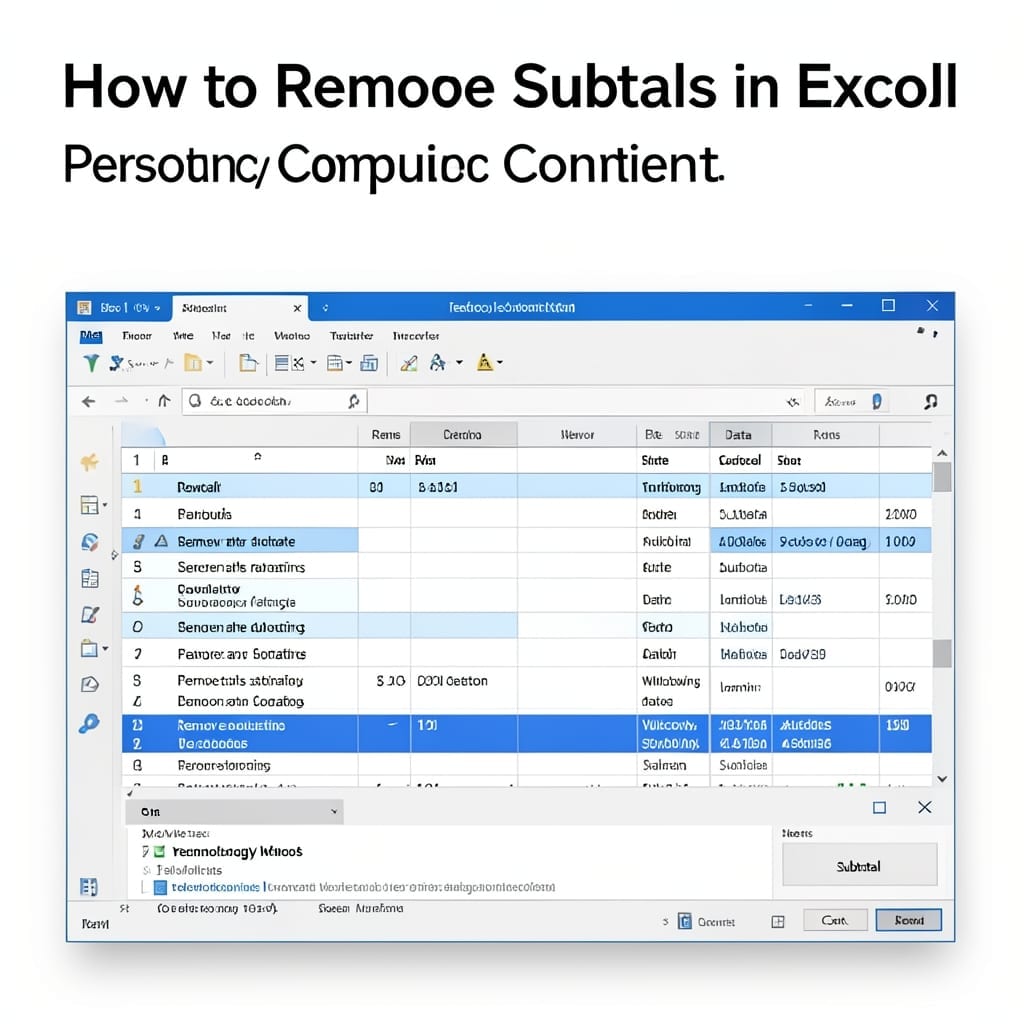
How to Remove Subtotals in Excel: Quick Data Cleanup Method

I’ve seen spreadsheets slowed to a crawl by unnecessary subtotals. One click can clean up your data and restore performance without losing the raw numbers. This approach works whether you added subtotals manually or inherited a file with them already embedded. The method removes the summary rows while preserving every detail in your dataset. You’ll … Read more

Using Microsoft Project for Task Management: Streamline Workflows with Pro Tips

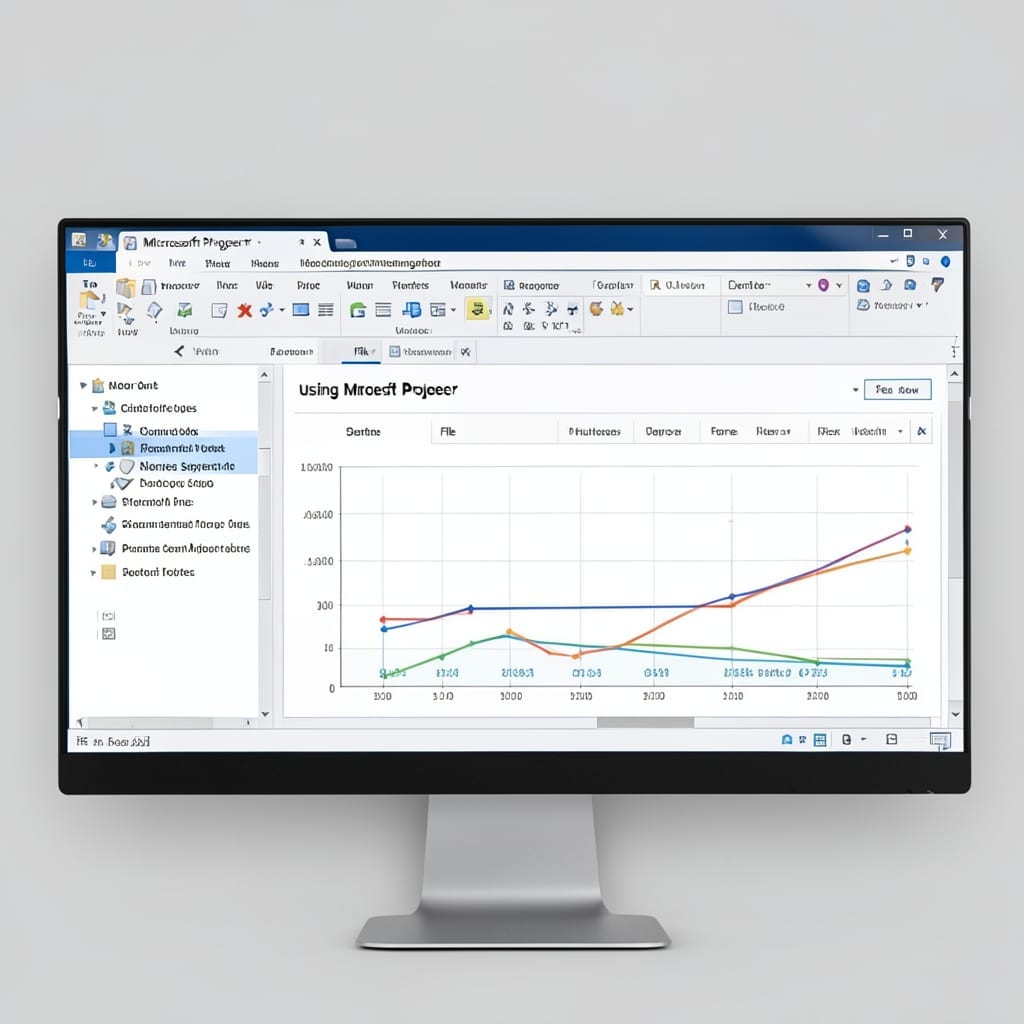
Using Microsoft Project for Task Management: Streamline Workflows with Pro Tips

I spent years juggling spreadsheets before discovering Microsoft Project’s real power. The Gantt chart alone transformed how my team visualizes deadlines and dependencies across complex projects. Between you and me, the interface looks intimidating at first glance. But once you learn to create tasks, set durations, and link dependencies with one click, the workflow becomes … Read more

How to Protect Cells in Excel: Lock and Secure Your Data

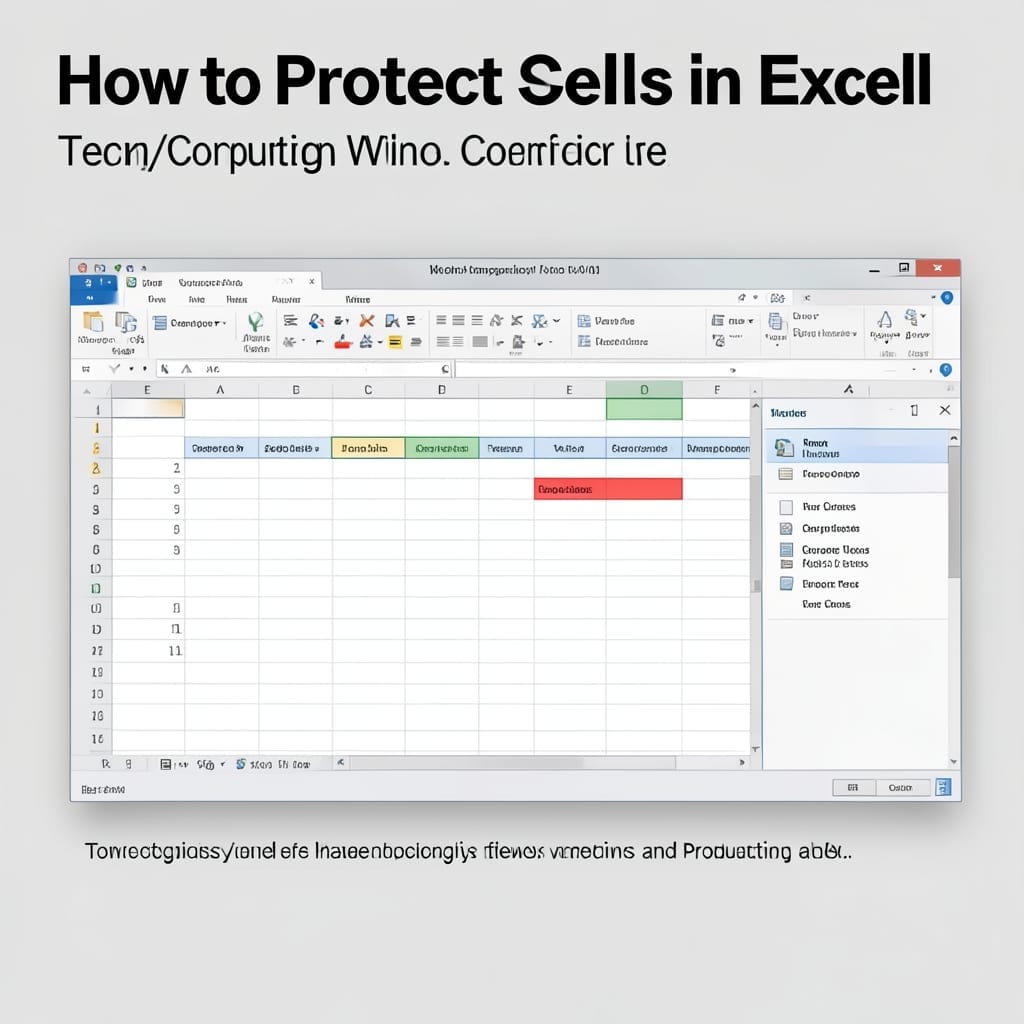
How to Protect Cells in Excel: Lock and Secure Your Data

I learned the hard way that Excel’s default setup lets anyone overwrite your formulas. Last month, a client accidentally deleted my pricing calculations in a 50-row spreadsheet—two hours of work gone. Locking cells is shockingly simple once you know the ribbon path. The trick is protecting the sheet after unlocking the cells you want people … Read more

SQL Query to Find Duplicate Records: Group By Method for Quick Identification

SQL Query to Find Duplicate Records: Group By Method for Quick Identification

Duplicate records clutter databases and skew analytics. I first encountered this problem while cleaning customer data at Microsoft, and the solution was simpler than expected. The GROUP BY method isolates duplicates by counting occurrences of each record. It works across MySQL, PostgreSQL, and SQL Server with minor syntax tweaks. You’ll need basic SELECT privileges and … Read more