Binomial Distribution Excel: Greater Than or Equal To Calculation Method

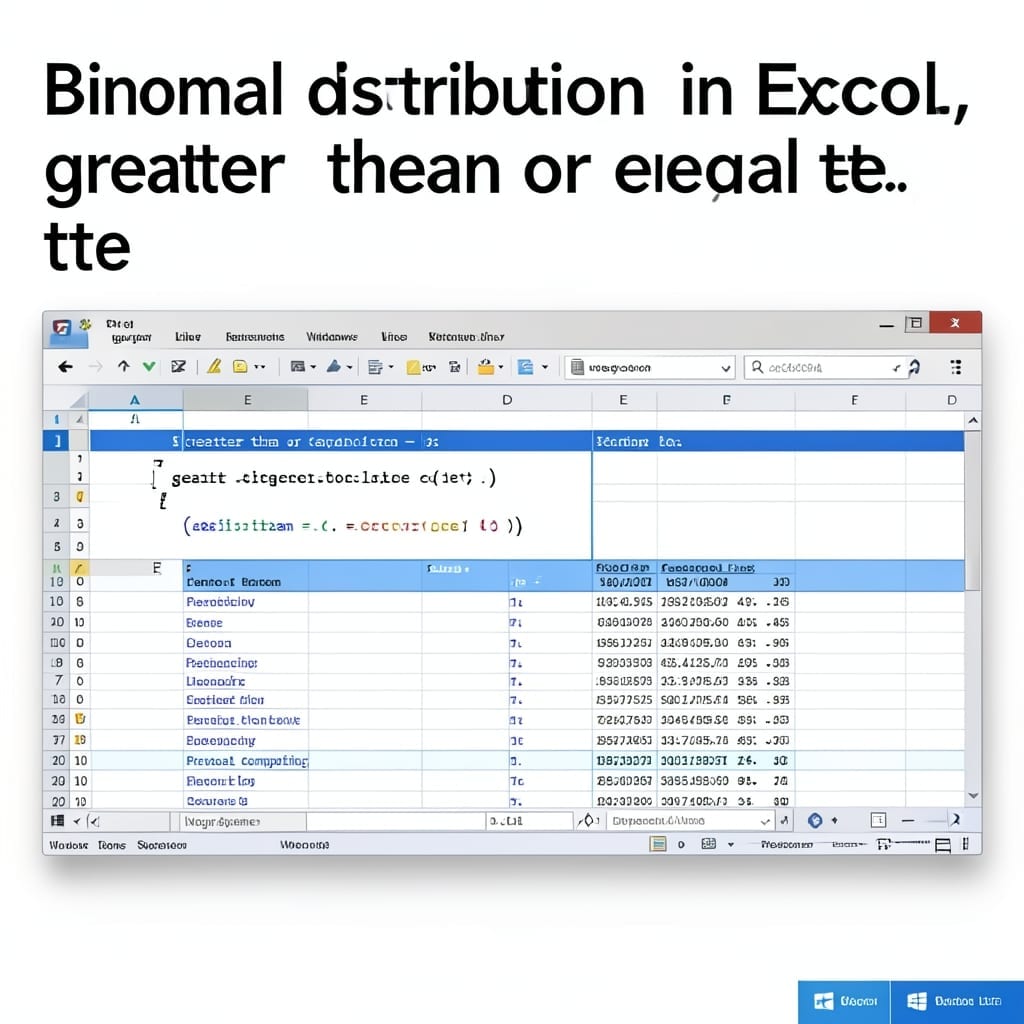
Binomial Distribution Excel: Greater Than or Equal To Calculation Method

Calculating binomial probabilities in Excel changed how I approach data analysis. The BINOM.DIST function handles most cases, but conditions like “greater than or equal to” require a different approach. I learned this the hard way during a Carnegie Mellon stats project. The solution lies in using 1 – BINOM.DIST for cumulative probabilities, or BINOM.DIST.RANGE for … Read more

How to Protect Formulas in Excel: Lock Cells and Hide Formulas

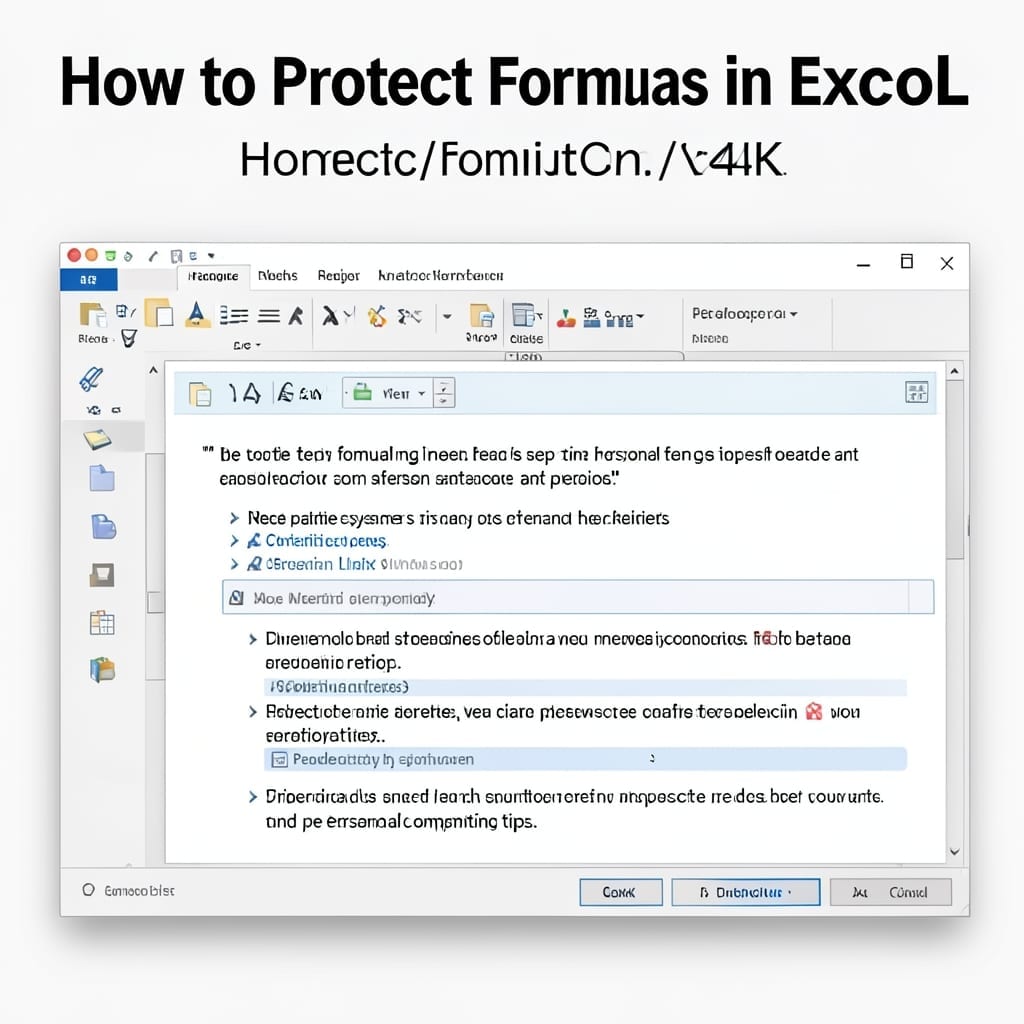
How to Protect Formulas in Excel: Lock Cells and Hide Formulas

I’ve lost entire spreadsheets to accidental edits before. đź’ˇ Locking cells and hiding formulas in Excel prevents that chaos with a few clicks. The process starts by unlocking only the cells users can edit, then protecting the sheet. This keeps your calculations safe while letting others input data. Works in Excel 2016 through 365. You’ll … Read more

How To Save A Copy Of An Excel File: Quick Backup Method

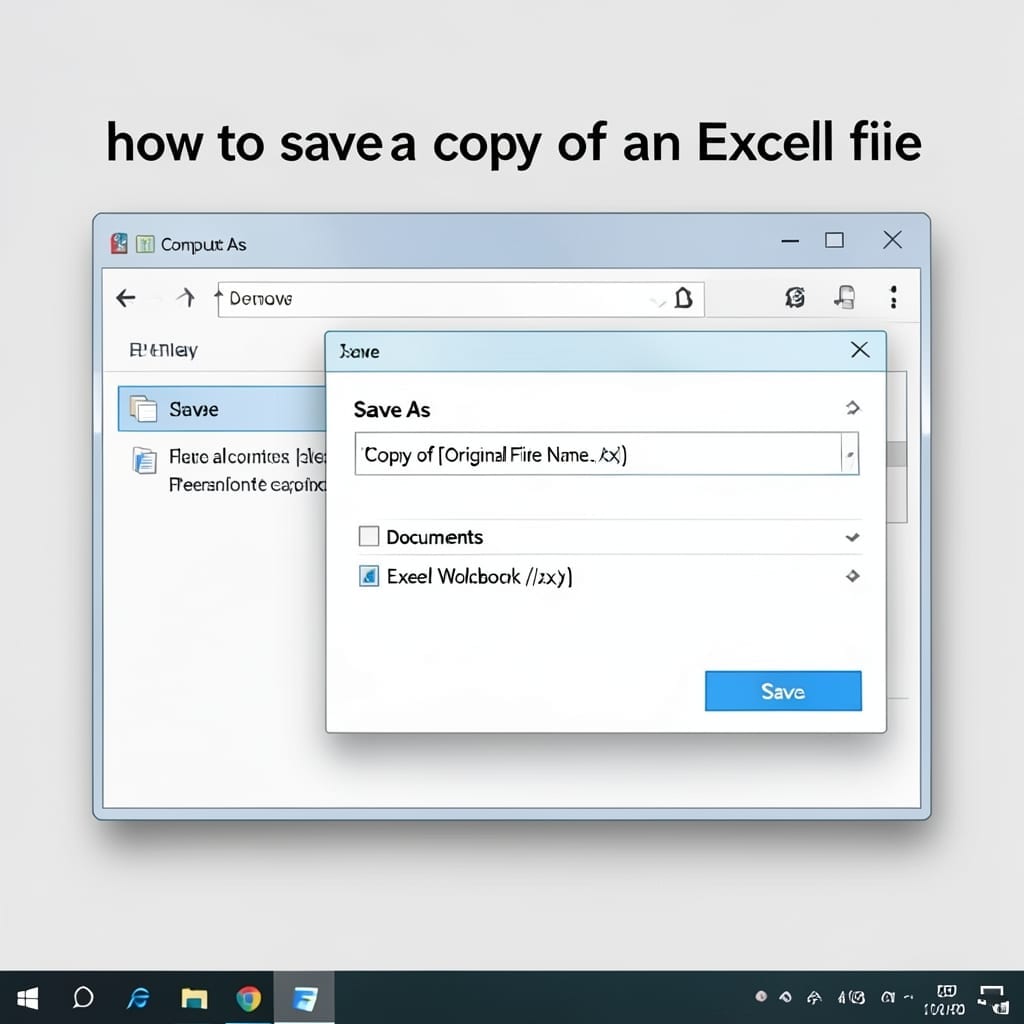
How To Save A Copy Of An Excel File: Quick Backup Method

I learned the hard way that Excel crashes love to target unsaved work. This method gives you a one-click backup that prevents data loss completely. No special tools or add-ins required—just the built-in Save As function. Works identically across Excel 2016, 2019, and 365, with the same menu paths and keyboard shortcuts. You’ll create an … Read more

Change The Document So The Header Text And Page Number Do Not Appear On The First Page But Still Appear On All Other Pages: Step-By-Step Formatting Guide

Change The Document So The Header Text And Page Number Do Not Appear On The First Page But Still Appear On All Other Pages: Step-By-Step Formatting Guide

I spent 20 minutes wrestling with this in a grant proposal last week. The fix is simpler than most tutorials make it seem. In Word, it’s one checkbox—Different First Page in the Header & Footer tools. Google Docs needs a section break and a tiny tweak to the header settings. Both take under 5 minutes … Read more

How to Copy Excel Sheet to Another Workbook: Preserve Format and Formulas in Seconds

How to Copy Excel Sheet to Another Workbook: Preserve Format and Formulas in Seconds

I spent years manually recreating spreadsheets until I found this method. Copying an entire Excel sheet to another workbook while keeping all formatting and formulas intact takes under 30 seconds when you know the right approach. The secret is using Excel’s built-in copy function with a specific paste option. No macros, no add-ins, just a … Read more

Add Email Link to SharePoint Page: Quick Collaboration Booster

Add Email Link to SharePoint Page: Quick Collaboration Booster

I spent years watching teams struggle with SharePoint collaboration until this simple trick changed everything. The process takes under 5 minutes once you know where to look. No coding, no special permissions—just a few clicks in the modern SharePoint interface to transform how your team shares information. You’ll create a direct mailto link that pre-fills … Read more

Which Keyboard Shortcut Opens The Find And Replace Dialog Box To The Replace Tab: Ctrl+H For Instant Access

Which Keyboard Shortcut Opens The Find And Replace Dialog Box To The Replace Tab: Ctrl+H For Instant Access

I spent years hunting through menus for find-and-replace until I discovered Ctrl+H. It opens the dialog straight to the replace tab in most Windows apps, saving clicks and frustration. This shortcut works in Word, Excel, Notepad++, and dozens of other programs. On macOS, it’s Cmd+Shift+H in some apps, but most follow the Windows convention with … Read more

How to Keep a Running Total in Excel: Dynamic Sum Formula Trick

How to Keep a Running Total in Excel: Dynamic Sum Formula Trick

I spent years manually updating totals in spreadsheets until I discovered this trick. A dynamic running total in Excel updates automatically as you add new rows—no recalculating required. The formula is simpler than it looks. You’ll use a combination of SUM and OFFSET to create a range that expands with each new entry. I’ve used … Read more