How to Find Exact Match in Excel: Precision Lookup Technique

How to Find Exact Match in Excel: Precision Lookup Technique

I’ve seen spreadsheets with thousands of rows where one misspelled character throws off entire reports. The solution lies in forcing Excel to match data exactly, character for character, case and all. Most lookup functions default to approximate matching, which causes these errors. Using the EXACT function or switching VLOOKUP to FALSE mode changes everything. It’s … Read more

How to Check a Box in Word: Simple Click and Customize Method

How to Check a Box in Word: Simple Click and Customize Method

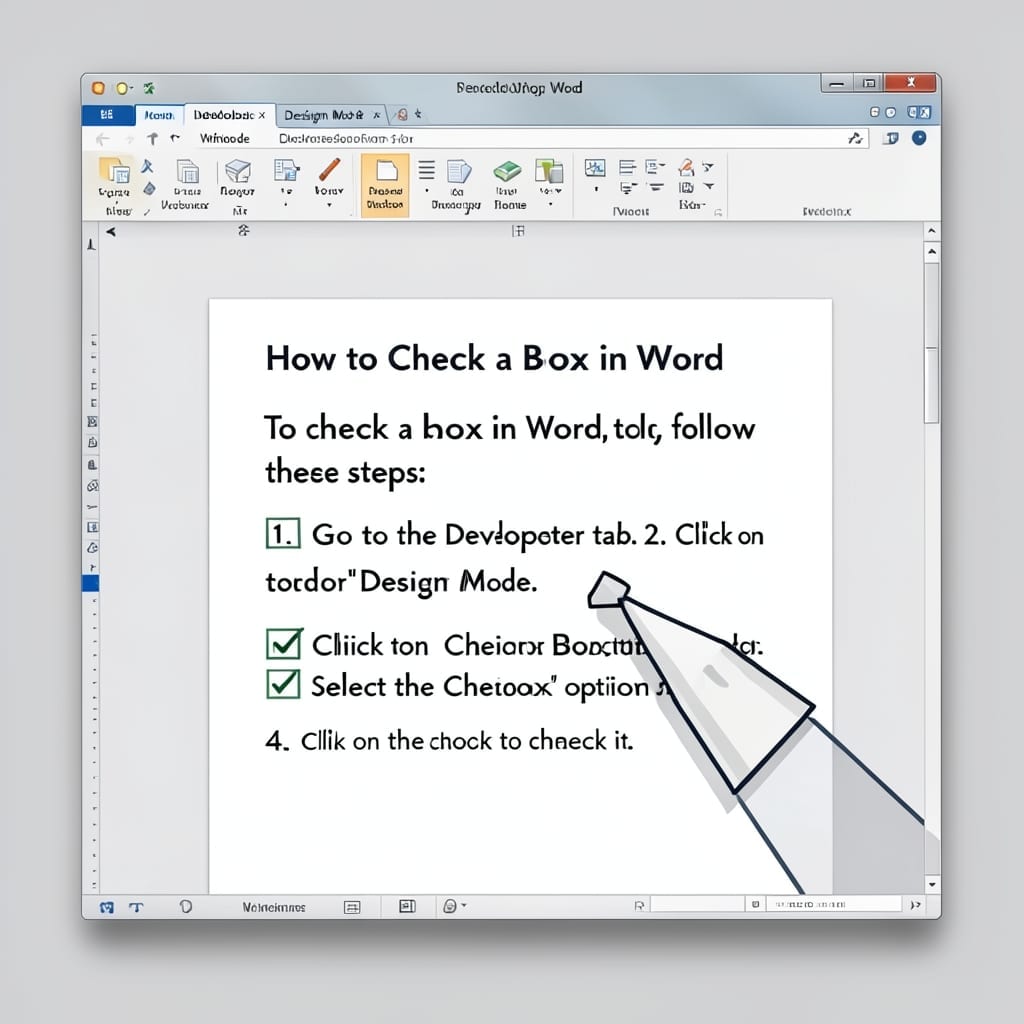
I’ve watched users overcomplicate checkboxes in Word for years. The solution is simpler than most expect—no macros, no third-party tools, just built-in features. Whether you’re using Word 2016, 2019, or 365, the process starts the same: enable the Developer tab. From there, inserting a checkbox takes one click, and customizing it is just as straightforward. … Read more

How to Freeze a Column and a Row in Excel at the Same Time: One-Click Lock for Headers

How to Freeze a Column and a Row in Excel at the Same Time: One-Click Lock for Headers

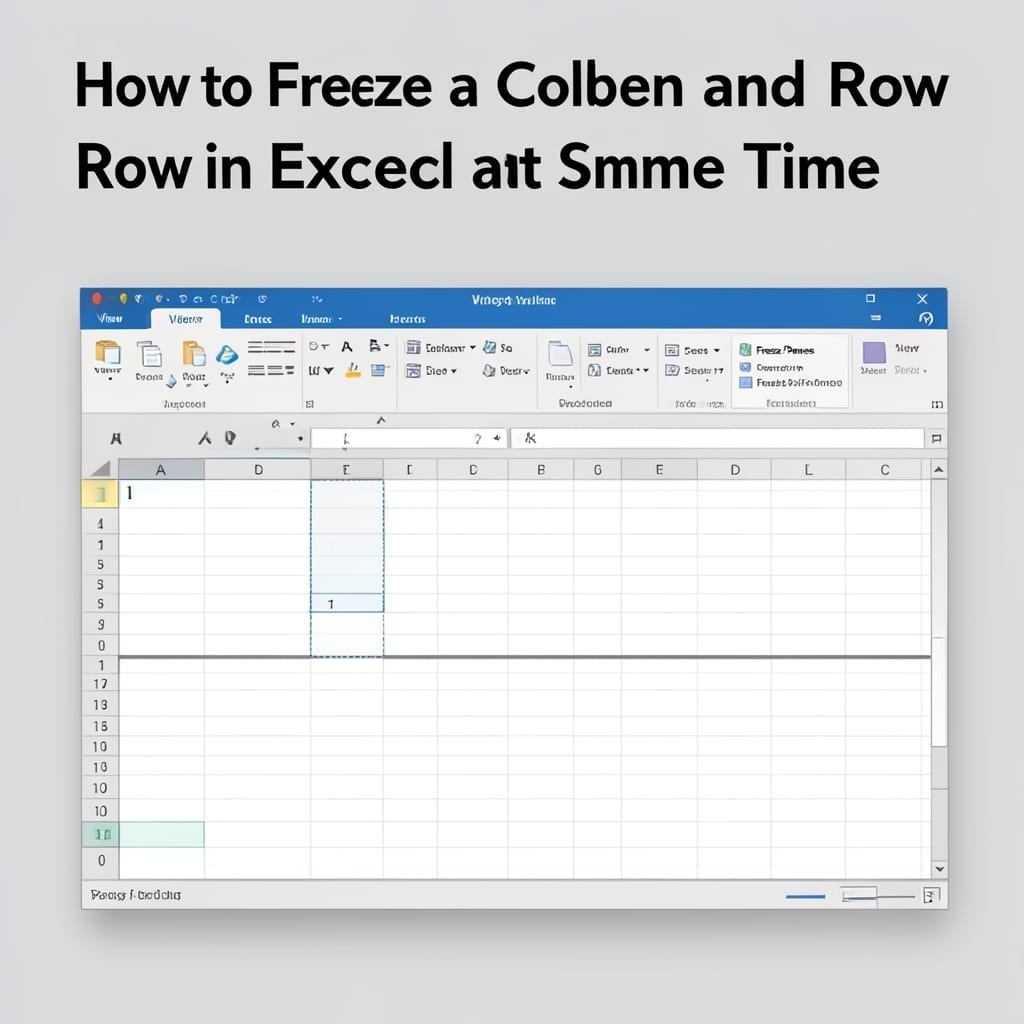
I lost an entire afternoon to scrolling through a massive spreadsheet once. That’s when I discovered Excel’s freeze panes feature—one click to lock both headers and first column in place. No more guessing which row or column you’re looking at while scrolling. The trick is selecting the right cell before freezing—usually the one just below … Read more