How To Share Files On OneDrive With External Users: Secure Guest Access Setup
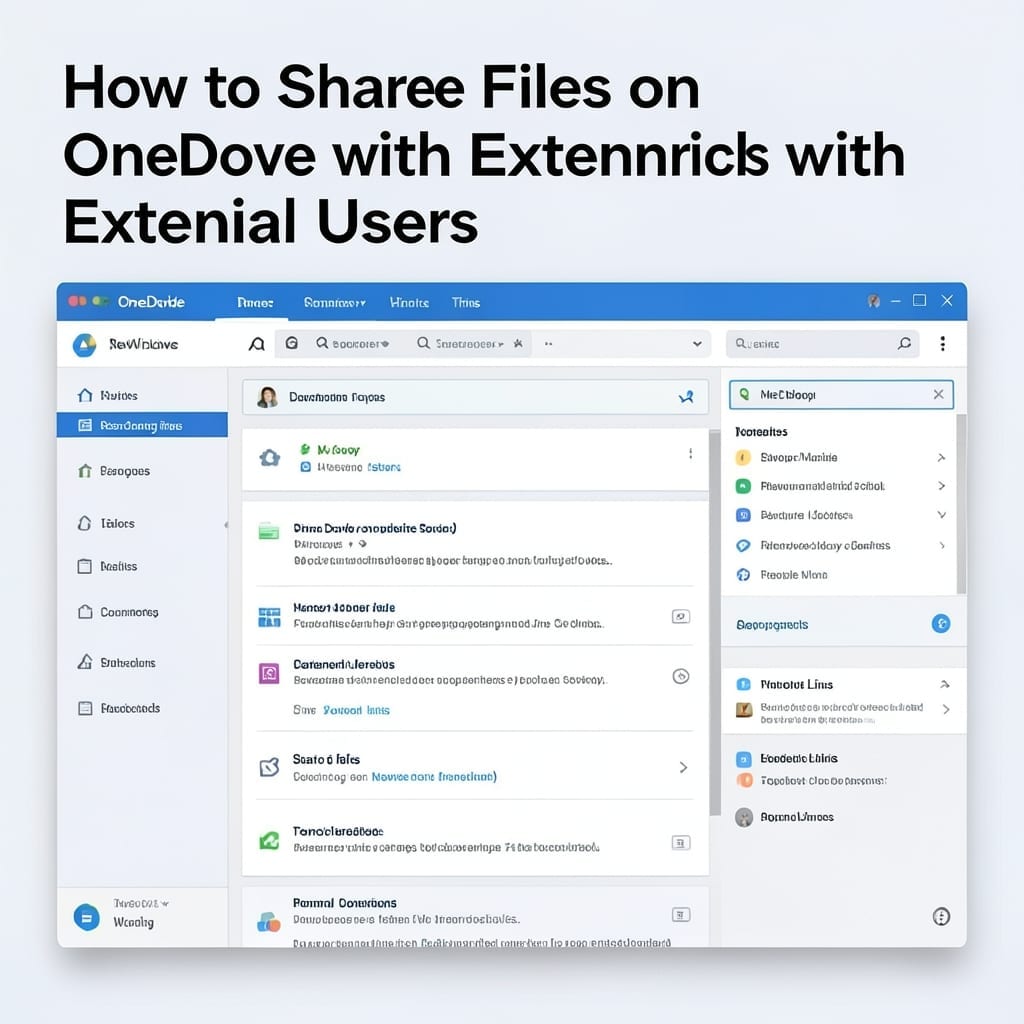
How To Share Files On OneDrive With External Users: Secure Guest Access Setup

Sharing files with external users on OneDrive changed how my team collaborates. No more email attachments or version confusion—just a clean link with controlled access. I’ve set this up for clients, freelancers, and even my non-tech-savvy cousin. The process takes under 2 minutes once you know where to look, and permissions are crystal clear. You’ll … Read more
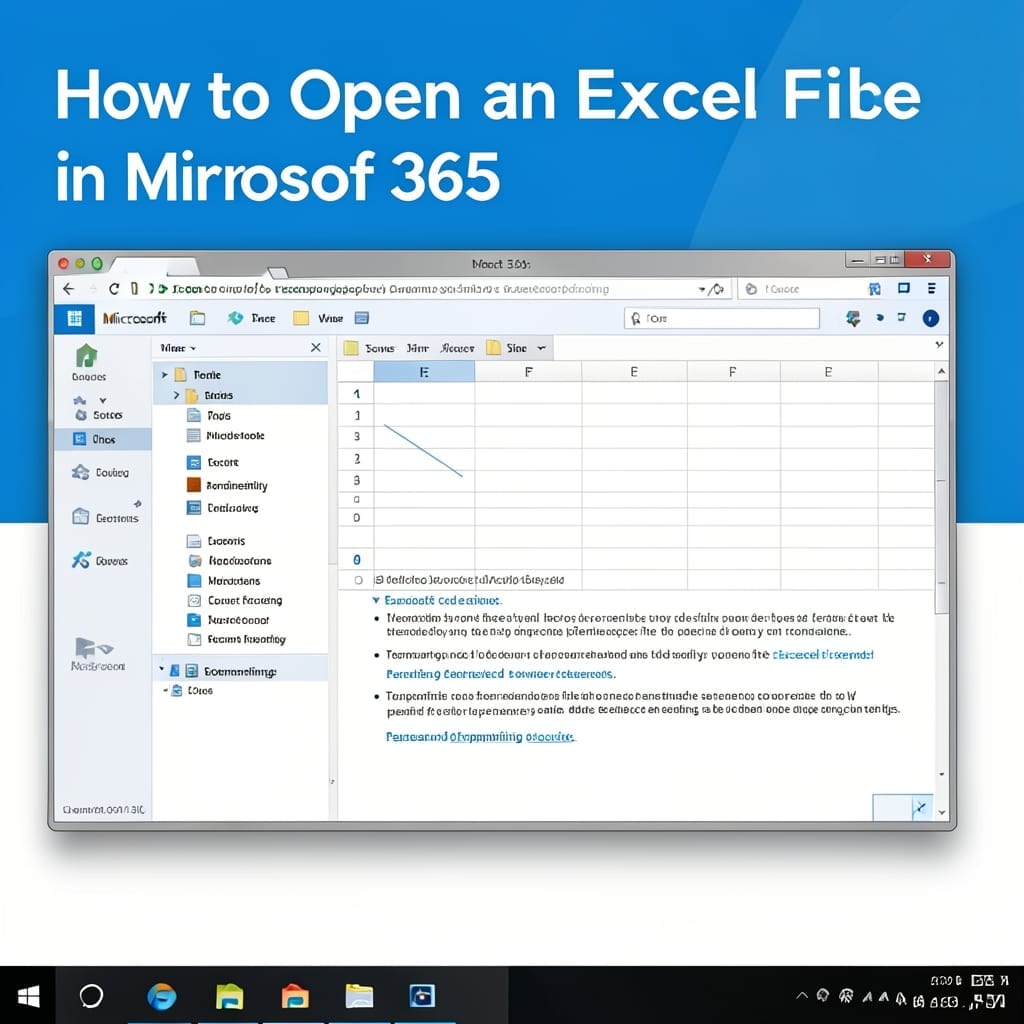
How To Open Excel File In Microsoft 365: Direct Access Method

How To Open Excel File In Microsoft 365: Direct Access Method

I’ve been working with spreadsheets since the days of floppy disks. Opening files in Microsoft 365 is simpler than many realize, but the process varies depending on your setup. The web version lets you access files from any browser in seconds, while the desktop app offers deeper functionality for complex tasks. Both methods sync seamlessly … Read more

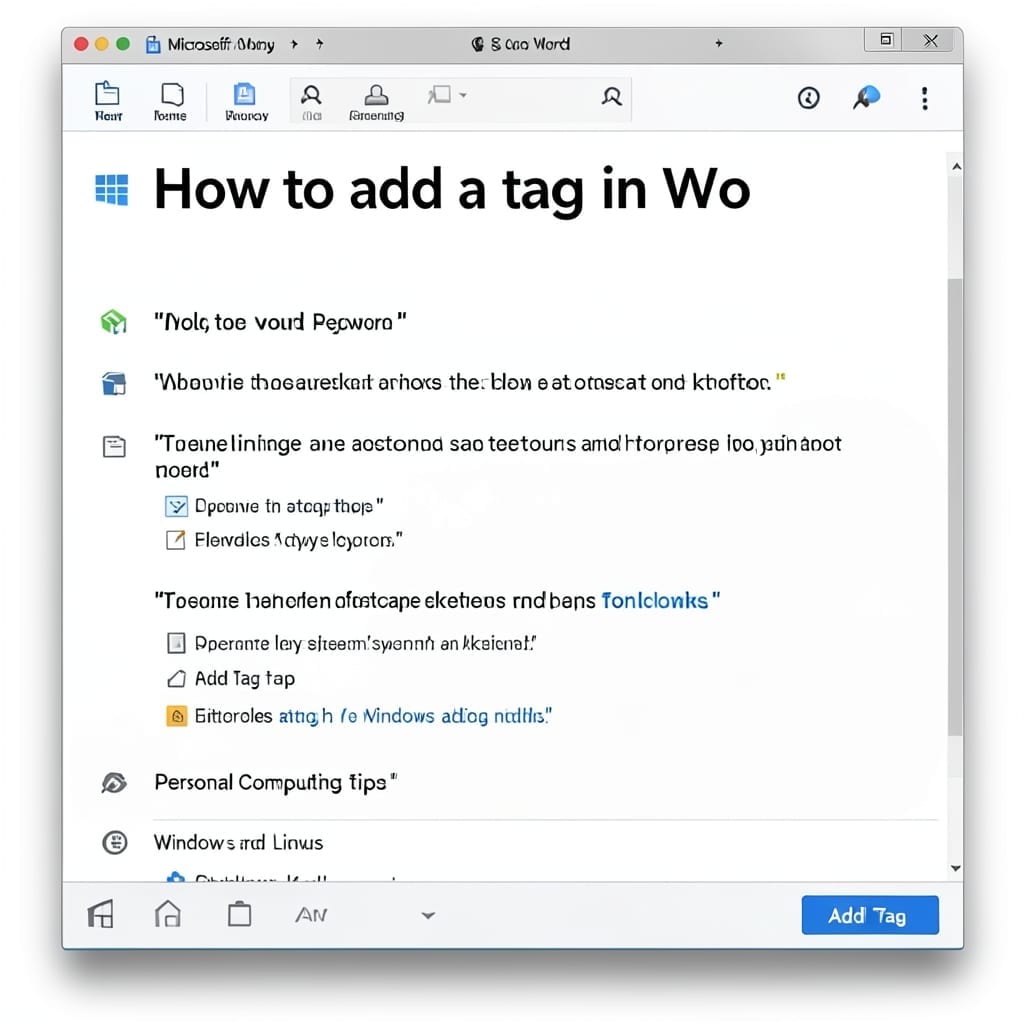
How To Add A Tag In Word: Simple Step-By-Step Guide

How To Add A Tag In Word: Simple Step-By-Step Guide

I spent years watching folks struggle with document organization in Word. Here’s the thing—adding tags is the simplest way to bring order to chaos, and it takes under 30 seconds once you know where to look. Between you and me, most users don’t realize Word has this built-in. The process changed slightly after 2019, but … Read more

How To Delete Teams Chat History: Permanent Removal in Clicks

How To Delete Teams Chat History: Permanent Removal in Clicks

I’ve cleared my Teams chat history more times than I care to admit. One wrong click and your entire conversation trail vanishes—permanently. Microsoft hides the permanent delete option behind a few extra steps. You’ll need to know where to look, whether you’re on desktop or mobile. The process differs slightly, but the result is the … Read more

How to Make a Table on Excel: Easy Data Organization in Seconds

I’ve built spreadsheets that made grown accountants weep with joy. ✨ The secret always starts with turning raw data into a proper table—it’s the difference between a messy notebook and a system that thinks for you. Excel’s table feature does the heavy lifting automatically. Sort, filter, and format with one click once your data’s properly … Read more