Creating a Dashboard in SharePoint 2013: No-Code Visual Data Hub
Creating a Dashboard in SharePoint 2013: No-Code Visual Data Hub

I built my first SharePoint dashboard back in 2013 for a team stuck in spreadsheet chaos. ✨ The no-code approach saved us weeks of development time and gave leadership real-time visibility into project metrics. This setup uses SharePoint’s built-in web parts and lists to create dynamic visualizations. No programming required—just drag-and-drop configuration and some thoughtful … Read more
How To Create A Relationship In Excel: Step-By-Step Data Linking

How To Create A Relationship In Excel: Step-By-Step Data Linking

I built my first Excel model in 1998 on a hand-me-down IBM. Two decades later, relationships still trip up most users trying to connect their data tables. Here’s the thing—this isn’t about formulas or lookups. It’s about telling Excel how your tables connect, like matching customer IDs between orders and profiles. The setup takes under … Read more

Upload Multiple Files to SharePoint 2013: Bulk Upload Method for Efficiency

Upload Multiple Files to SharePoint 2013: Bulk Upload Method for Efficiency

SharePoint 2013’s bulk upload changed my team’s workflow forever. The drag-and-drop method saves hours when moving dozens of files at once, but it’s not always obvious how to enable it. I first discovered this while migrating project documents during my Microsoft years. The key is using the library’s multiple upload interface, which handles batches far … Read more

How To Extend A Table In Excel: Quick Data Range Expansion

How To Extend A Table In Excel: Quick Data Range Expansion

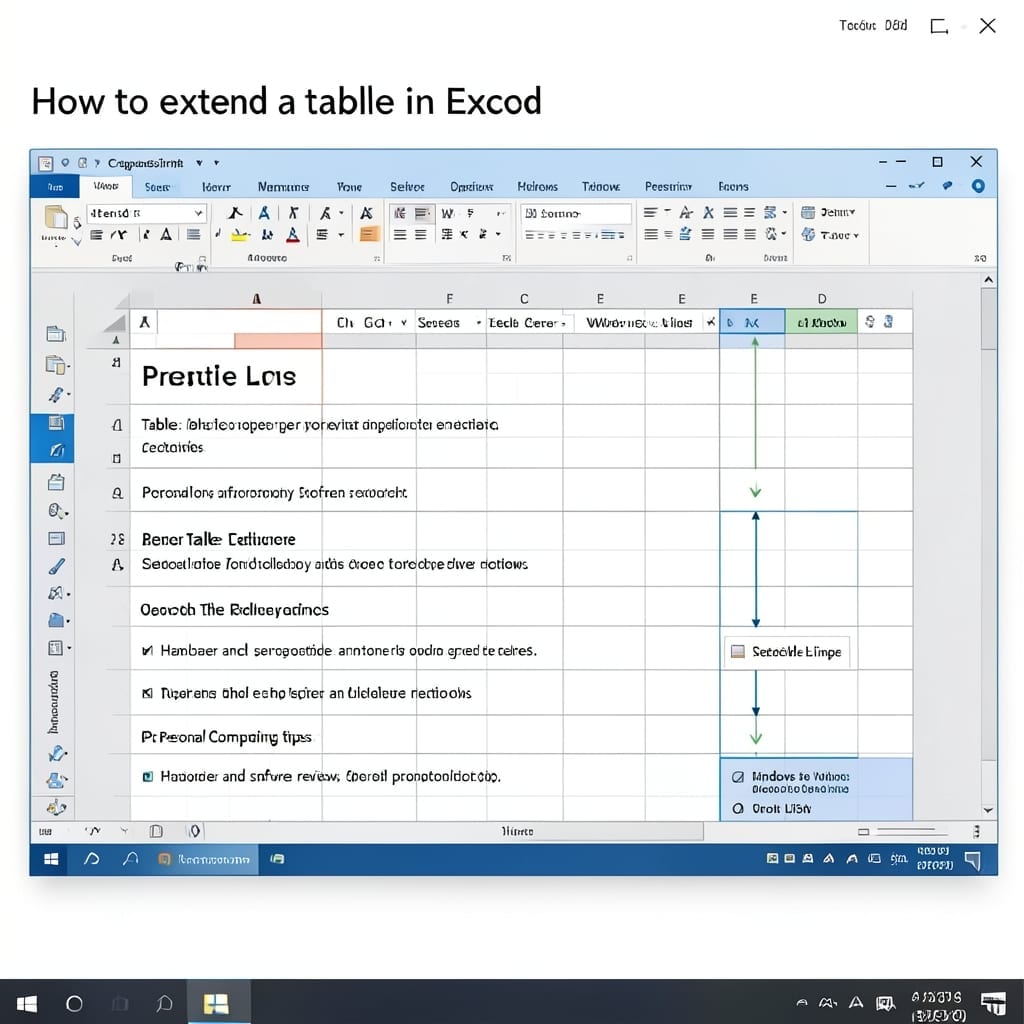
I’ve watched colleagues waste hours manually reformatting spreadsheets. The solution is simpler than you think—Excel tables auto-expand when you add data to the next blank row. No ribbon diving or complex formulas needed. Just type in the cell directly below your existing data and watch the formatting, filters, and formulas extend automatically. It’s the one-second … Read more

How to Level Resources in MS Project: Balanced Workloads With Smart Allocation

How to Level Resources in MS Project: Balanced Workloads With Smart Allocation

I spent years watching project deadlines slip because of overallocated teams. Resource leveling in MS Project fixes this by automatically resolving conflicts when someone’s assigned to too many tasks at once. It’s not magic—just smart math. The tool redistributes work based on availability, priorities, and dependencies. I’ve used this to balance 50+ person project plans … Read more