Official API to Support Third Party Apps: Developer Guide for Seamless Integration
Official API to Support Third Party Apps: Developer Guide for Seamless Integration

I still remember the first time I connected a third-party app to Windows 98 back in my uncle’s basement. That moment—when external software just worked—felt like magic. Official APIs make that magic possible by giving developers a standardized way to interact with a platform’s core features. Think of them as a rulebook that ensures consistency, … Read more
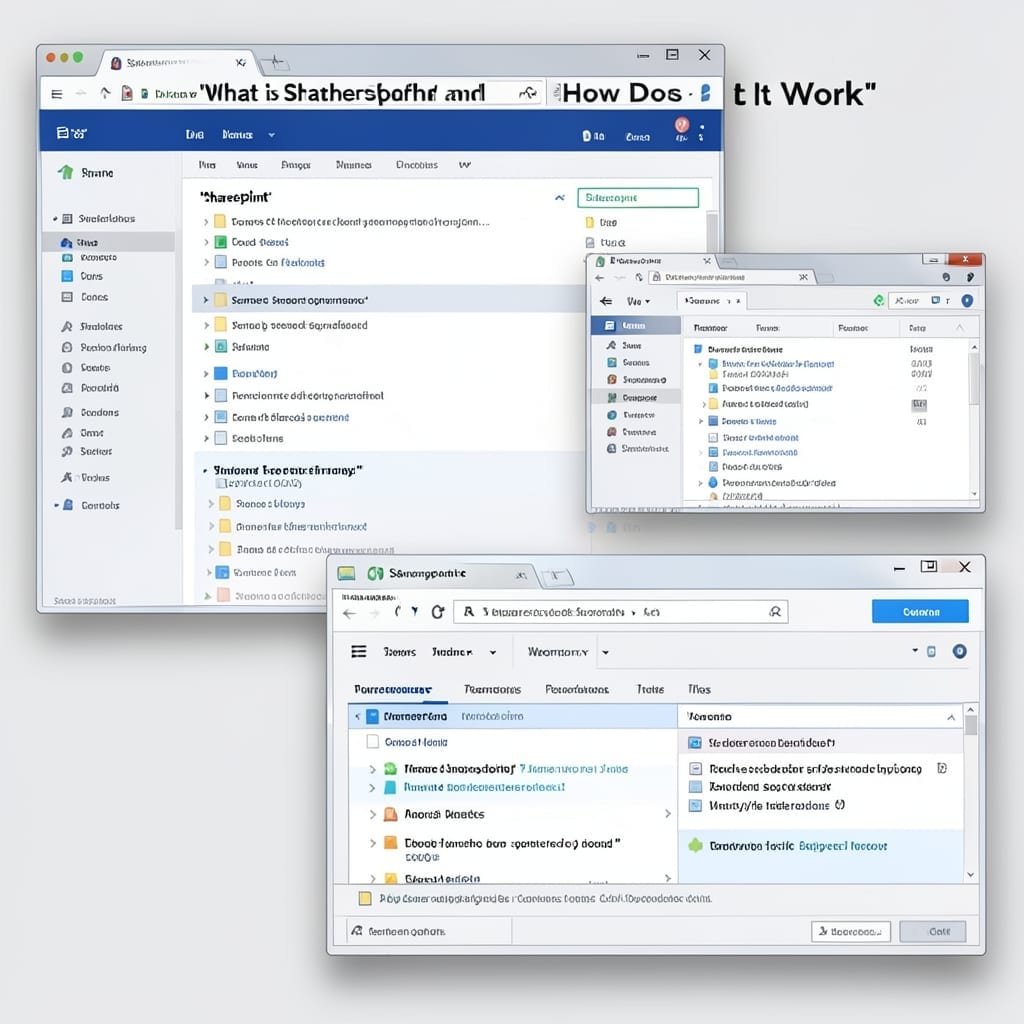
What Is SharePoint and How Does It Work: Complete Collaboration Platform Guide

What Is SharePoint and How Does It Work: Complete Collaboration Platform Guide

I first encountered SharePoint during my Microsoft days, watching teams transform chaos into order. This platform does more than store files—it connects people, processes, and information in one centralized hub. Imagine a workspace where documents, calendars, and workflows live together. SharePoint makes this real with customizable sites, version control, and permissions that keep everything secure. … Read more

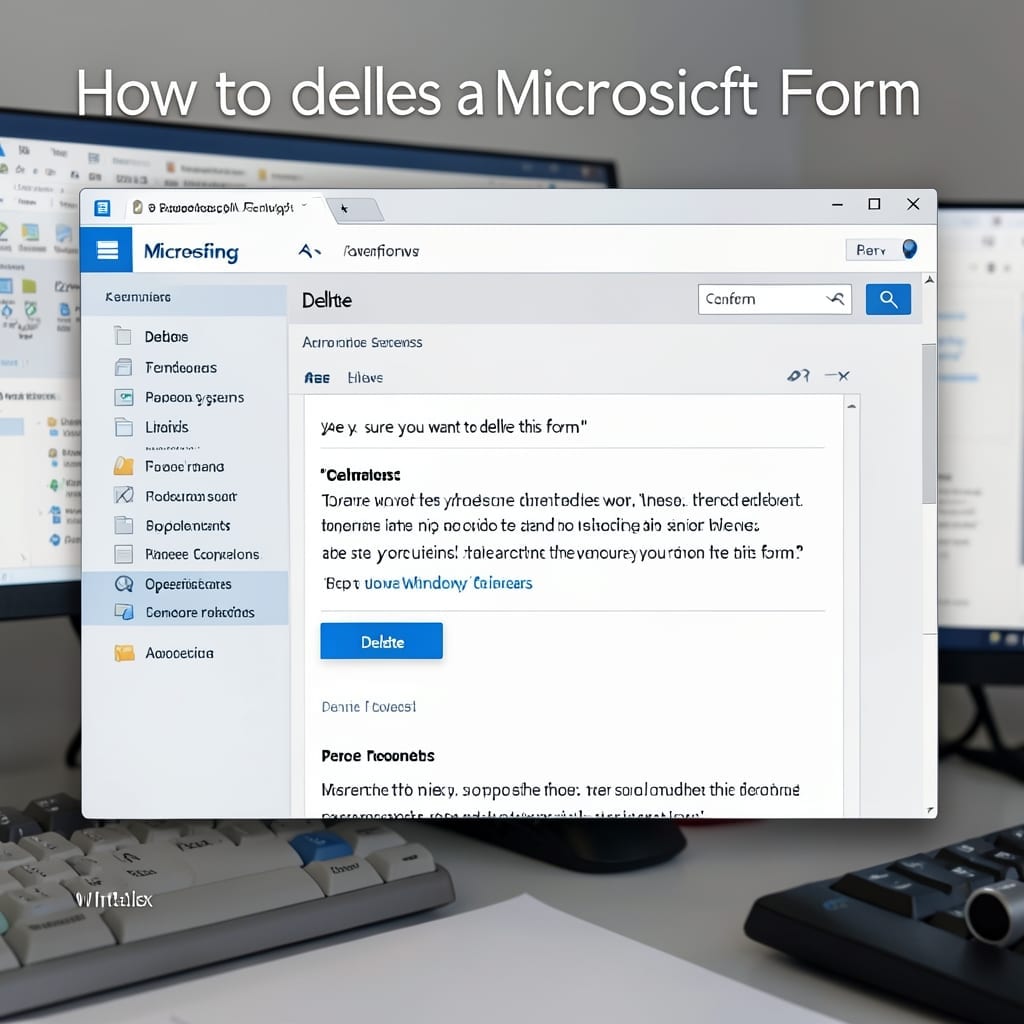
How to Delete a Microsoft Form: Permanent Removal in 3 Steps

How to Delete a Microsoft Form: Permanent Removal in 3 Steps

I’ve deleted hundreds of Microsoft Forms over the years, and the process stays simple once you know where to look. The form itself disappears instantly, but there’s a 30-day recovery window before it’s gone for good. You’ll need owner permissions or admin access to the Microsoft 365 group where the form lives. Without this, the … Read more

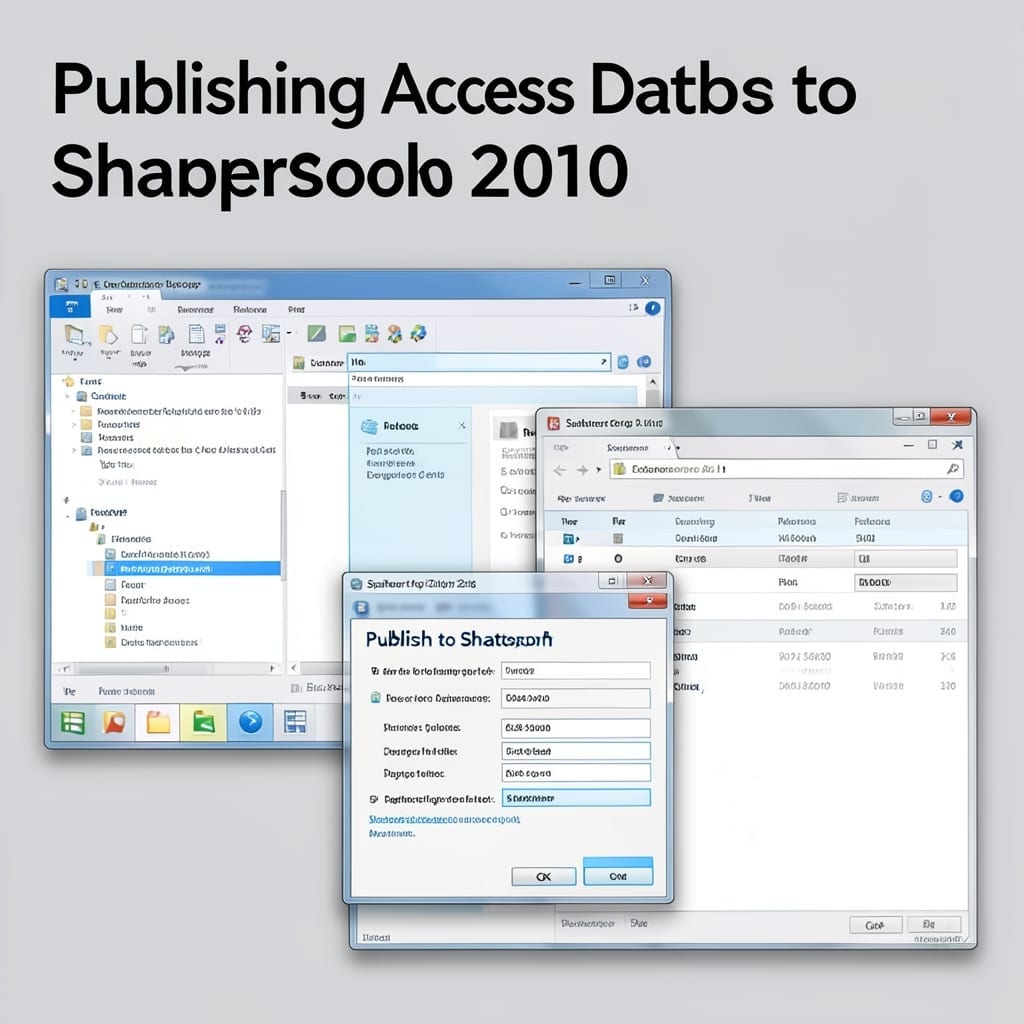
Publishing Access Database To SharePoint 2010: Streamlined Migration Guide

Publishing Access Database To SharePoint 2010: Streamlined Migration Guide

I moved my first Access database to SharePoint 2010 back in Pittsburgh. One click replaced three hours of file transfers and version chaos. The workflow became foolproof overnight. This migration takes under 30 minutes once you know the quirks. SharePoint 2010 handles Access tables as lists, preserving relationships and queries. No special tools, just the … Read more

Office Communicator 2007 R2 Client Download: Secure Team Collaboration Tool

Office Communicator 2007 R2 Client Download: Secure Team Collaboration Tool

I still remember installing Office Communicator 2007 R2 on my first work laptop back in 2009. It was Microsoft’s answer to unified business communication before Teams existed. This client was the backbone of many corporate environments, offering instant messaging, voice, and video capabilities. But here’s the thing—it’s long deprecated, and Microsoft no longer provides official … Read more