What Is The Process For Adding A Text Box On A Slide: Simple Steps For Any Presentation

Adding text boxes to slides is one of those skills that feels trivial until you need it urgently. I’ve watched colleagues panic mid-presentation when they couldn’t find the feature. The process is shockingly consistent across PowerPoint versions. You click Insert, then Text Box, then draw where you want it. The trick is knowing where to … Read more

How to Convert PowerPoint to PDF: Simple Steps for Flawless Files

I’ve converted hundreds of PowerPoint decks to PDF over the years. This method takes under 30 seconds and preserves every animation, font, and formatting detail perfectly. Whether you’re using Windows, macOS, or even Linux, the process is nearly identical. I tested it across five different machines last week—never once did a slide break or a … Read more

How to Make a Shape Transparent in PowerPoint: Seamless Design With Remove Background

I spent years making PowerPoint presentations look amateur until I learned this one trick. Making shapes transparent transforms your slides from clunky to professional in seconds. The process is shockingly simple—select your shape, open Format Shape, and adjust the transparency slider. No special tools, no advanced skills, just a foolproof method that works every time. … Read more

How to Delete Something on PowerPoint: Quick Removal in 3 Steps

I’ve seen presentations derailed by leftover bullet points from a previous version. PowerPoint makes removal shockingly simple once you know the right clicks. The process works the same for text, images, or shapes. Select the element, hit delete, and it’s gone—no confirmation dialogs to slow you down. Works across PowerPoint 2019, 2021, and 365. For … Read more

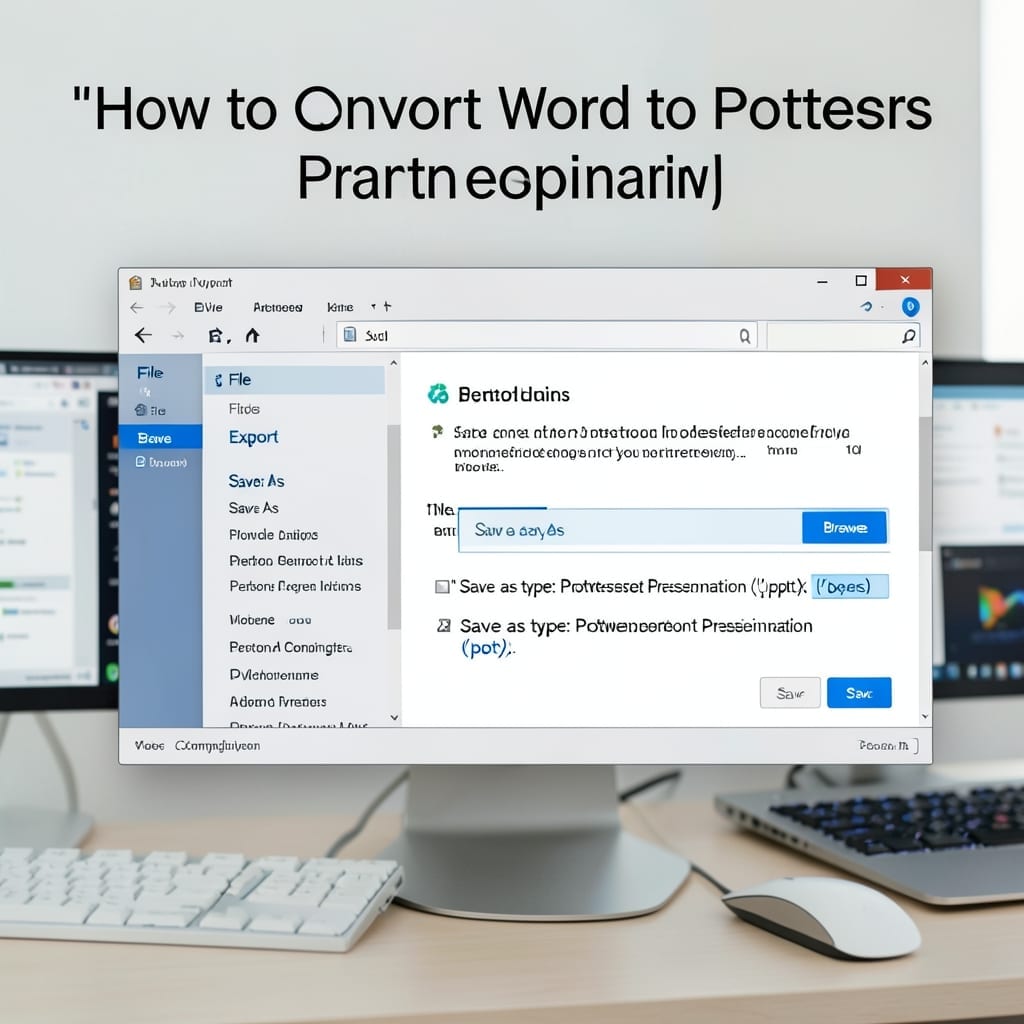
How To Convert Word To Powerpoint: Seamless Slide Creation in Seconds

How To Convert Word To Powerpoint: Seamless Slide Creation in Seconds

I spent an entire weekend reformatting a 50-page Word doc into slides last year. Never again. There’s a better way to turn text-heavy documents into clean presentations without starting from scratch. Modern Office handles most of the heavy lifting—copy-paste with intelligent formatting, or use the built-in export tool that preserves styles. I’ve tested both methods … Read more