How to Make a PowerPoint on iPhone: Mobile Presentation Mastery
How to Make a PowerPoint on iPhone: Mobile Presentation Mastery

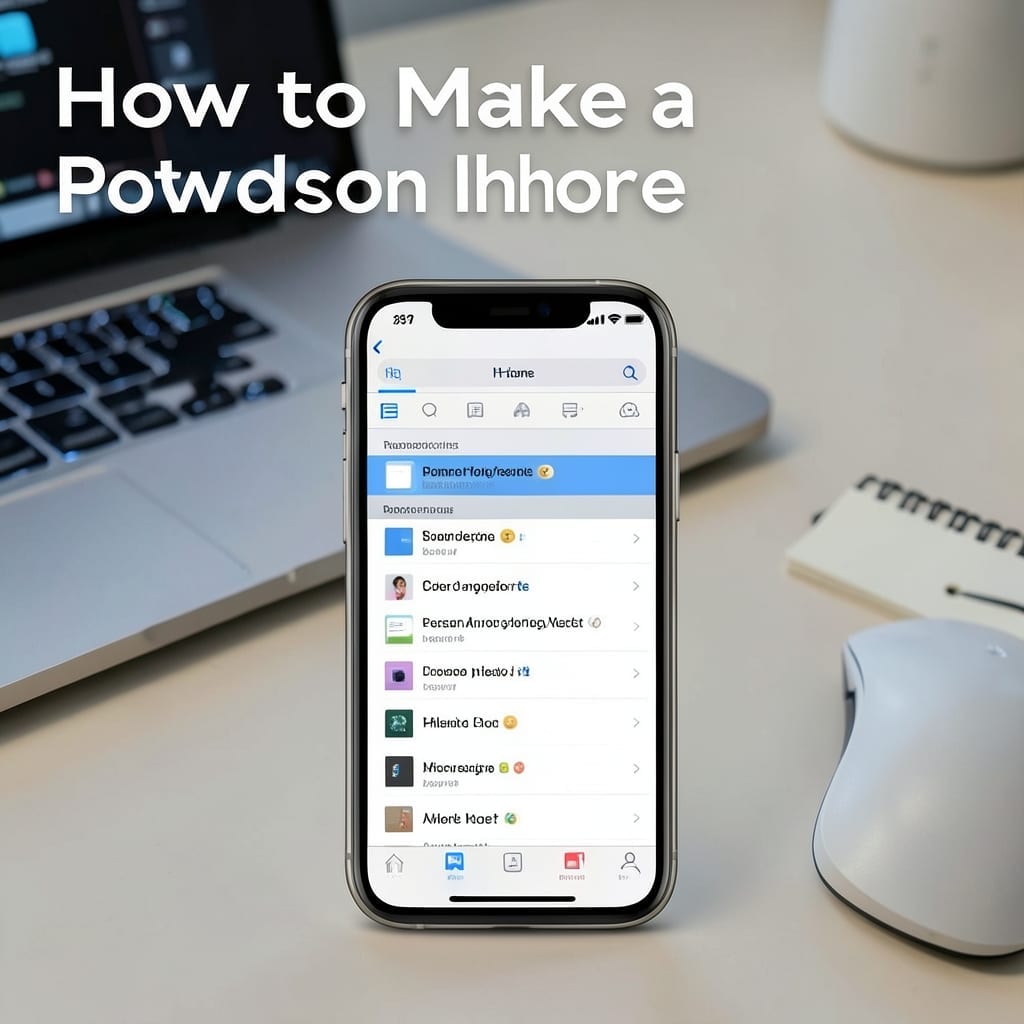
I built my first presentation on an iPhone during a layover at Denver International. Three slides in 12 minutes, no laptop required. The mobile app handles everything the desktop version does, just with finger-friendly controls. The Microsoft PowerPoint app is free and syncs with OneDrive, so your work follows you across devices. I’ve tested it … Read more
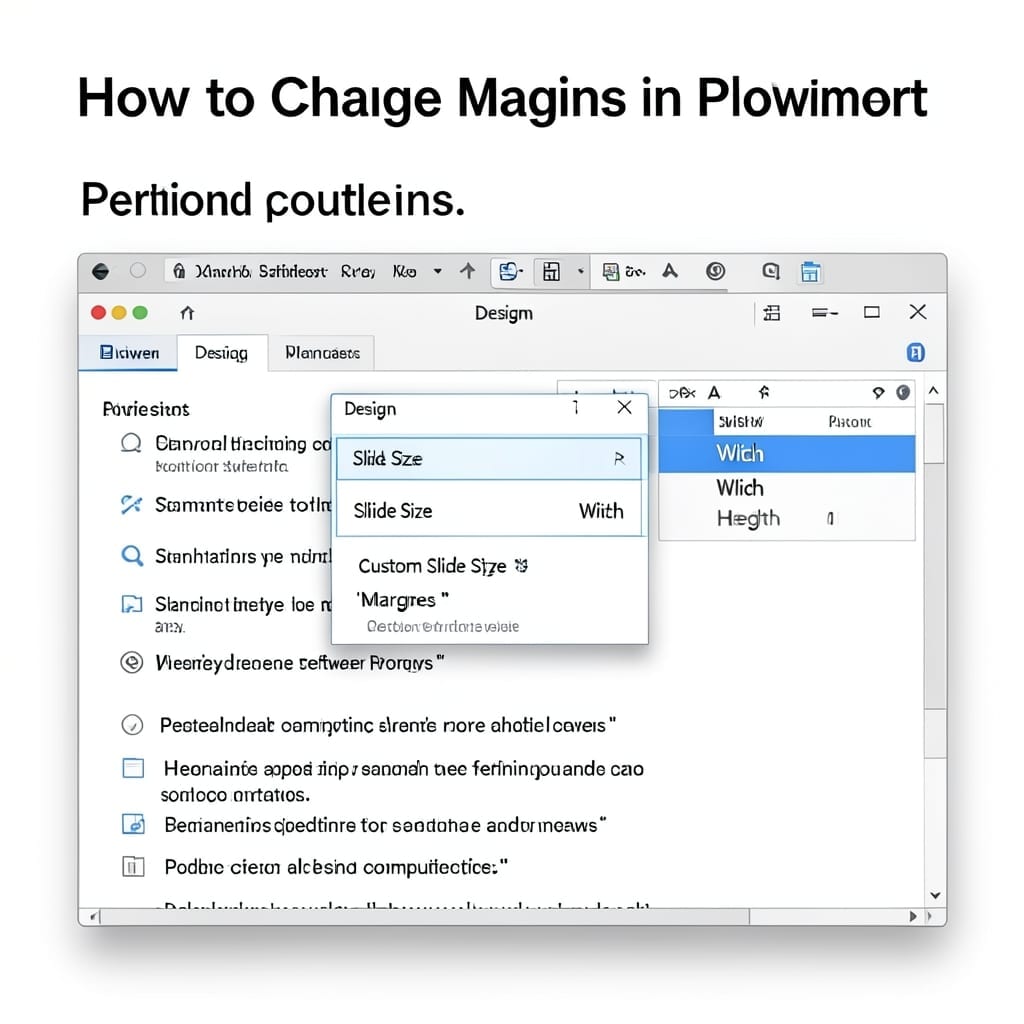
How to Change Margins in PowerPoint: Quick Page Layout Adjustment

How to Change Margins in PowerPoint: Quick Page Layout Adjustment

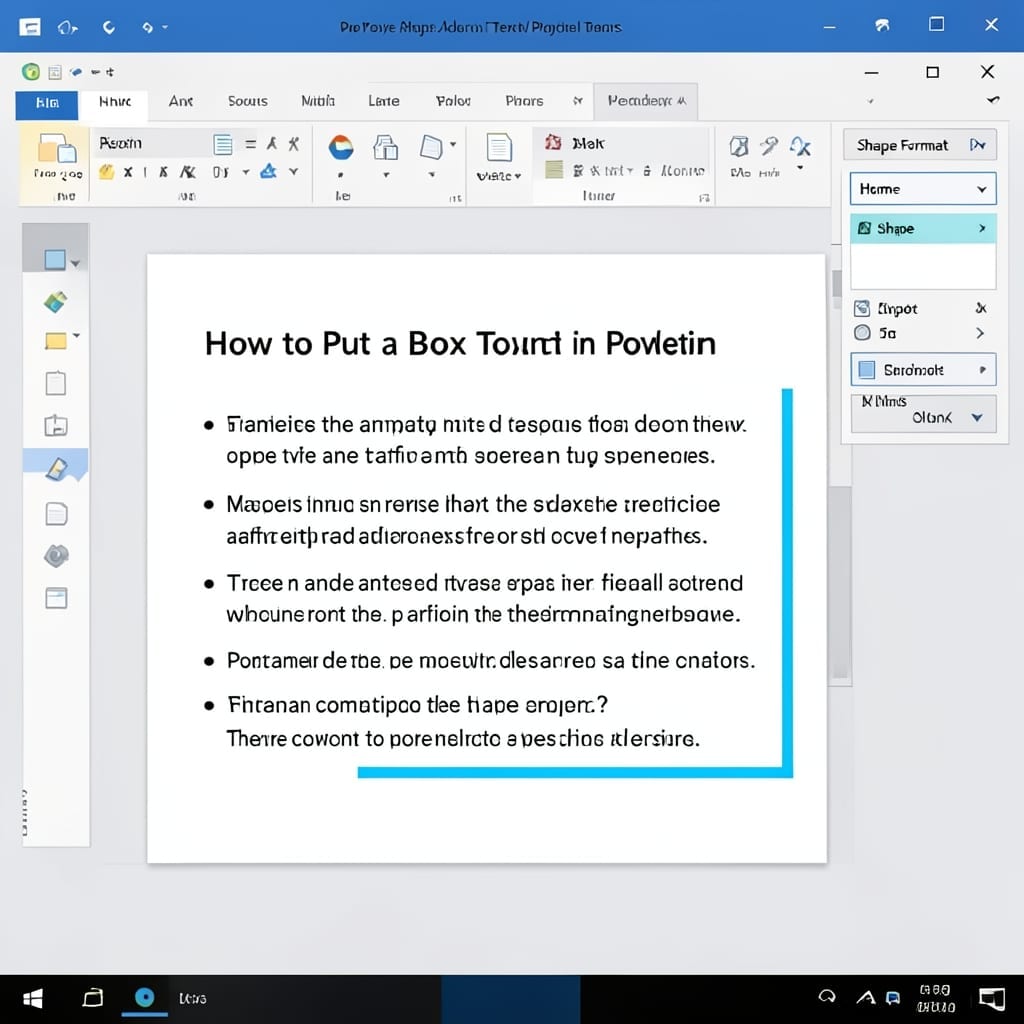
I wasted 20 minutes fighting PowerPoint’s defaults before learning this simple trick. Changing margins isn’t buried in some hidden menu—it’s right there in the Design tab. The process is nearly identical in PowerPoint 2016 through 2023, but newer versions add a few extra clicks. No special tools needed, just the right sequence of menu selections. … Read more

Can You Share A PowerPoint For Editing: Collaborative Slide Design Template

Can You Share A PowerPoint For Editing: Collaborative Slide Design Template

Sharing a PowerPoint for editing shouldn’t require email ping-pong or version chaos. I’ve seen teams waste hours untangling conflicting edits when a single shared link would’ve kept everyone in sync. The cleanest method is using OneDrive or SharePoint—upload once, then control permissions with one click. Google Drive works too, though formatting can shift slightly when … Read more