How to Summarize a PowerPoint Presentation: Slide-by-Slide Condensation Techniques
How to Summarize a PowerPoint Presentation: Slide-by-Slide Condensation Techniques

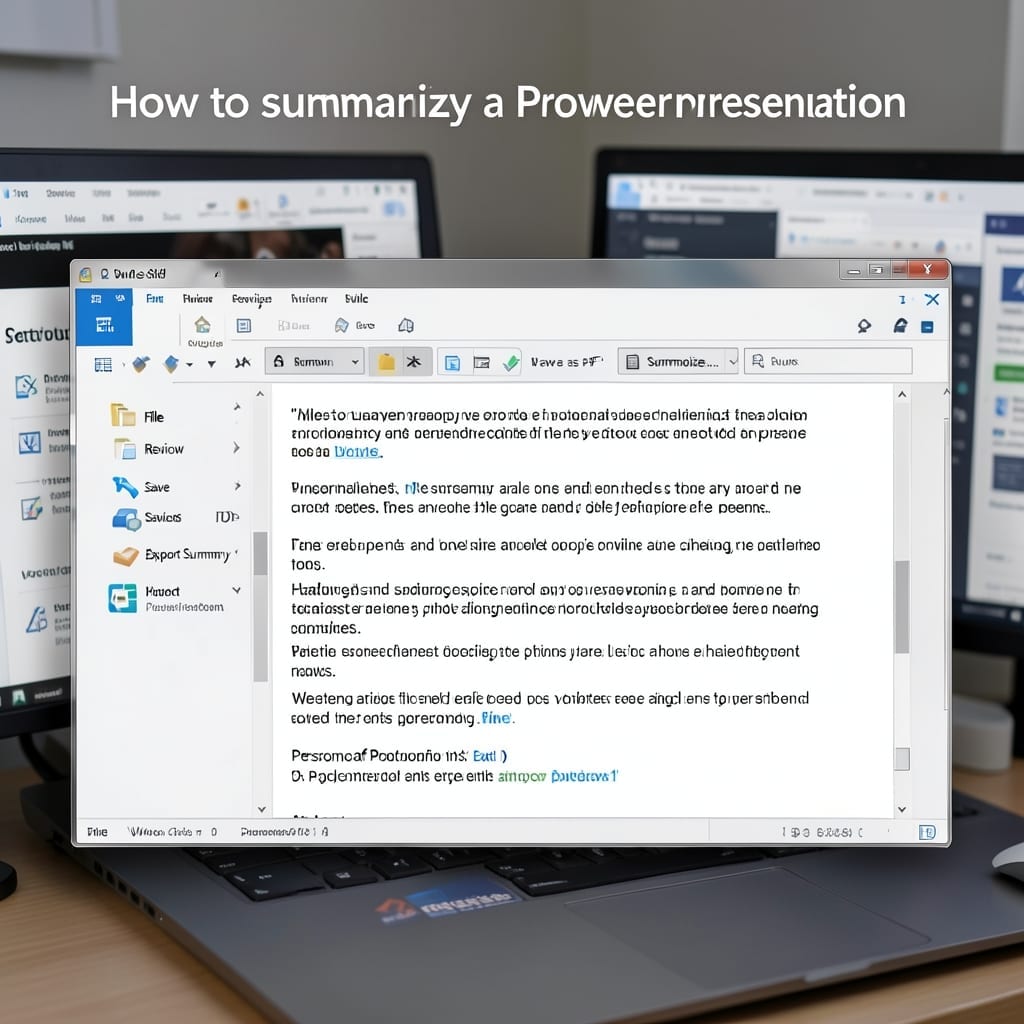
I spent years watching colleagues drown in 100-slide decks. Here’s the thing—most presentations boil down to 3-5 core points if you know where to look. PowerPoint’s built-in tools make this shockingly simple. Outline view strips away the noise, letting you see the structure at a glance. I’ve cut 60-minute presentations to one-page summaries in under … Read more
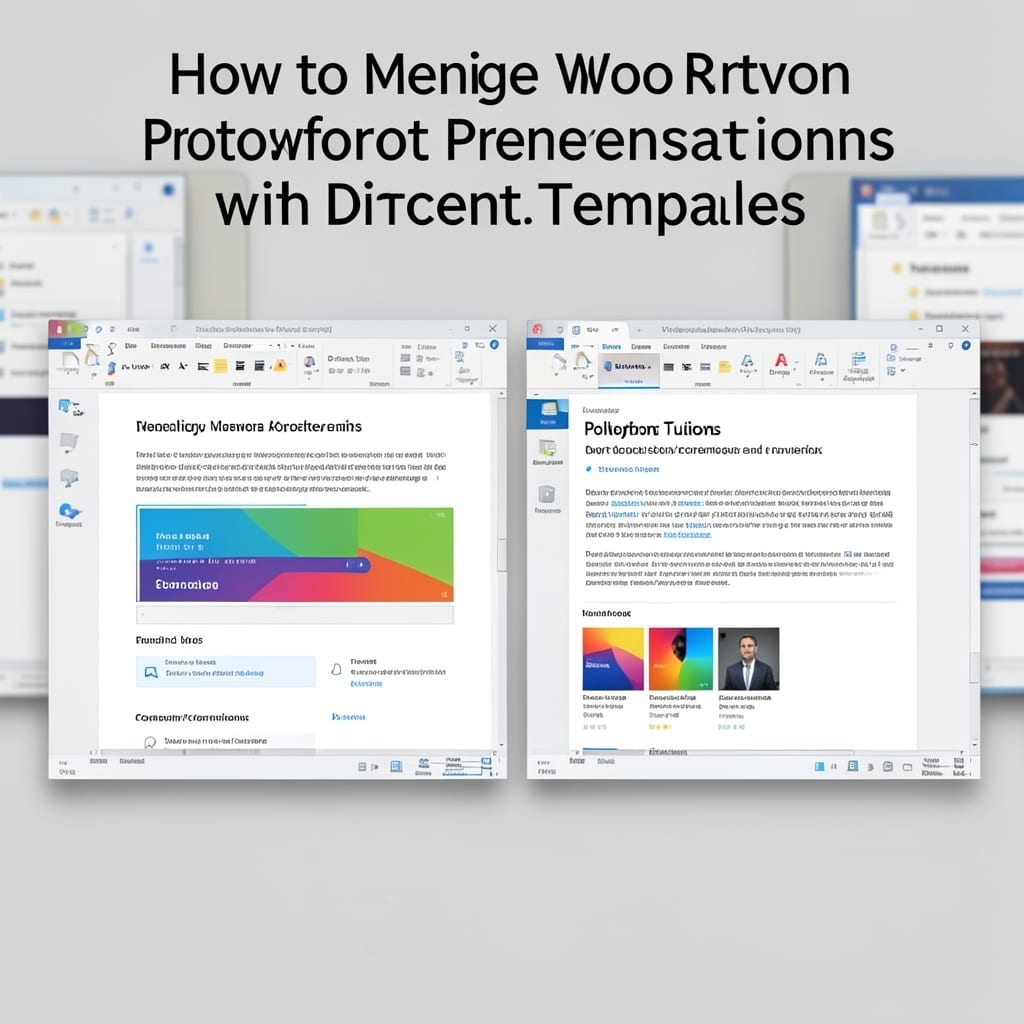
How To Merge Two PowerPoint Presentations With Different Templates: Seamless Design Integration

How To Merge Two PowerPoint Presentations With Different Templates: Seamless Design Integration

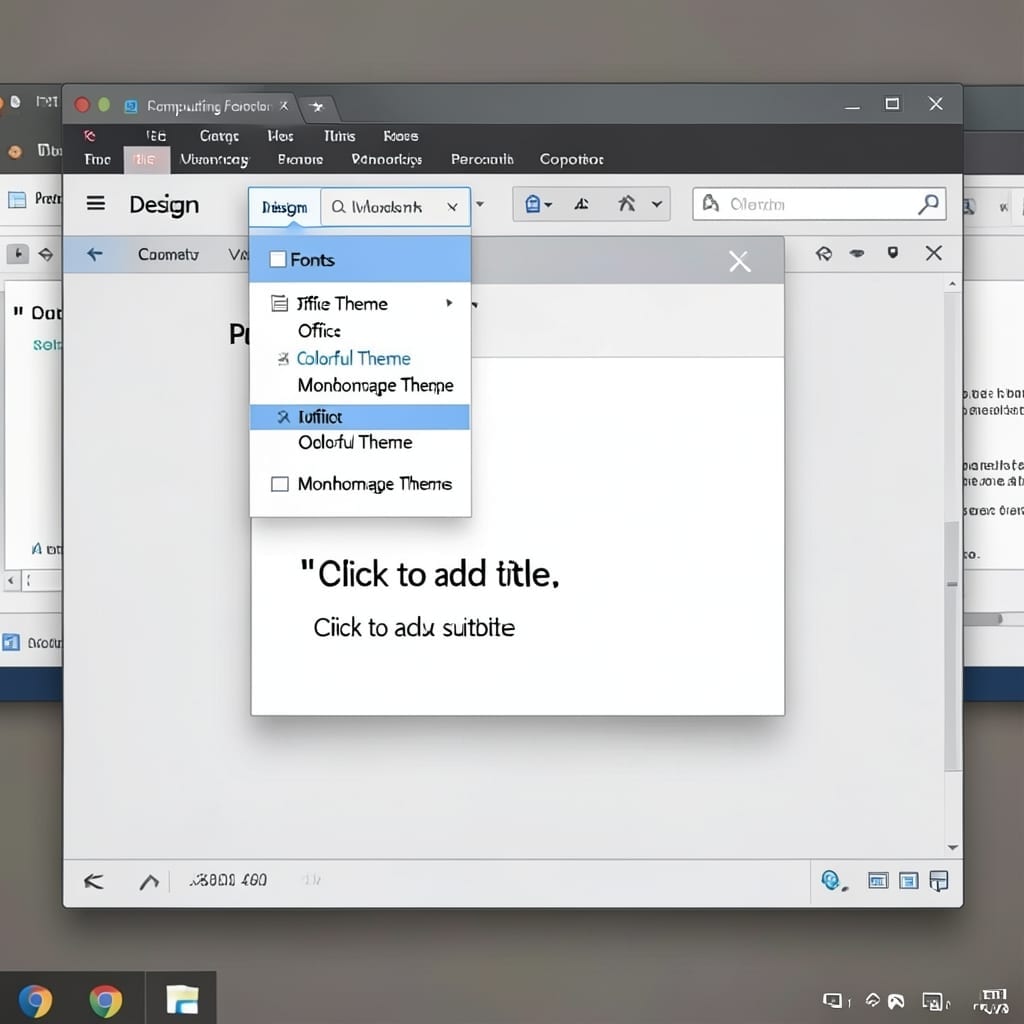
Two PowerPoints, one cohesive presentation. I’ve merged hundreds of decks with clashing templates, and the secret is in the slide master—not the slides themselves. The process starts with copying slides from one file to another, but the real work happens in Design view. You’ll need to reapply the master theme to each imported slide, which … Read more

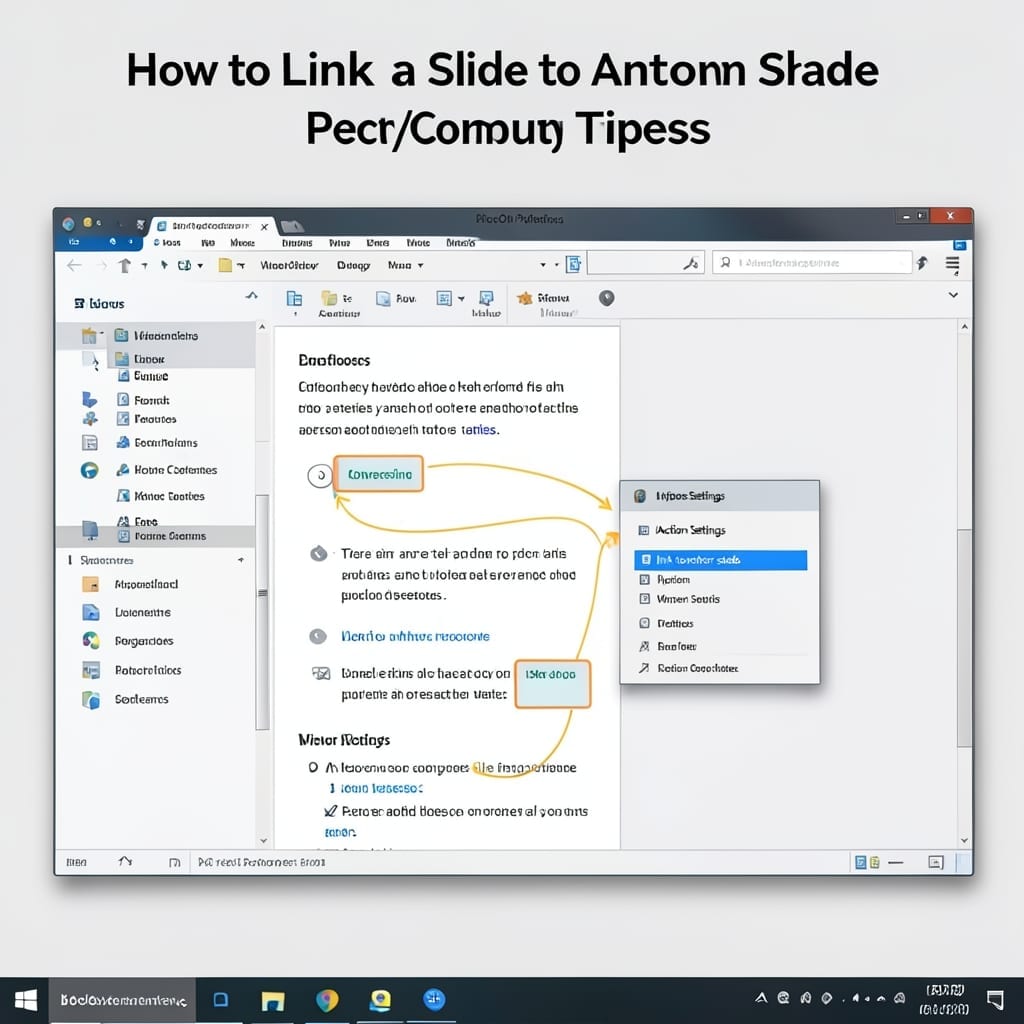
How To Link A Slide To Another Slide: Interactive Navigation Made Simple

How To Link A Slide To Another Slide: Interactive Navigation Made Simple

I still remember the first time I built a non-linear presentation back in 2001. The audience thought it was magic—click a button, jump to any slide instantly. PowerPoint’s hyperlink feature turns static decks into interactive experiences. You can connect slides with one click, no coding required. Works for quizzes, menus, or custom navigation paths. Setup … Read more

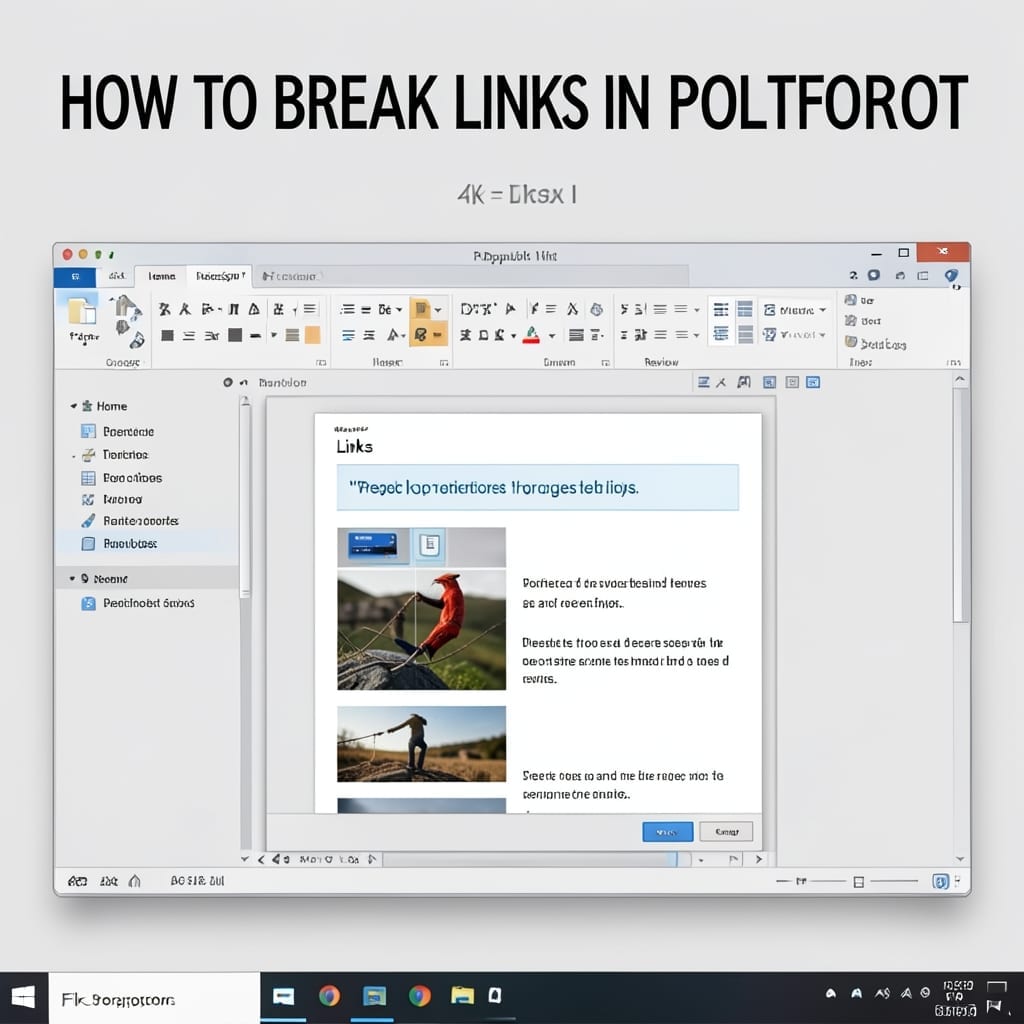
How to Break Links in PowerPoint: Maintain Formatting While Removing Connections

How to Break Links in PowerPoint: Maintain Formatting While Removing Connections

I still remember the panic when my boss’s presentation showed live data instead of the static version we’d rehearsed. Breaking links in PowerPoint prevents exactly that kind of disaster. This isn’t about deleting content—it’s about severing the connection while keeping the data intact. Whether it’s charts, images, or hyperlinks, the process is foolproof once you … Read more