Find and Replace Fonts in PowerPoint: Uniform Styling in Seconds

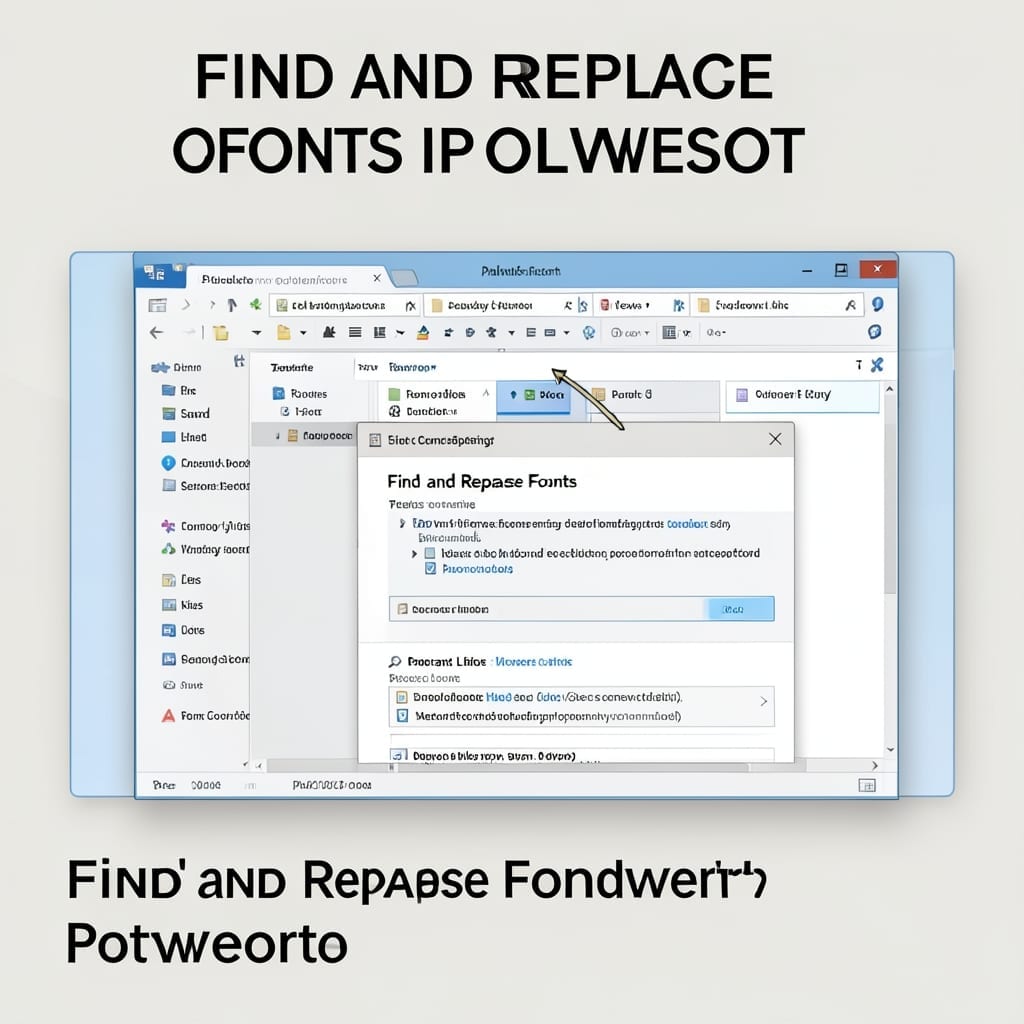
Find and Replace Fonts in PowerPoint: Uniform Styling in Seconds

I wasted two hours manually changing fonts in a 50-slide presentation last quarter. There’s a better way to standardize text across every slide in seconds. PowerPoint’s built-in replace tool handles fonts just like text. Open the replace dialog, select the font you want to change, pick its replacement, and watch every instance update instantly. This … Read more

How to Search for Online Templates in PowerPoint: Time-Saving Design Shortcut

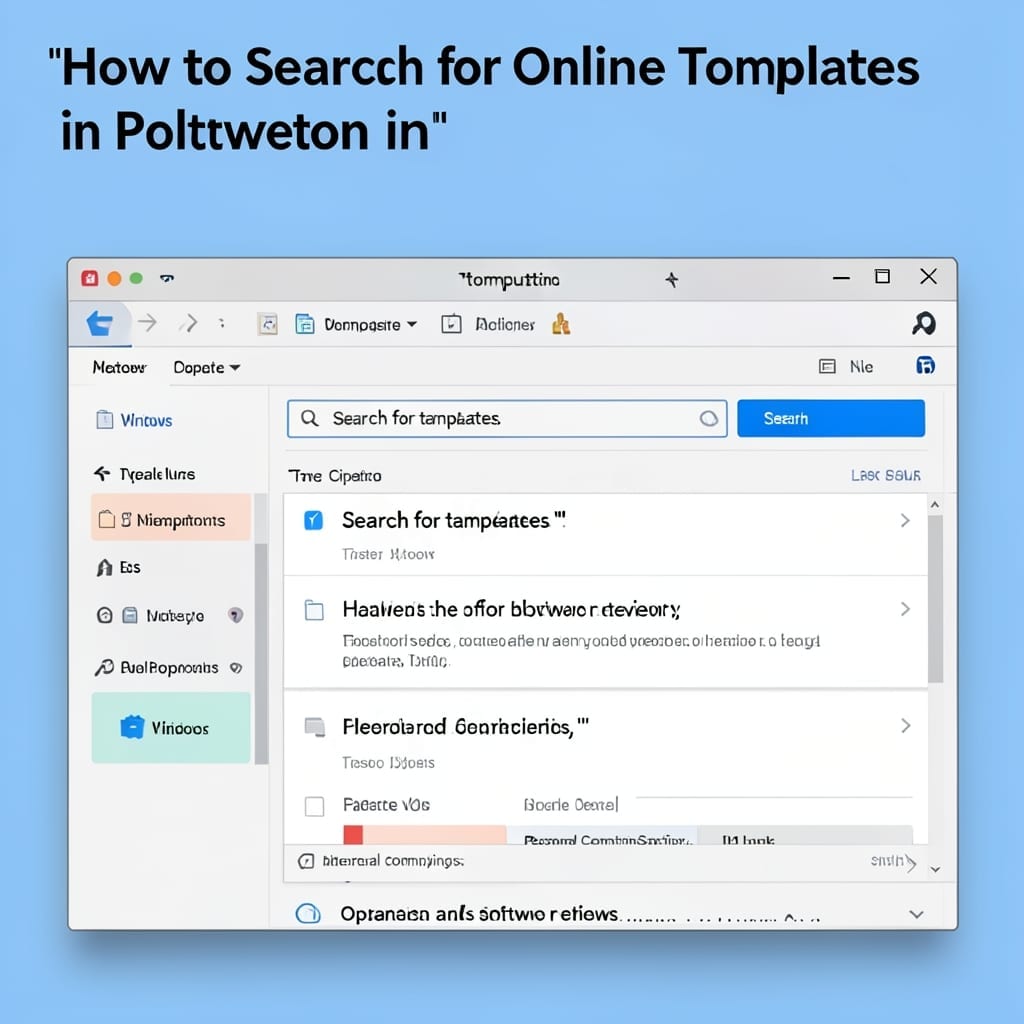
How to Search for Online Templates in PowerPoint: Time-Saving Design Shortcut

I spent years manually formatting slides until I discovered this shortcut. PowerPoint’s online template library cuts design time from hours to minutes with professional layouts ready to use. No special skills needed—just open PowerPoint, click File > New, and browse the template gallery. The search bar filters by color, style, and purpose, so you find … Read more

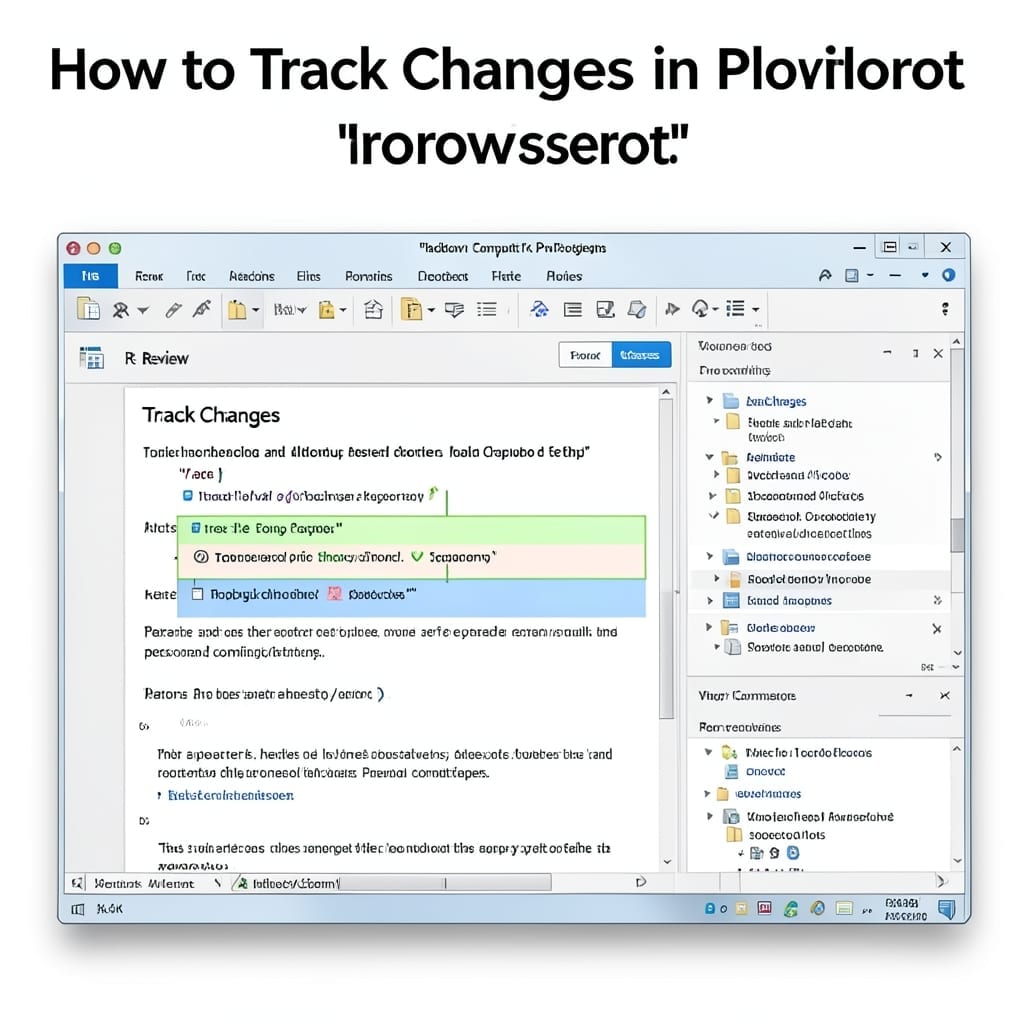
How to Track Changes in PowerPoint: Step by Step Collaboration Guide

How to Track Changes in PowerPoint: Step by Step Collaboration Guide

I spent years watching teams struggle with version chaos in presentations. PowerPoint’s built-in tracking feature changed everything for my workflow. This isn’t about third-party tools or convoluted workarounds. We’re using the native Review tab functionality that’s been hiding in plain sight since Office 2013. The setup takes under 2 minutes and requires zero special permissions. … Read more