How To Insert Table of Contents in PowerPoint: Step-By-Step Slide Organization

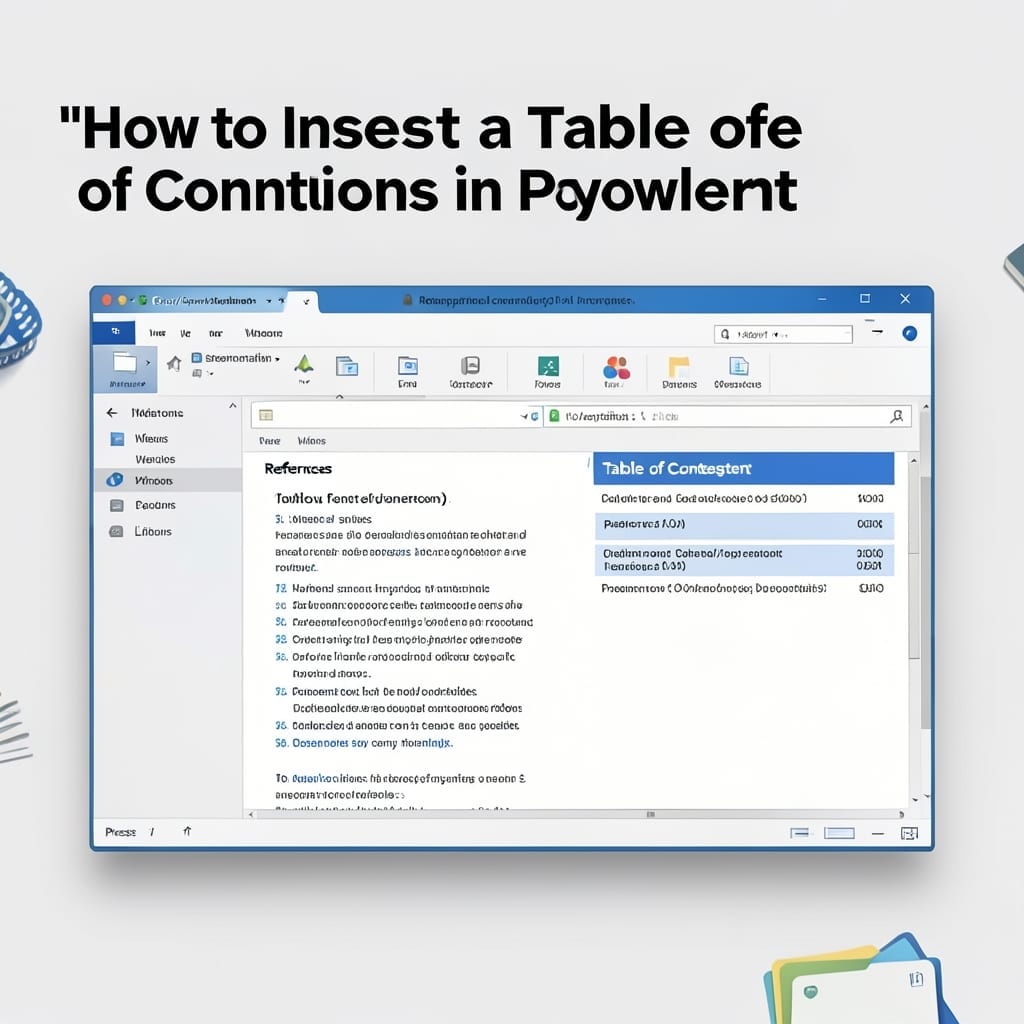
How To Insert Table of Contents in PowerPoint: Step-By-Step Slide Organization

I’ve seen too many presentations derailed by disorganized slides. A proper table of contents keeps your audience oriented and your message sharp. PowerPoint doesn’t have a built-in TOC tool, but the workaround is shockingly simple. You’ll use the built-in outline view to create a slide that links to each section, updating automatically as you edit. … Read more

How to Make Bullet Points Appear One at a Time in PowerPoint: Animation Sequence Guide

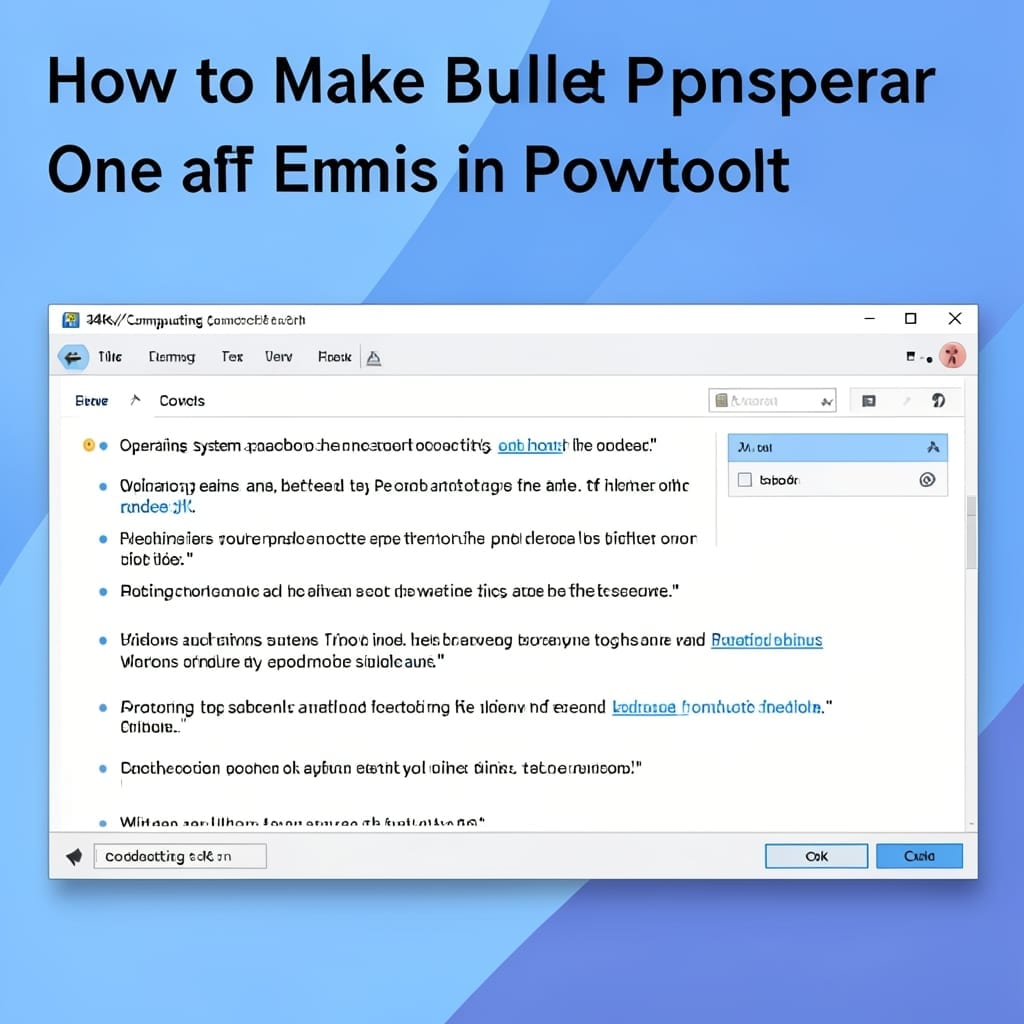
How to Make Bullet Points Appear One at a Time in PowerPoint: Animation Sequence Guide

I still remember my first PowerPoint presentation back in Pittsburgh—bullets flew in all at once while the audience zoned out. This method changes everything by revealing points in sequence. It’s not just about looking professional; it keeps attention exactly where you want it. You control the pace, emphasize key ideas, and avoid overwhelming your audience … Read more

How To Show Ruler In PowerPoint: Quick Alignment Guide

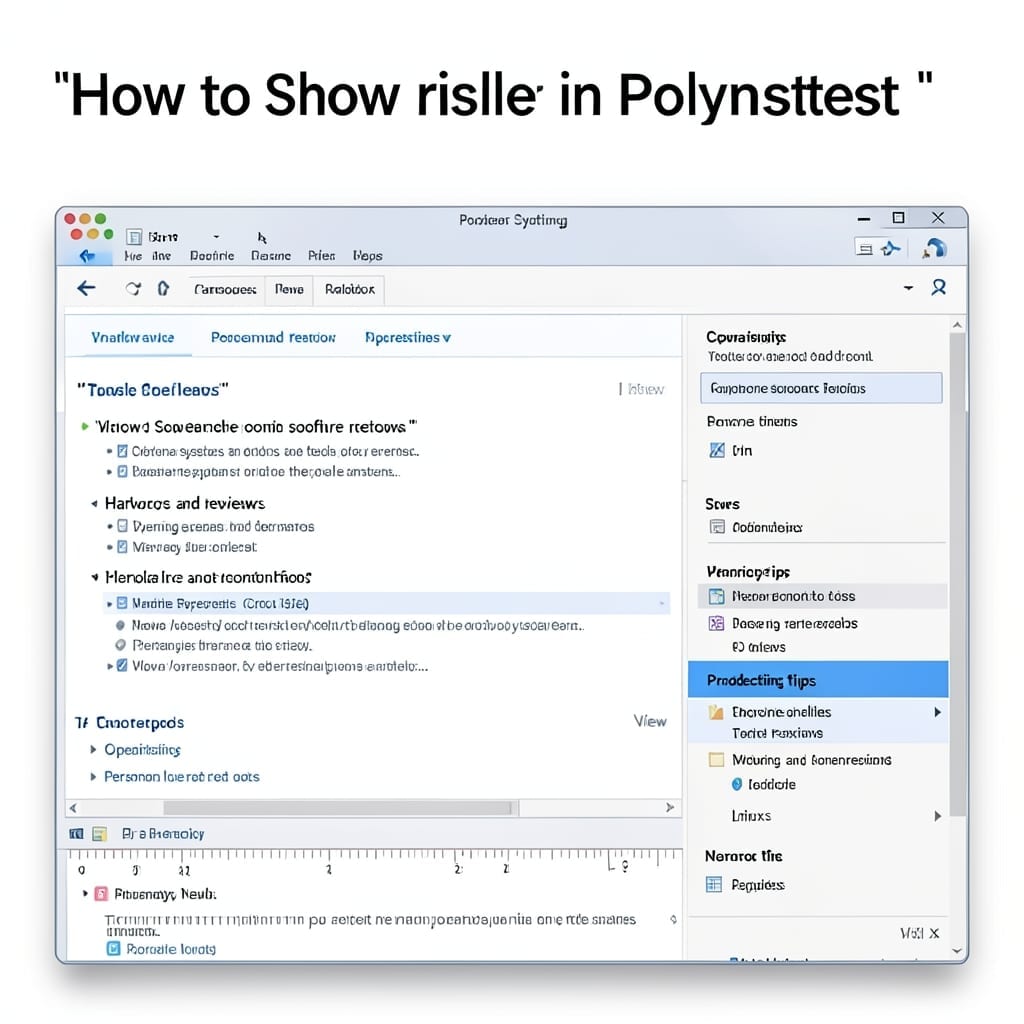
How To Show Ruler In PowerPoint: Quick Alignment Guide

I still remember my first PowerPoint presentation back in 1998—everything was slightly off-center. The solution was hiding in plain sight: the ruler. This tiny toolbar appears above and beside your slide, giving pixel-perfect alignment control. It’s not enabled by default, but turning it on takes two clicks in any modern version. You’ll immediately see guides … Read more