How To Insert A Document Into PowerPoint: Embed or Link for Smooth Presentations

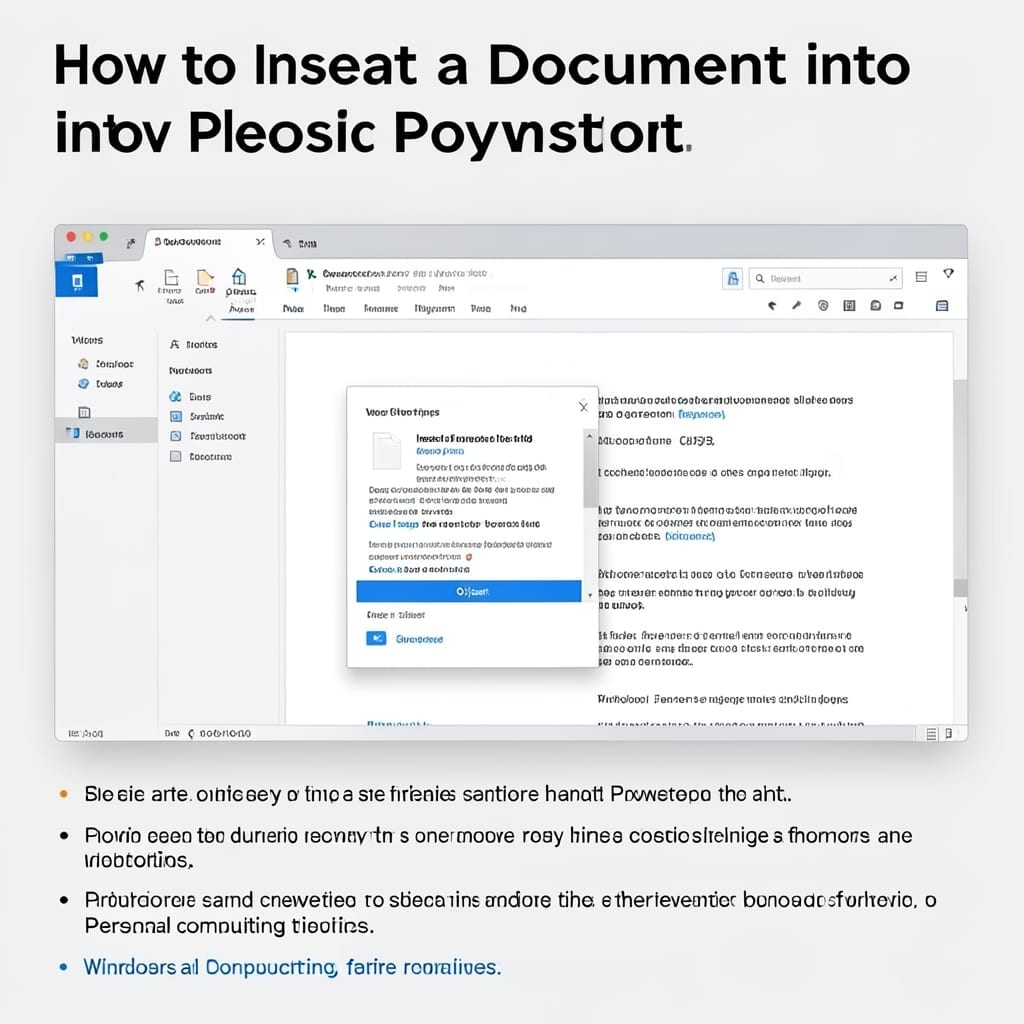
How To Insert A Document Into PowerPoint: Embed or Link for Smooth Presentations

Inserting a document into PowerPoint changed how I present client reports. The trick is knowing whether to embed or link—each has trade-offs you’ll feel during editing. Embedding bakes the file directly into your slides, so it travels with the presentation. Linking keeps it lightweight but requires the original file to stay in the same location. … Read more

What Should Be Added to This Slide to Make It More Effective: Design Tricks for Maximum Impact

What Should Be Added to This Slide to Make It More Effective: Design Tricks for Maximum Impact

I’ve seen too many slides fail because they’re missing just one key element. The difference between a forgettable slide and one that sticks with your audience often comes down to 3 simple additions. Visual hierarchy isn’t optional – it’s what guides your viewer’s eye through the content. A single, well-placed image can replace 200 words … Read more

How to Share PowerPoint With Others to Edit: Collaborative Workflow Made Simple

How to Share PowerPoint With Others to Edit: Collaborative Workflow Made Simple

I still remember the first time my team lost edits to a presentation. Three hours of work, gone. Sharing PowerPoint for editing doesn’t have to be that painful. Microsoft built real-time co-authoring into PowerPoint years ago. The trick is using OneDrive or SharePoint—upload once, then share the link with edit permissions. Everyone works on the … Read more

How to Lock a PowerPoint From Editing: Step by Step Protection Guide

How to Lock a PowerPoint From Editing: Step by Step Protection Guide

Here’s the thing—I’ve seen too many presentations ruined by accidental edits. One wrong click can undo hours of work, and the default PowerPoint settings don’t protect you. Locking your file isn’t just about passwords. You’ve got read-only mode, file permissions, and even Windows/macOS-level restrictions to consider. Each method serves a different scenario. I’ve tested all … Read more

How To Get More PowerPoint Themes: Free and Premium Sources Unlocked

How To Get More PowerPoint Themes: Free and Premium Sources Unlocked

I spent years using the same tired PowerPoint templates until a colleague showed me the goldmine of design options out there. The default themes are fine, but they scream “generic presentation” to anyone paying attention. Here’s the thing—there are thousands of professional templates available, many completely free. Microsoft’s own collection is just the starting point; … Read more