How to See Comments in PowerPoint: View and Manage Feedback Easily
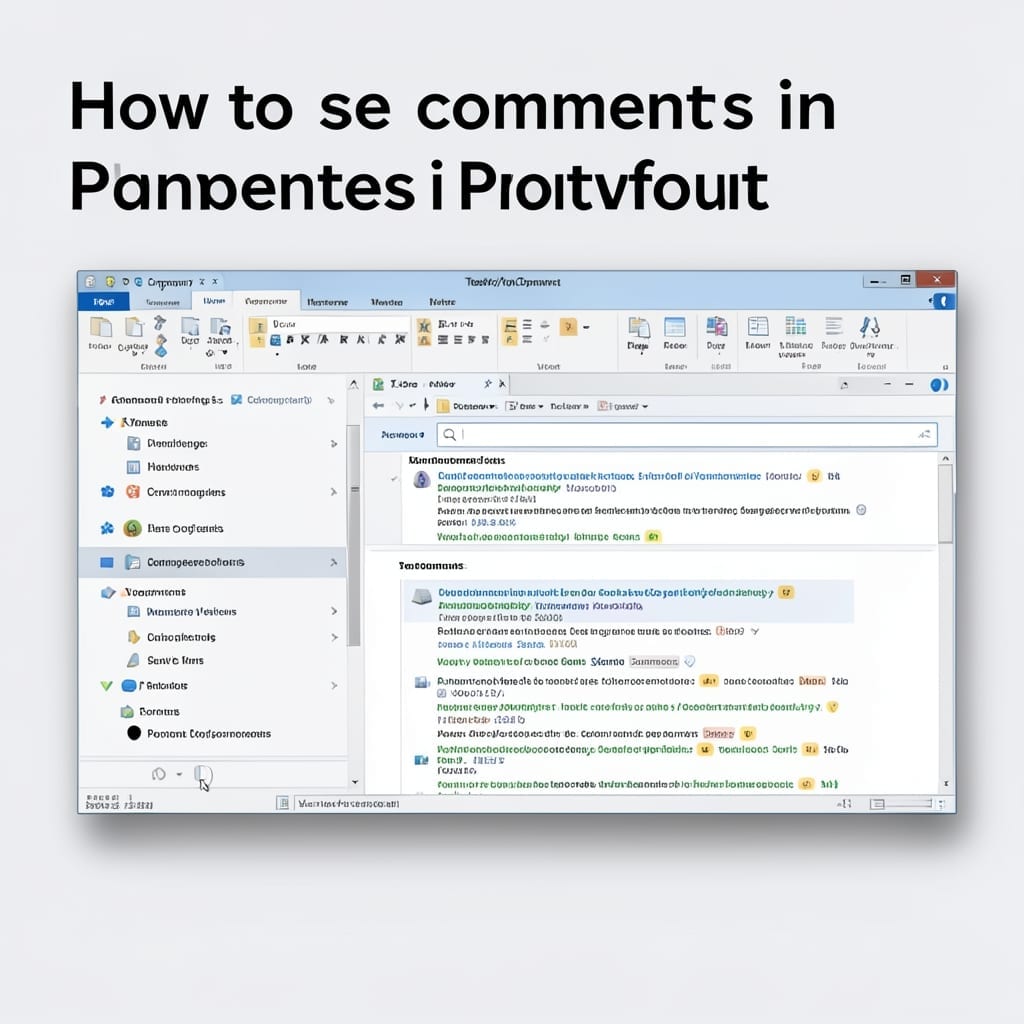
I spent last week reviewing a client presentation with 47 comments hidden across slides. PowerPoint buries feedback by default, but there’s a one-click way to expose every note. The Review tab holds the key—just hit “Show Comments” and watch the sidebar populate. This works in 2016, 2019, and 365 without any version gymnastics. No special … Read more