How To Attach Photo To Email: Quick Drag And Drop Method

I’ve sent thousands of emails with attachments over the years. The quickest method always starts with having the photo ready on your desktop or in a folder. Most modern email clients support drag-and-drop. In Outlook, Gmail, or webmail, simply drag the image file directly into the compose window. It attaches instantly with zero extra steps. … Read more

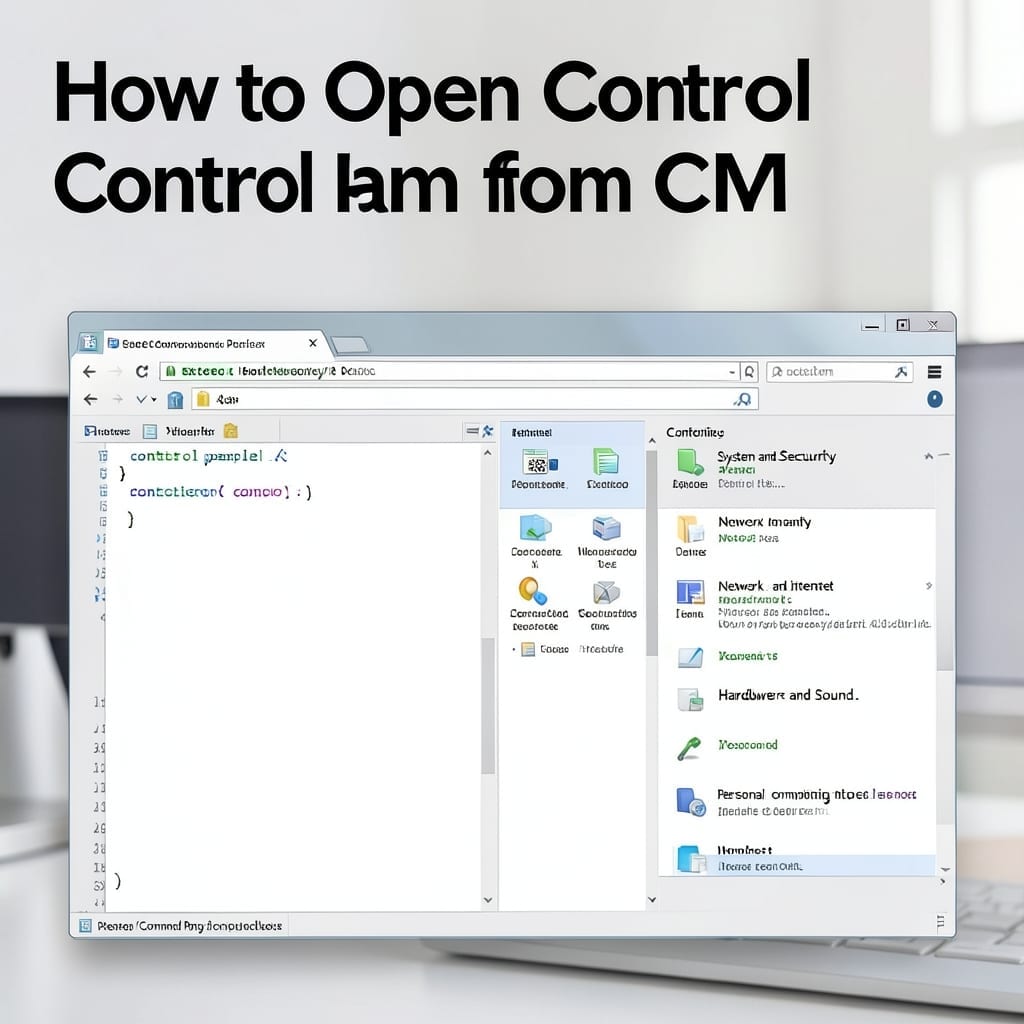
How To Open Control Panel From CMD: Quick Command Line Method

How To Open Control Panel From CMD: Quick Command Line Method

I remember the first time I needed Control Panel access during a Windows rollout at Microsoft. The GUI was locked down, but the command line always worked. This method bypasses all restrictions and opens Control Panel in under a second. No admin rights needed, no special permissions—just a single command typed into CMD. You’ll get … Read more

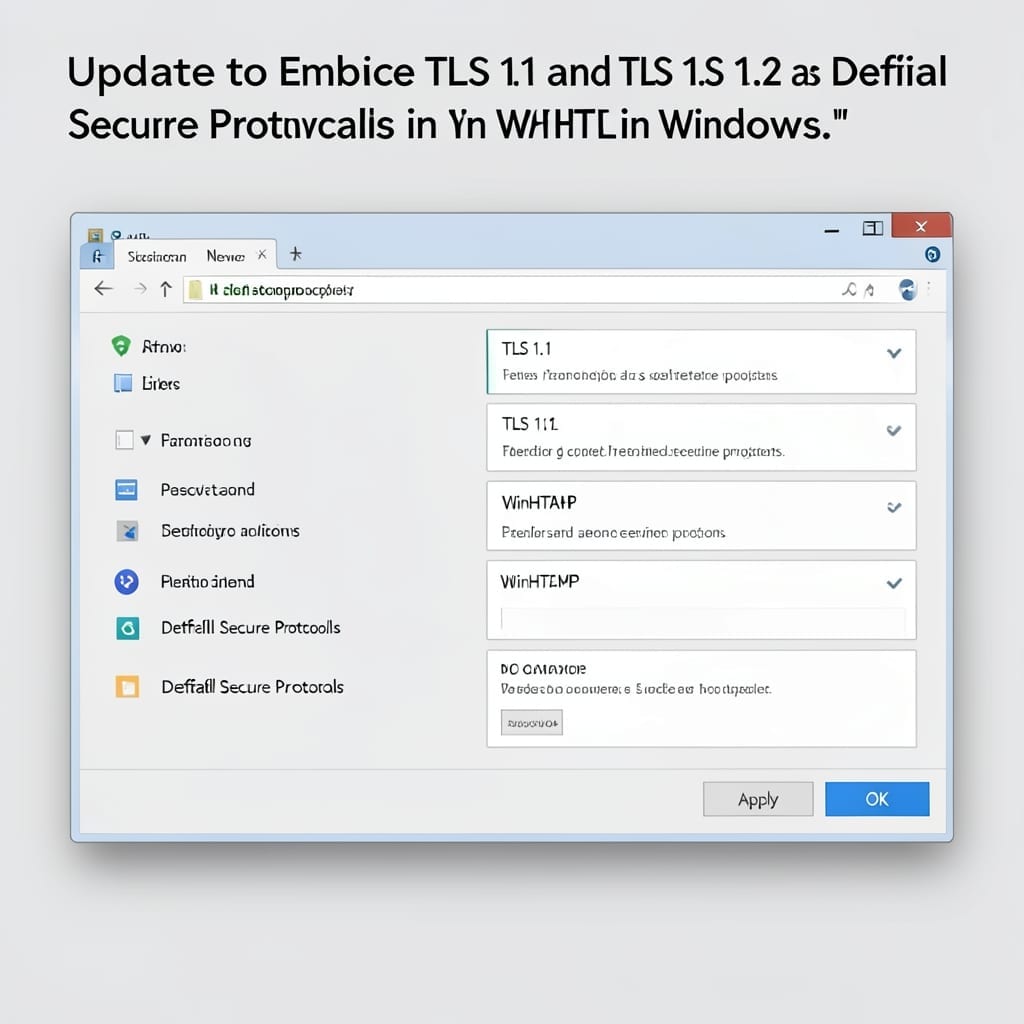
Update to Enable TLS 1.1 and TLS 1.2 as Default Secure Protocols in WinHTTP in Windows: Registry Fix for Legacy Apps

Update to Enable TLS 1.1 and TLS 1.2 as Default Secure Protocols in WinHTTP in Windows: Registry Fix for Legacy Apps

I’ve seen legacy Windows apps break after security updates more times than I can count. This registry tweak forces WinHTTP to use modern TLS protocols by default, keeping old software functional without compromising security. The fix involves two registry keys under WinHTTP that most admins overlook. It’s foolproof if you follow the exact steps—no special … Read more

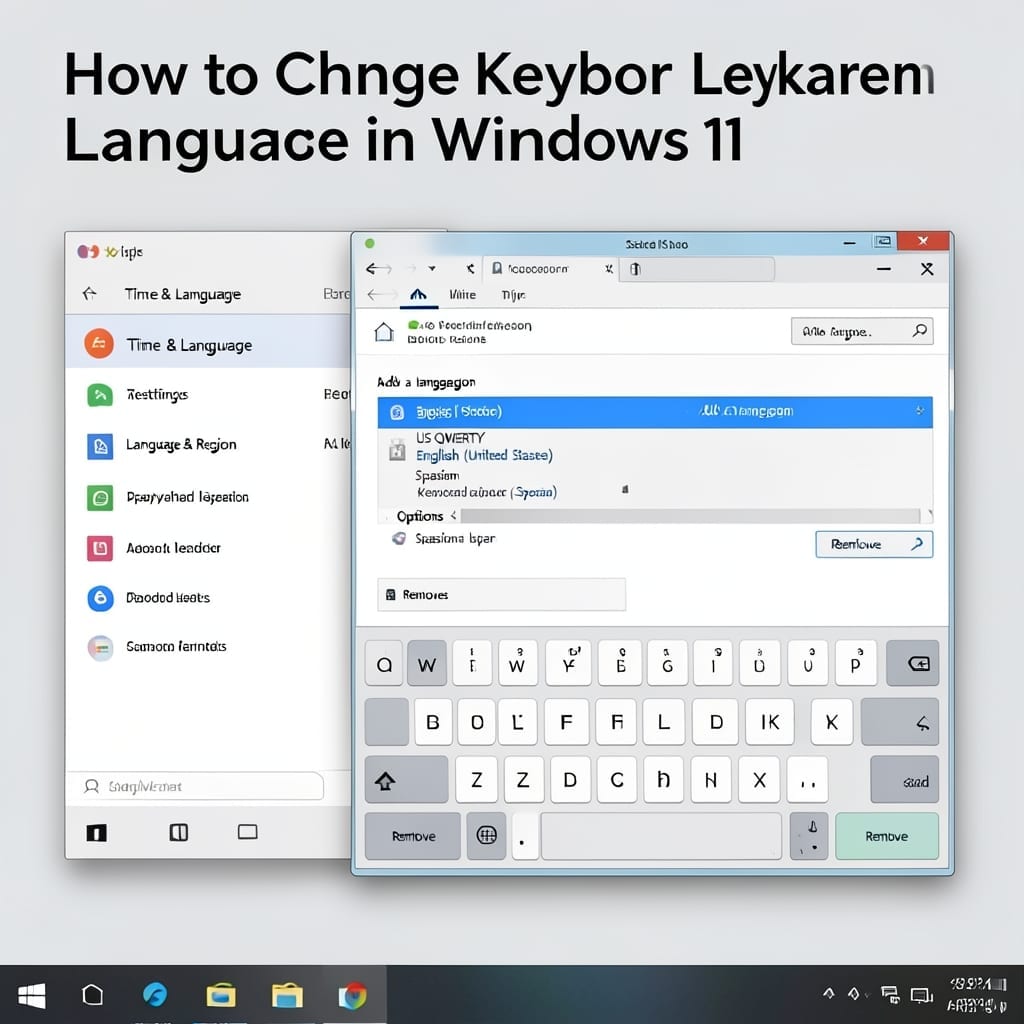
How to Change Keyboard Language Windows 11: Quick Switch Method

How to Change Keyboard Language Windows 11: Quick Switch Method

Switching keyboard languages in Windows 11 takes seconds once you know the shortcut. I’ve helped dozens set this up in our Five Points tech center, and the method never changes. The process starts in Settings, where you add your preferred language. Windows 11 keeps the switcher in the taskbar for instant access—no restart, no delays. … Read more