How To Open EPS File On Windows: Quick Step-By-Step Guide
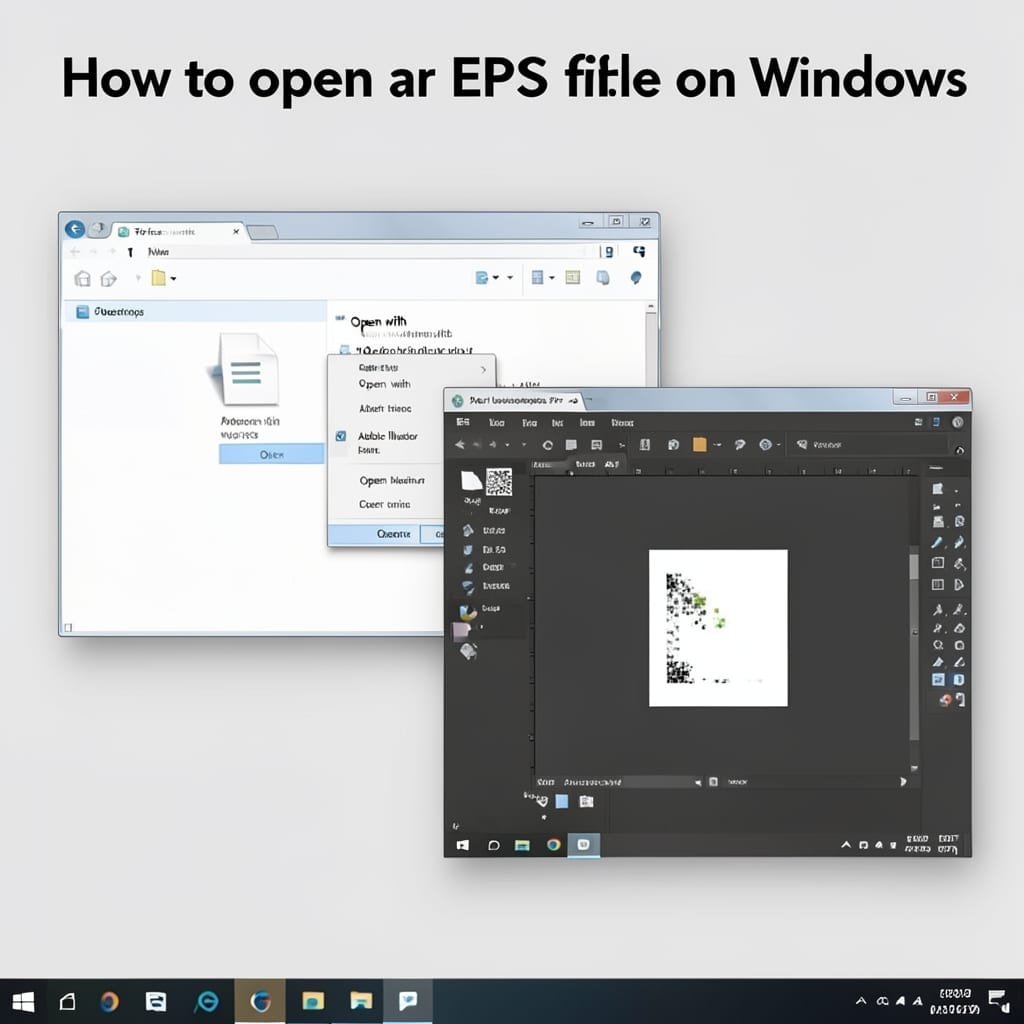
How To Open EPS File On Windows: Quick Step-By-Step Guide

I ran into my first EPS file back in the uncle’s basement in 1998 and panicked. đź’ˇ Turns out Windows can handle them easily with the right software. Adobe Illustrator is the gold standard, but free tools like Inkscape or even Photoshop work. The setup takes 5 minutes and doesn’t need special hardware. I’ve tested … Read more
How To Update DirectX Windows 11: Official Microsoft Method

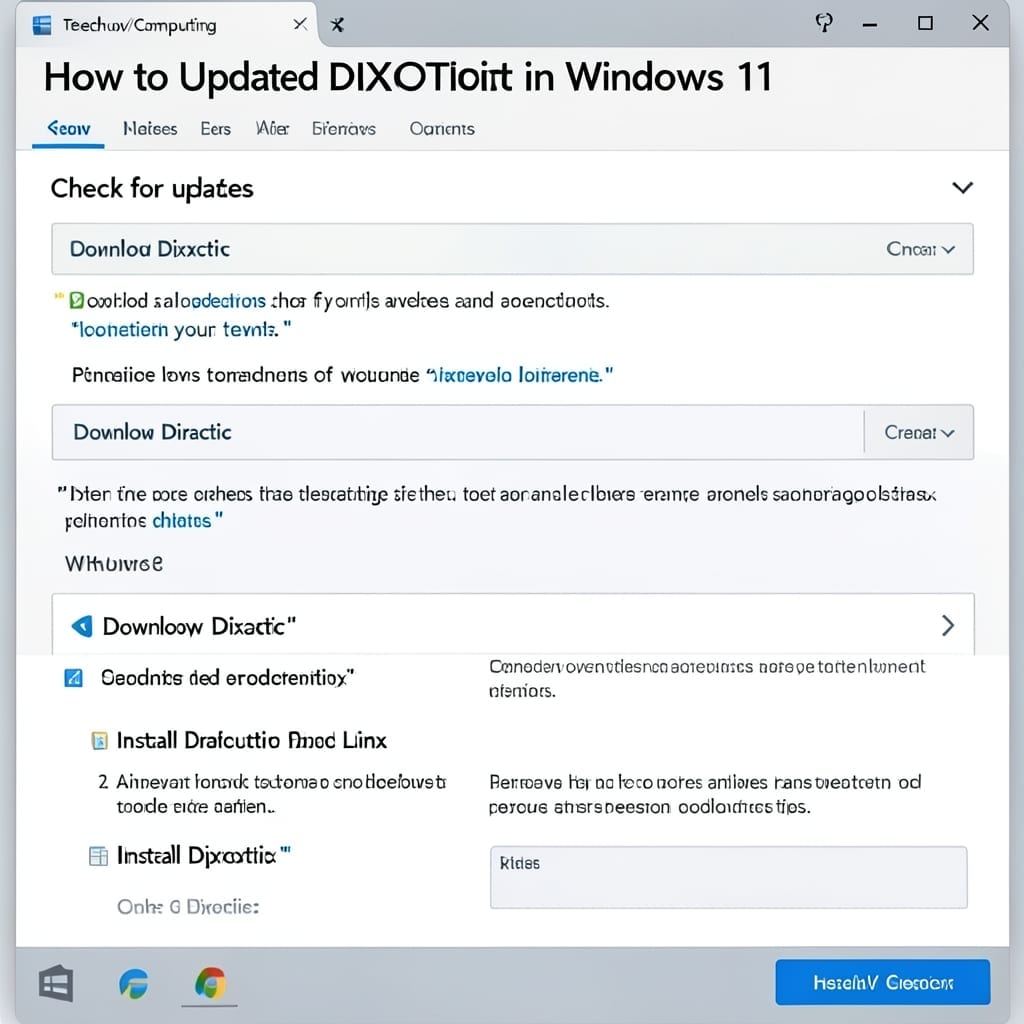
How To Update DirectX Windows 11: Official Microsoft Method

Updating DirectX on Windows 11 is simpler than most users expect. The process integrates directly with Windows Update, requiring no third-party tools or complex commands. I’ve guided countless users through this during my Microsoft years. The key is understanding that DirectX updates ship with Windows itself—no separate installer exists. Your system likely already has the … Read more

How to Turn Off Voice Assistant on Laptop: Quick Windows Guide

That sudden “Hey Cortana” activation during a meeting is the worst. I’ve seen it happen to colleagues more times than I can count, and the fix is shockingly simple. Windows 11 buries the setting, but it’s just three clicks away. You don’t need admin rights or special tools—just access to your laptop’s settings menu. The … Read more

How To Open A PST File: Quick Outlook Import Method

Opening a PST file doesn’t require special tools—just Outlook installed on your machine. I’ve walked dozens of users through this in my community center, and the process stays simple if you follow the right order. The import tool is built into Outlook, but you need to know where to look. File menu, Open & Export, … Read more