How to Edit Background Graphics in PowerPoint: Professional Design in Minutes
How to Edit Background Graphics in PowerPoint: Professional Design in Minutes

I’ve seen too many presentations ruined by distracting backgrounds. The right graphic can elevate your slide deck from amateur to polished in under 5 minutes of editing. PowerPoint’s background tools are more powerful than most users realize. You can adjust transparency, recolor, or even remove elements without touching your main content. I’ve used this to … Read more
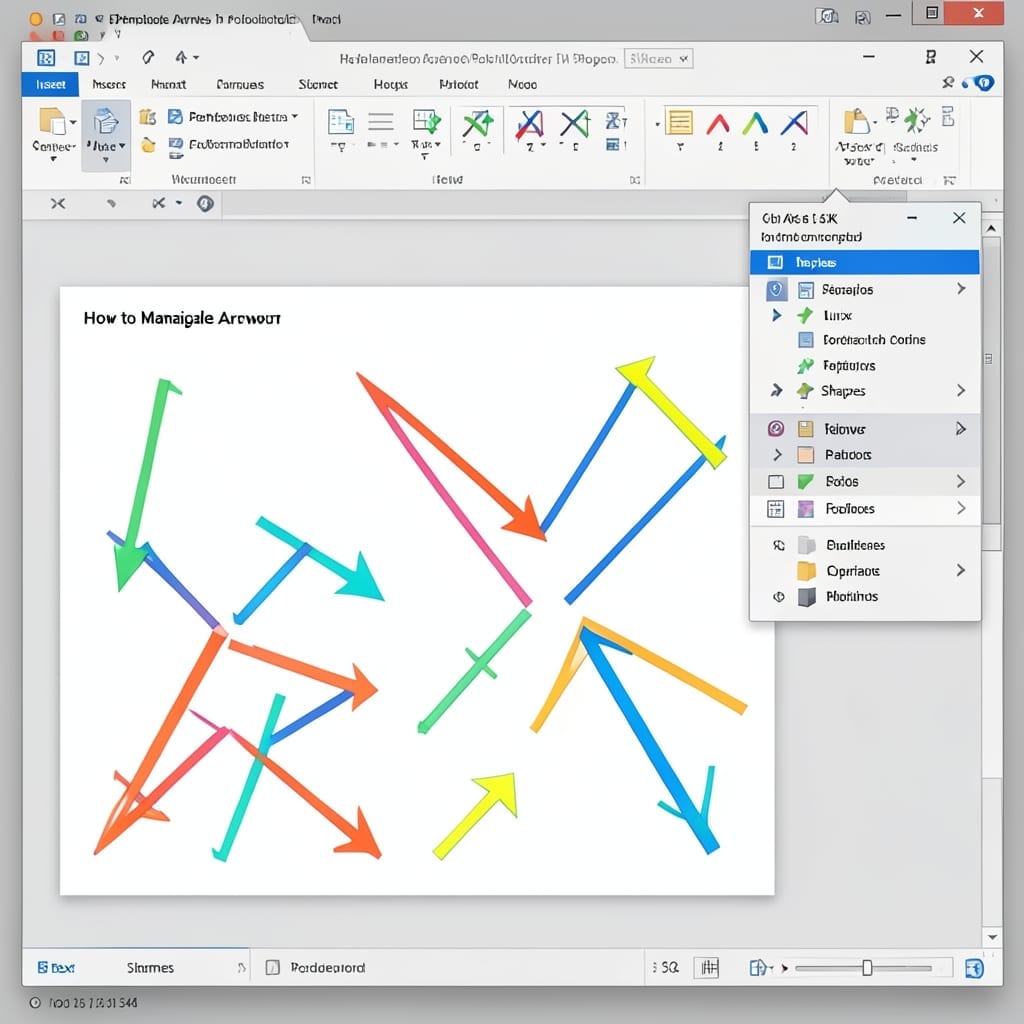
How To Manipulate Arrows In PowerPoint: Precision Alignment And Customization

How To Manipulate Arrows In PowerPoint: Precision Alignment And Customization

I spent years watching presentations where arrows looked like they were drawn by a sleep-deprived toddler. Precision alignment in PowerPoint isn’t optional—it’s what separates the pros from the PowerPoint casualties. The default arrow tools are just the starting point. With a few clicks, you can transform them from generic to pixel-perfect, adjusting curvature, weight, and … Read more

Disable Full Screen Optimization Windows 11: Registry Editor Fix

Disable Full Screen Optimization Windows 11: Registry Editor Fix

Windows 11 keeps forcing fullscreen apps into that weird optimization mode. I spent a weekend in my uncle’s old basement workshop in 1998 learning that sometimes the registry holds the real fixes. This tweak takes under 2 minutes in Registry Editor and stops the graphical glitches that plague fullscreen games and apps. No special tools, … Read more