From The Normal View Display The Slide Number On Every Slide: Automatic Numbering For All Slides

I’ve lost count of how many presentations I’ve seen where slide numbers were missing. This one tweak makes navigation foolproof during any talk. PowerPoint hides the setting in plain sight. You’ll enable it through Insert > Slide Number, then apply to all slides—no manual work needed. Takes under 2 minutes once you know where to … Read more

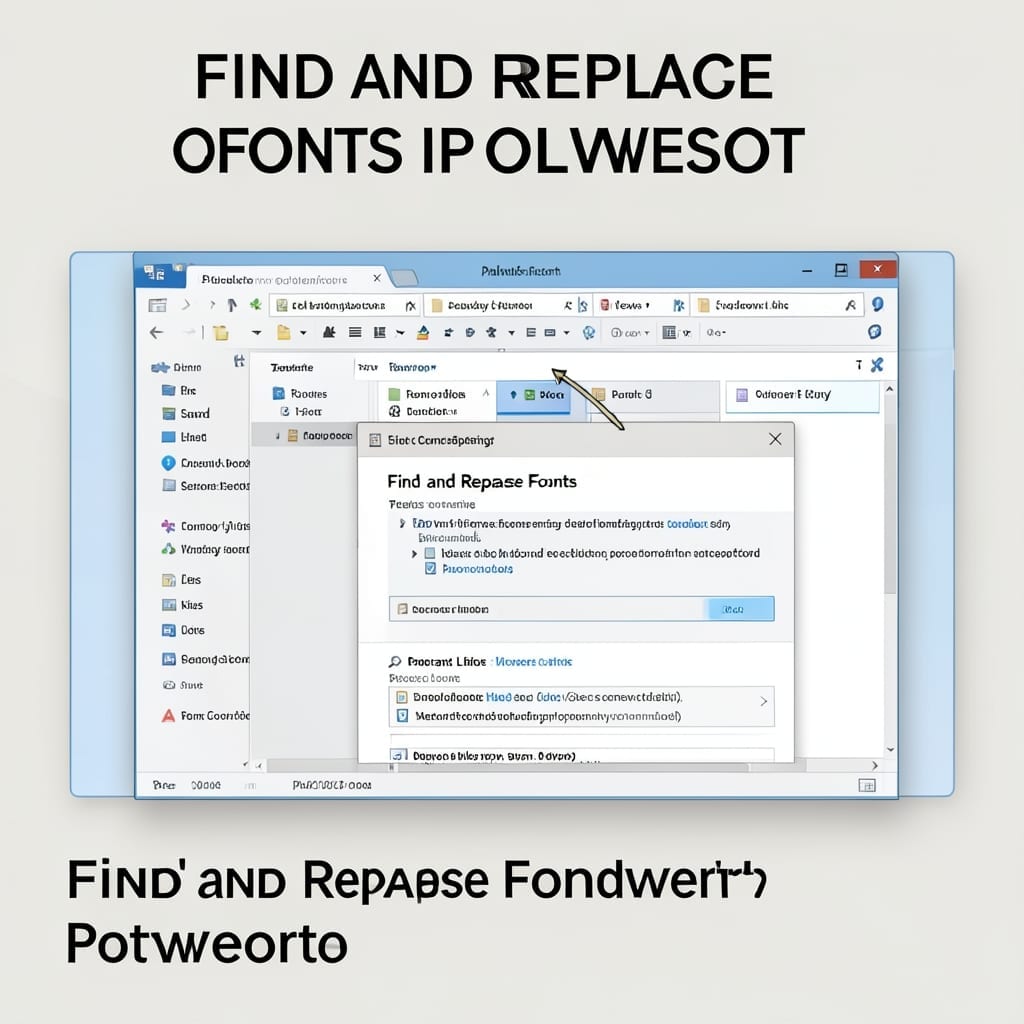
Find and Replace Fonts in PowerPoint: Uniform Styling in Seconds

Find and Replace Fonts in PowerPoint: Uniform Styling in Seconds

I wasted two hours manually changing fonts in a 50-slide presentation last quarter. There’s a better way to standardize text across every slide in seconds. PowerPoint’s built-in replace tool handles fonts just like text. Open the replace dialog, select the font you want to change, pick its replacement, and watch every instance update instantly. This … Read more

How to Search for Online Templates in PowerPoint: Time-Saving Design Shortcut

How to Search for Online Templates in PowerPoint: Time-Saving Design Shortcut

I spent years manually formatting slides until I discovered this shortcut. PowerPoint’s online template library cuts design time from hours to minutes with professional layouts ready to use. No special skills needed—just open PowerPoint, click File > New, and browse the template gallery. The search bar filters by color, style, and purpose, so you find … Read more