How to Lock a PowerPoint From Editing: Step by Step Protection Guide
How to Lock a PowerPoint From Editing: Step by Step Protection Guide

Here’s the thing—I’ve seen too many presentations ruined by accidental edits. One wrong click can undo hours of work, and the default PowerPoint settings don’t protect you. Locking your file isn’t just about passwords. You’ve got read-only mode, file permissions, and even Windows/macOS-level restrictions to consider. Each method serves a different scenario. I’ve tested all … Read more
How To Get More PowerPoint Themes: Free and Premium Sources Unlocked

How To Get More PowerPoint Themes: Free and Premium Sources Unlocked

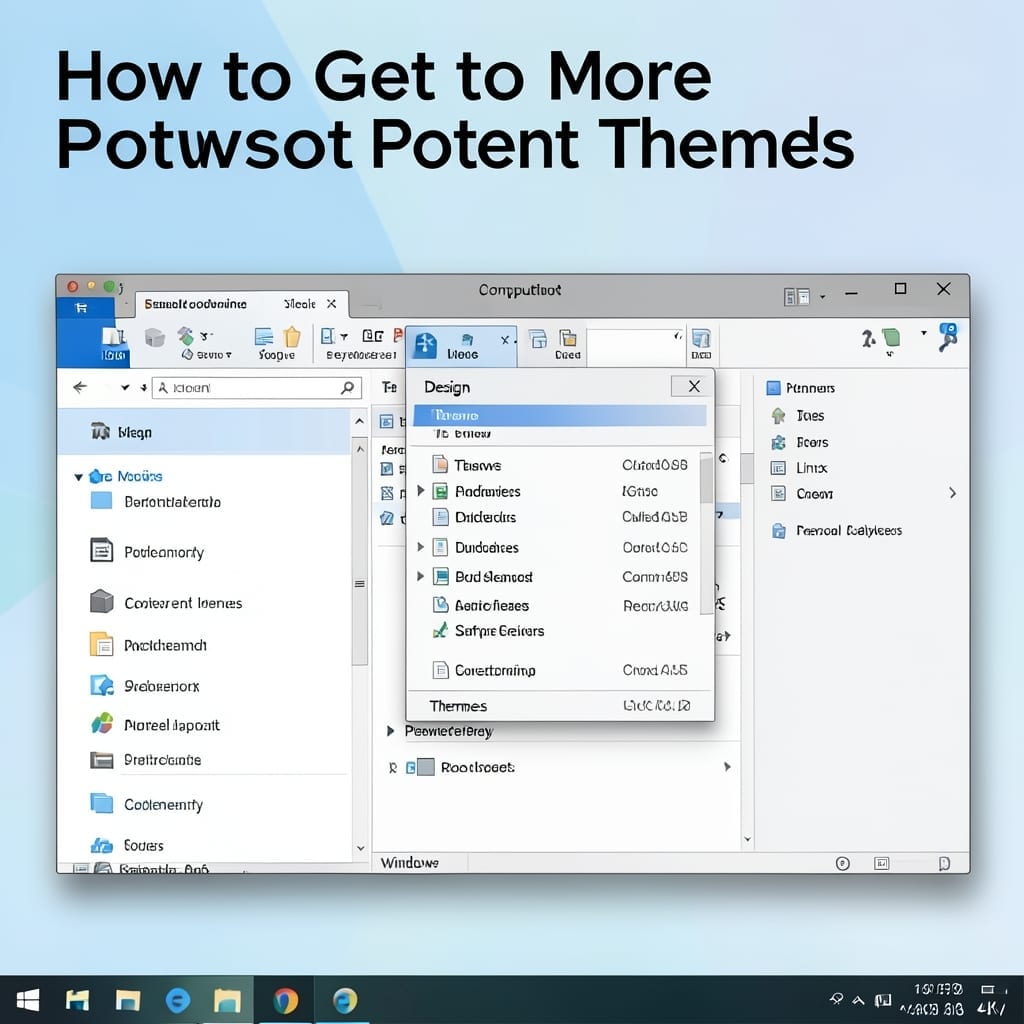
I spent years using the same tired PowerPoint templates until a colleague showed me the goldmine of design options out there. The default themes are fine, but they scream “generic presentation” to anyone paying attention. Here’s the thing—there are thousands of professional templates available, many completely free. Microsoft’s own collection is just the starting point; … Read more

How To Print a PowerPoint: Direct Method for Physical Copies

How To Print a PowerPoint: Direct Method for Physical Copies

Printing a PowerPoint seems simple until it isn’t. I’ve seen presentations turn into formatting nightmares at the last minute, and the fix is always in the setup. The key is selecting the right print layout before hitting Ctrl+P. Whether you need handouts, notes pages, or full slides, the options vary by version—2016 handles it differently … Read more

Apply the Facet Theme: Professional Slide Design Made Simple

Apply the Facet Theme: Professional Slide Design Made Simple

I still remember my first PowerPoint presentation back in college—it looked like a ransom note. This theme changes everything with one click in the Design tab. No design skills needed. The Facet theme handles fonts, colors, and layouts automatically, so your slides look polished without the fuss. I’ve used it for client pitches and it … Read more