How to Create a Summary Zoom Slide in PowerPoint: Clean Layouts for Focused Presentations
How to Create a Summary Zoom Slide in PowerPoint: Clean Layouts for Focused Presentations

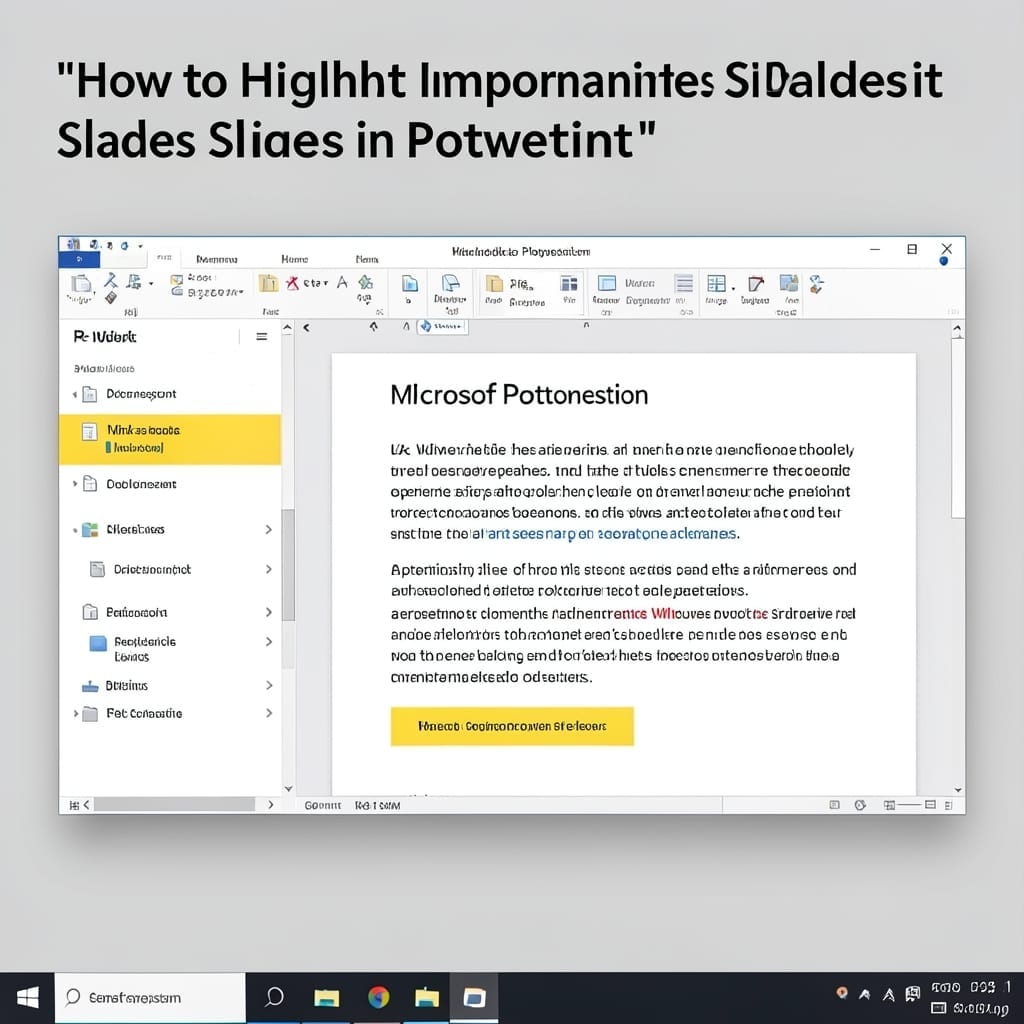
I’ve watched too many presentations derail because the audience lost the thread. A summary zoom slide fixes that in PowerPoint with one clean, navigable overview. This isn’t about fancy animations—it’s a one-click tool that transforms your deck into an interactive map. Insert the slide, pick your sections, and let PowerPoint handle the rest. No design … Read more
How to Animate a Table in PowerPoint: Dynamic Data for Impactful Slides

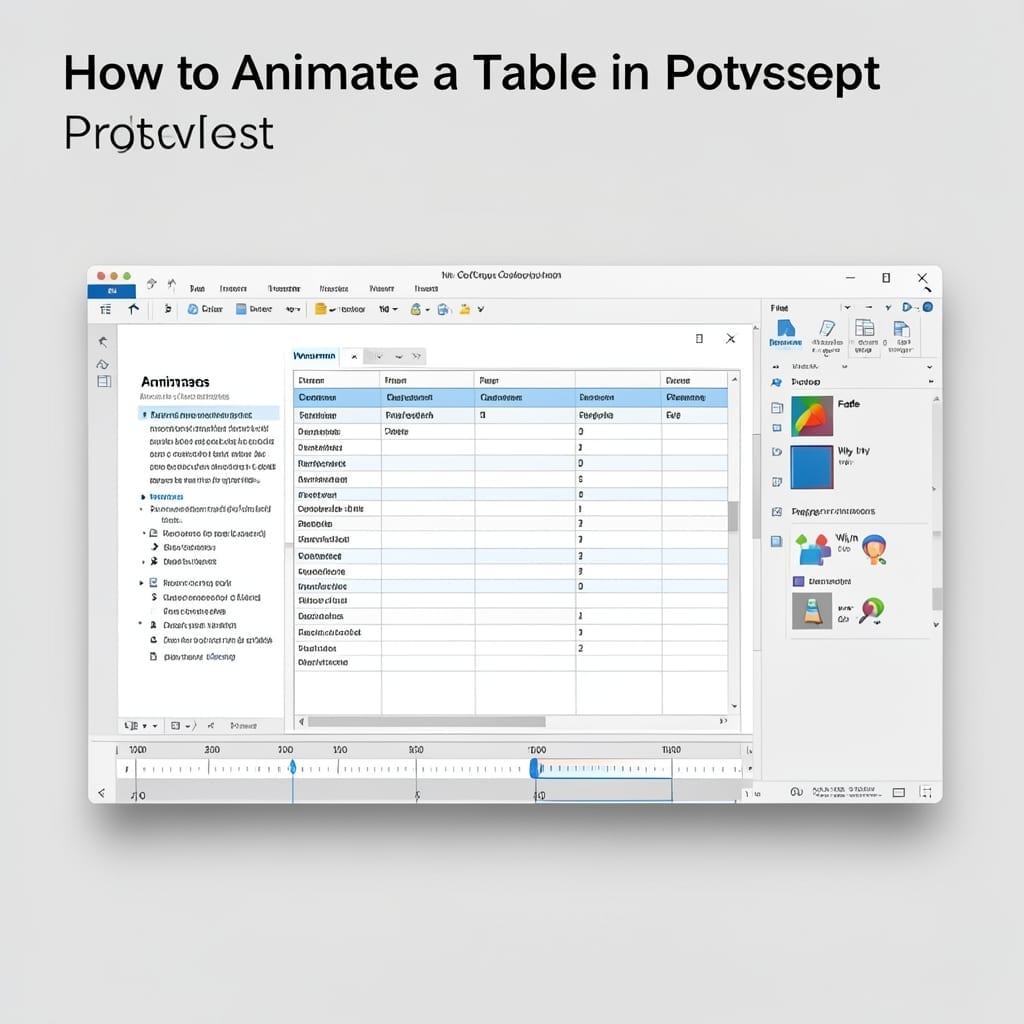
How to Animate a Table in PowerPoint: Dynamic Data for Impactful Slides

I’ve seen too many presentations where tables just sit there, lifeless. Animating them in PowerPoint changes everything, turning static data into a dynamic story that guides your audience’s focus. This isn’t about flashy effects—it’s about revealing data at the right moment. Whether you’re using PowerPoint 2019 or 365, the process is straightforward once you know … Read more

How To Recolor An Image In PowerPoint: Quick Color Adjustment Guide

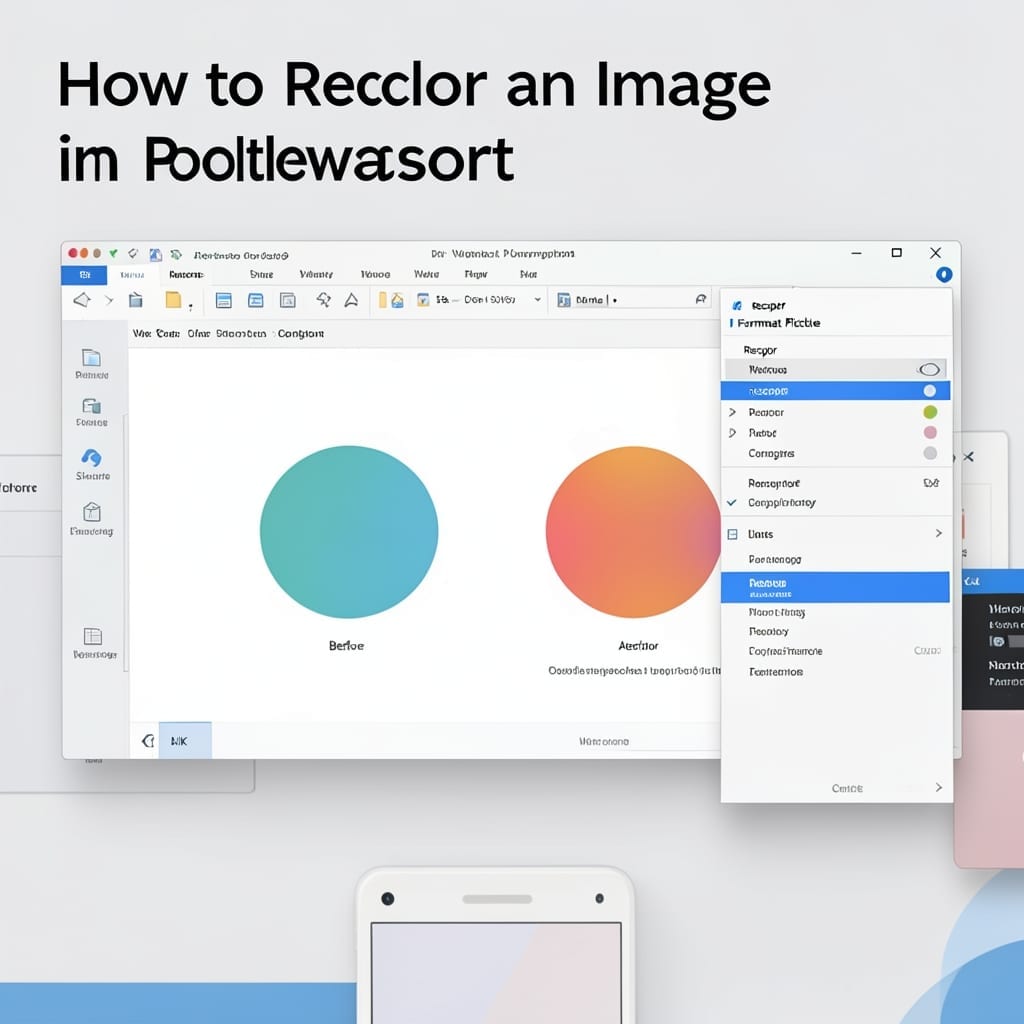
How To Recolor An Image In PowerPoint: Quick Color Adjustment Guide

I spent years manually editing images before discovering PowerPoint’s built-in recolor tool. 30 seconds is all it takes to transform any picture’s palette without leaving your presentation. Here’s the thing—most users don’t realize Picture Format’s Color menu can do more than basic adjustments. I’ve used this to match brand colors across 50+ slides in minutes, … Read more