Microsoft Edge Dark Mode All Websites: Force Dark Theme on Any Site

Microsoft Edge Dark Mode All Websites: Force Dark Theme on Any Site

I spent years squinting at blinding white websites at midnight. One Edge setting changed everything, forcing dark mode across every site without extensions or workarounds. The trick lives in Edge’s appearance menu, buried under a toggle most users miss. Enable it once and watch as even stubborn sites flip to dark automatically. No special tools, … Read more
Remove Folder From Library Windows 10: Step by Step Cleanup Method

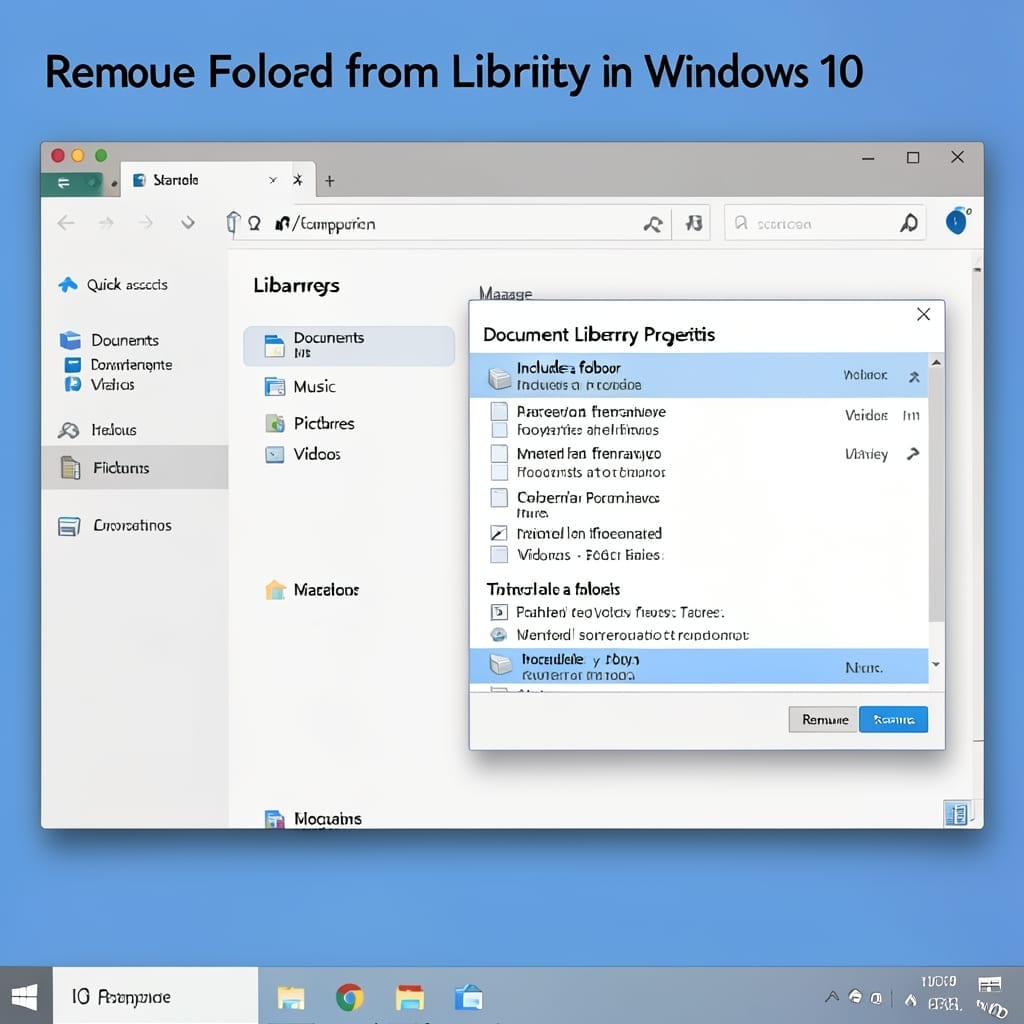
Remove Folder From Library Windows 10: Step by Step Cleanup Method

Windows 10 libraries can get cluttered with folders you no longer need. I’ve seen users accidentally fill their Documents library with temporary project folders that serve no purpose after completion. The cleanup process is shockingly simple once you know where to look. No command line required—just a few clicks in File Explorer. This method works … Read more

How To Change Lock Screen On Windows 10: Step By Step Guide

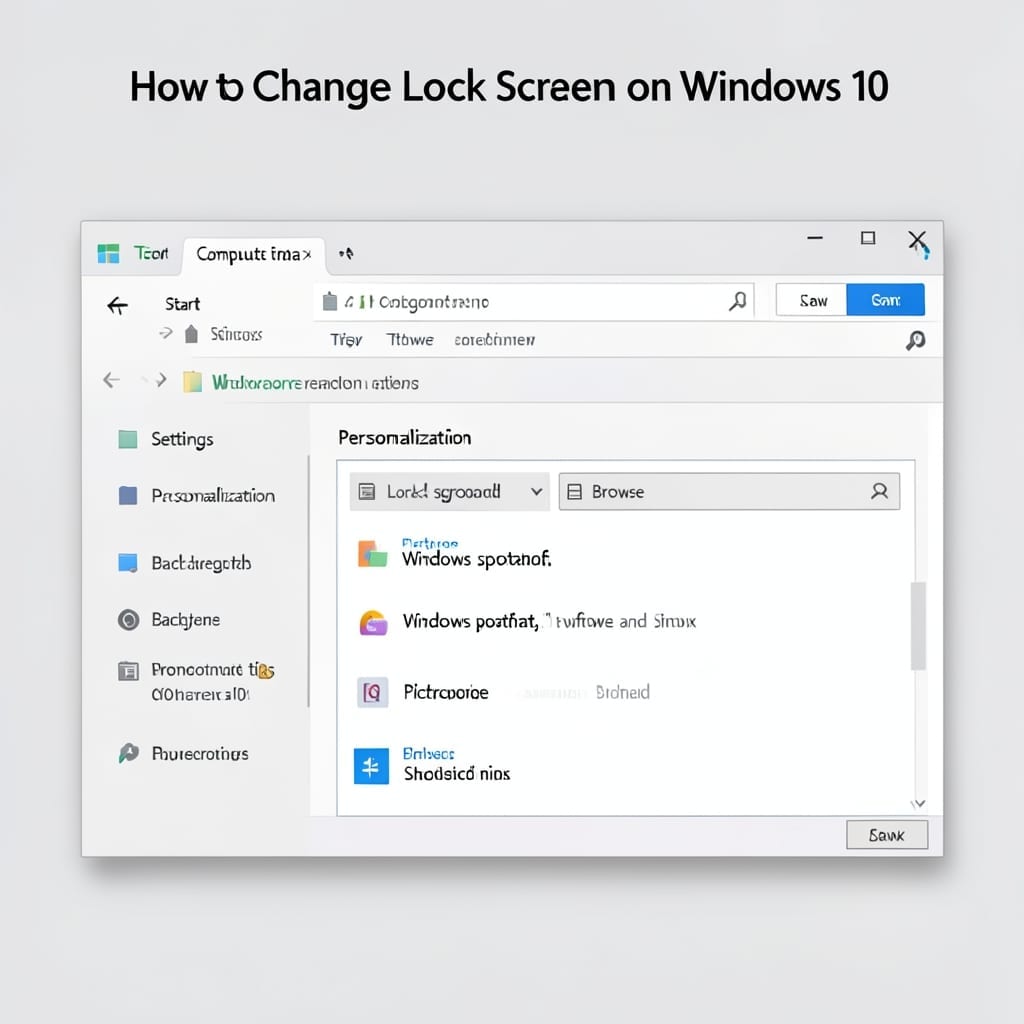
How To Change Lock Screen On Windows 10: Step By Step Guide

I still remember my first Windows 10 boot in that uncle’s basement. The lock screen felt like a digital welcome mat I couldn’t change. Today, customizing it takes 2 minutes and zero technical skills. Windows 10 hides this option where no one looks—under Settings > Personalization > Lock screen. You’ll find spots for background images, … Read more

Windows 10 Cleaning Up After Update: Quick Disk Space Recovery

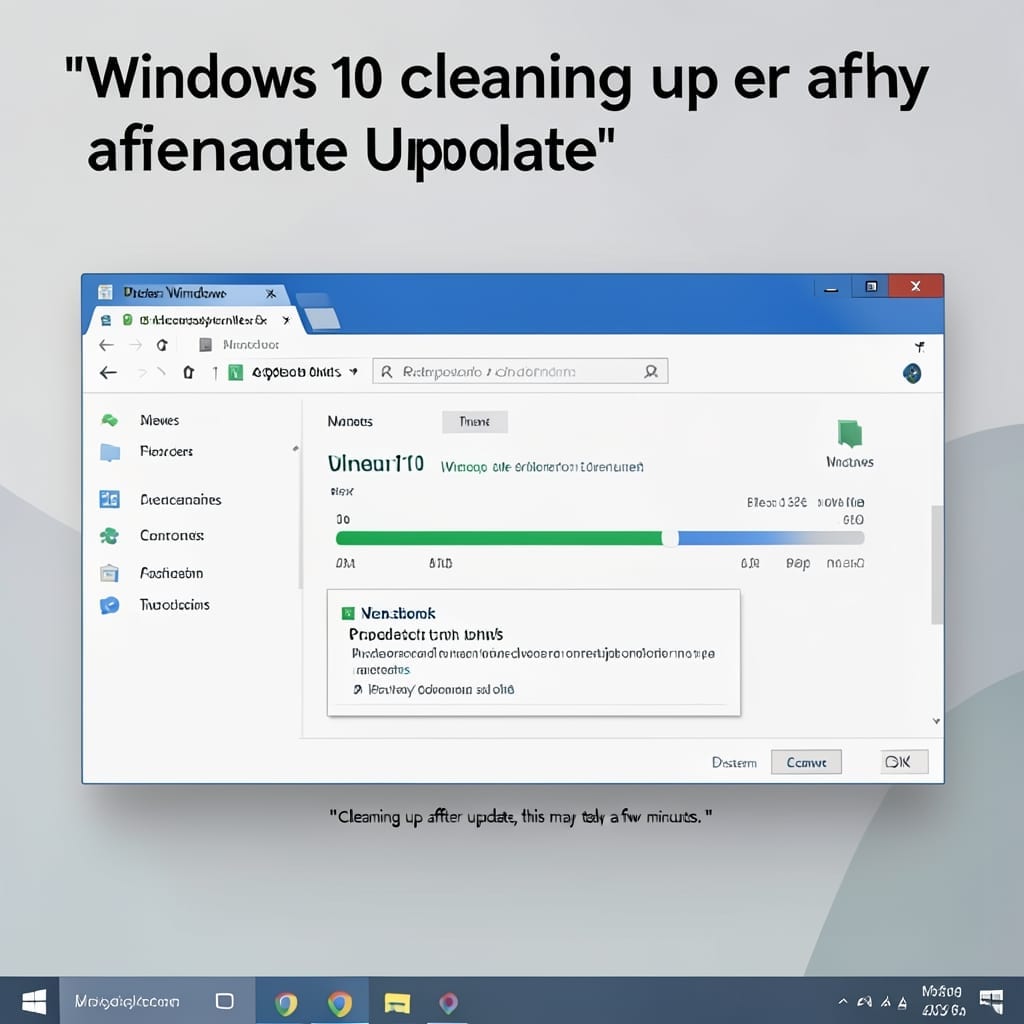
Windows 10 Cleaning Up After Update: Quick Disk Space Recovery

Windows 10 updates leave behind gigabytes of junk you don’t need. I learned this the hard way during my time on the Windows 10 rollout team—users would call in with full drives after updates, not realizing the cleanup was simple. The process takes under 10 minutes and recovers 5-15GB on most systems. You’ll use built-in … Read more