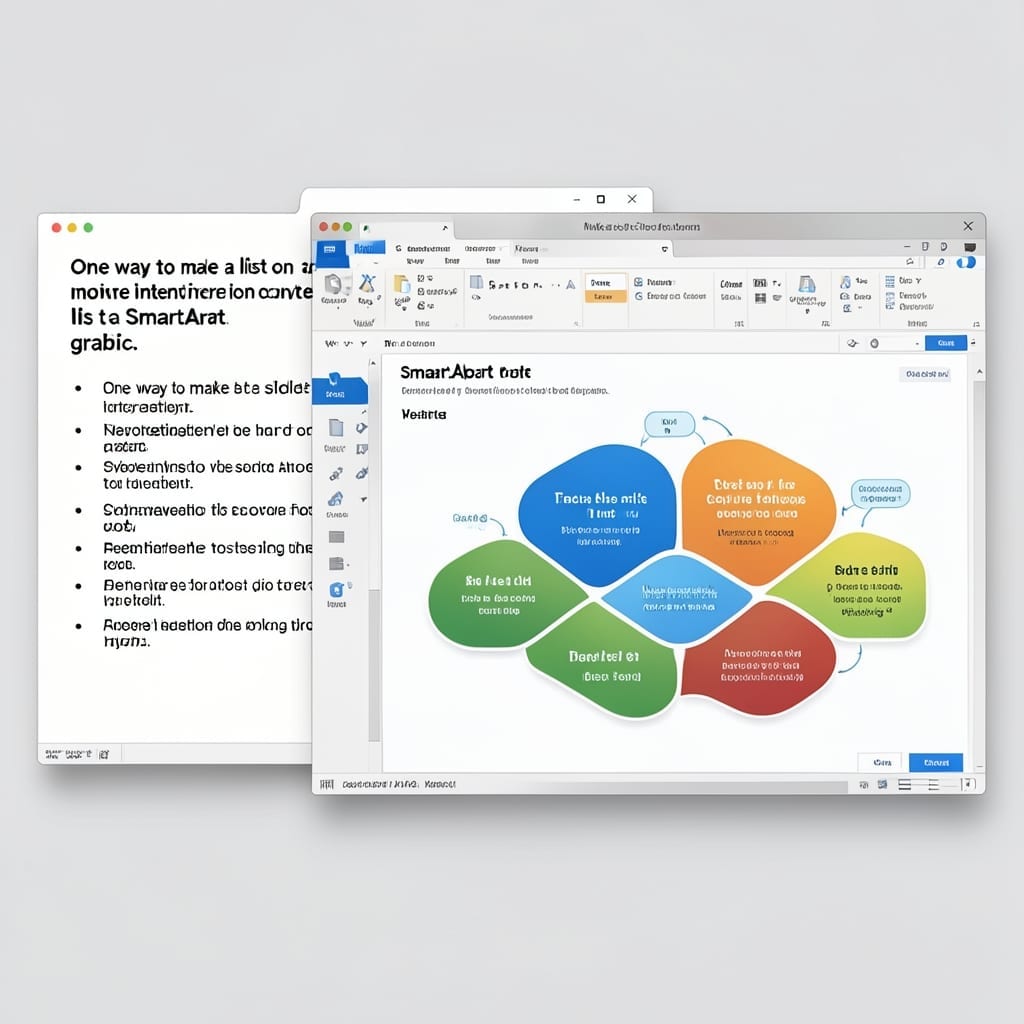
One Way To Make A List On A Slide More Interesting Is To Convert The List To A SmartArt Graphic: Visual Impact In Seconds

One Way To Make A List On A Slide More Interesting Is To Convert The List To A SmartArt Graphic: Visual Impact In Seconds

I still remember the first presentation where my bullet points put the audience to sleep. 💡 That was the day I discovered PowerPoint’s hidden superpower for transforming boring lists into visual stories. With one click, you can turn a static list into a dynamic SmartArt graphic that flows, connects, or hierarchizes your points. The process … Read more

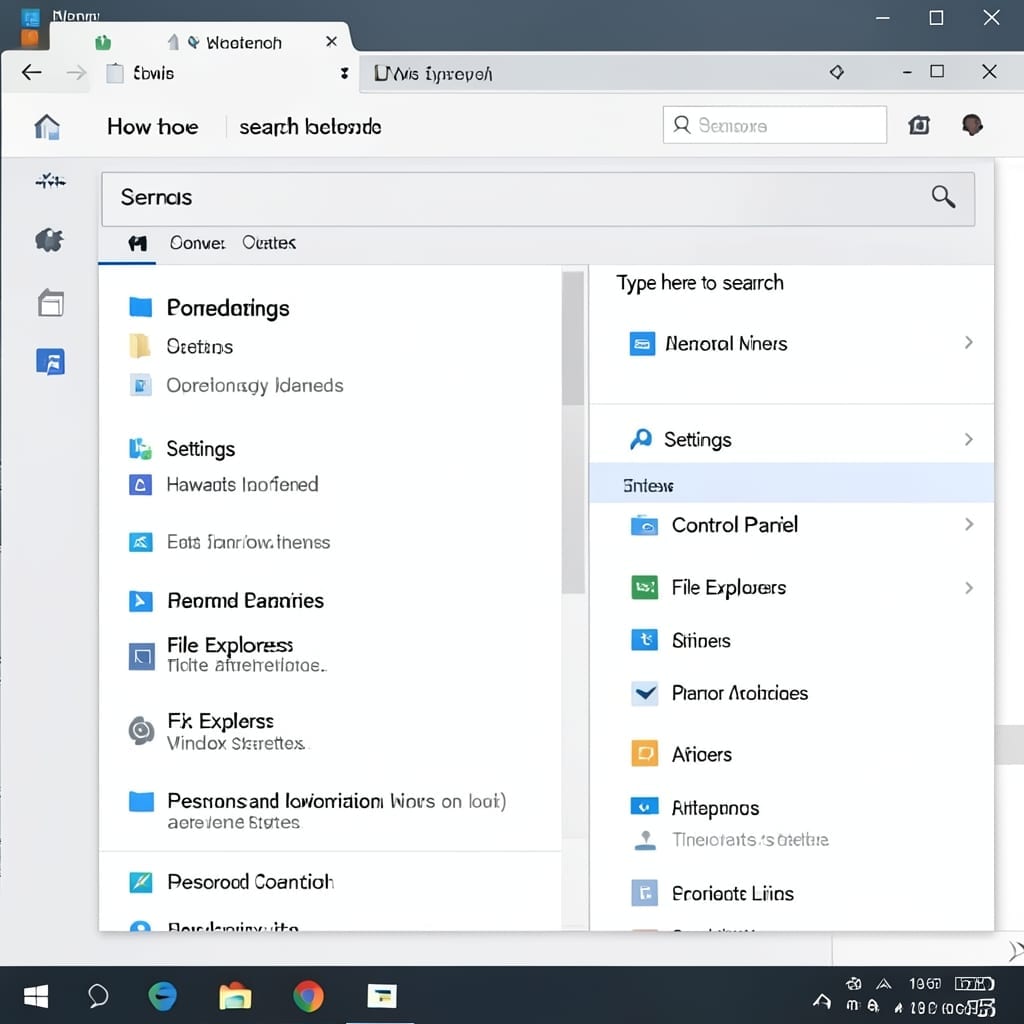
How To Search Keywords On Windows: Quick Built-In Method

How To Search Keywords On Windows: Quick Built-In Method

Windows has built-in tools to find any text or file in seconds. I’ve used these methods daily since my Microsoft retail days, and they’ve never let me down. The search bar in File Explorer is your fastest route. Type a phrase, press Enter, and watch it scan documents, emails, and even app contents. For power … Read more

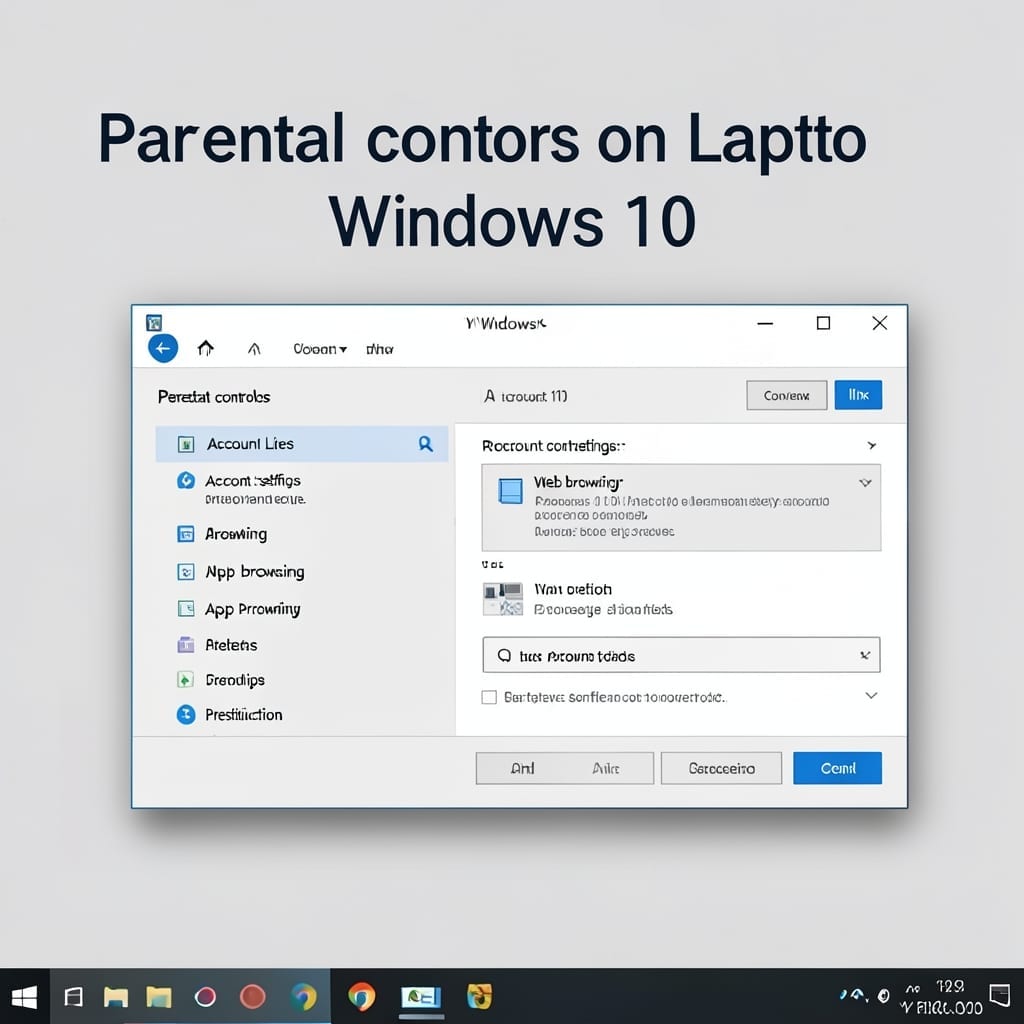
Parental Controls on Laptop Windows 10: Step by Step Setup Guide

Parental Controls on Laptop Windows 10: Step by Step Setup Guide

I set up my first Windows 10 parental controls for my cousin’s kids last summer. The process is simpler than most parents realize, hidden in plain sight under Settings. You’ll find everything under Accounts then Family & other users. Microsoft’s built-in tools let you limit screen time, block inappropriate apps, and filter websites without third-party … Read more

How to Turn Off HDR Windows 10: Quick Display Settings Fix

How to Turn Off HDR Windows 10: Quick Display Settings Fix

I still remember the first time HDR made my Windows 10 display look worse instead of better. Two minutes in settings fixed it completely. The toggle is buried deeper than it should be, but once you know where to look, disabling HDR takes less time than reading this sentence. No special tools, no command line, … Read more