How to Paste Pictures in Email: Quick Steps for Outlook Users

That moment when you need to share a screenshot in an email. Honestly, I’ve seen more people struggle with this than I’d care to admit. The good news is that pasting images directly into Outlook is a one-click process once you know the trick. Outlook handles inline images differently than Gmail or webmail. The secret … Read more
Open Teams to Continue Receiving Notifications: Streamlined Setup for Uninterrupted Access

Open Teams to Continue Receiving Notifications: Streamlined Setup for Uninterrupted Access

I lost an important message last week because Teams wasn’t open. đź’ˇ That’s when I realized the app needs to be running to receive notifications in real-time. Microsoft Teams won’t push notifications if it’s closed completely. The solution is simpler than most think: just keep the app running in the background. No special settings, no … Read more

How Can You Search for Specific Text in the Body of an Email: Outlook’s Advanced Find Tool

How Can You Search for Specific Text in the Body of an Email: Outlook's Advanced Find Tool

I wasted 20 minutes yesterday scrolling through emails looking for a client’s address. Turns out Outlook has a hidden gem for this exact problem. The Advanced Find tool lets you dig into email bodies with surgical precision. No more guessing which folder it’s in or what the subject line might have been. You’ll pinpoint that … Read more

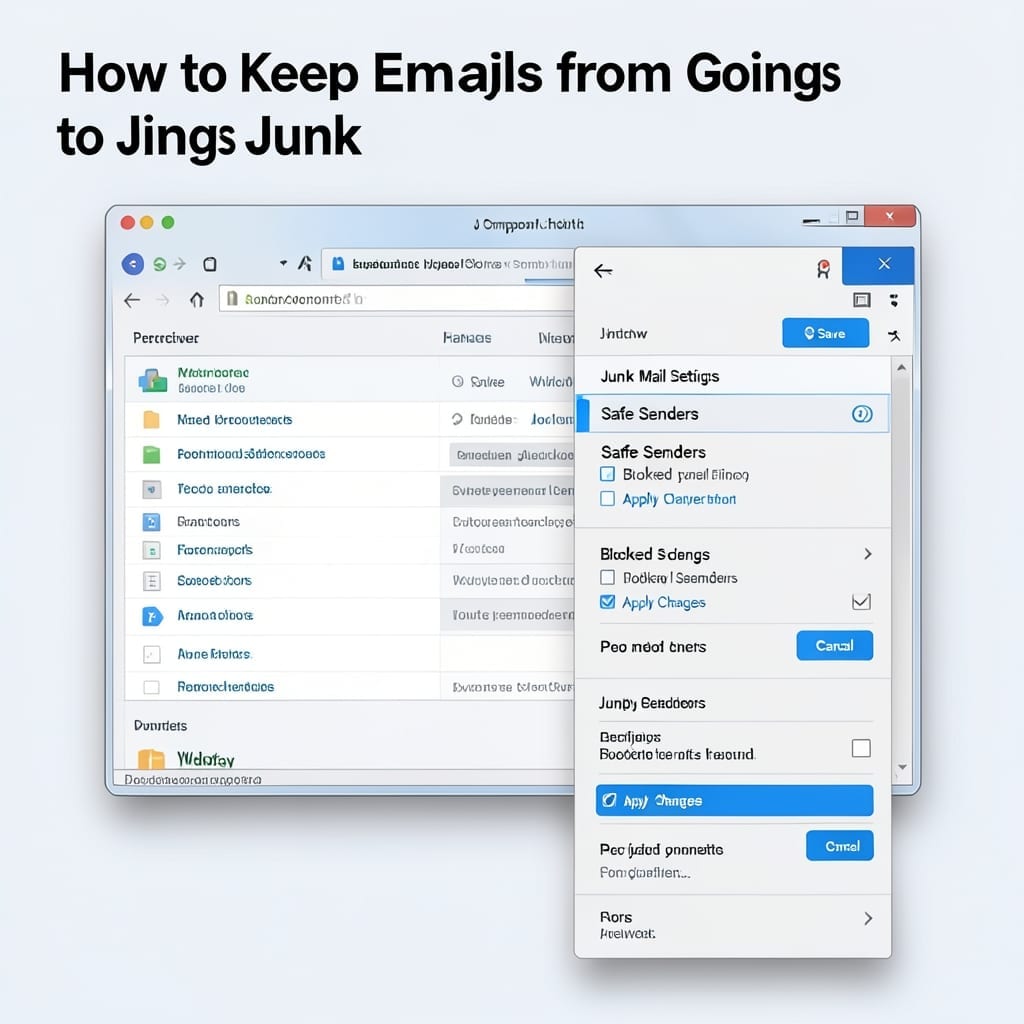
How to Keep Emails From Going to Junk: Proven Inbox Delivery Tips

How to Keep Emails From Going to Junk: Proven Inbox Delivery Tips

I’ve watched important emails vanish into junk folders for years. ⚡ The fix is simpler than most realize—just a few settings tweaks in your email client. Outlook, Gmail, or others all have similar controls. Whitelisting senders, adjusting spam filters, and checking your blocked list takes under 5 minutes and works universally across platforms. You’ll stop … Read more

How Do You Save An Email As A PDF: Outlook Export In 3 Steps

I still remember the first time I needed to save an email as a PDF for a legal document. The process felt unnecessarily complicated until I discovered this 3-step method that works every time. Outlook makes it simple once you know where to look. No special software, no workarounds—just a few clicks to turn any … Read more

How Do You Create An Email Message: Step-By-Step Outlook Guide

How Do You Create An Email Message: Step-By-Step Outlook Guide

I still remember sending my first email in that 1998 basement workshop. The process has evolved, but the core remains simple and powerful for staying connected. Whether you’re using Outlook, Gmail, or webmail, the steps follow the same logical flow. You’ll need an account, an internet connection, and about 2 minutes to craft your first … Read more

How Do You Delete an Email: Step-by-Step Outlook Removal

How Do You Delete an Email: Step-by-Step Outlook Removal

I’ve seen inboxes overflowing with thousands of unread messages. Outlook makes cleanup simple, but the exact steps depend on whether you’re using the desktop app, web version, or mobile. Between you and me, most people miss the permanent delete step. That’s why emails keep reappearing like bad pennies. I learned this the hard way managing … Read more