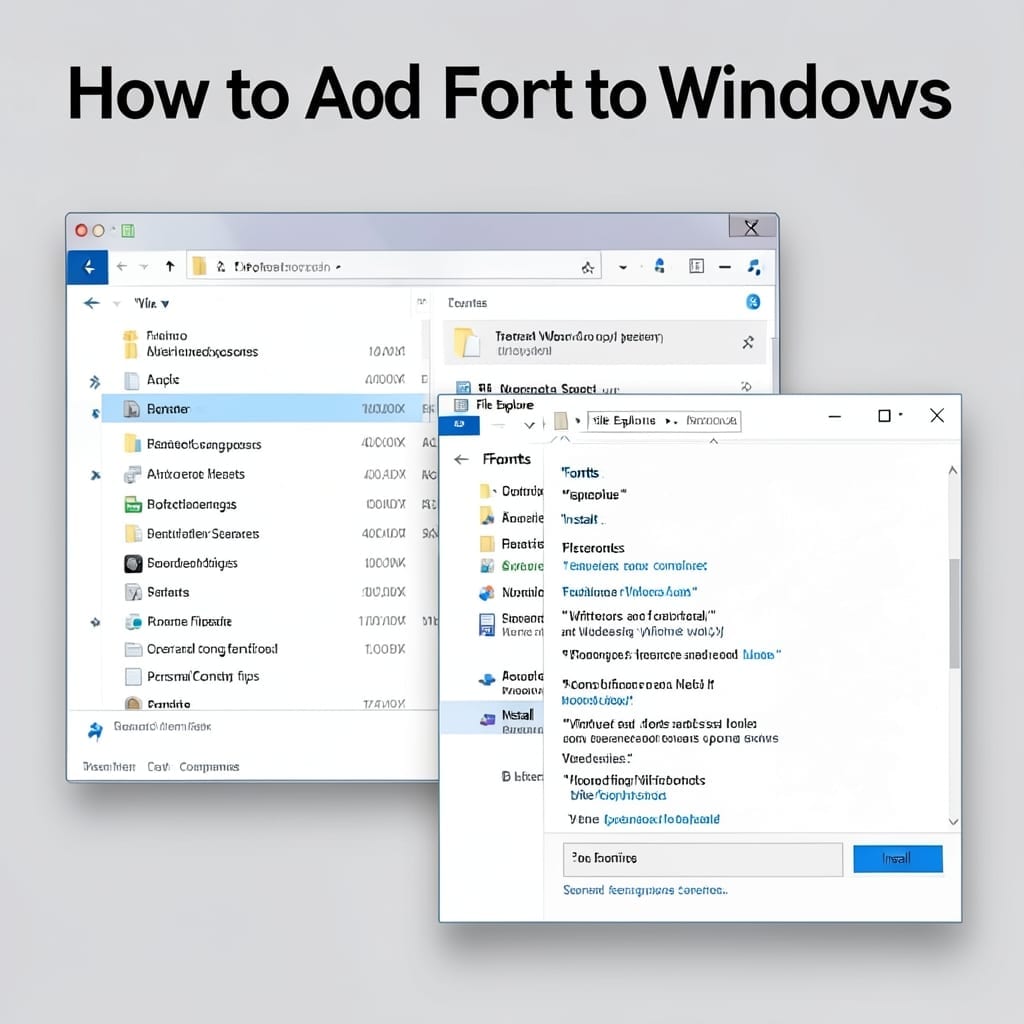
How to Add Font to Windows: Quick Drag-and-Drop Method

How to Add Font to Windows: Quick Drag-and-Drop Method

I still remember installing my first custom font on Windows 98 in my uncle’s basement. The process has gotten much simpler since then, but the core principle remains the same. Today, adding a new typeface to your system takes under 60 seconds with a straightforward drag-and-drop method. No command lines, no registry edits—just point, click, … Read more

How to Open an OST File: Quick Outlook Recovery Method

That sinking feeling when Outlook crashes and your emails vanish? I’ve been there. OST files hold your offline Outlook data, and accessing them directly isn’t as straightforward as double-clicking. The quickest method is converting the file to PST using Outlook itself, but that requires a healthy mail profile. If that’s not an option, third-party tools … Read more

How to Send an Email on Behalf of Someone: Outlook Delegation Made Simple

How to Send an Email on Behalf of Someone: Outlook Delegation Made Simple

Sending emails for others changed my workflow at Microsoft. Delegation in Outlook lets you compose, reply, and manage messages as if you were someone else—without sharing their password. This isn’t just for assistants. I’ve used it to cover for teammates during vacations, manage shared inboxes, and even handle client communications seamlessly. The setup takes 5 … Read more

How to Paste Pictures in Email: Quick Steps for Outlook Users

That moment when you need to share a screenshot in an email. Honestly, I’ve seen more people struggle with this than I’d care to admit. The good news is that pasting images directly into Outlook is a one-click process once you know the trick. Outlook handles inline images differently than Gmail or webmail. The secret … Read more

Open Teams to Continue Receiving Notifications: Streamlined Setup for Uninterrupted Access

Open Teams to Continue Receiving Notifications: Streamlined Setup for Uninterrupted Access

I lost an important message last week because Teams wasn’t open. 💡 That’s when I realized the app needs to be running to receive notifications in real-time. Microsoft Teams won’t push notifications if it’s closed completely. The solution is simpler than most think: just keep the app running in the background. No special settings, no … Read more