How To Open XPS File Windows 10: Native Viewer Method
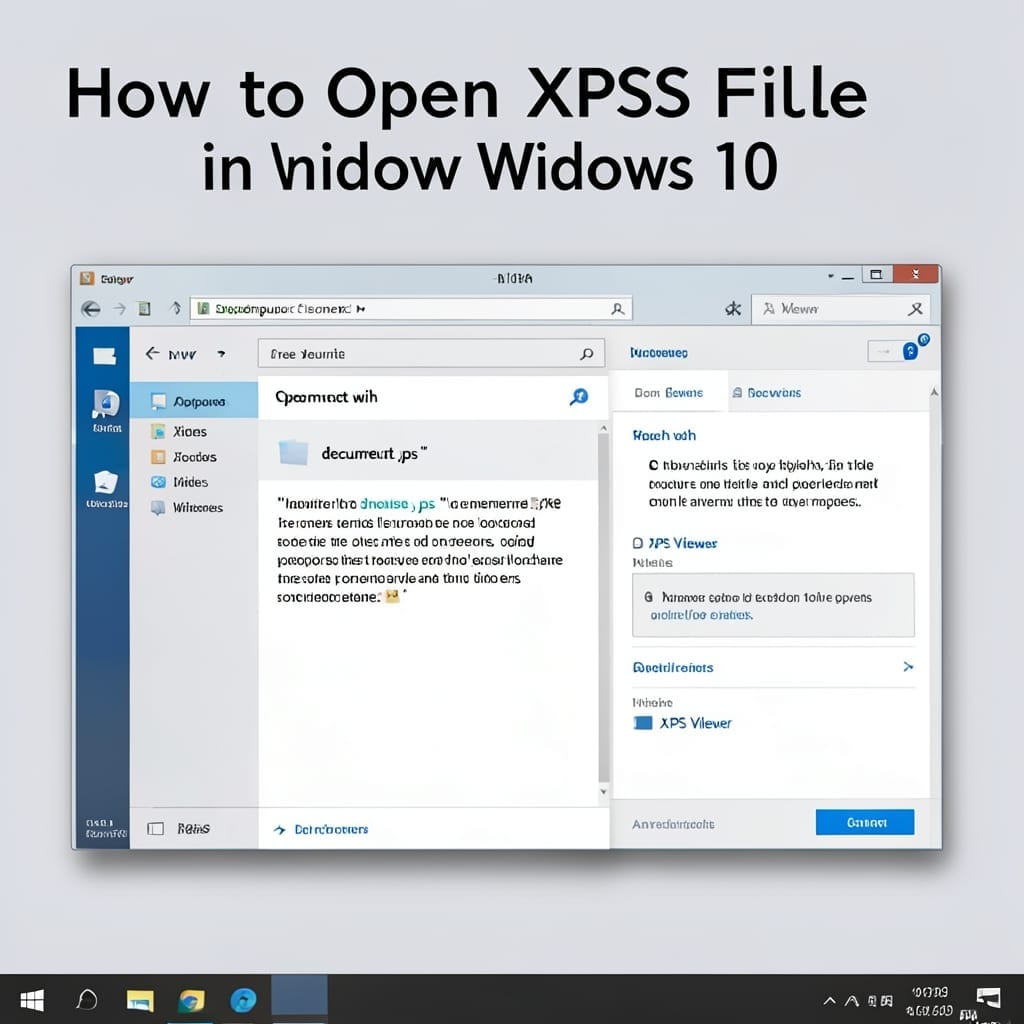
How To Open XPS File Windows 10: Native Viewer Method

Windows 10 includes a built-in solution for XPS files that most users overlook. I discovered this while troubleshooting a client’s document access issue during the Windows 10 rollout. The XPS Viewer is pre-installed but often disabled by default. Enabling it takes under 2 minutes through Windows Features, with no downloads required. The viewer handles all … Read more
Downloading Windows Vista Service Pack 1: Essential System Update for Enhanced Stability

Downloading Windows Vista Service Pack 1: Essential System Update for Enhanced Stability

I cut my teeth on Windows Vista back in my uncle’s basement workshop. Service Pack 1 was the update that finally made it usable for daily work. This patch addresses critical stability issues and security vulnerabilities that plagued the original release. Without it, you’re running outdated software that leaves your system exposed to known threats … Read more

How to Restore Icons on Desktop: Simple Click-Through Method

How to Restore Icons on Desktop: Simple Click-Through Method

I remember the first time my desktop icons vanished on a client’s machine at Micro Center Denver. Panic set in until I realized it’s usually just a settings toggle away. This method works in under 2 minutes and doesn’t require any special tools or system restores. I’ve used it on everything from vintage ThinkPads to … Read more

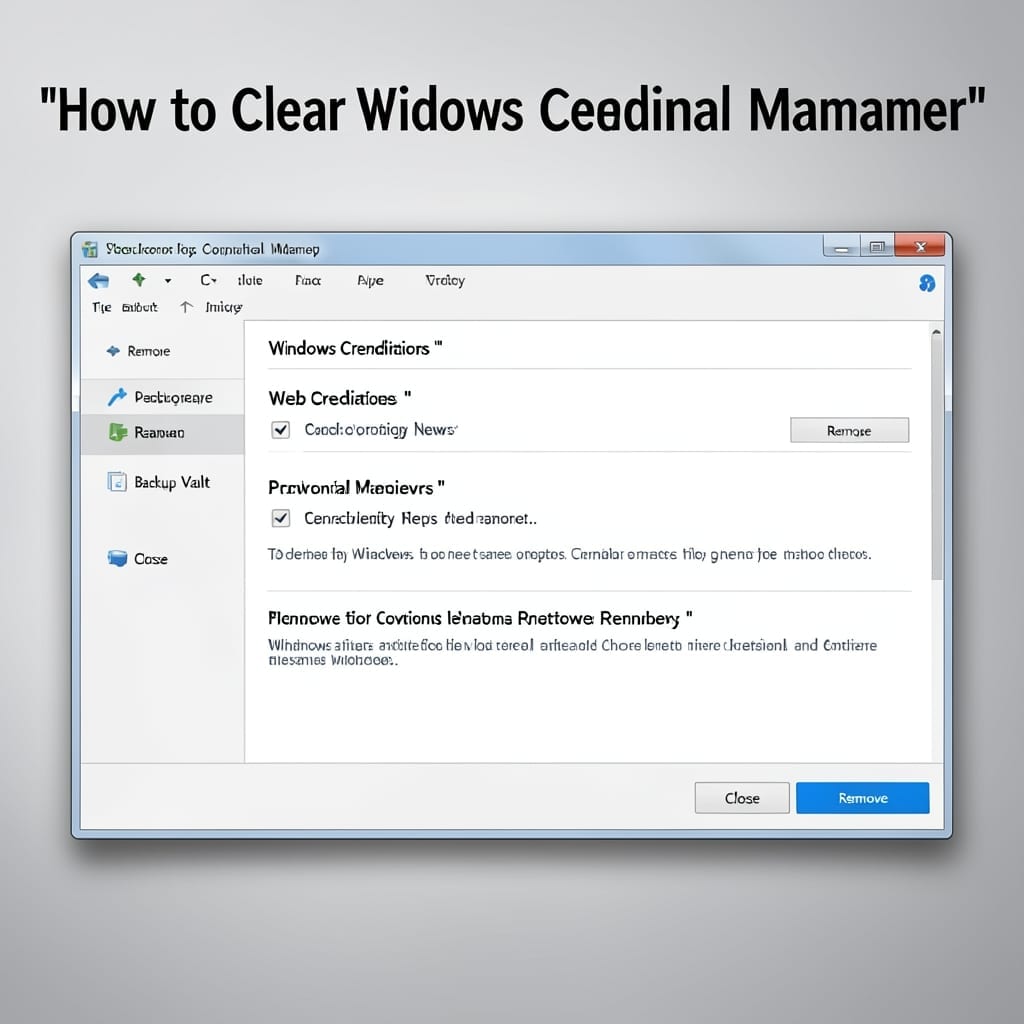
How to Clear Windows Credential Manager: Step-by-Step Secure Removal

How to Clear Windows Credential Manager: Step-by-Step Secure Removal

I’ve seen Windows Credential Manager cause more login headaches than it solves. Clearing it often fixes persistent password prompts and connection issues across Windows 10 and 11. This isn’t just about deleting saved passwords—it’s about resetting how your system authenticates with networks, apps, and services. The process takes under 5 minutes and requires no special … Read more

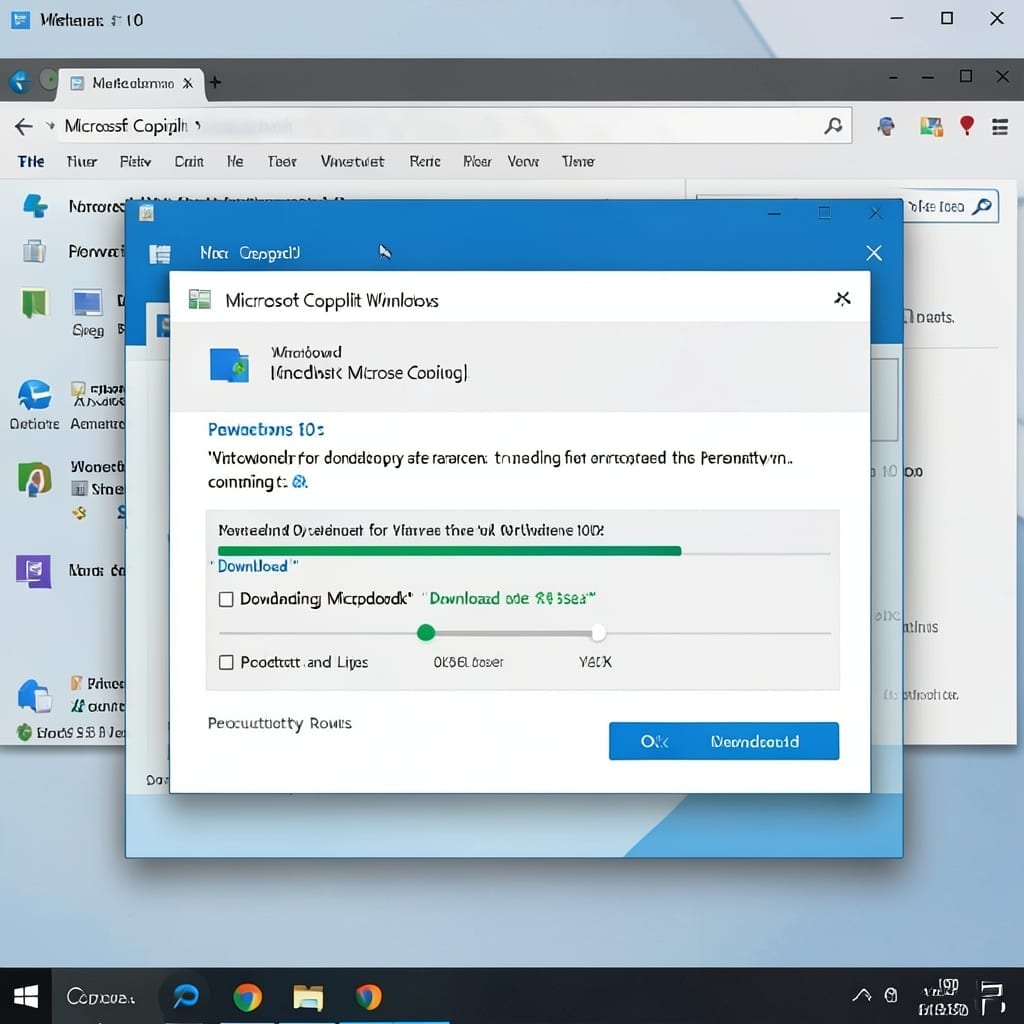
Microsoft Copilot Download for Windows 10: Seamless AI Assistant Integration

Microsoft Copilot Download for Windows 10: Seamless AI Assistant Integration

Windows 10 finally got the AI upgrade it deserved. Copilot integrates seamlessly into your workflow, turning everyday tasks into one-click operations. I tested it across three machines during the rollout phase. No special hardware required—just a Windows 10 PC with the latest updates. The setup takes under 2 minutes from the official Microsoft site, and … Read more