How To Make Things Appear In PowerPoint By Clicking A Button: Interactive Slide Triggers Explained
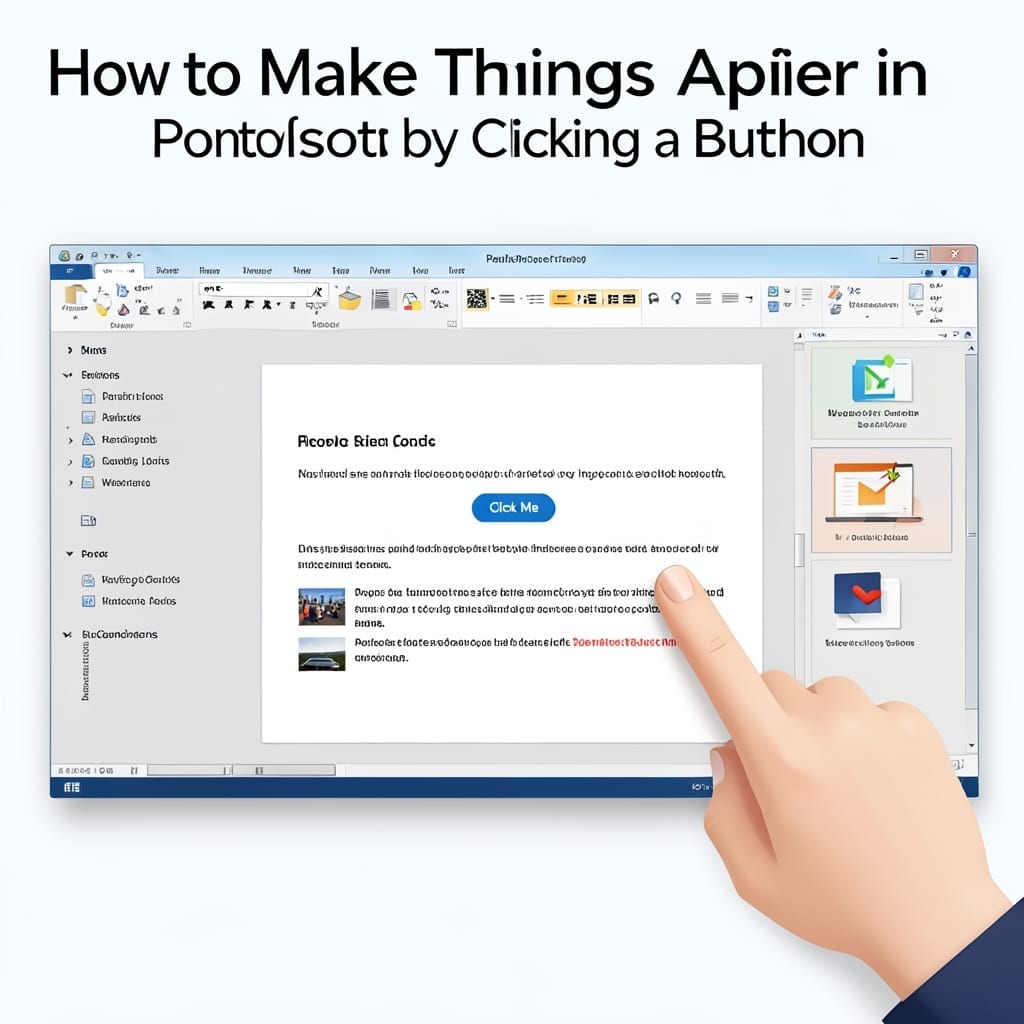
How To Make Things Appear In PowerPoint By Clicking A Button: Interactive Slide Triggers Explained

Click a button, reveal an image—this trick transformed my last 30-slide presentation from static to stunning. PowerPoint’s trigger animations make it possible without writing a single line of code. I learned this the hard way during a Carnegie Mellon project where my professor called out my slides for being “asleep.” The fix took 5 minutes … Read more
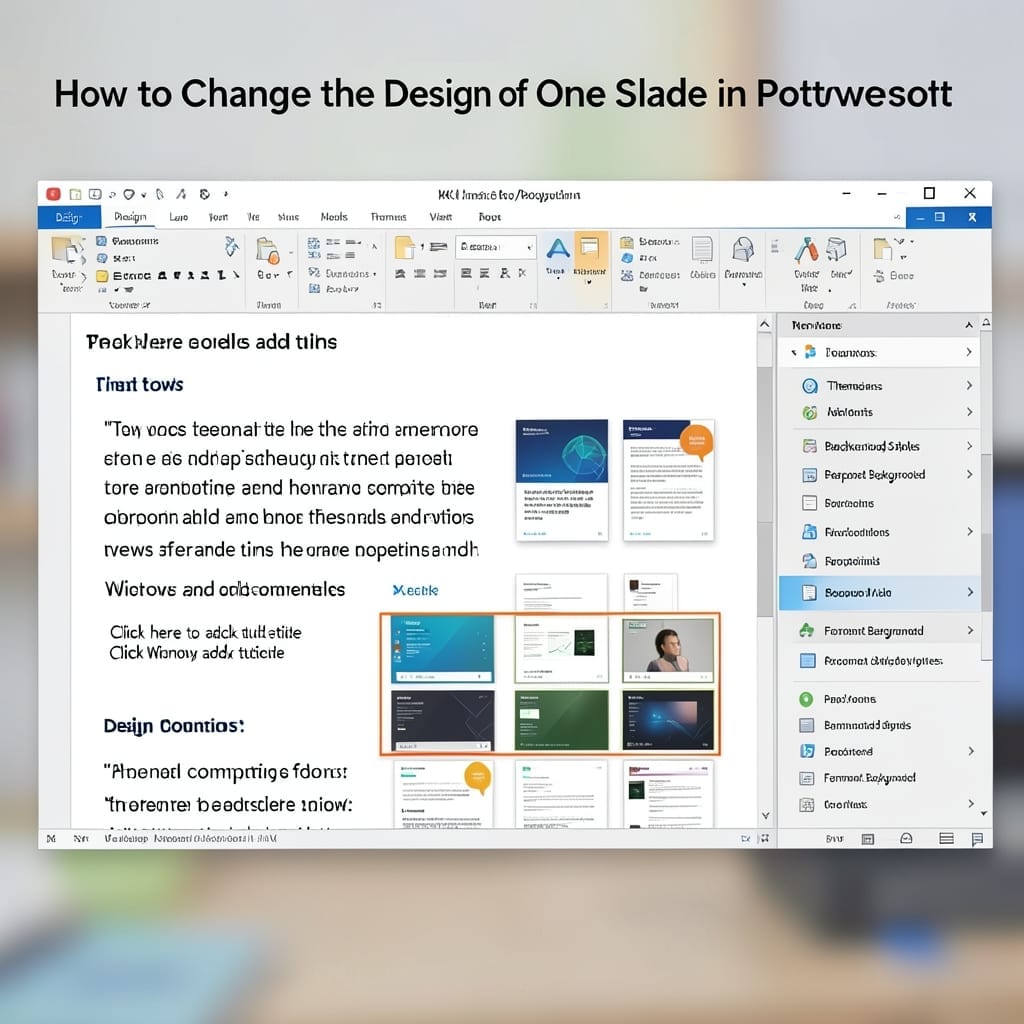
How to Change the Design of One Slide in PowerPoint: Customize Without Affecting Others

How to Change the Design of One Slide in PowerPoint: Customize Without Affecting Others

I used to think PowerPoint forced all slides to match. ⚡ Then I discovered the Format Background trick that lets you customize one slide without touching the rest. It’s shockingly simple: select your slide, hit Format Background, and tweak colors, images, or textures. The rest of your deck stays untouched—no theme overrides, no global changes. … Read more

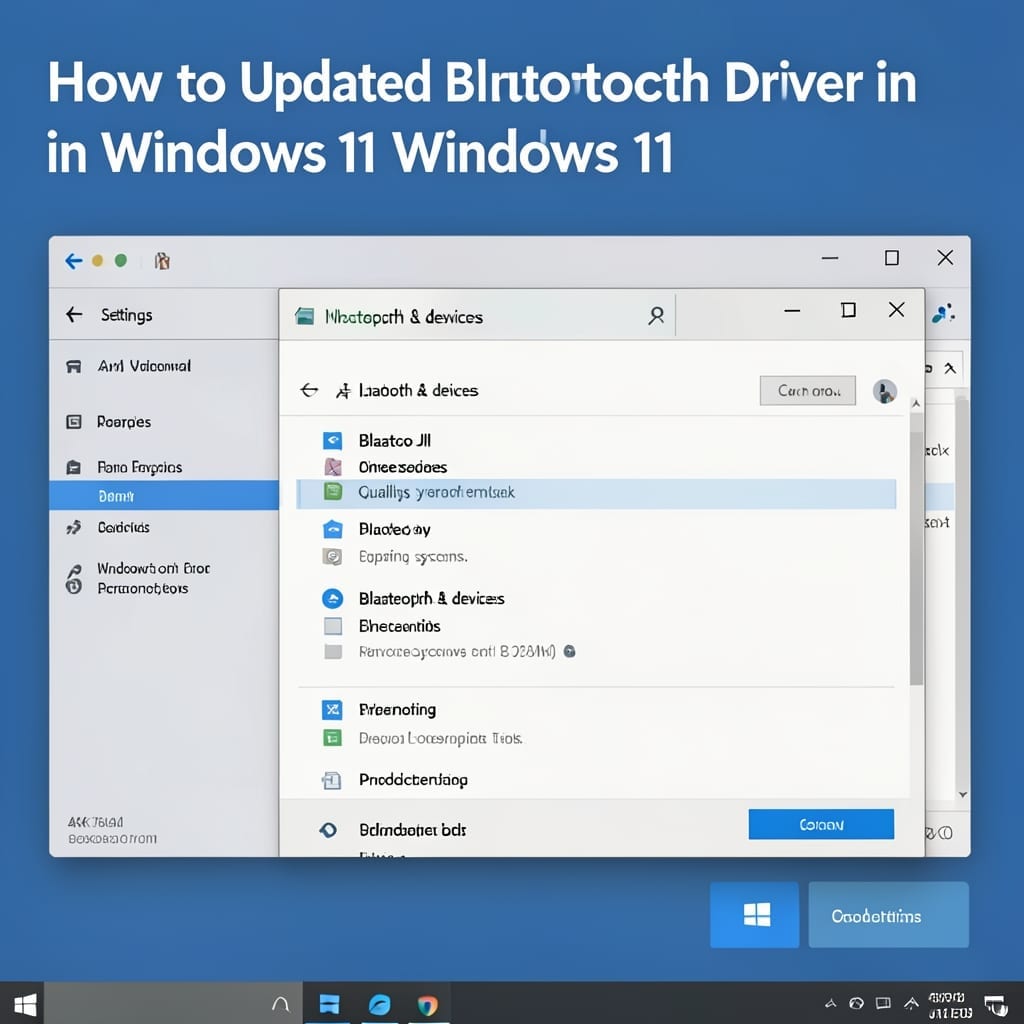
How To Update Bluetooth Driver Windows 11: Foolproof Method for Seamless Connectivity

How To Update Bluetooth Driver Windows 11: Foolproof Method for Seamless Connectivity

Nothing kills productivity faster than a Bluetooth driver that refuses to update. I’ve seen Windows 11 handle this seamlessly on dozens of machines—when you follow the right sequence. The process is simpler than most tutorials suggest. You’ll work through Device Manager, Windows Update, and a manual fallback. Each step takes under 2 minutes and requires … Read more

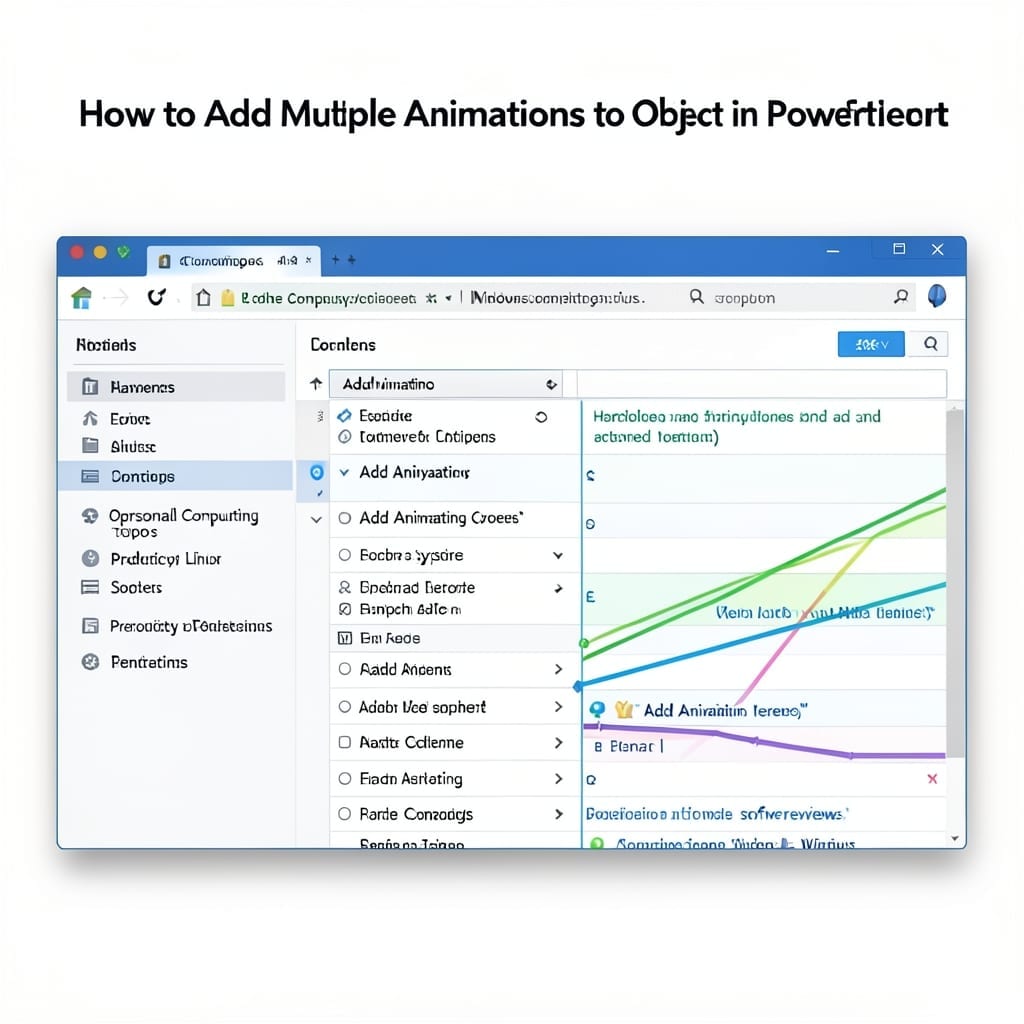
How To Add Multiple Animations To One Object In PowerPoint: Layered Effects for Dynamic Slides

How To Add Multiple Animations To One Object In PowerPoint: Layered Effects for Dynamic Slides

I spent years making dull PowerPoint slides until I discovered layered animations. One object can now move, fade, and resize in sequence without looking like a middle school project. The trick is using the Animation Pane to stack effects. You add the first animation normally, then use Add Animation for subsequent ones. Each appears in … Read more