Insert A Repeating Bending Process SmartArt Diagram: Step-by-Step Visual Guide

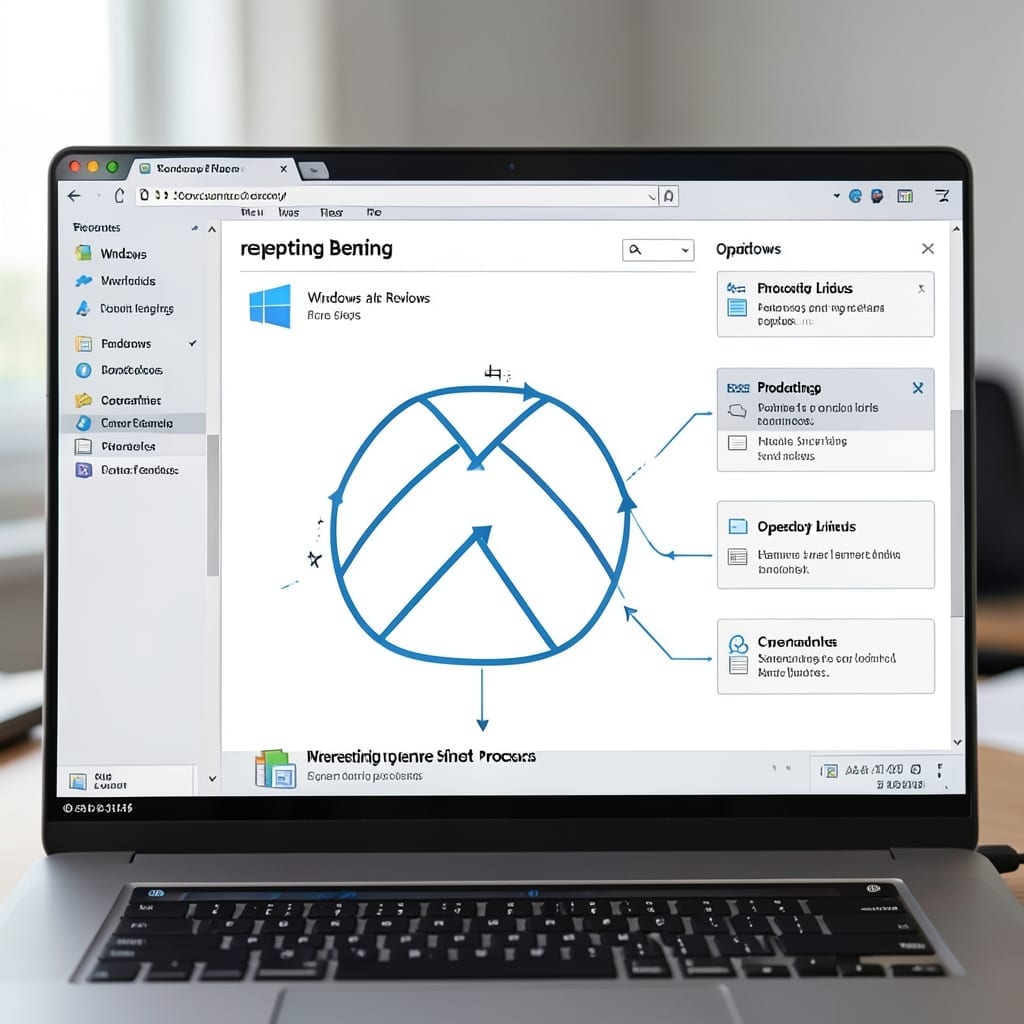
Insert A Repeating Bending Process SmartArt Diagram: Step-by-Step Visual Guide

I still remember the first time I tried to visualize a workflow in PowerPoint and ended up with a mess of overlapping boxes. That won’t happen with SmartArt’s repeating bending process. This layout turns complex sequences into clean, professional diagrams in 3 clicks. The bending design automatically adjusts as you add steps, maintaining flow without … Read more

How to Make a PowerPoint Slide Vertical: Portrait Orientation in 3 Steps

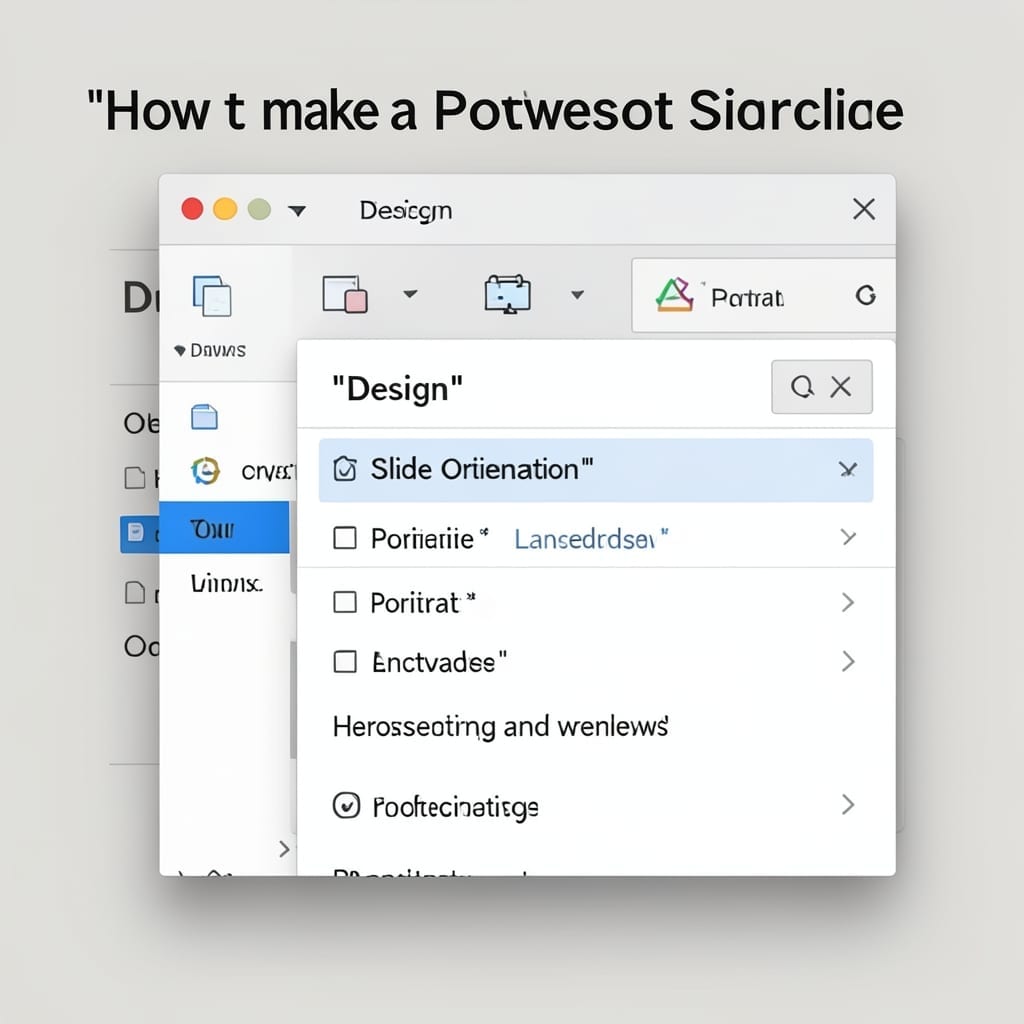
How to Make a PowerPoint Slide Vertical: Portrait Orientation in 3 Steps

I remember my first presentation disaster in Five Points. The slides were perfect—until I realized they needed portrait orientation for the venue’s screens. 30 seconds later, I fixed it. Changing slide orientation isn’t hidden in some obscure menu. It’s right there in Design, under Slide Size. One click switches between landscape and portrait, and PowerPoint … Read more

How to Make a PowerPoint on iPhone: Mobile Presentation Mastery

How to Make a PowerPoint on iPhone: Mobile Presentation Mastery

I built my first presentation on an iPhone during a layover at Denver International. Three slides in 12 minutes, no laptop required. The mobile app handles everything the desktop version does, just with finger-friendly controls. The Microsoft PowerPoint app is free and syncs with OneDrive, so your work follows you across devices. I’ve tested it … Read more

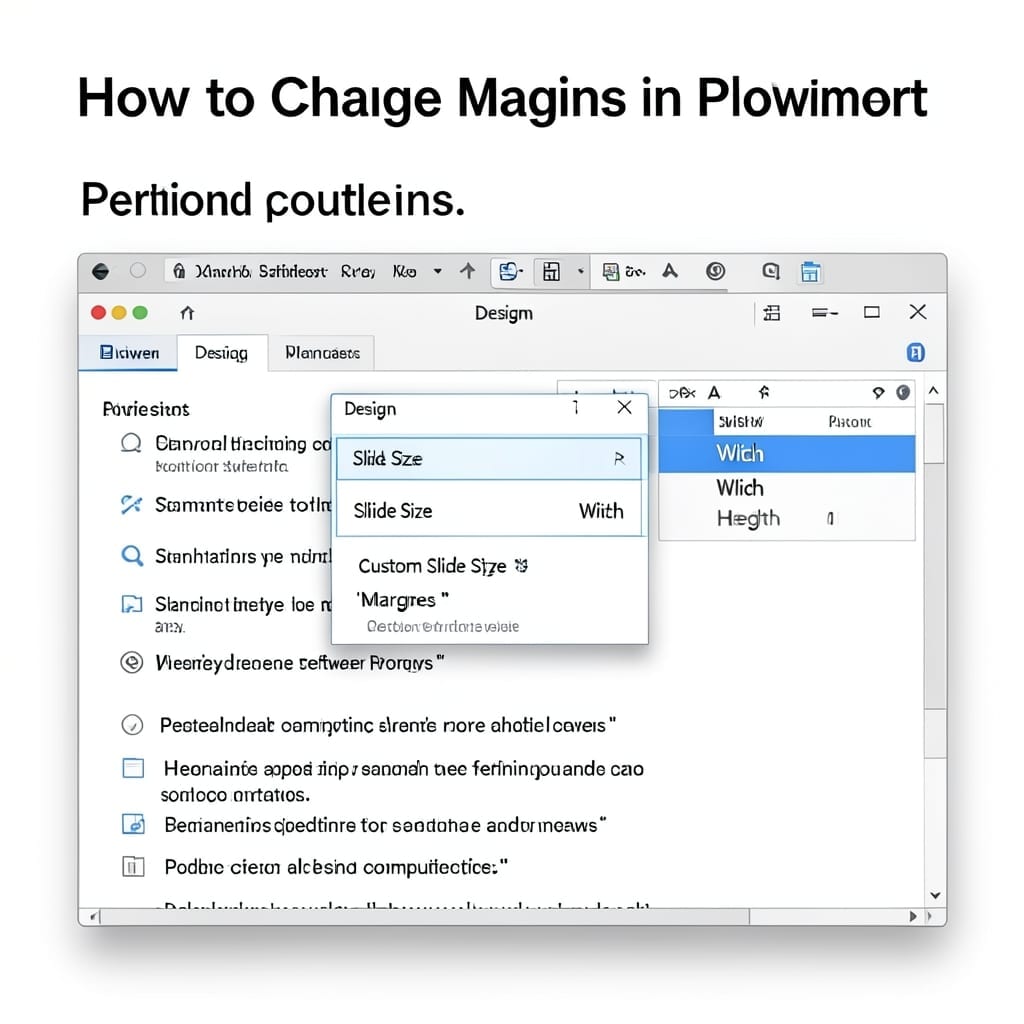
How to Change Margins in PowerPoint: Quick Page Layout Adjustment

How to Change Margins in PowerPoint: Quick Page Layout Adjustment

I wasted 20 minutes fighting PowerPoint’s defaults before learning this simple trick. Changing margins isn’t buried in some hidden menu—it’s right there in the Design tab. The process is nearly identical in PowerPoint 2016 through 2023, but newer versions add a few extra clicks. No special tools needed, just the right sequence of menu selections. … Read more