How To Make A Research Presentation PowerPoint: Structured Slides With Impact
How To Make A Research Presentation PowerPoint: Structured Slides With Impact

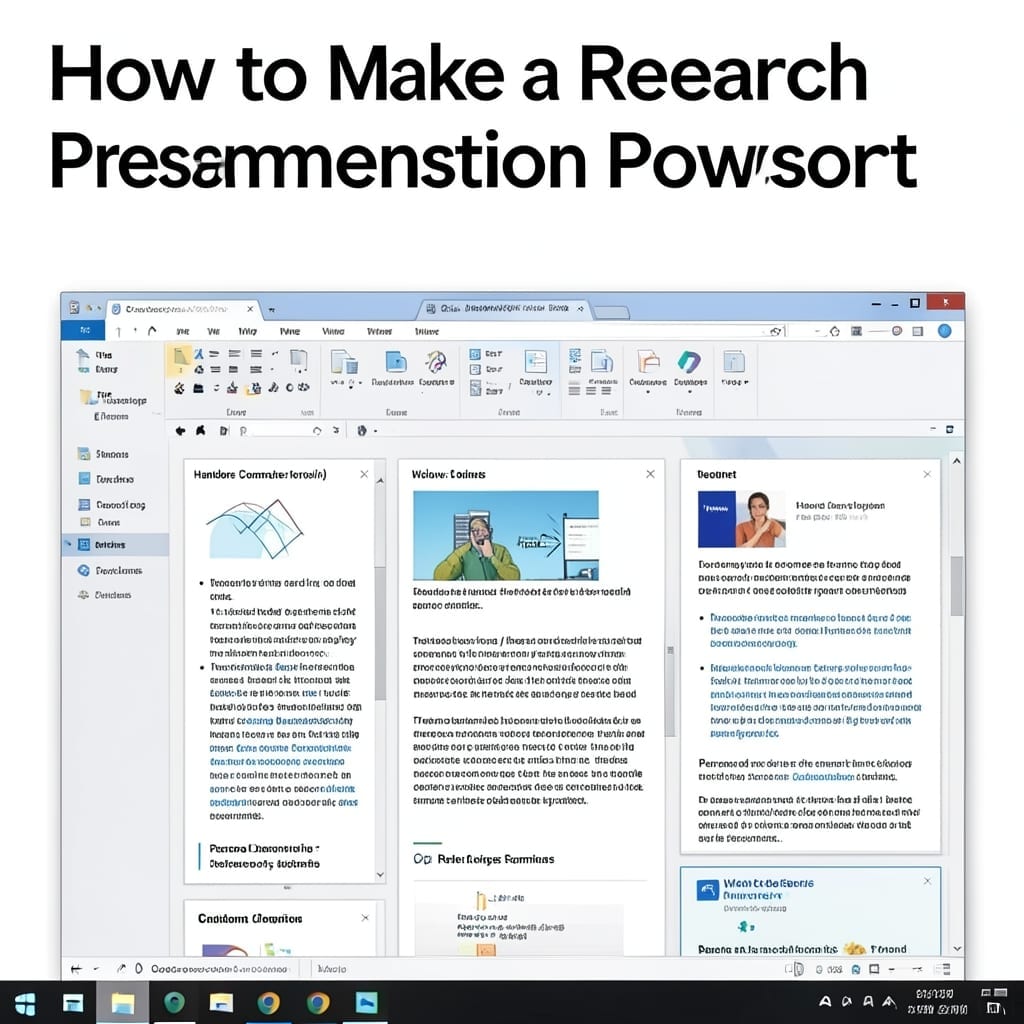
I’ve seen brilliant research lose its impact because the presentation couldn’t keep an audience engaged. A well-structured PowerPoint turns complex data into a compelling story that sticks with your audience long after you finish speaking. The key is simplicity. One clear idea per slide, minimal text, and visuals that reinforce—not distract from—your message. I’ve refined … Read more
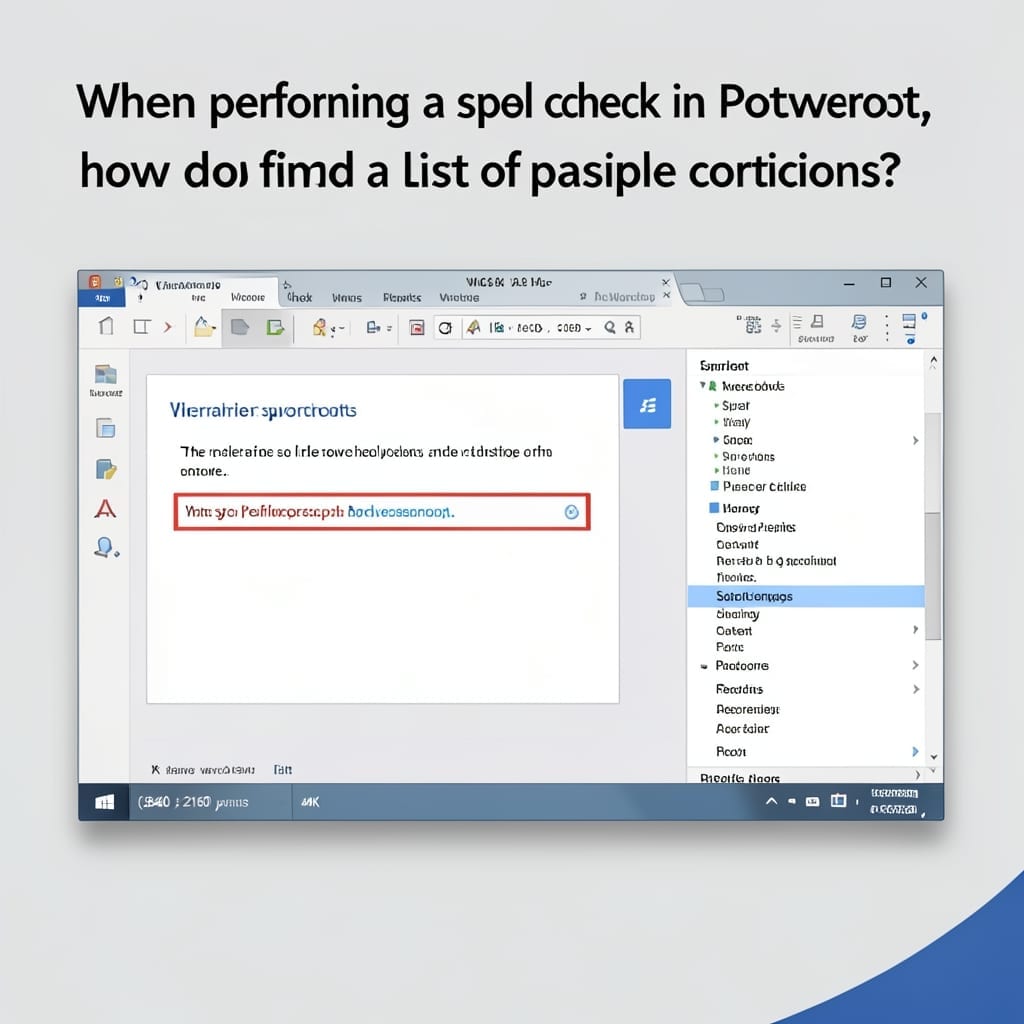
When Performing a Spell Check in PowerPoint, How Do You Find a List of Possible Corrections: Right-Click for Instant Suggestions

When Performing a Spell Check in PowerPoint, How Do You Find a List of Possible Corrections: Right-Click for Instant Suggestions

That red squiggly line under your text isn’t just annoying—it’s your first clue. I’ve seen too many presentations derailed by simple typos that could have been caught in seconds. Right-clicking the flagged word reveals a context menu with spelling suggestions at the top. PowerPoint’s built-in dictionary offers alternatives instantly, and you can select the correct … Read more

How To Indent Bullet Points In PowerPoint: Quick Formatting Hack

How To Indent Bullet Points In PowerPoint: Quick Formatting Hack

Five years at Microsoft taught me one thing: most people waste hours on PowerPoint formatting. This indent trick saves 10 minutes per presentation and looks professional every time. Here’s the thing—it’s not about the ribbon buttons. The real speed comes from keyboard shortcuts and understanding PowerPoint’s hierarchy. I’ve tested this across versions from 2016 to … Read more

Draw A Simple Organization Chart For Your Organization: Drag-And-Drop Simplicity

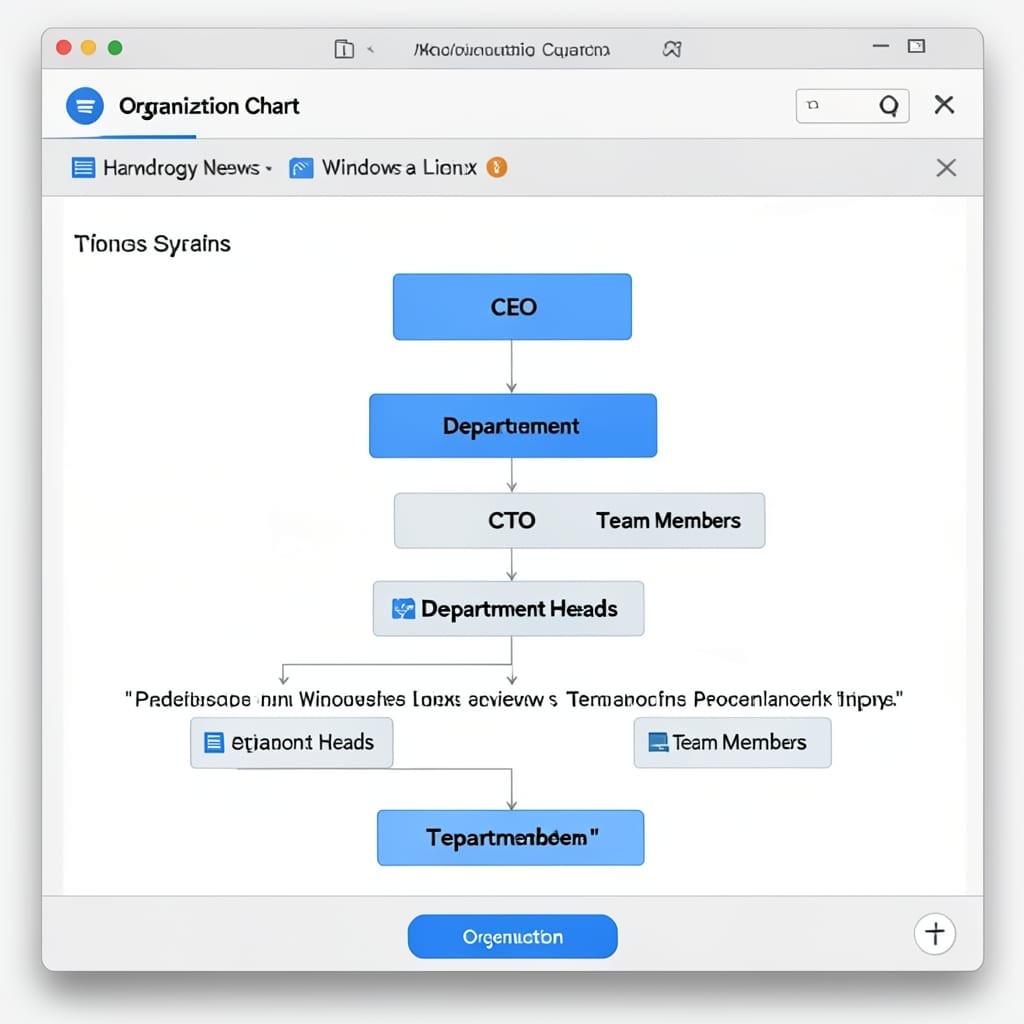
Draw A Simple Organization Chart For Your Organization: Drag-And-Drop Simplicity

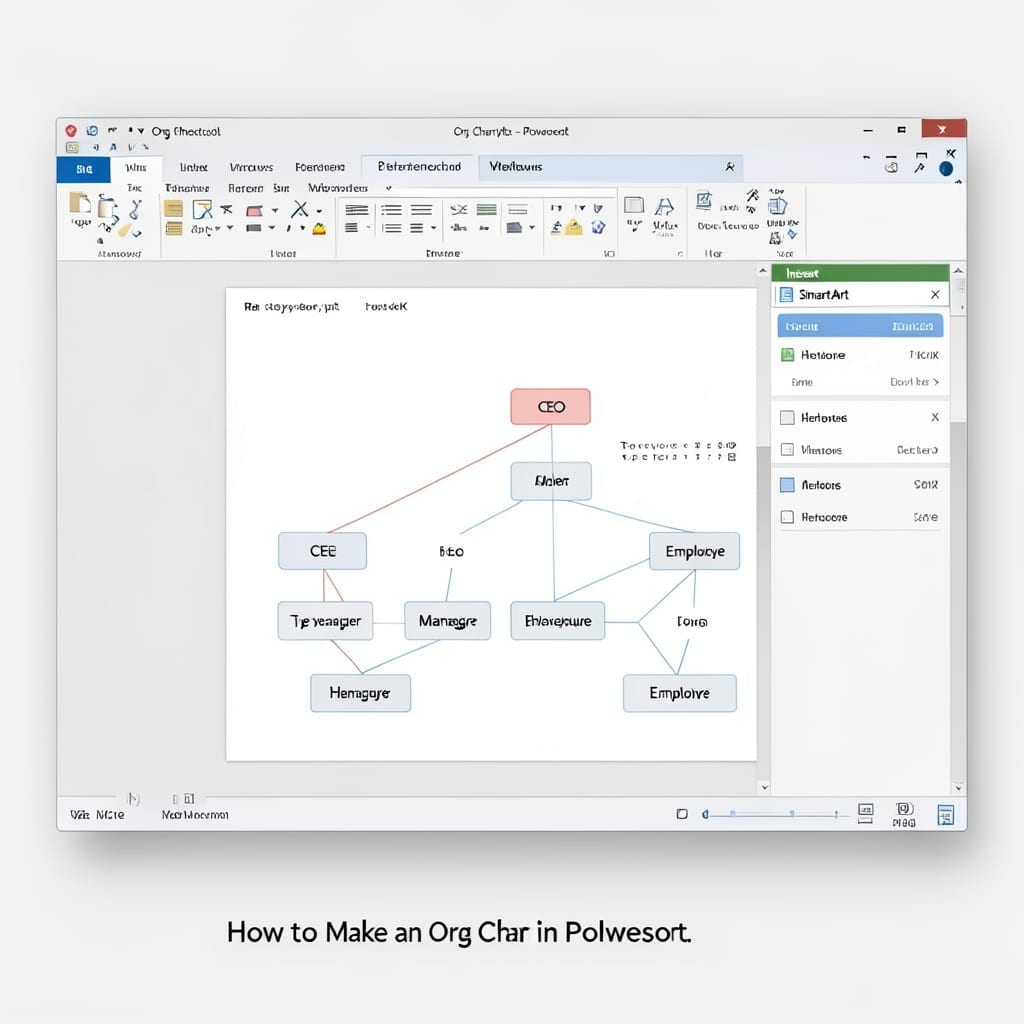
I created my first org chart for a Five Points community project in 20 minutes using nothing but PowerPoint. The drag-and-drop simplicity surprised even me, and I’ve built hundreds since. PowerPoint’s SmartArt feature handles the heavy lifting. You pick the hierarchy layout, add your names and titles, and the software automatically arranges everything. No design … Read more

How to Make an Org Chart in PowerPoint: Visual Hierarchy in Minutes

How to Make an Org Chart in PowerPoint: Visual Hierarchy in Minutes

I still remember my first board meeting presentation where the org chart looked like a toddler’s finger-painting. PowerPoint fixed that in under 10 minutes with built-in tools anyone can master. The SmartArt feature handles most needs automatically, but I’ve found the manual shape method gives you pixel-perfect control. Both approaches work in any PowerPoint version … Read more