From the Current View (Layout View): Master Slide Customization in PowerPoint

From the Current View (Layout View): Master Slide Customization in PowerPoint

I spent years making PowerPoint decks look inconsistent until I discovered the magic hiding in layout view. The default templates never quite fit, and manually adjusting every slide was a nightmare. This approach lets you modify the master slides that control all your layouts at once. One change here updates every instance across your presentation—no … Read more

How to Rearrange Slides in PowerPoint: Drag-and-Drop Simplicity

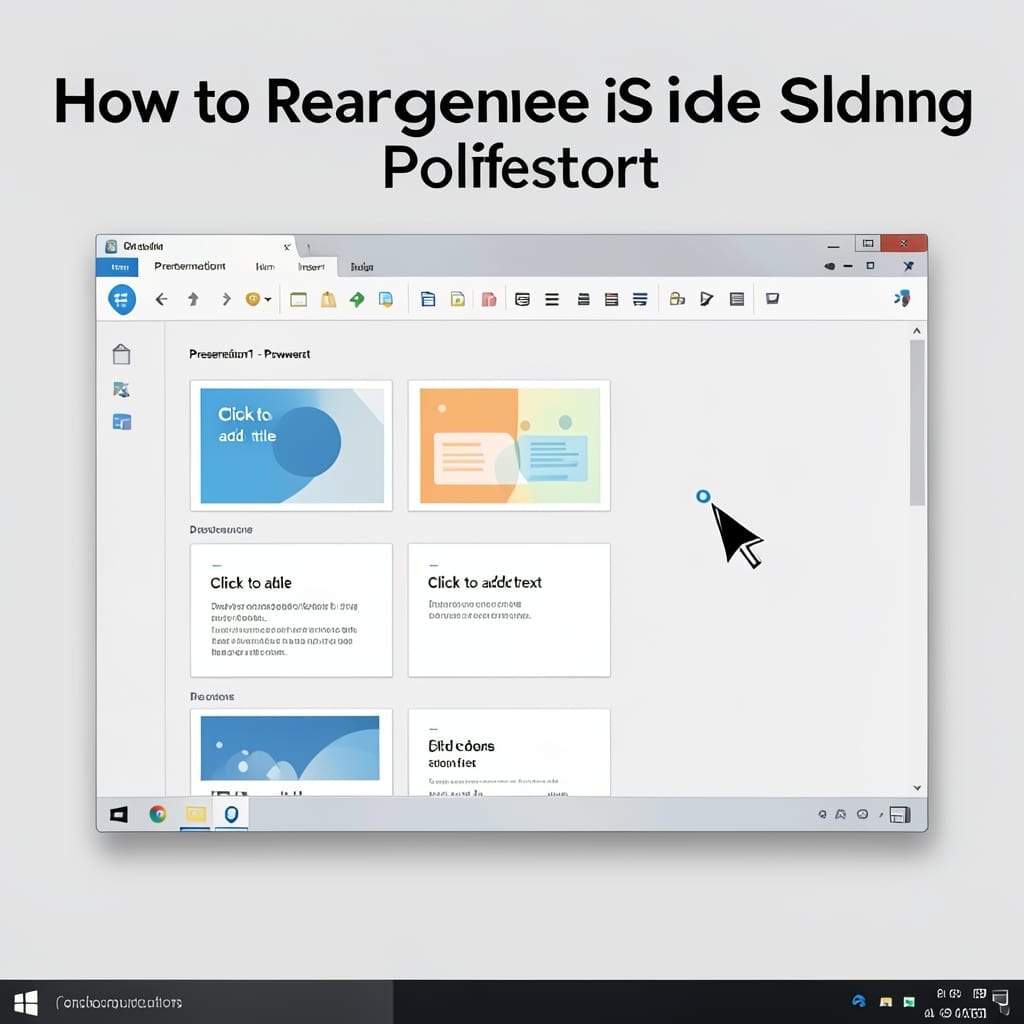
How to Rearrange Slides in PowerPoint: Drag-and-Drop Simplicity

I still remember my first PowerPoint presentation back in high school—47 slides in completely the wrong order the night before it was due. The fix was embarrassingly simple: just click, drag, and drop. PowerPoint’s slide sorter view makes rearranging as intuitive as moving files on your desktop. No special tools, no commands to memorize. You’ll … Read more

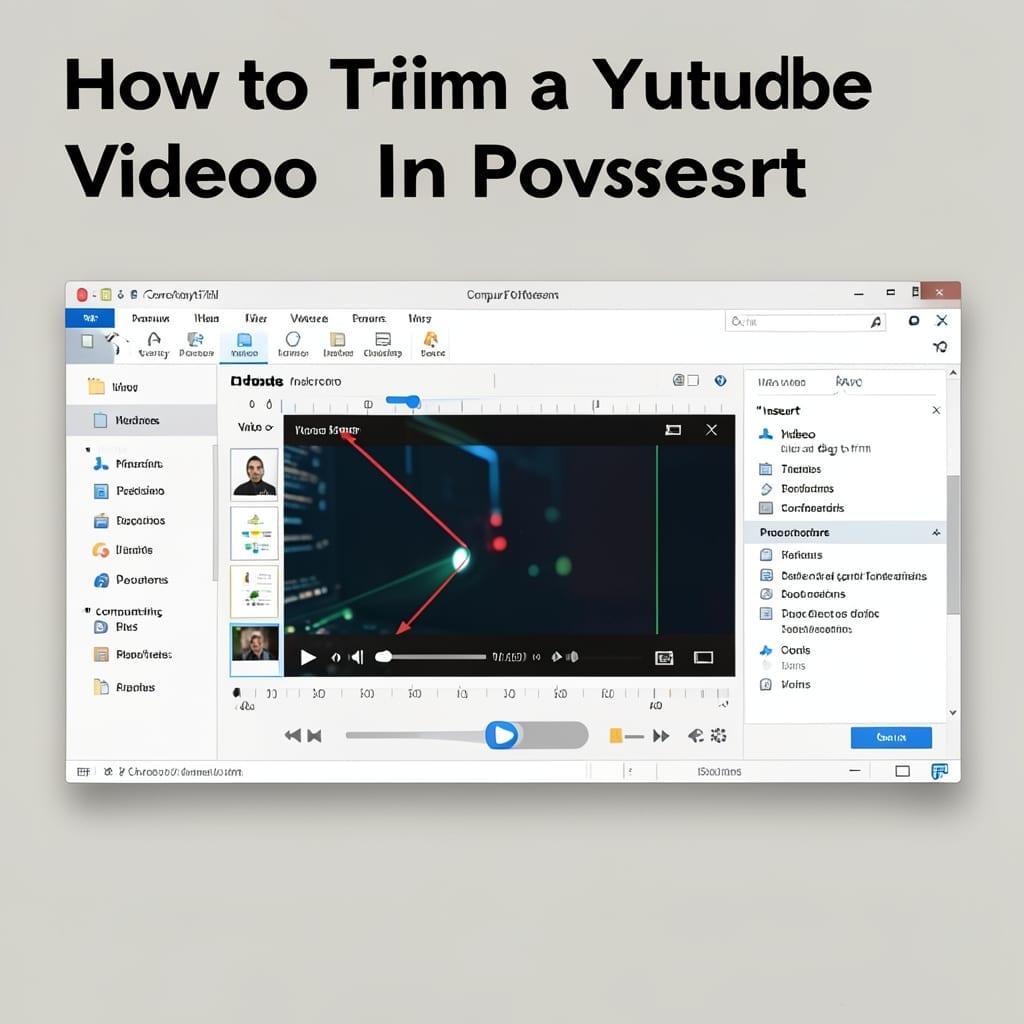
How to Trim a YouTube Video in PowerPoint: Direct Embed Editing Method

How to Trim a YouTube Video in PowerPoint: Direct Embed Editing Method

PowerPoint’s YouTube embed feature hides a trimming tool most users overlook. I discovered this while preparing a presentation for a Carnegie Mellon workshop—saving me from external editors entirely. This method works in PowerPoint 2019 and newer, letting you crop video start and end points directly in the slide. No third-party software, no exporting, and the … Read more