How Would You Change a List of Text to a Visual Diagram on a Slide: Smart Shapes for Clear Communication

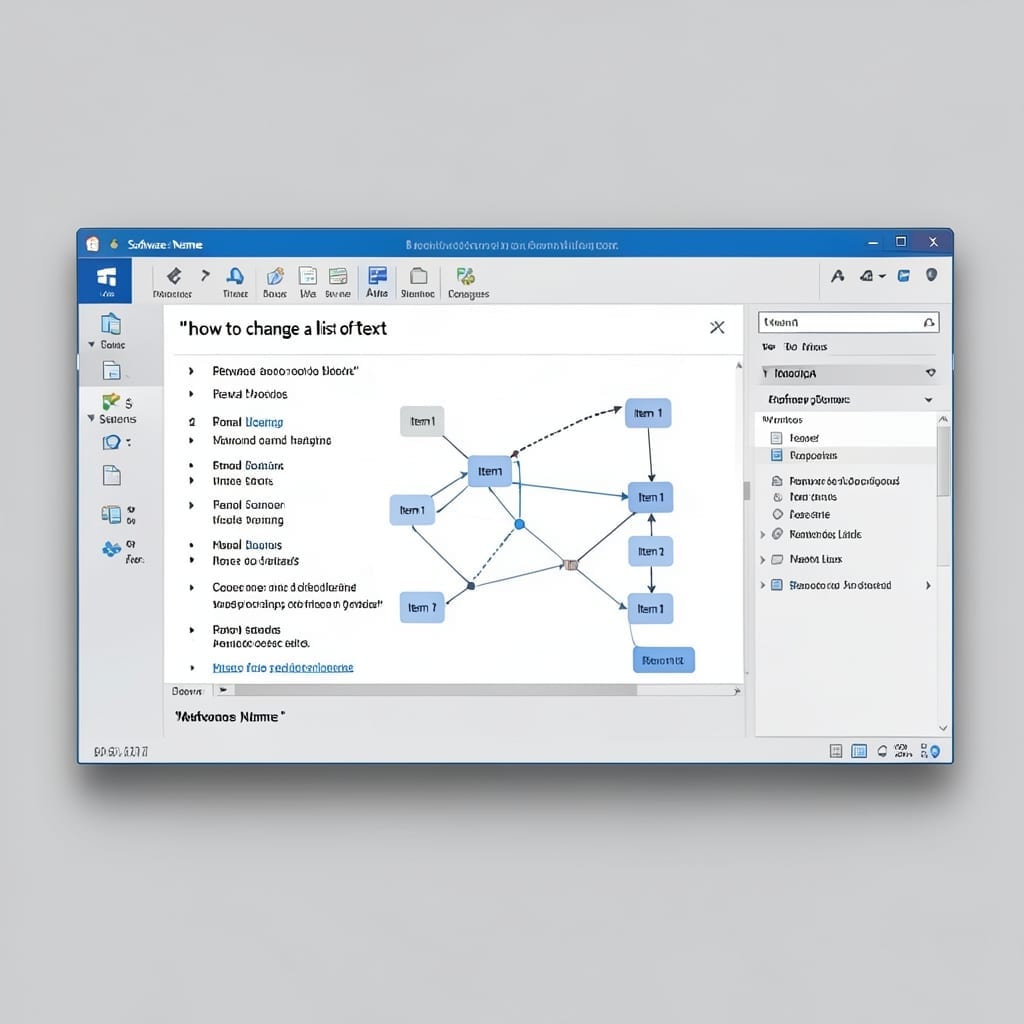
How Would You Change a List of Text to a Visual Diagram on a Slide: Smart Shapes for Clear Communication

I’ve seen audience eyes glaze over during text-heavy slides. One diagram can replace a paragraph and make the point instantly clear. PowerPoint’s SmartArt tool does the heavy lifting here. Select your list, hit Insert, and choose the hierarchy or process layout that fits your message. The transformation takes under a minute once you know the … Read more

How to Apply a Template to an Existing PowerPoint: Step-by-Step Design Refresh

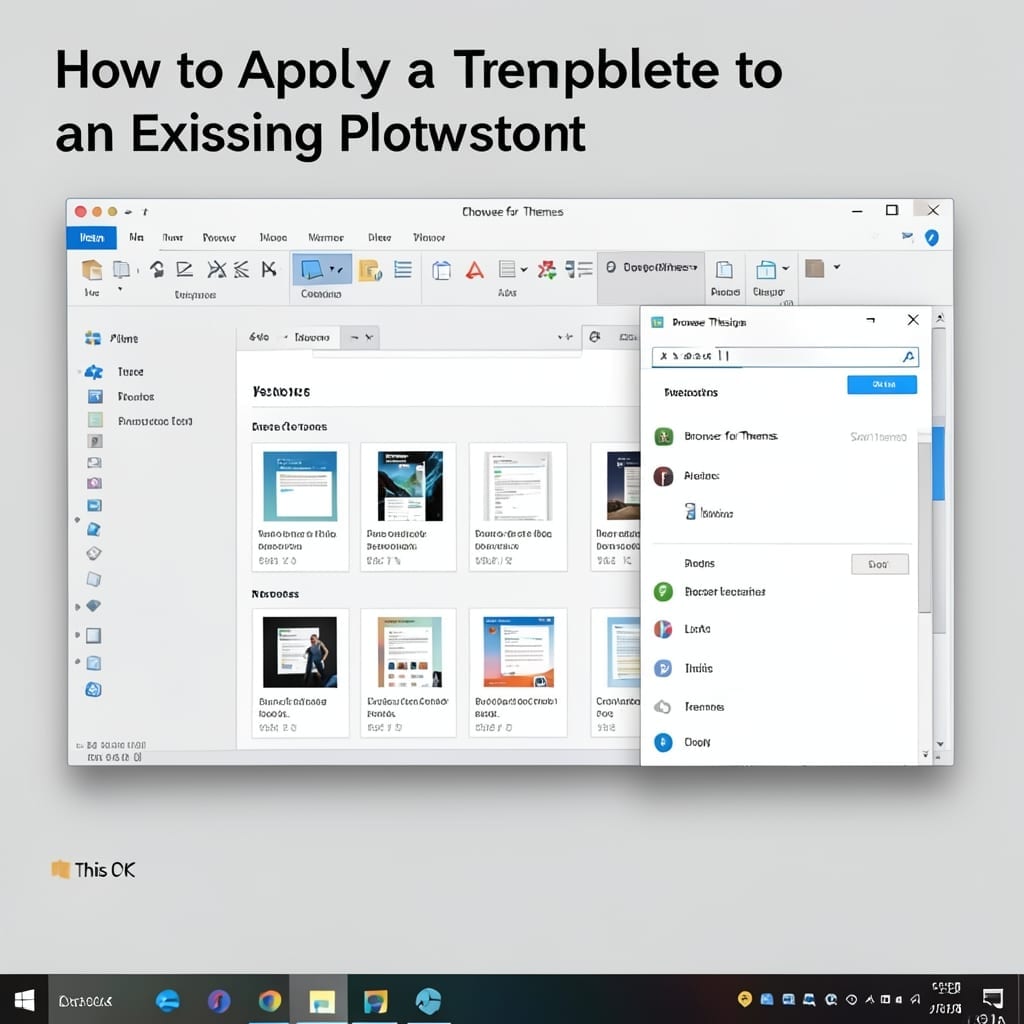
How to Apply a Template to an Existing PowerPoint: Step-by-Step Design Refresh

I’ve refreshed countless presentations with new templates in under 5 minutes. The process is simpler than most realize, but the exact steps vary slightly between PowerPoint versions. Start with your existing file open, then navigate to the Design tab. The template browser appears on the right, but here’s the thing—you’ll need to import your new … Read more

Add A Step Up Process SmartArt Diagram To The Slide: Visualize Workflows With Impact

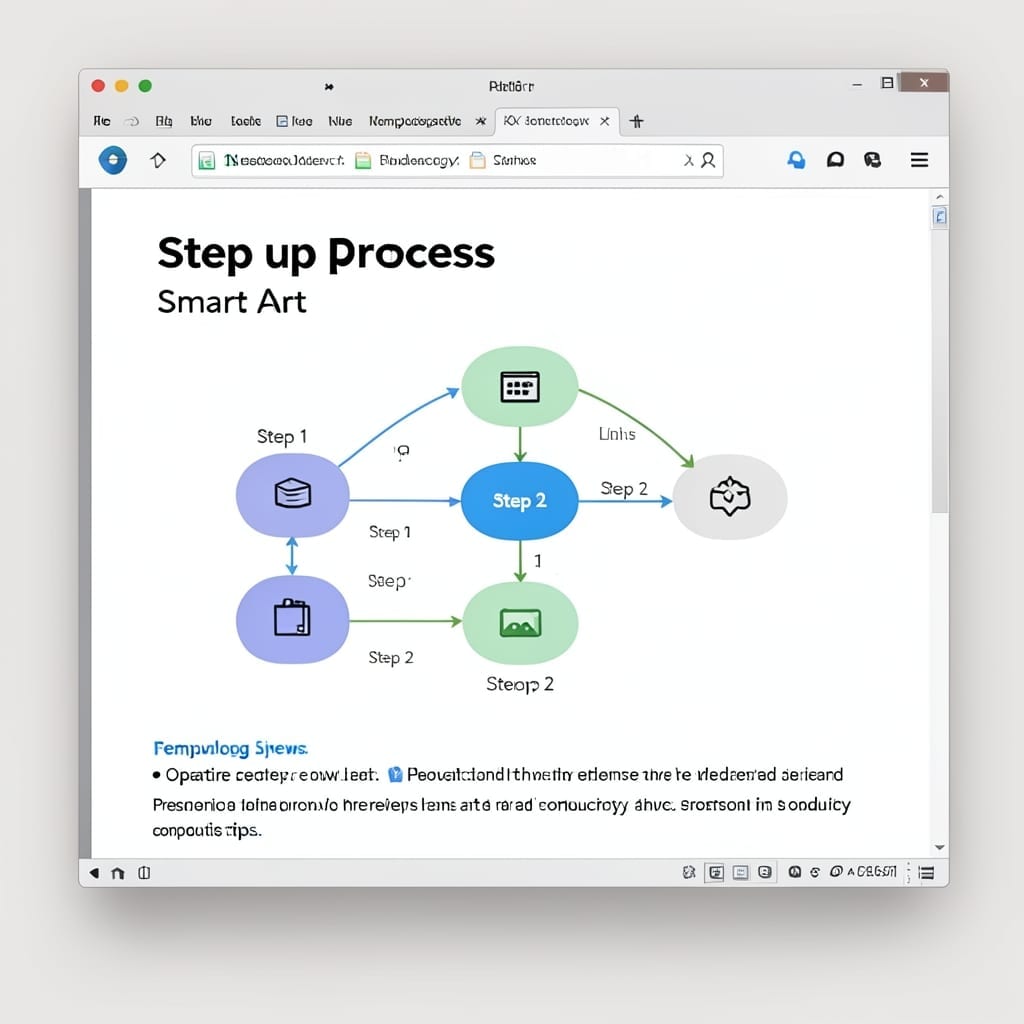
Add A Step Up Process SmartArt Diagram To The Slide: Visualize Workflows With Impact

I’ve lost count of how many presentations I’ve seen derailed by messy workflow diagrams. A clean Step Up Process SmartArt fixes that in under 2 minutes. PowerPoint’s built-in SmartArt does the heavy lifting—you just pick the right template and plug in your steps. The Step Up style turns linear text into a professional, eye-catching hierarchy … Read more