How To Add Columns In PowerPoint: Table Layouts Made Simple
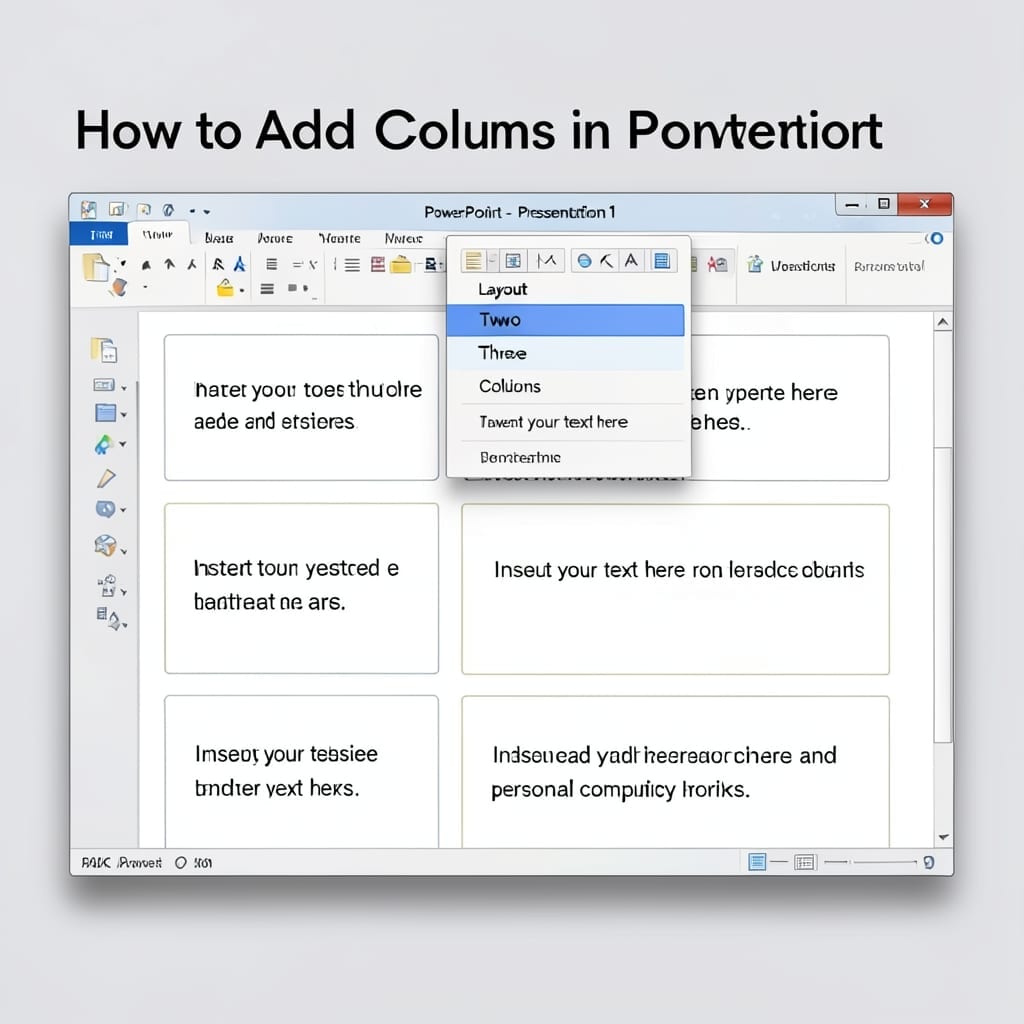
How To Add Columns In PowerPoint: Table Layouts Made Simple

I still remember my first PowerPoint presentation at Carnegie Mellon—columns would have saved me hours of alignment headaches. This method takes the guesswork out of table layouts and keeps your slides crisp. No special tools required. The built-in table tool handles everything from 2-column text layouts to complex data grids. You’ll find it under Insert, … Read more
How to Make a Picture Transparent in PowerPoint 2010: Quick Background Removal Technique

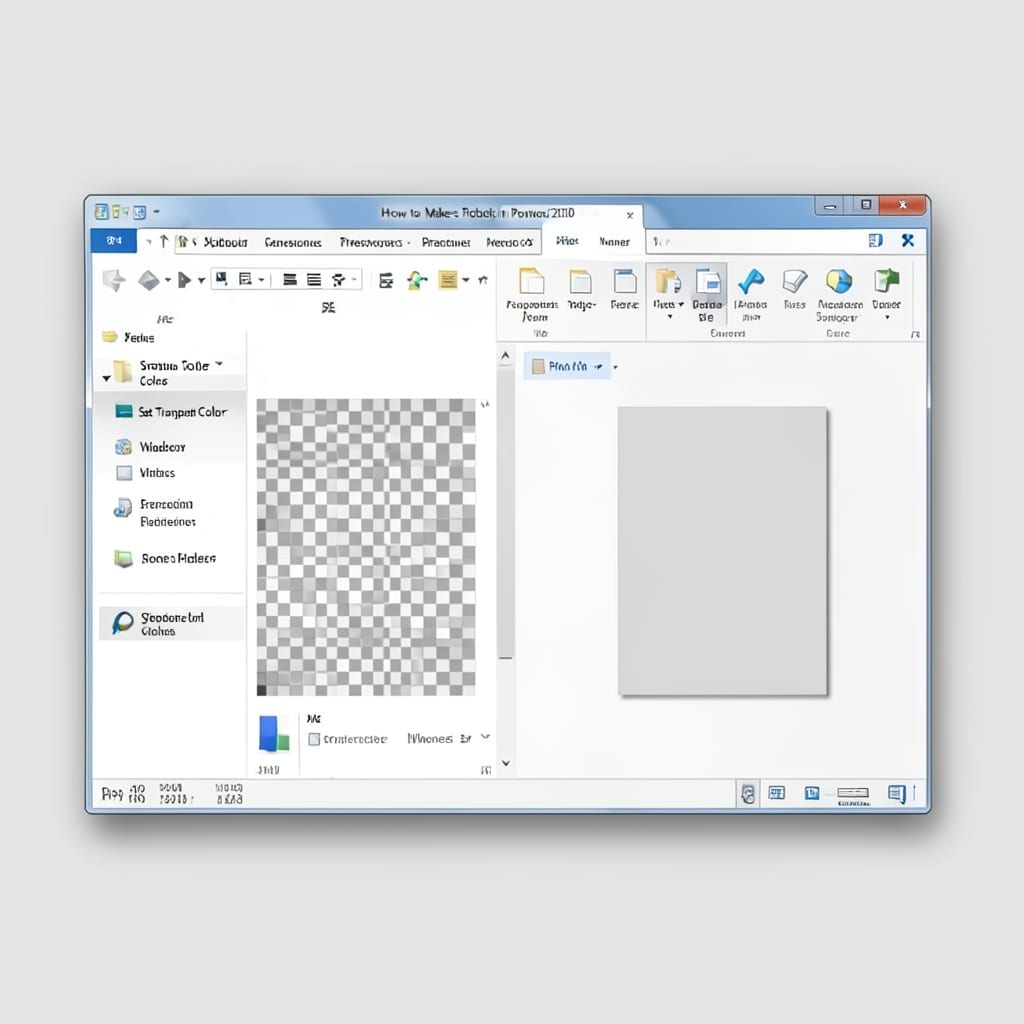
How to Make a Picture Transparent in PowerPoint 2010: Quick Background Removal Technique

Back in my Microsoft days, I saw users waste hours trying to edit images externally. PowerPoint 2010 actually has a built-in transparency tool that most people overlook. This isn’t about removing the entire background—it’s about adjusting opacity with precision. The Picture Tools Format tab holds the key, and it works in under 60 seconds once … Read more

How To Remove Gridlines In PowerPoint: Clean Slides In Seconds

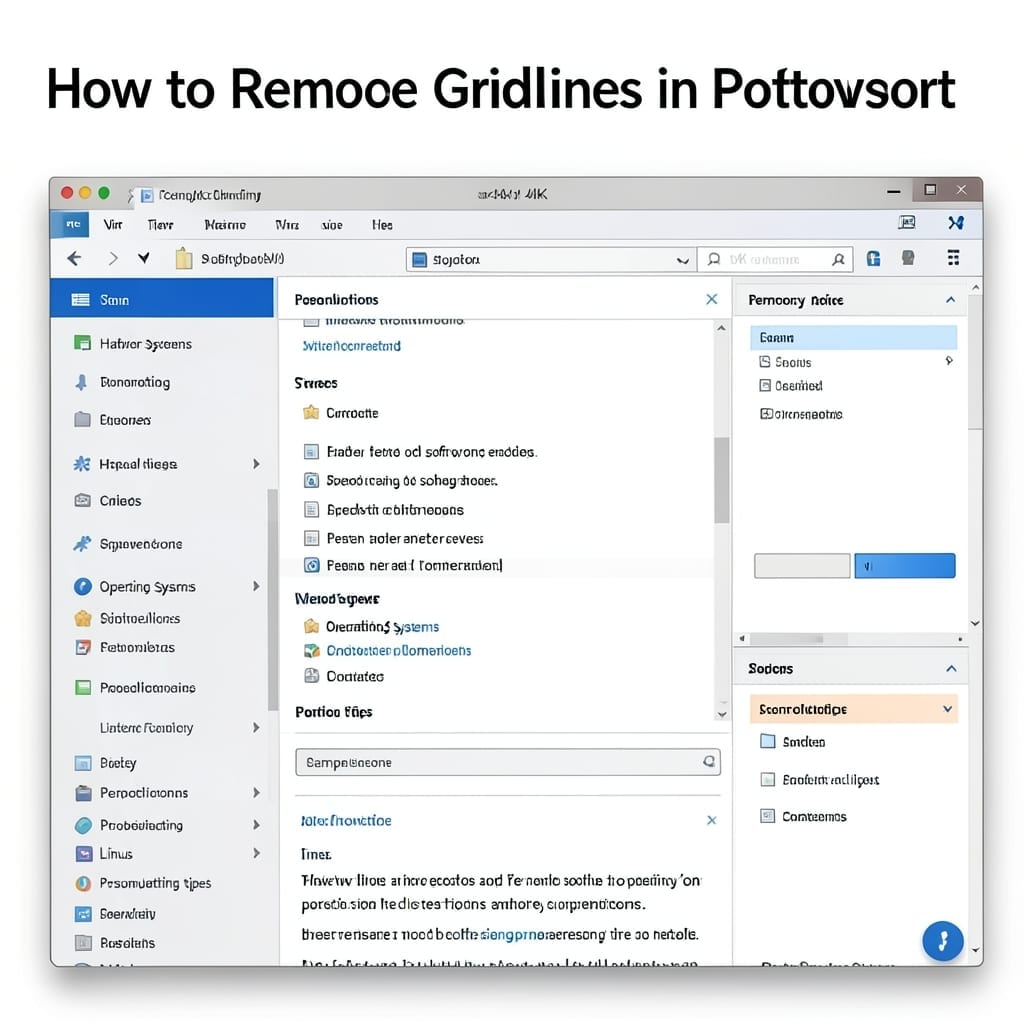
How To Remove Gridlines In PowerPoint: Clean Slides In Seconds

I lost an hour once to PowerPoint gridlines that wouldn’t disappear. Turns out the fix is buried in two different places depending on what you’re trying to hide. The View tab handles gridlines for your workspace, but guide lines need a different approach. I’ve tested this across PowerPoint 2016, 2019, and 365—the menu paths stay … Read more

How To Open PowerPoint In Browser: Direct Web Access Without Installation

How To Open PowerPoint In Browser: Direct Web Access Without Installation

I remember my first presentation disaster in 1998—file wouldn’t open on the classroom PC. 💡 Today, that problem is obsolete with browser-based PowerPoint access. No installation needed. Just upload your file to OneDrive or Google Drive, then open it directly in your browser. Works on any device with internet, from vintage ThinkPads to modern Chromebooks. … Read more

How to Video Record Yourself Presenting a PowerPoint: Seamless Screen Capture Setup

How to Video Record Yourself Presenting a PowerPoint: Seamless Screen Capture Setup

I still remember my first recorded presentation—audio out of sync, slides cutting off mid-transition. ⚡ Today, the setup is foolproof with the right tools and a bit of prep. PowerPoint’s built-in recorder works for basic needs, but OBS Studio gives you crisp audio, high-resolution capture, and full control over layout. Either way, the key is … Read more

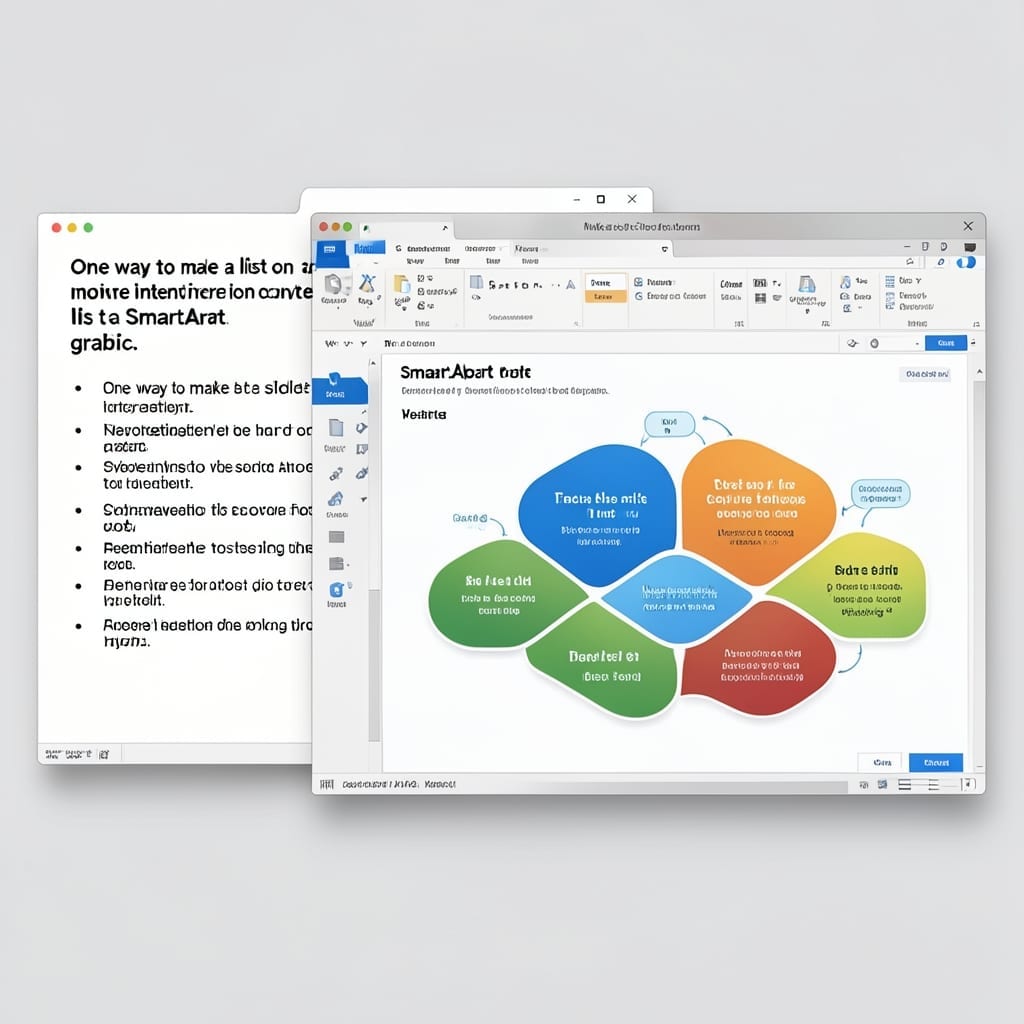
One Way To Make A List On A Slide More Interesting Is To Convert The List To A SmartArt Graphic: Visual Impact In Seconds

One Way To Make A List On A Slide More Interesting Is To Convert The List To A SmartArt Graphic: Visual Impact In Seconds

I still remember the first presentation where my bullet points put the audience to sleep. 💡 That was the day I discovered PowerPoint’s hidden superpower for transforming boring lists into visual stories. With one click, you can turn a static list into a dynamic SmartArt graphic that flows, connects, or hierarchizes your points. The process … Read more