Update History for Office for Mac: Complete Version Timeline

Update History for Office for Mac: Complete Version Timeline
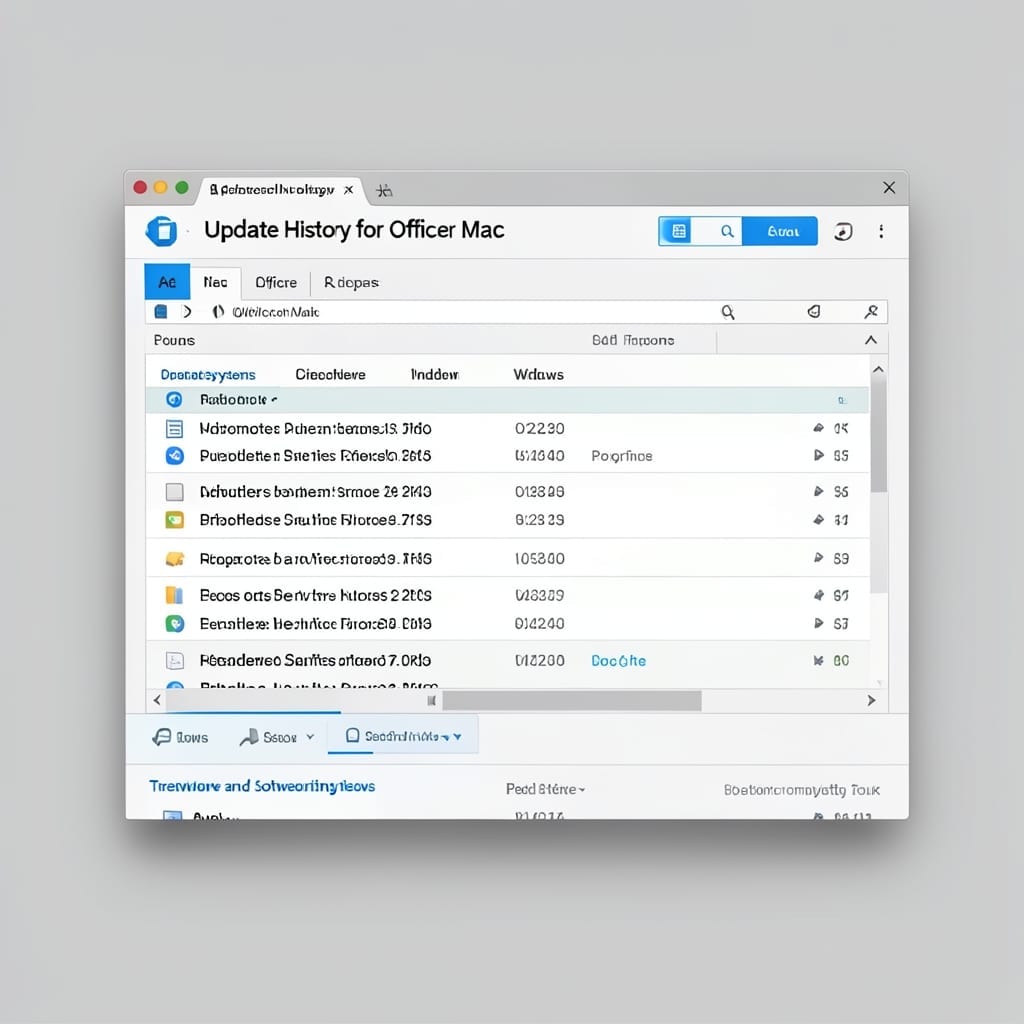
Tracking Office for Mac updates feels like watching a slow-motion transformation. I remember the dark days before 2016 when the Mac version lagged years behind Windows. Then came the 2016 overhaul—real-time co-authoring, ribbon interface, and finally feature parity. The 2019 version brought dark mode and better touch support, while 2021 aligned it with Microsoft 365. … Read more
How To Make A Booklet In Microsoft Word: Step-By-Step Folding Method

How To Make A Booklet In Microsoft Word: Step-By-Step Folding Method

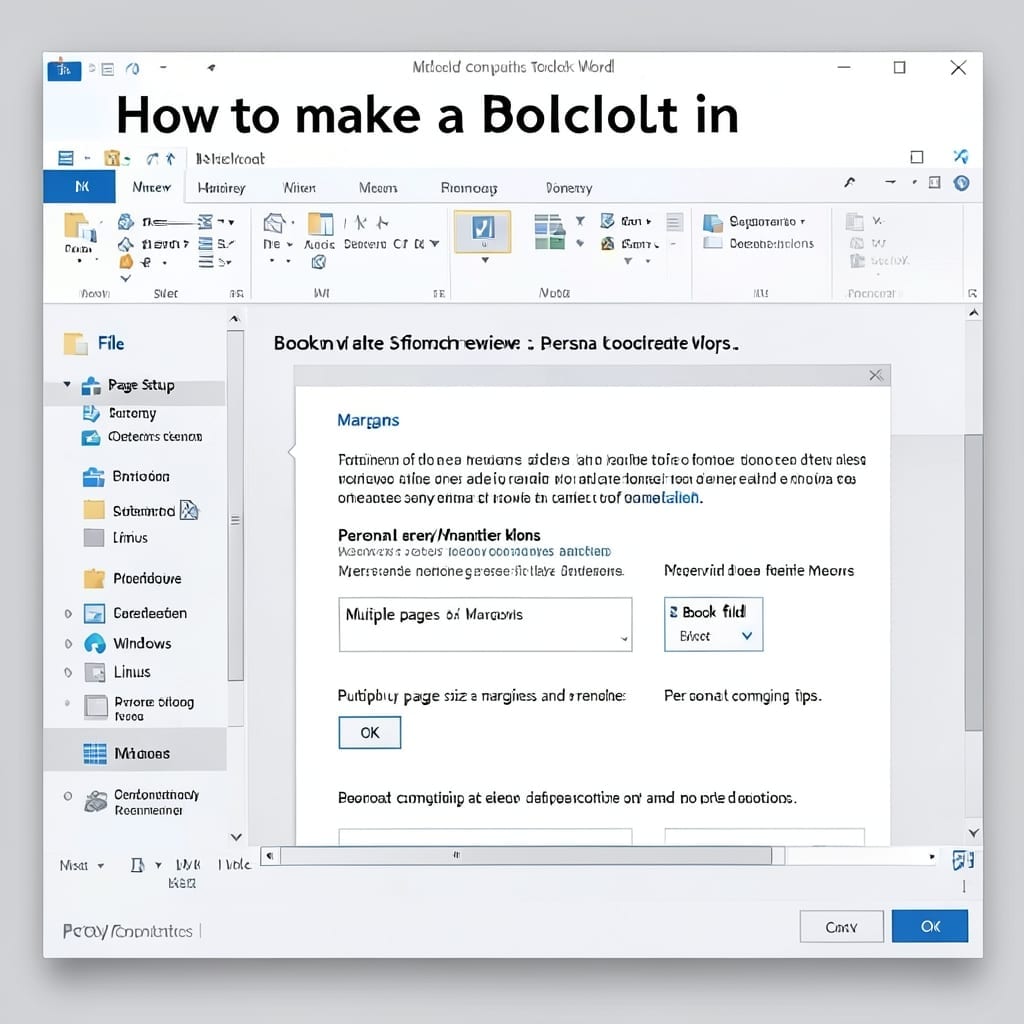
Creating a professional booklet in Word is simpler than most users realize. The built-in booklet layout handles the page ordering and folding automatically, saving hours of manual adjustments. I’ve used this method for church bulletins and community newsletters in Five Points, and it produces crisp, aligned pages every time. The key is setting the correct … Read more

How to Create a Matrix in Excel: Dynamic Grid Method for Data

How to Create a Matrix in Excel: Dynamic Grid Method for Data

I still remember my first Excel matrix—built for a Carnegie Mellon project that nearly broke my spreadsheet. The dynamic grid method changed everything. Creating a matrix in Excel isn’t just about filling cells. It’s about using formulas like MMULT and TRANSPOSE to build responsive data structures that update automatically when inputs change. You’ll avoid common … Read more

Next Line in Same Cell Excel: Alt+Enter for Seamless Entry

Next Line in Same Cell Excel: Alt+Enter for Seamless Entry

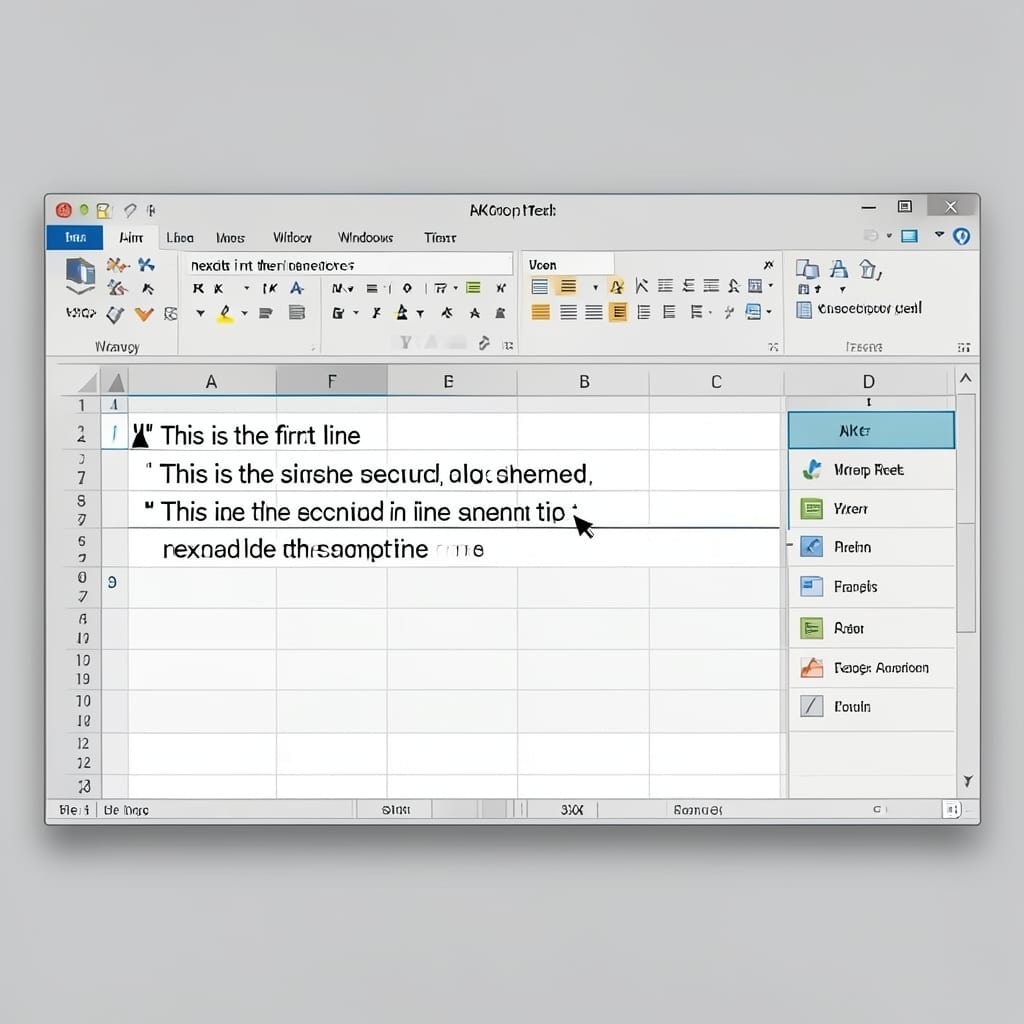
I spent years watching users wrestle with Excel’s single-line cells. ⚡ The solution is hiding in plain sight—Alt+Enter for Windows or Option+Command+Enter for Mac splits your text instantly. This isn’t just a formatting trick. It keeps addresses, notes, or multi-part entries tidy in one cell without messy workarounds. I’ve used it for inventory lists and … Read more

How to Create a Pivot Table in Power BI: Data Insights in Minutes

How to Create a Pivot Table in Power BI: Data Insights in Minutes

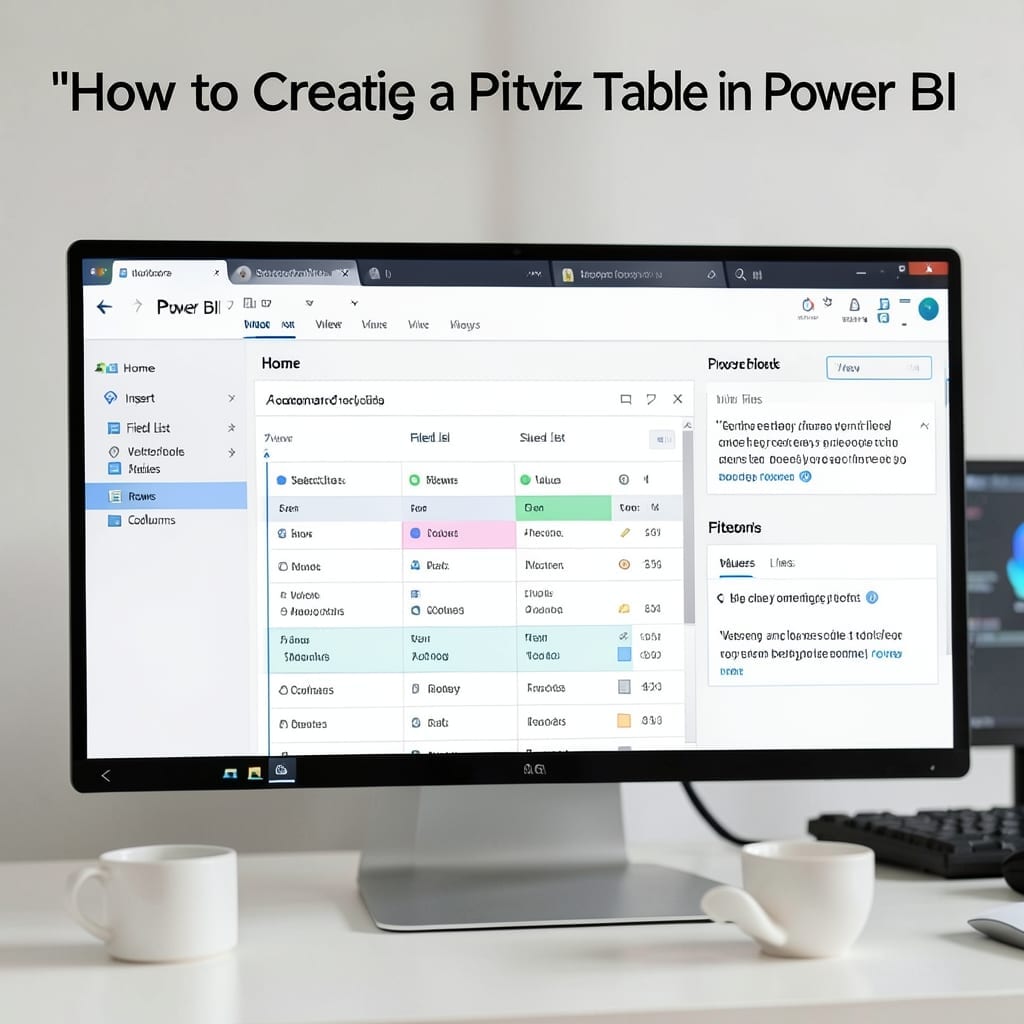
I transformed raw sales data into actionable insights in under 10 minutes using Power BI’s pivot tables. The magic happens when you stop staring at spreadsheets and start seeing patterns. This workflow starts with clean data—no duplicates, no blanks—and ends with dynamic reports that update automatically. I’ve used it for inventory tracking, customer segmentation, and … Read more

How to Create a SharePoint Link: Quick Collaboration Setup

How to Create a SharePoint Link: Quick Collaboration Setup

Sharing files shouldn’t take longer than creating them. I learned that the hard way during my Microsoft days when a misconfigured link derailed a client demo. This method strips the process to its essentials: right-click, select share, set permissions, and copy. No wasted steps, no confusion about who can access what. Works across documents, folders, … Read more